Who approved that reorganisation?
Somebody moved a whole department last year, and the answer to who approved it is spread across emails, a signed sheet and an old chart. Here is one move through a demonstration bank, from the question to the line that answers it.
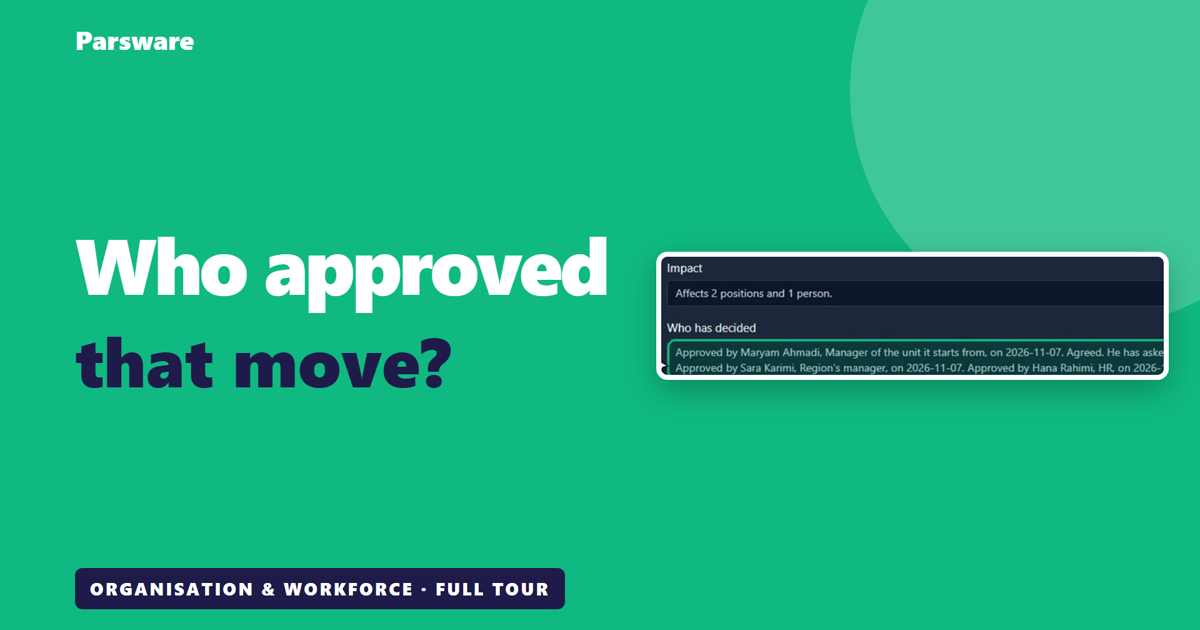
Somebody moved a whole department last year. Who approved that?
In most large organisations, the answer is an email chain, a sheet somebody signed, and a chart on a slide from two years ago. And nobody is sure which of them is right.
Here is the same thing on Parsware, in a demonstration bank. This isn't banking software. It's how a bank, or any large organisation with branches and a formal structure, keeps track of its own shape. The screens are the real application, and the people and the data are made up for the demonstration.
The whole organisation, on one chart
Head office, the region, and each branch under it. Under each branch are its seats, and who sits in each one.
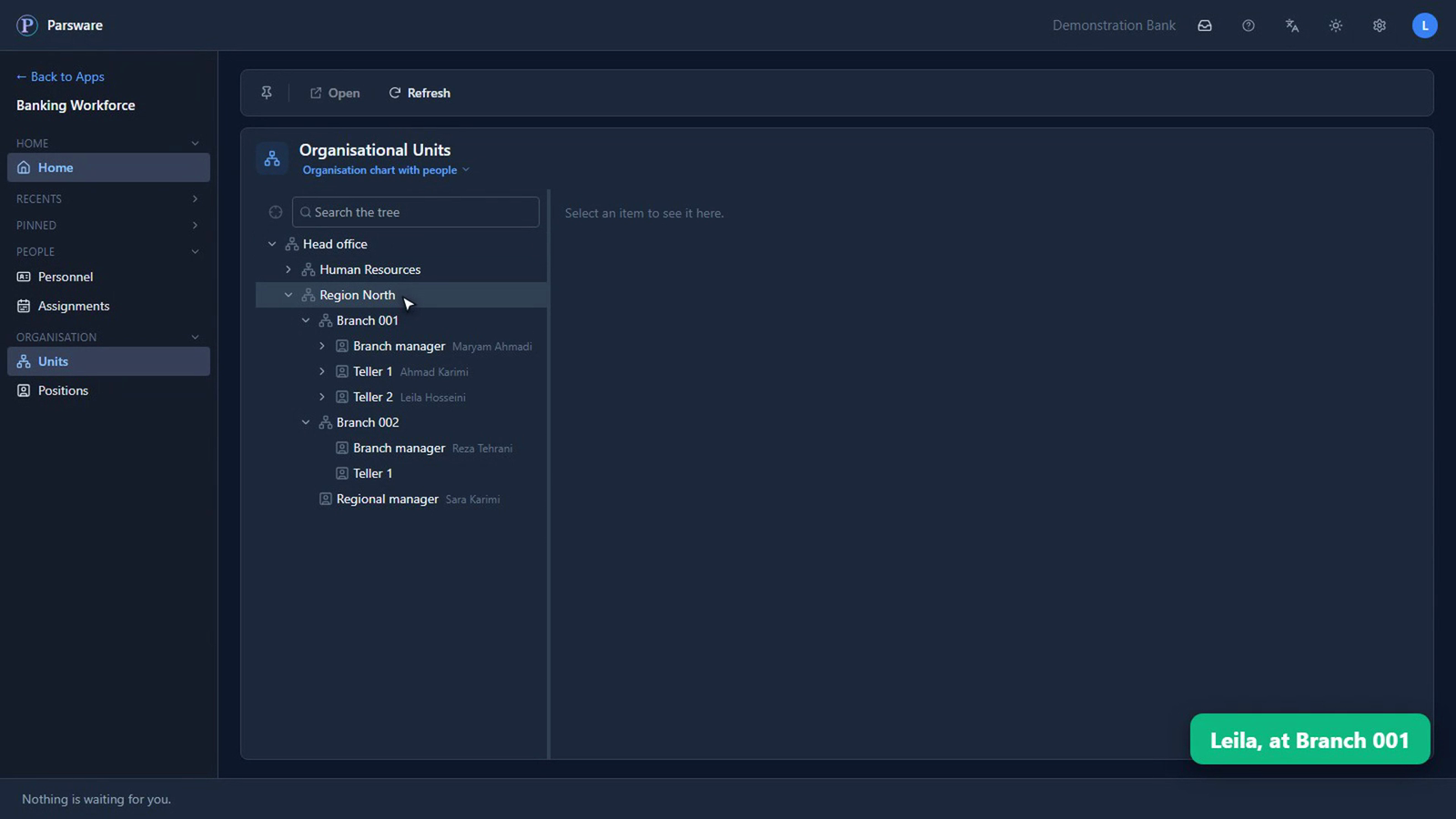
And here's a seat with nobody in it: Teller 1, at Branch 002.
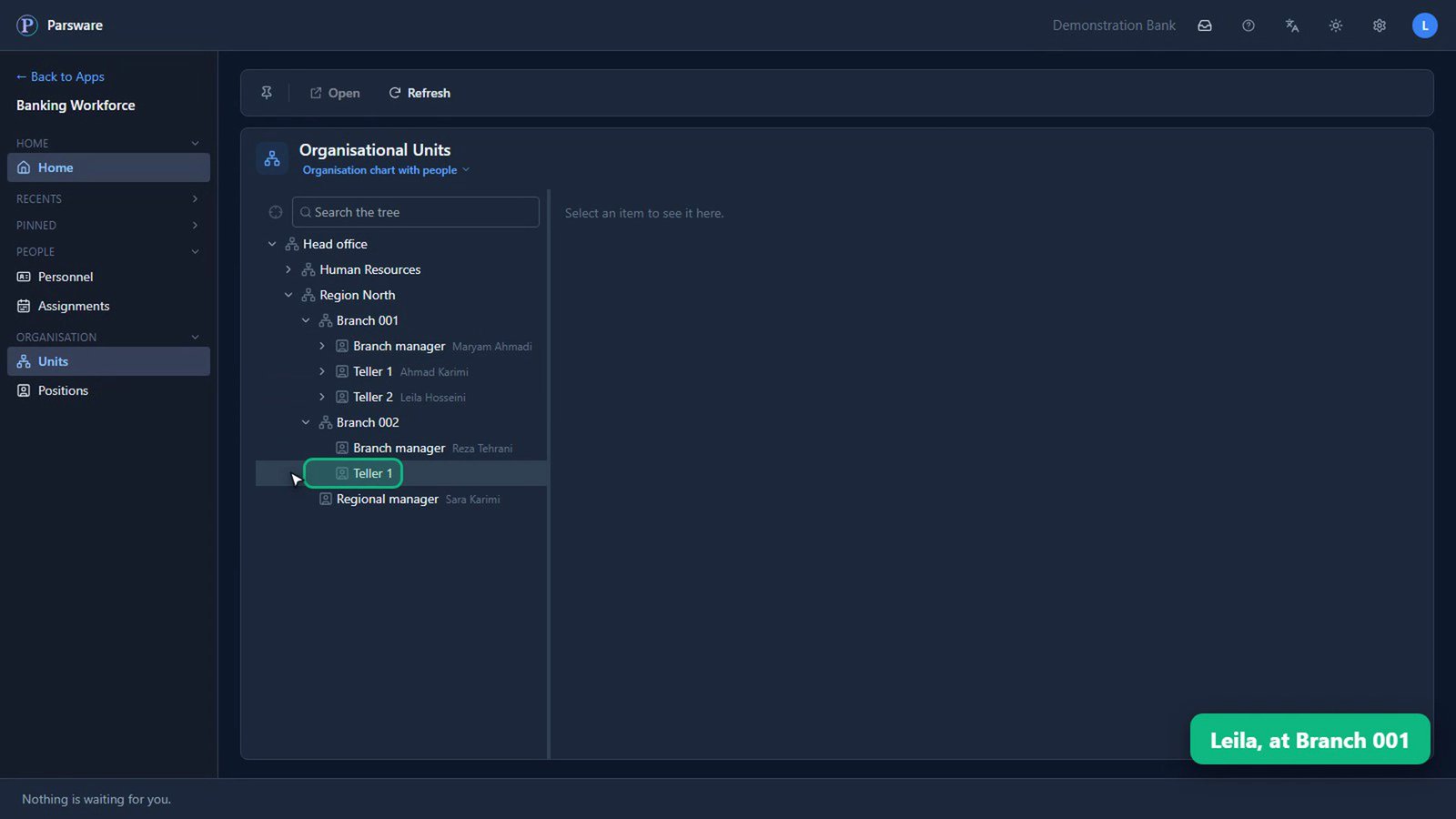
Nobody can simply change this
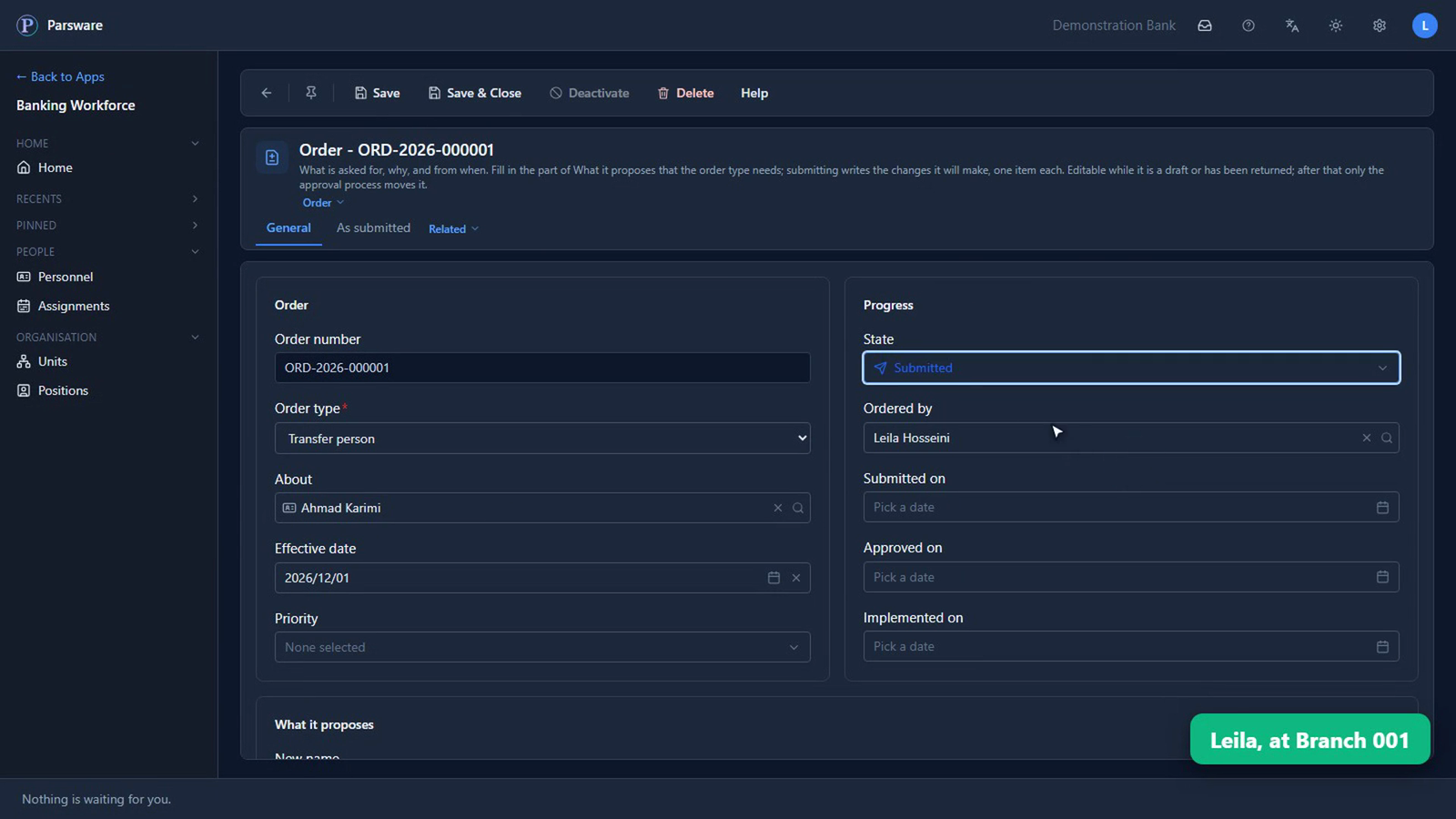
Leila works at Branch 001, and she thinks Ahmad should move across to fill that seat. But she can't change the chart. Neither can the branch manager, and neither can HR.
There's one thing she can do, and that's ask. Ahmad's page has one command on it: New order.
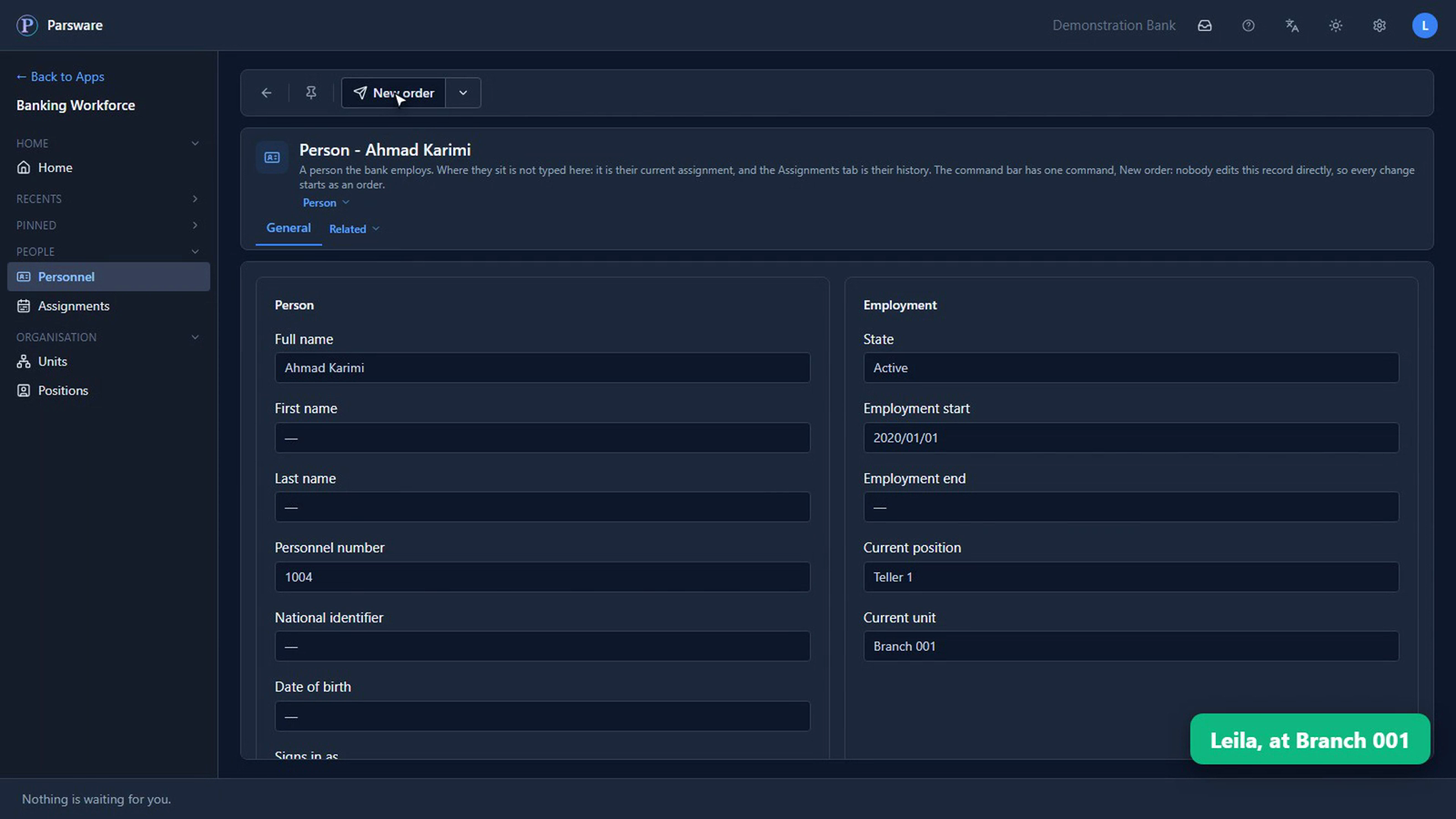
She picks Transfer, and the order opens already knowing who it's about. She says from when, which seat, and why: the first of December, Teller 1 at Branch 002, because Branch 002 has nobody on the counter.
She saves it and submits it. And nothing has changed. Ahmad is still in his seat. Now it's somebody else's decision.
The right people, without anybody forwarding it
Nobody has to work out who to send it to. The order goes to these people, in this order:
| Who decides | Why them |
|---|---|
| Maryam, who runs Branch 001 | He's leaving her branch |
| Reza, who runs Branch 002 | He's joining that branch |
| Sara, who runs the region | Both branches sit in it |
| Hana, in HR | HR has the last word |
Nobody chose these four people. They're whoever sits in those seats today. Change the manager, and the next order goes to the new one. And nobody is ever asked to approve their own.
What they read is in words
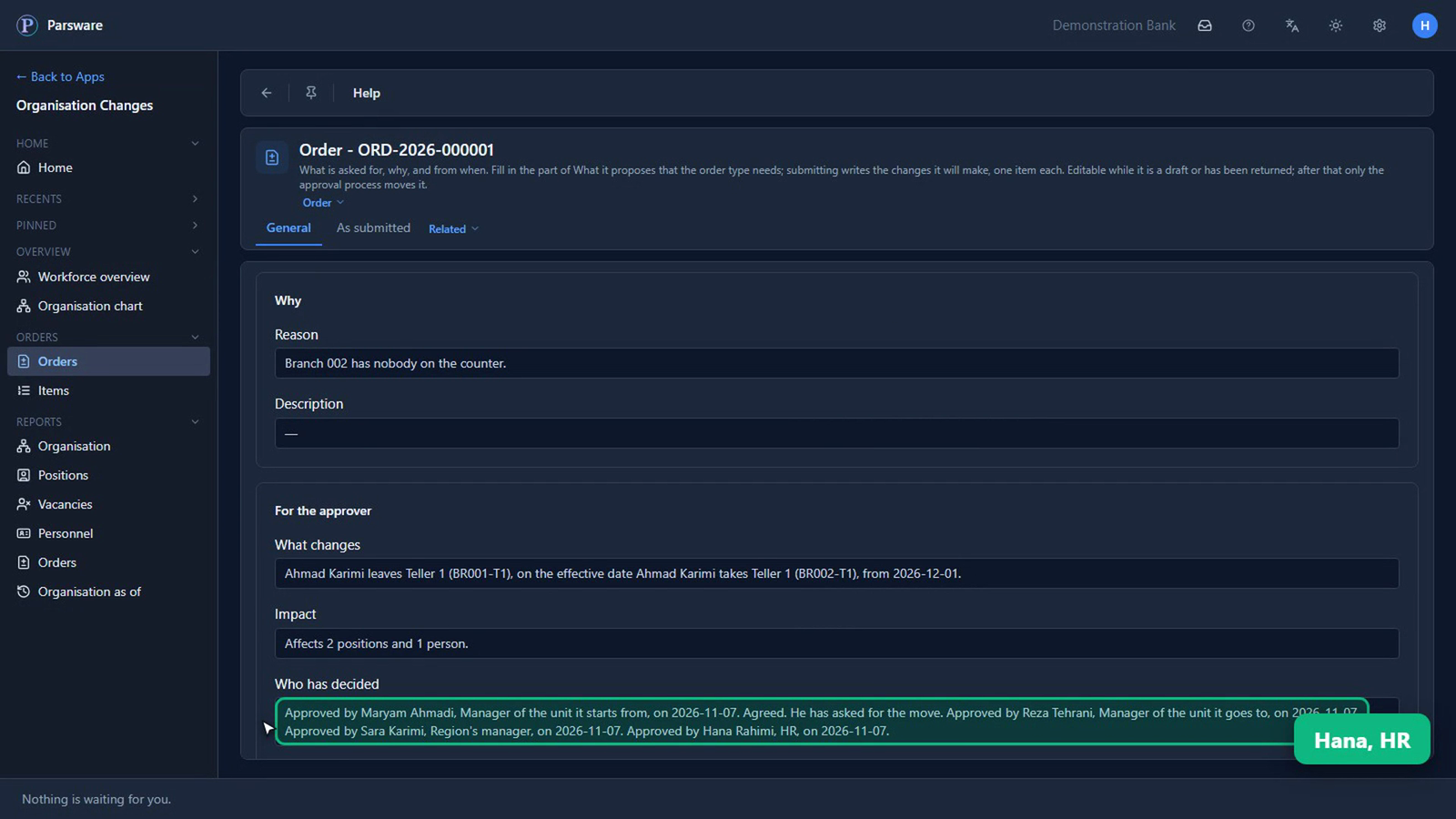
Maryam's task opens the order, and it tells her what she's approving: Ahmad leaves this seat, and takes that one. It also says how far it reaches: two seats, and one person.
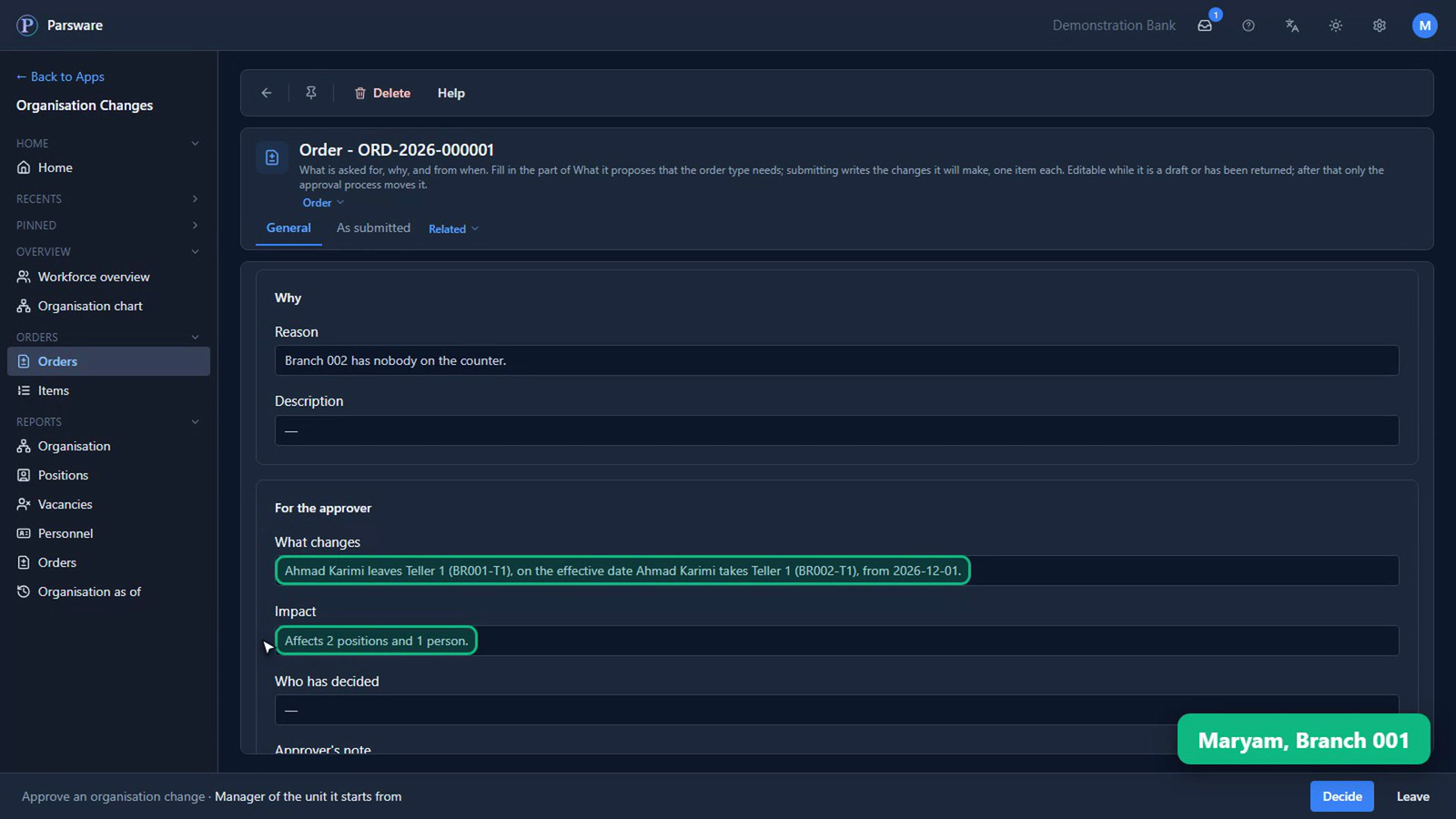
She can approve it, send it back with a note, or reject it. She approves, and says why.
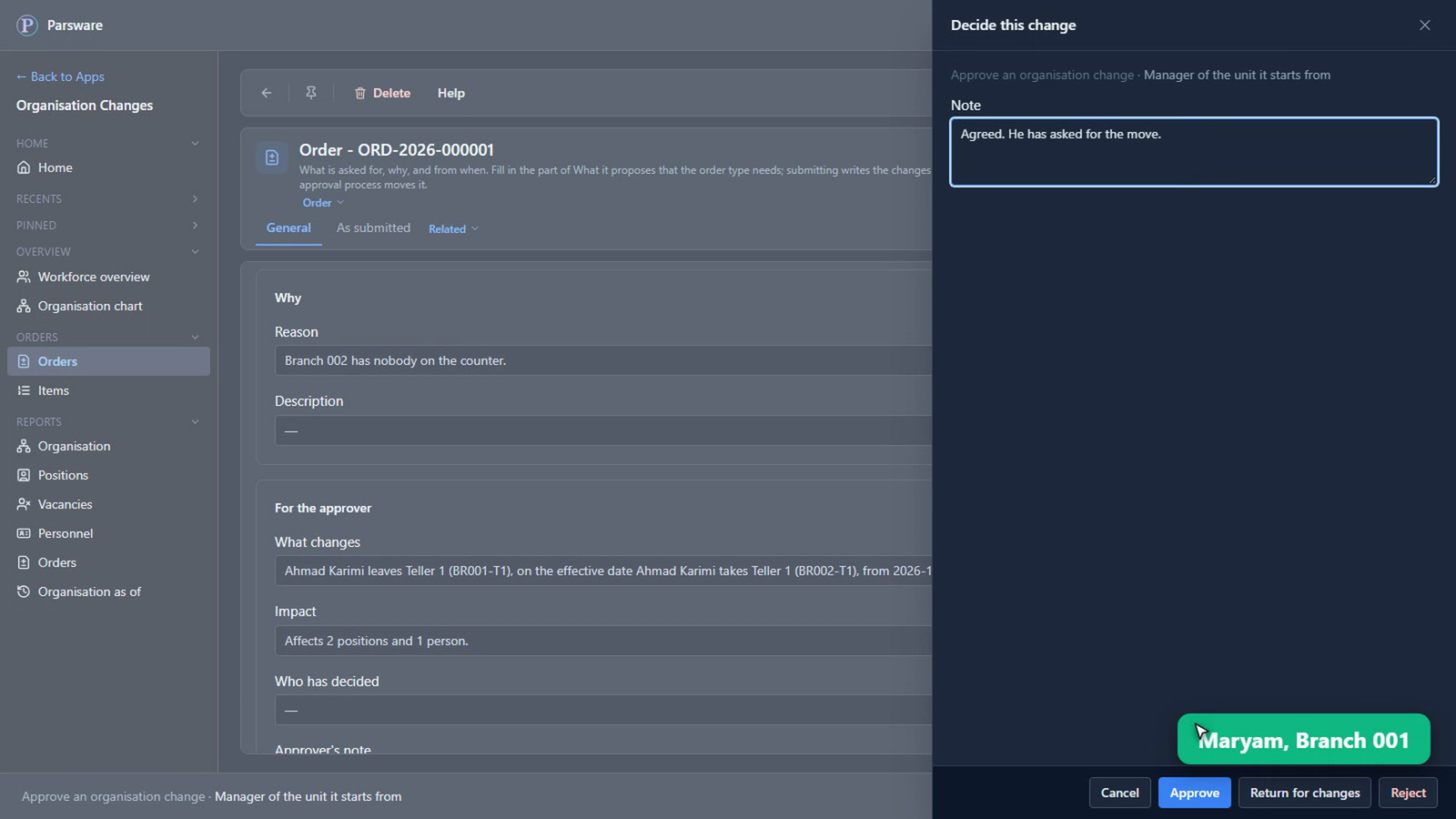
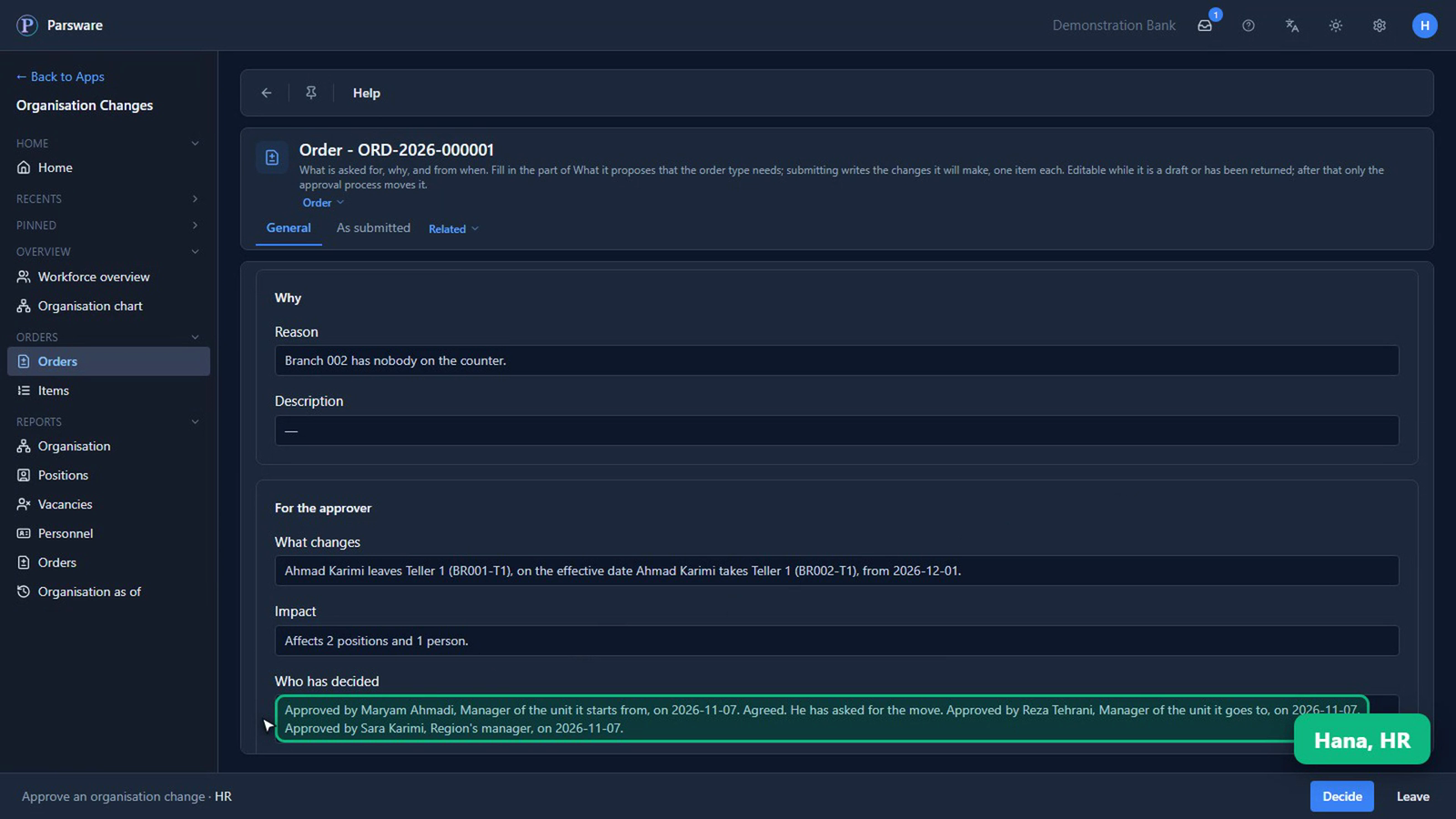
Reza approves it next, and then Sara. By the time it reaches Hana, she can see everybody who has decided so far, and what they said.
Approved, and waiting for its date
When Hana approves, the order is scheduled for the first of December.
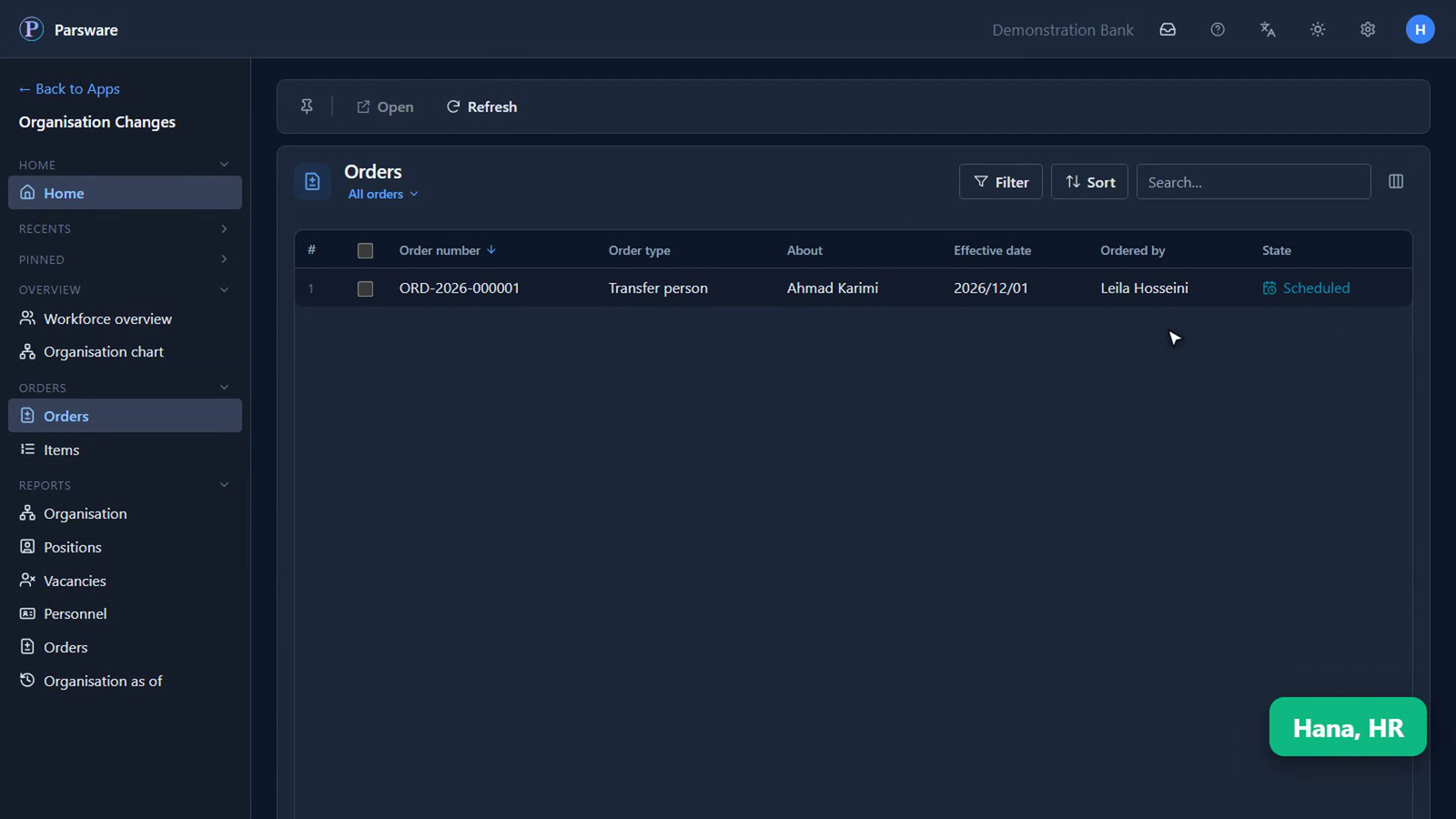
Today, Ahmad is still in his old seat. On the day, the move is made. And if somebody has changed his seat in the meantime, the order comes back for another look, rather than going through.
So, who approved it?
It's on the order: who asked, and everybody who said yes, at which step, and on which day. The application writes that line as each person decides, and nobody can type over it. So nobody has to go looking.
A whole reorganisation works the same way, with every change on one order.
Where HR starts the morning
How many seats are empty, how many changes are on their way, and how far each one has got.
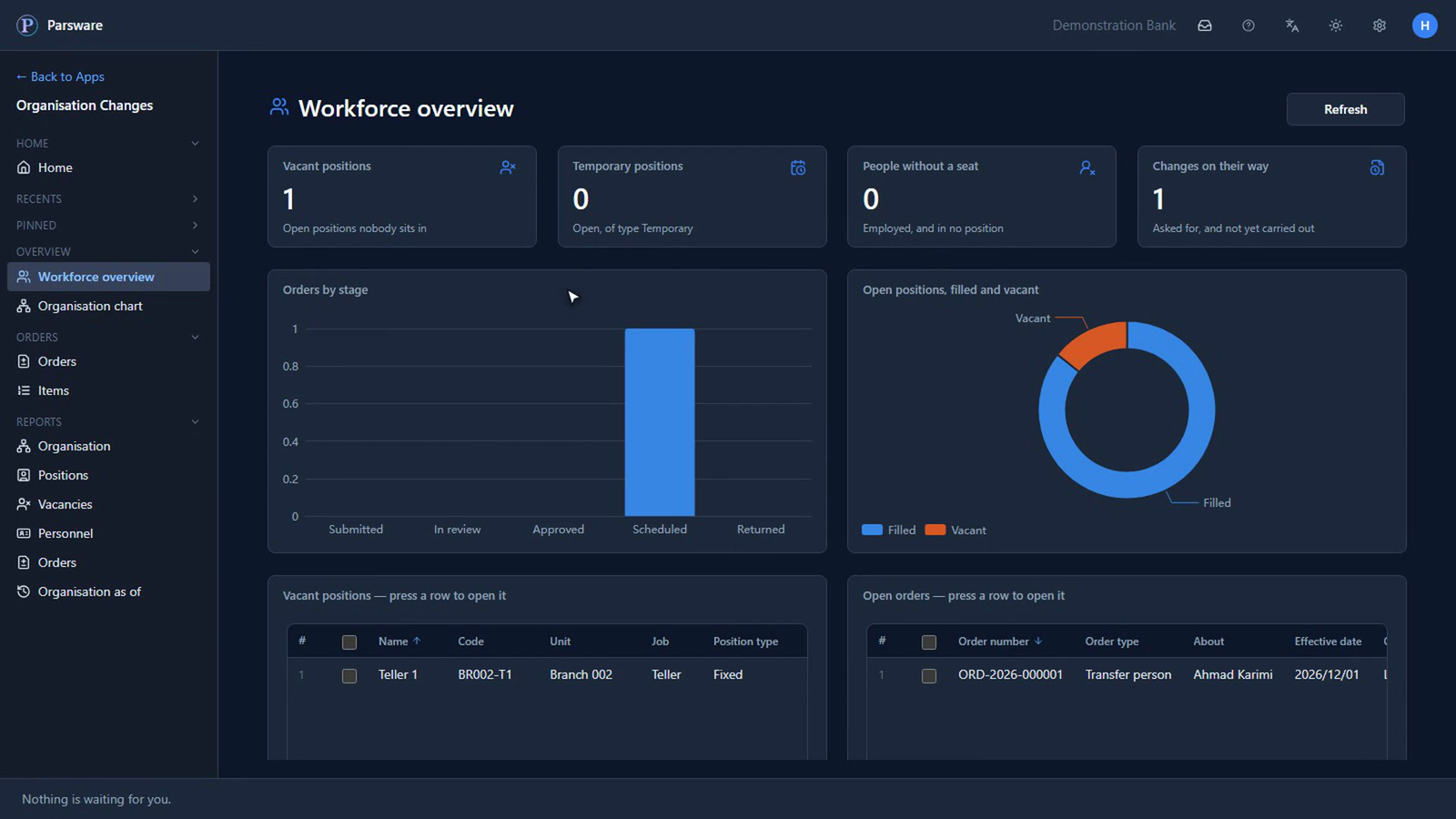
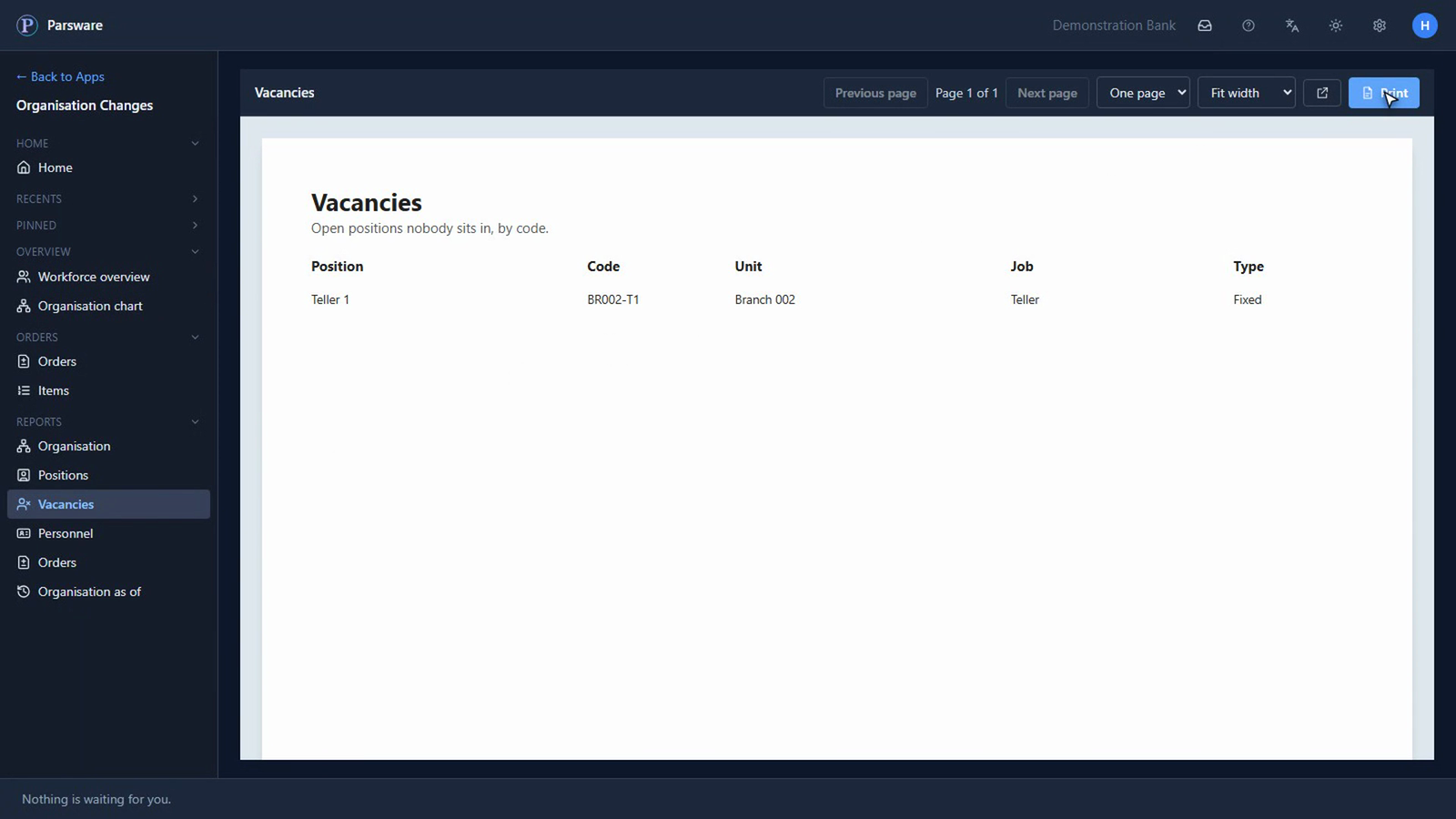
The vacancies, the people and the orders are a click away, on screen or printed.
What you know now that you didn't
- Who sits in every seat, and which seats are empty, on one chart.
- That no change to your organisation happens until the right people have said yes.
- Who asked for each change, who approved it, at which step, on which day, and what they said.
Tell us how your business runs, and we'll show it to you running on Parsware: parsware.com/contact.