Changes that happen on their date
It's approved today and takes effect next month. Who makes the change on the day? In a demonstration bank on Parsware, an approved order waits for its date and is carried out by itself, and one that has gone out of date comes back instead of overwriting a newer change.
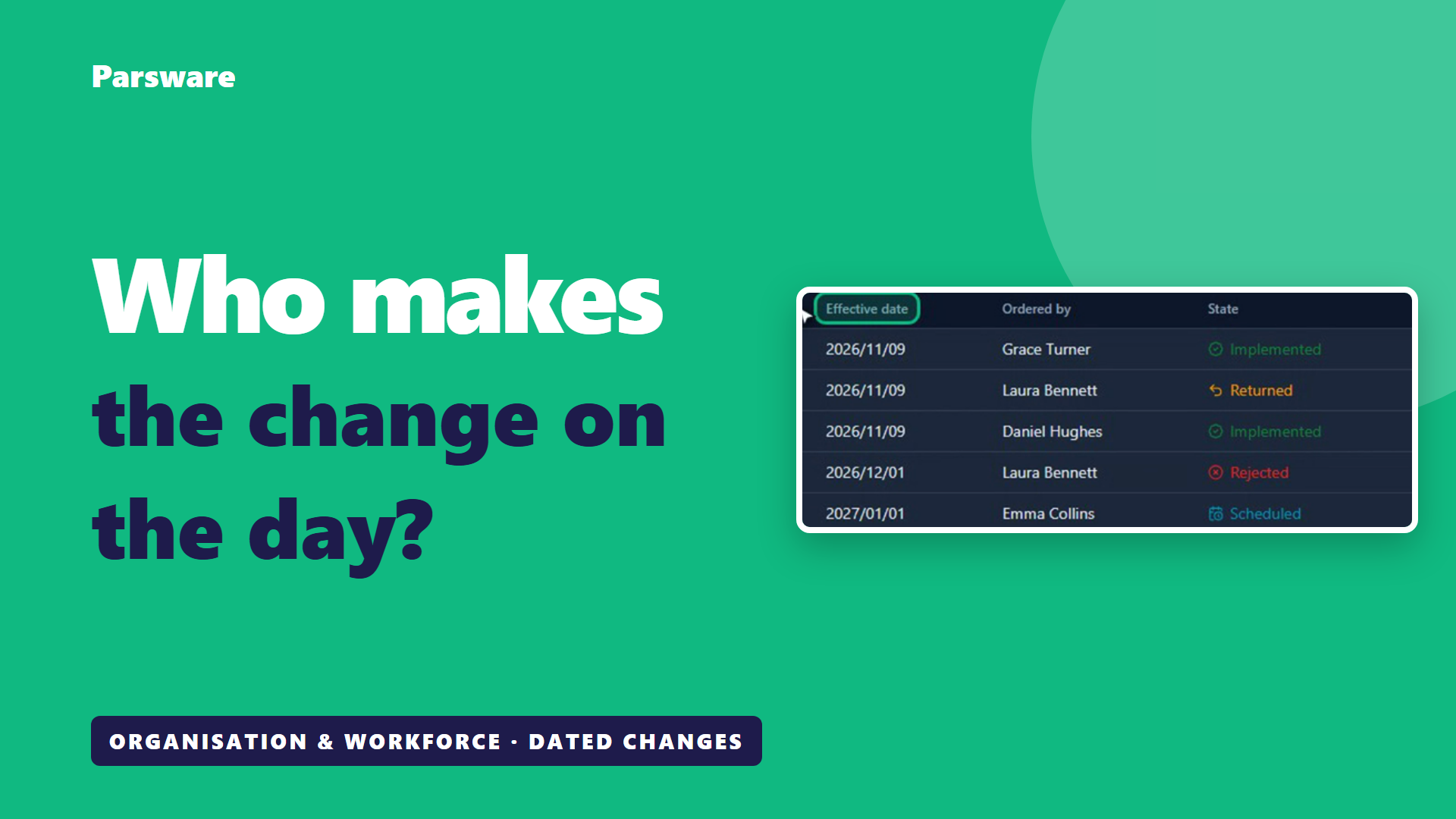
It's approved today. It takes effect next month. Who makes the change on the day?
In most organisations, it's a reminder in somebody's calendar. Or the change goes in the day it's approved, and the records say something that isn't true yet.
Here's the other way, in a demonstration bank on Parsware. This isn't banking software. It's how any large organisation makes its changes on the date they're meant to happen. The screens are the real application, and the people and the data are made up for the demonstration.
Every order has its date
Daniel manages Branch 002. These are the bank's orders, and each one says the date it takes effect.
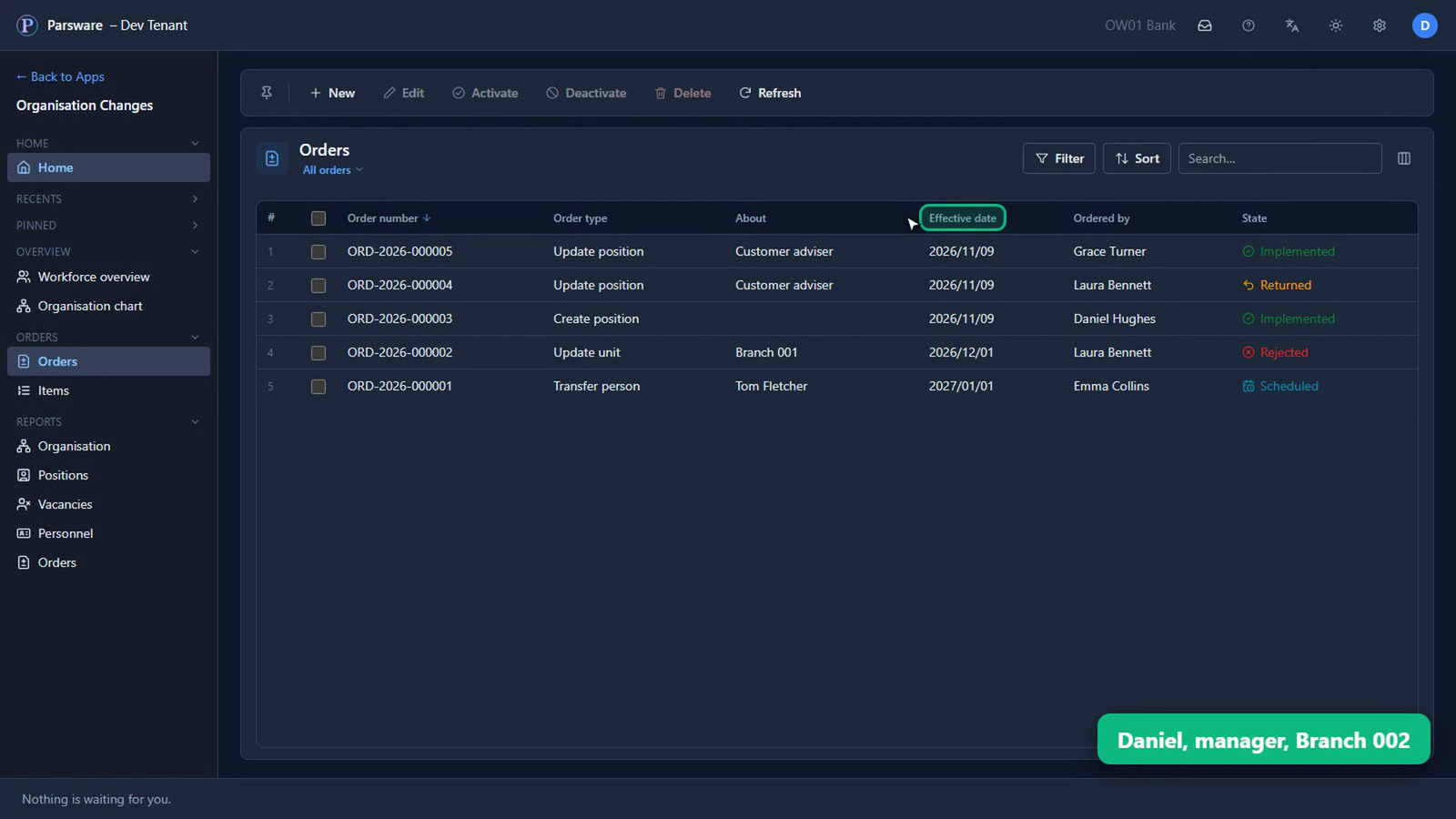
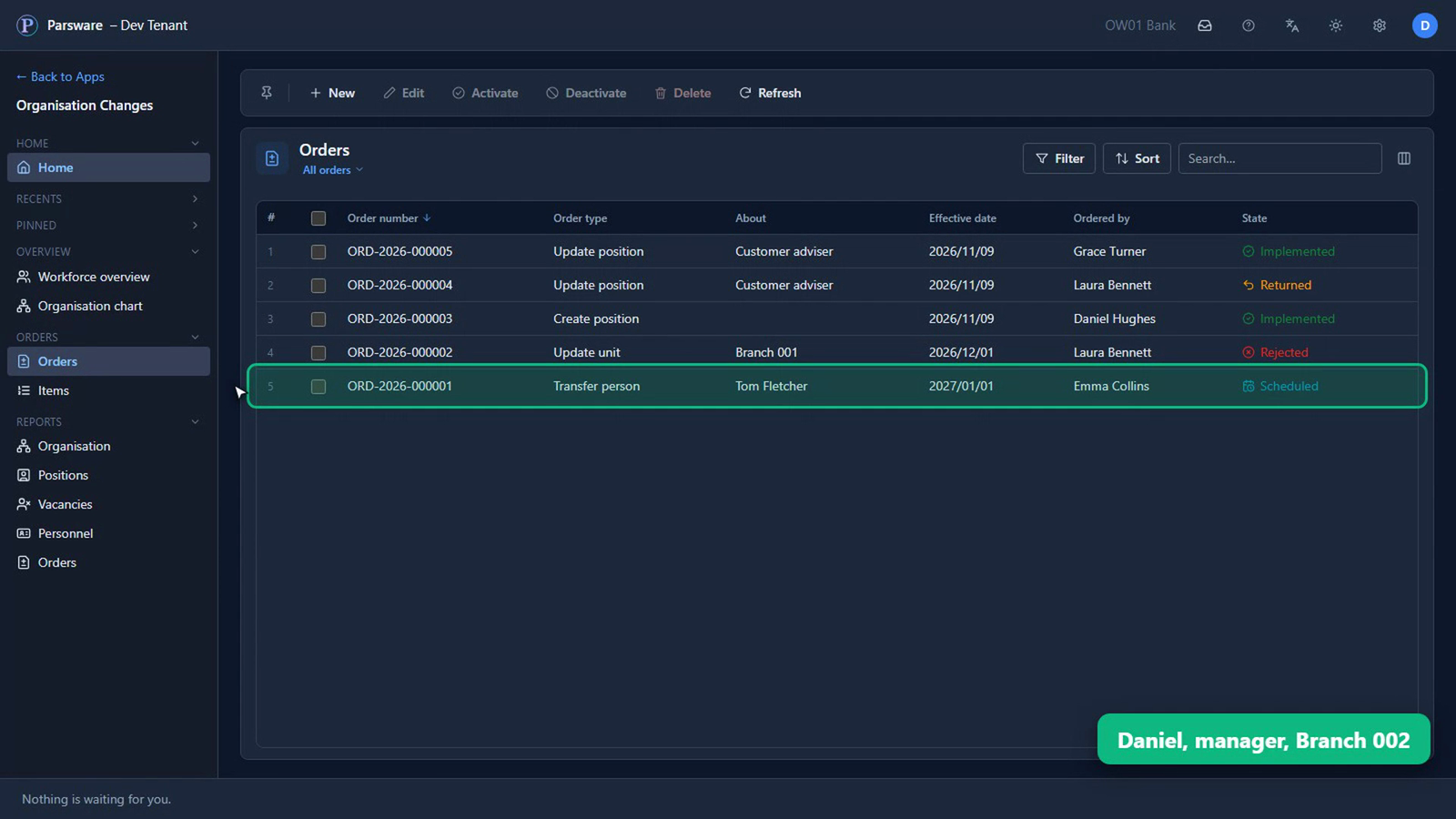
Tom's transfer, from an earlier article, was approved weeks ago, for the first of January. Until then it waits, Scheduled. Nothing about Tom has changed yet.
Carried out on its date, by itself
This morning, Daniel asked for a second teller seat at his branch, from today. The region and HR approved it, and it waited for its date.
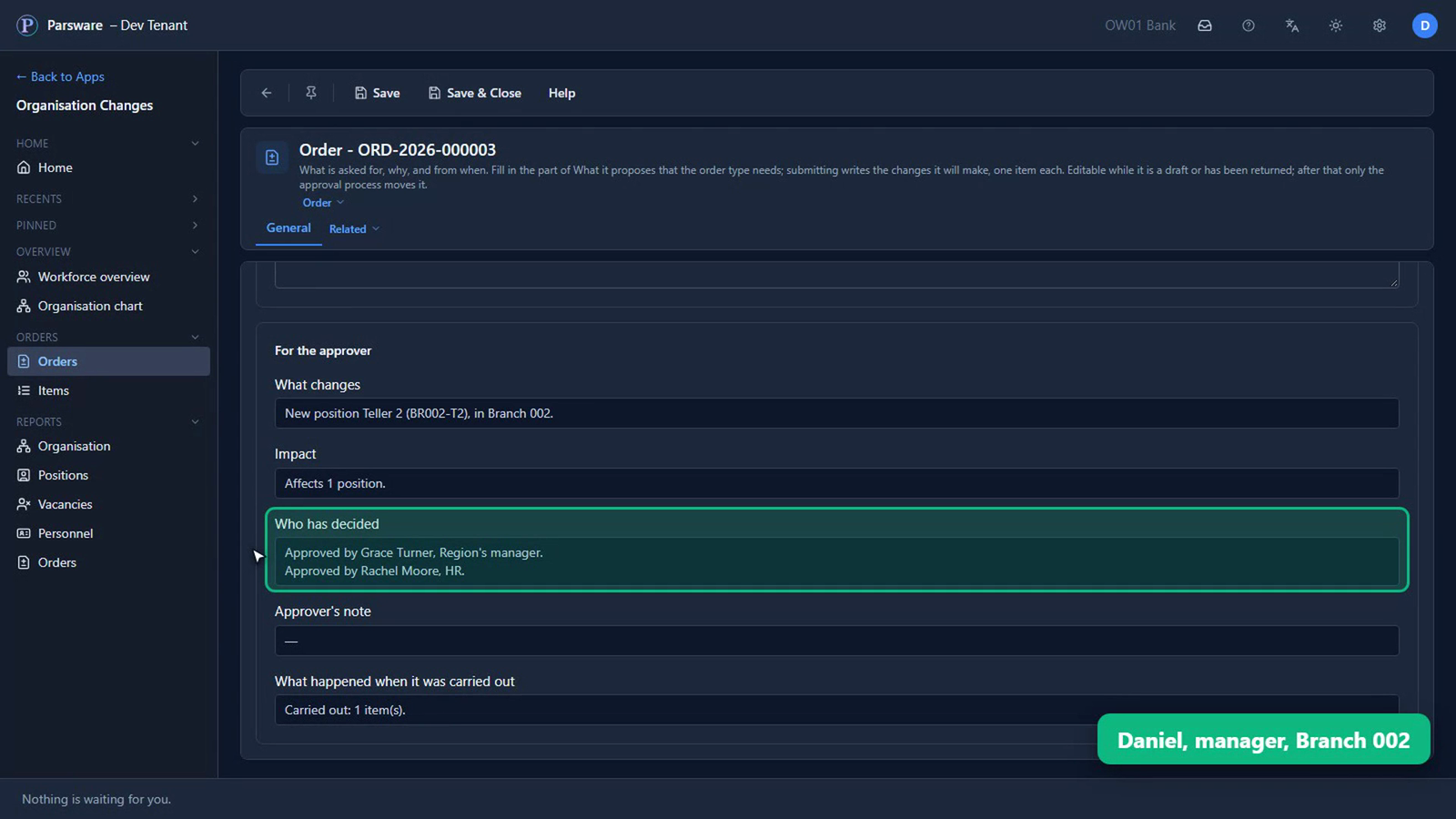
On its date, the order was carried out by itself. Nobody pressed anything.
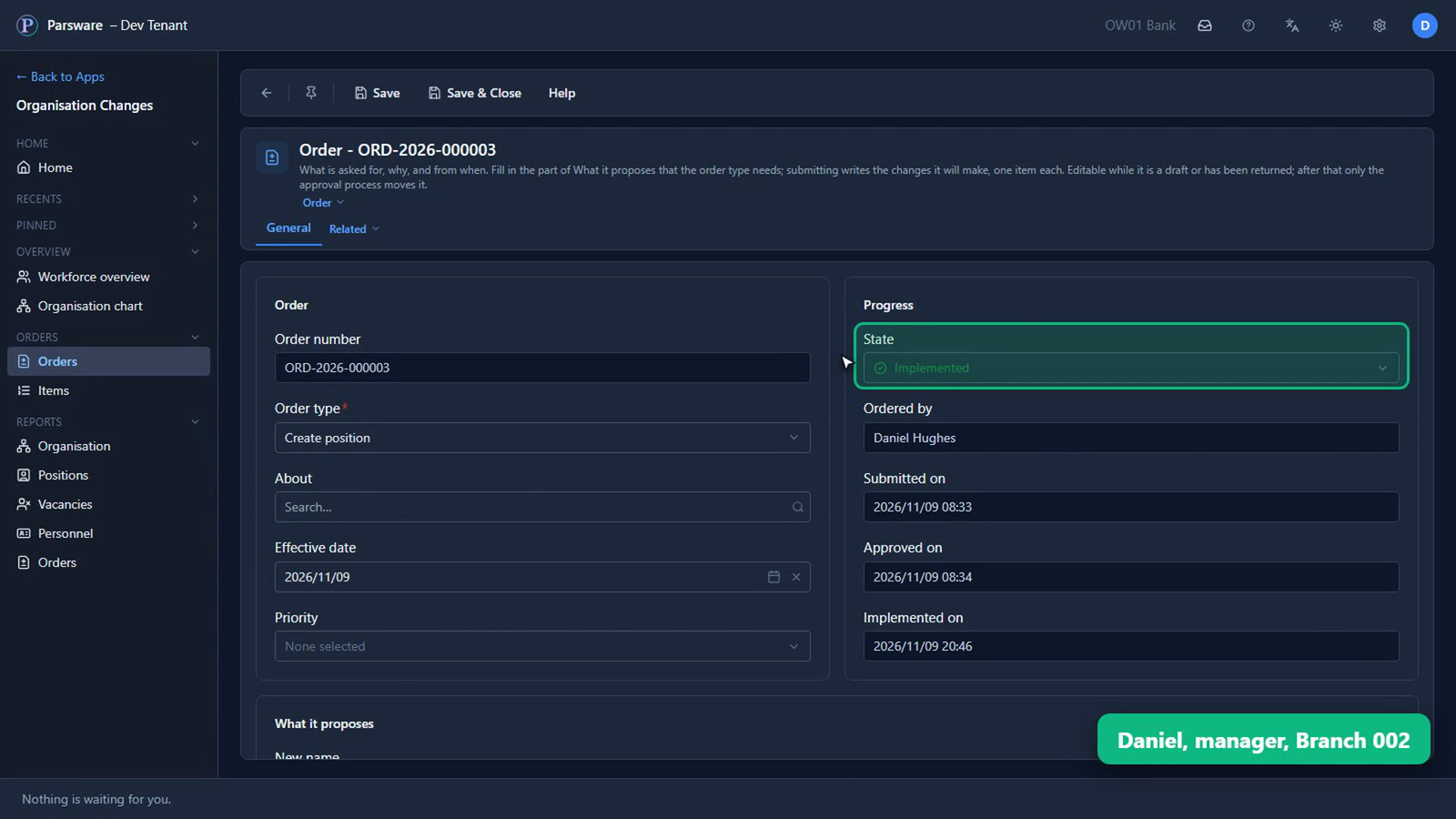
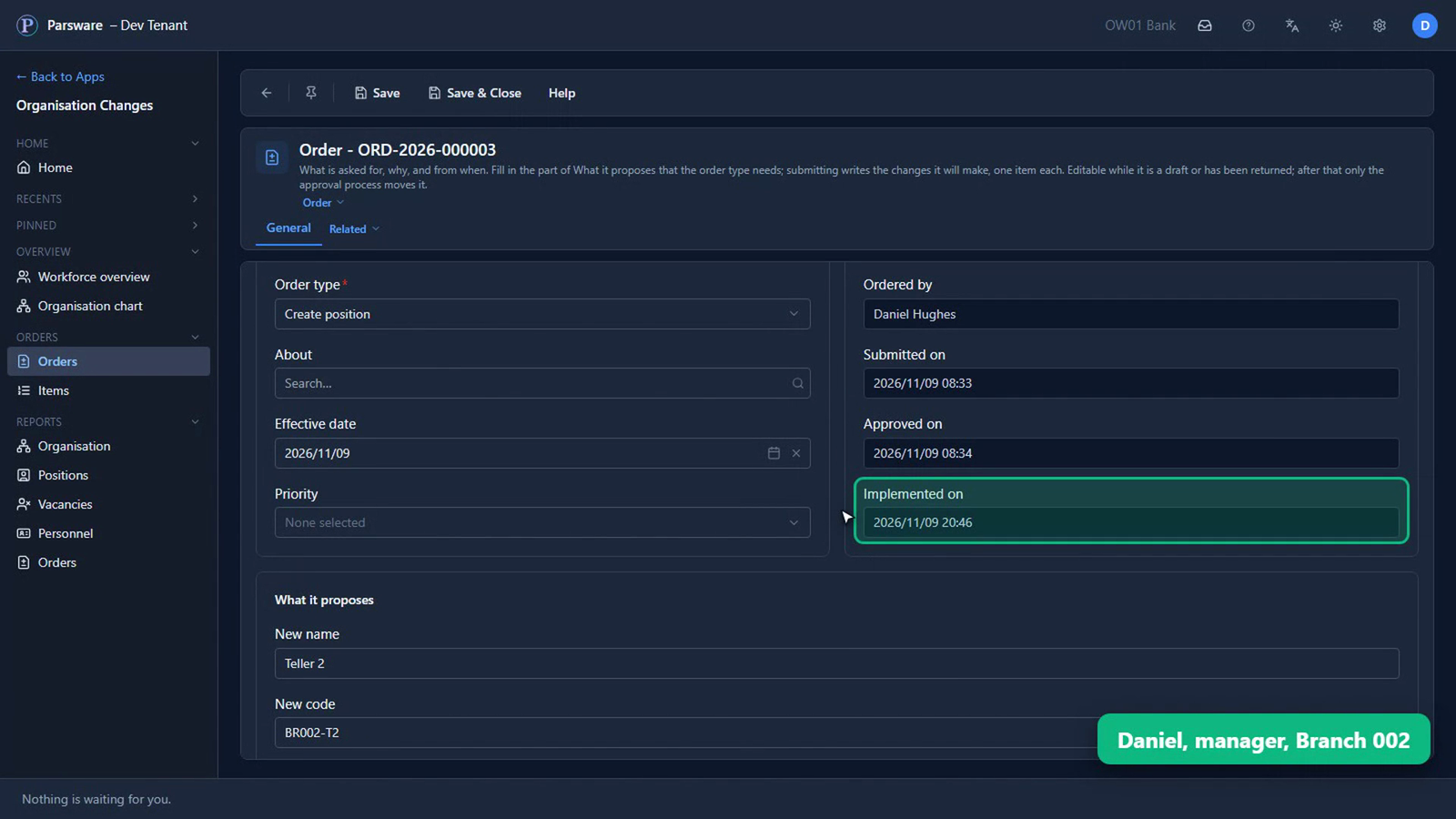
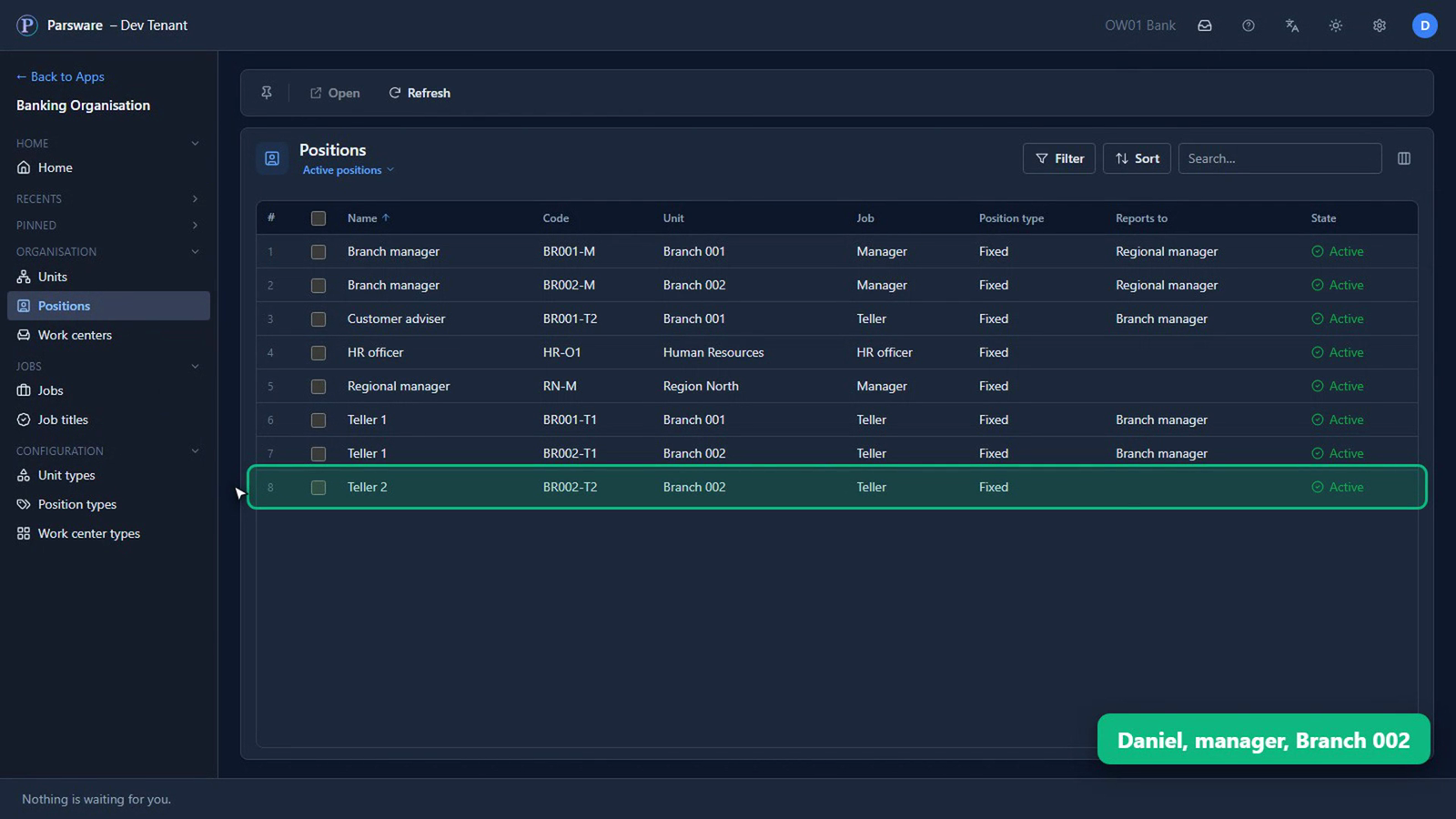
And there's the new seat at Branch 002, open from today.
An old approval never overwrites a newer change
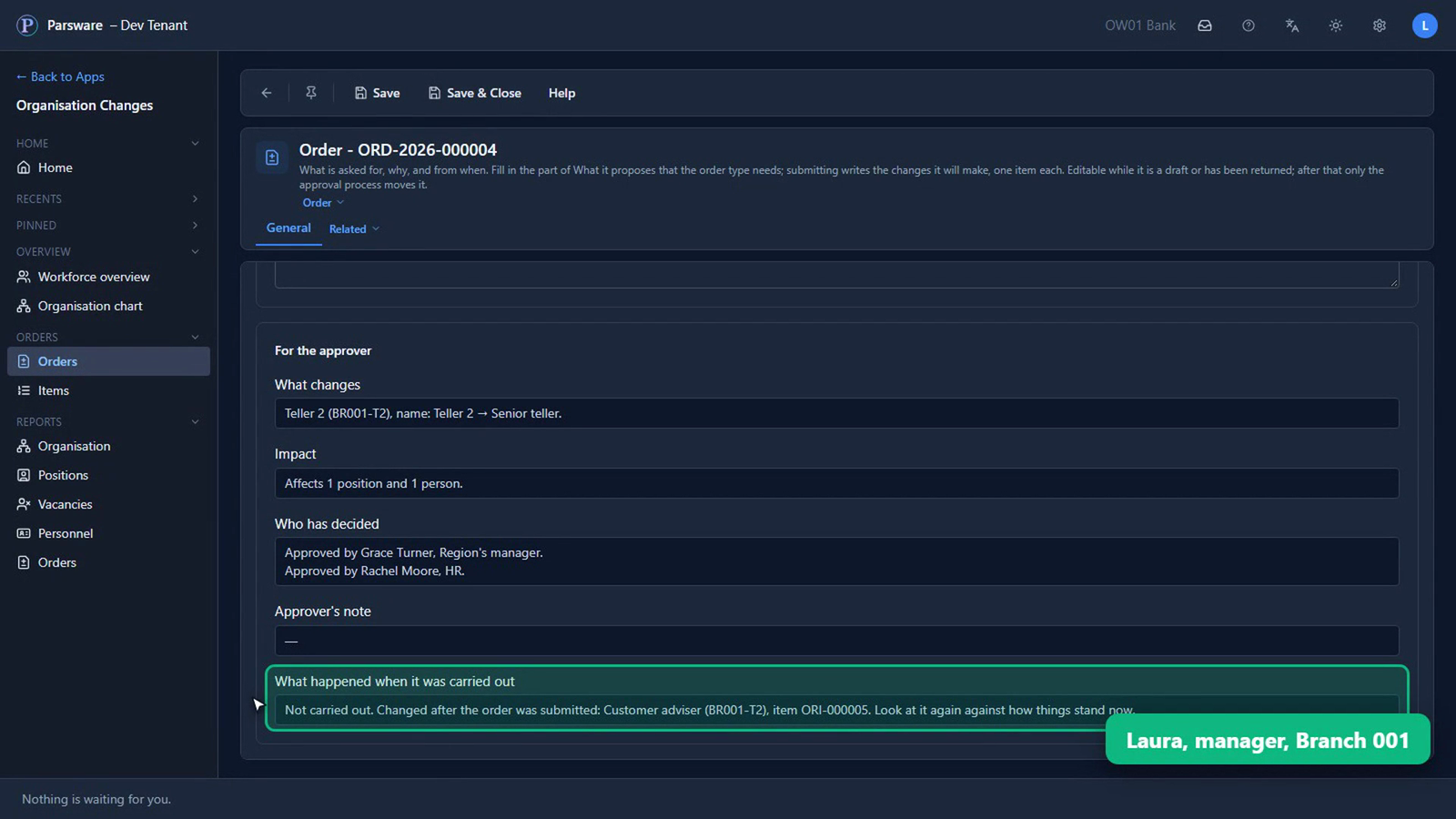
Laura's order didn't go through. She manages Branch 001, and asked for Emma's seat, Teller 2, to be called Senior teller, from today. That was approved too.
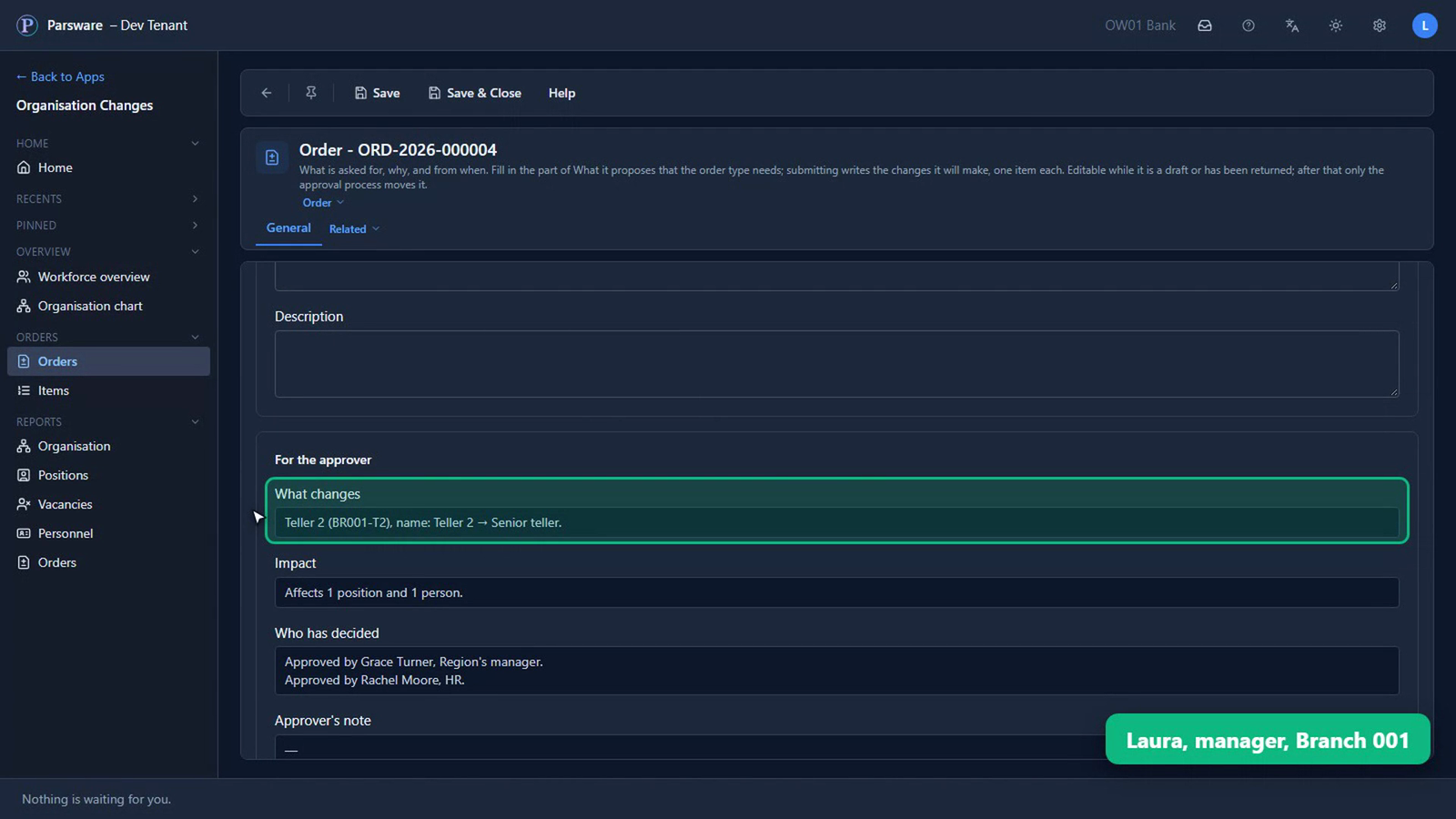
But before its date, another order renamed the same seat Customer adviser, and that one took effect at once.
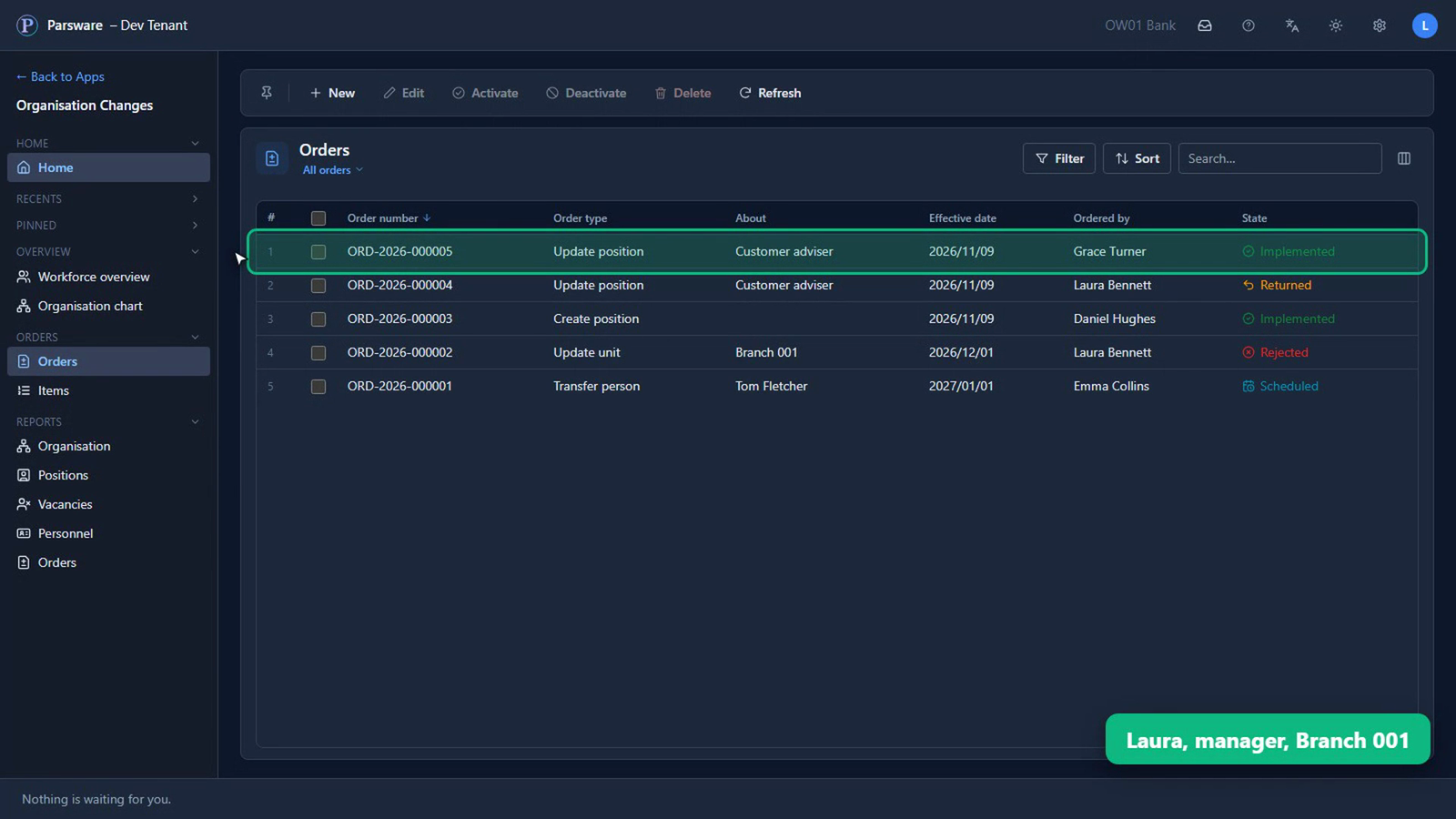
So on its date, Laura's order changed nothing. It came back to her, Returned, saying what had changed, to look at again against how things stand now.
What you know now that you didn't
- An approved change waits for the date it takes effect, and until then nothing it changes has changed.
- On its date, it's carried out by itself. Nobody needs a reminder, and nobody has to be signed in.
- If what it changes was changed by somebody else after it was submitted, it isn't carried out. It comes back to whoever asked, saying what changed, so an old approval never overwrites a newer change.
Tell us how your business runs, and we'll show it to you running on Parsware: parsware.com/contact.