
The Parsware Platform
Your own environments, your own data model, your own apps — hosted by us or by you. This is the whole product: identity, apps, processes, reports, extensibility and ALM.
What it includesThe Parsware Platform
Tables and forms, approval processes, pixel-perfect reports, and the security model to put them in front of a whole company. Model it in a browser; ship it through development, test and production the way software is supposed to move.
See what it doesProcesses
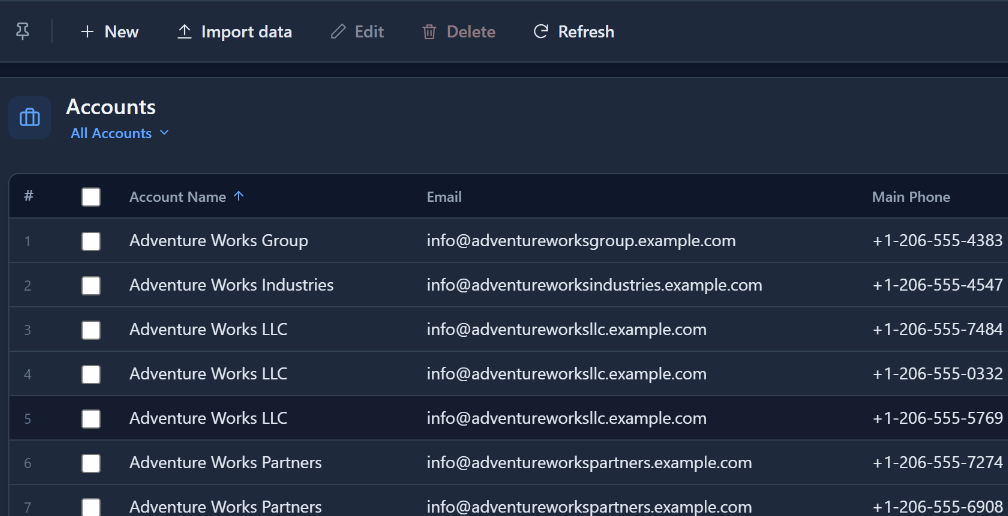
Human tasks, timers, escalation and conditions on a swimlane canvas — with a live diagram of where each run actually is, and a history of who did what and when.
How processes workFor Power Apps
A managed Dataverse solution: documents that print exactly as designed, and screens drawn pixel by pixel against your own tables. Your data never leaves your tenant.
How it worksSlide 1 of 3: The applications your business runs on, built in weeks.
Model-Driven Apps
Columns, relationships and choice lists become real database tables. Forms, views and lookups all read that one definition, so a column that changes changes on every screen that uses it.
Processes
A swimlane designer with an engine behind it. Tasks reach the right person in the app they already use, and every run has a live diagram of where it is.
Reports
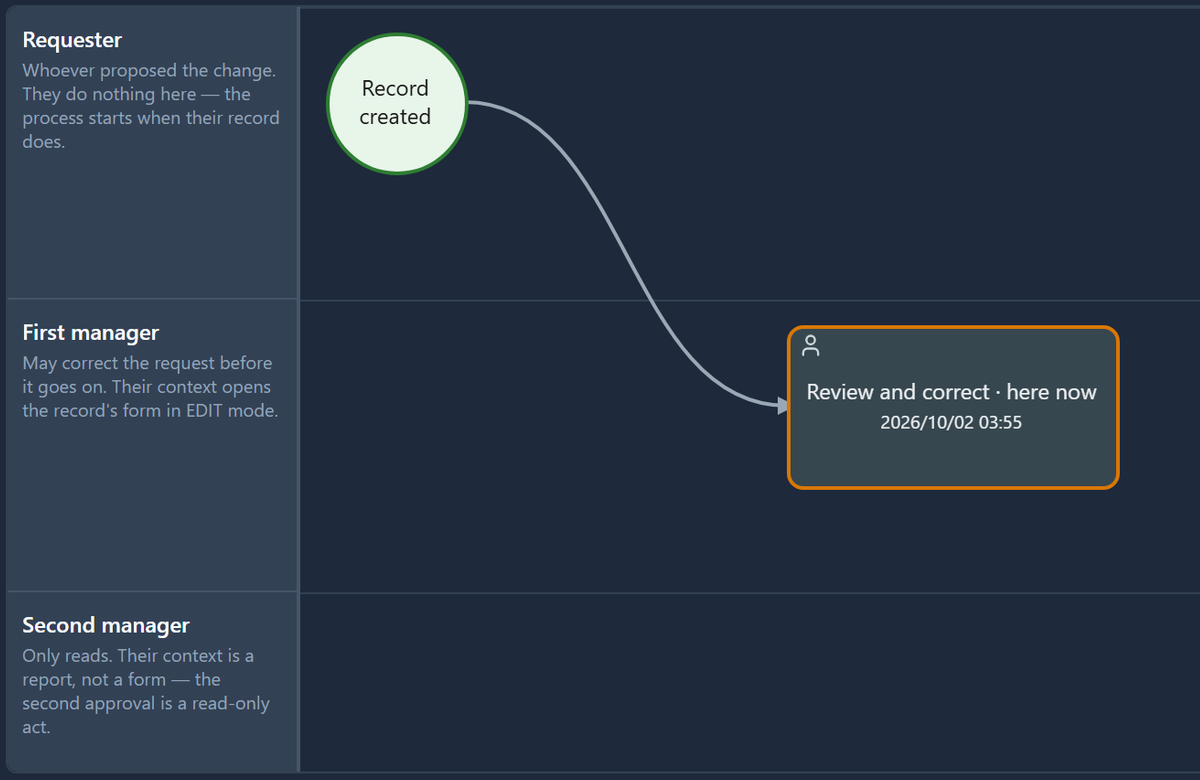
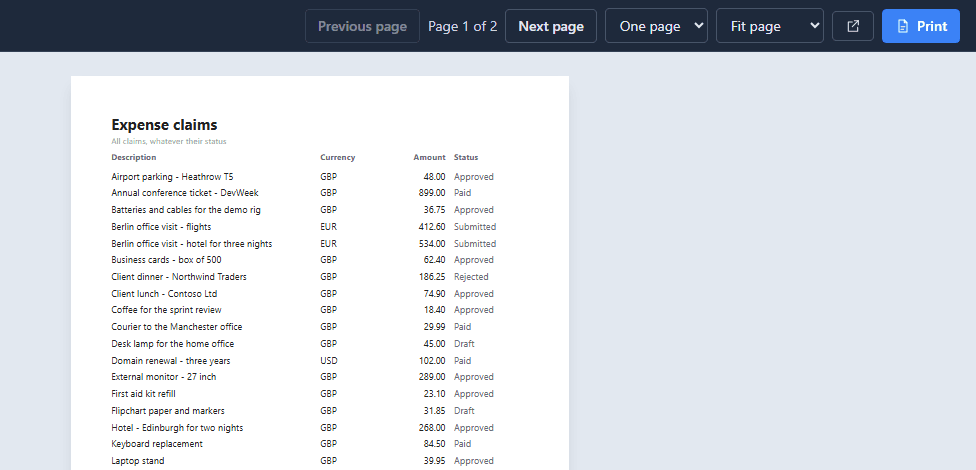
Lay a document out at the size of the paper and bind it to a table or a saved query. What the designer shows is what appears on screen, in a PDF and out of the printer.
Graphic Designer
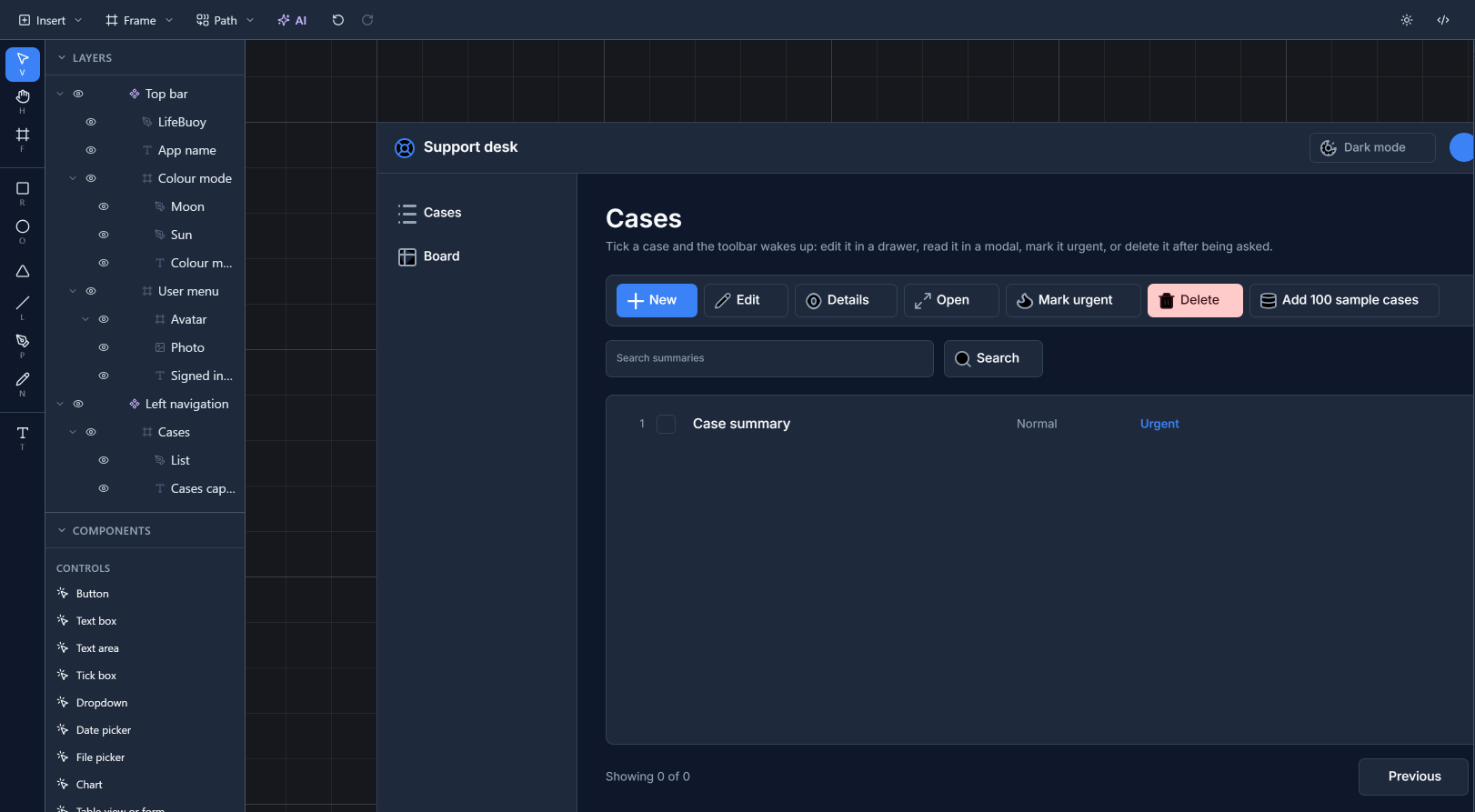
Parsware’s screens and documents do not come out of a form builder. They are drawn in a complete graphics environment — frames, shapes, paths, text and images, layers and components — and then bound to your data. It is the same canvas for a printed report and a phone app, and it is the part of Parsware we would show you first.
Two products
The same reporting and screen-drawing engine, in two places. Which one you want depends on where your data already is.
Your own environments, your own data model, your own apps — hosted by us or by you. This is the whole product: identity, apps, processes, reports, extensibility and ALM.
What it includesA managed solution you install into your own Power Platform tenant. Pixel-perfect reports and drawn screens inside your model-driven apps, against Dataverse. Your data never leaves your tenant.
How it worksPricing
Buy the environments you build in — 3 to start, add more when you need them. Unlimited makers and unlimited end users in every one of them, and a 30-day trial before you decide.
Tell us about the application you have in mind. Whoever replies has built the platform, and will tell you straight whether it fits.