Headcount and vacancies, without asking HR
How many people do we have, and which seats are empty? In a demonstration bank on Parsware, a regional manager reads it herself: the workforce overview has the numbers already, and every one prints as a report.
How many people do we have? And which seats are empty?
In most organisations, you ask HR. Somebody pulls a spreadsheet together, and by the time it arrives, it's already out of date.
Here's the other way, in a demonstration bank on Parsware. This isn't banking software. It's how any large organisation keeps headcount and vacancies in front of the people who need them. The screens are the real application, and the people and the data are made up for the demonstration.
The numbers are already there
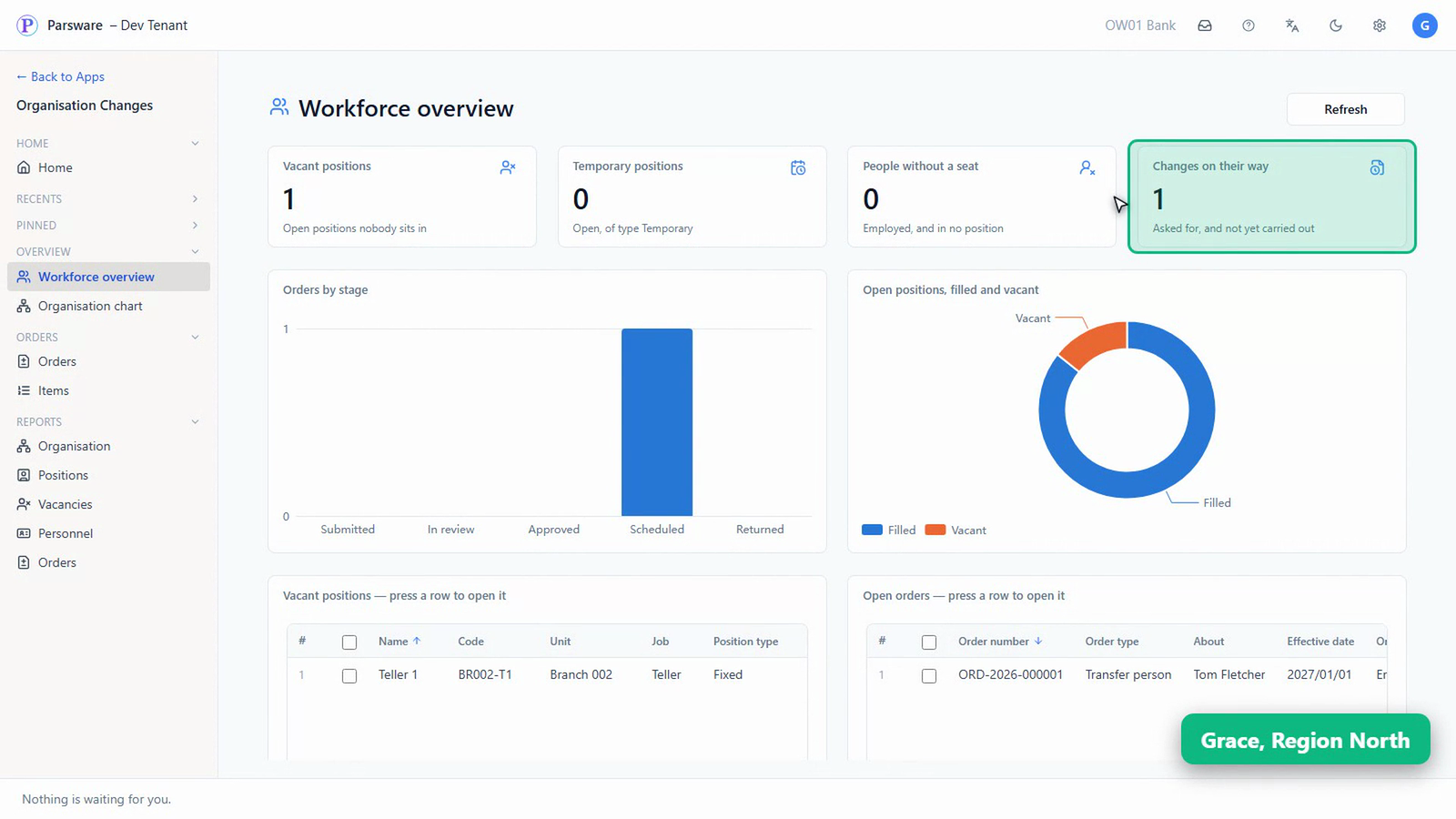
Grace manages the region. She opens the workforce overview, and doesn't have to ask anybody for any of it.
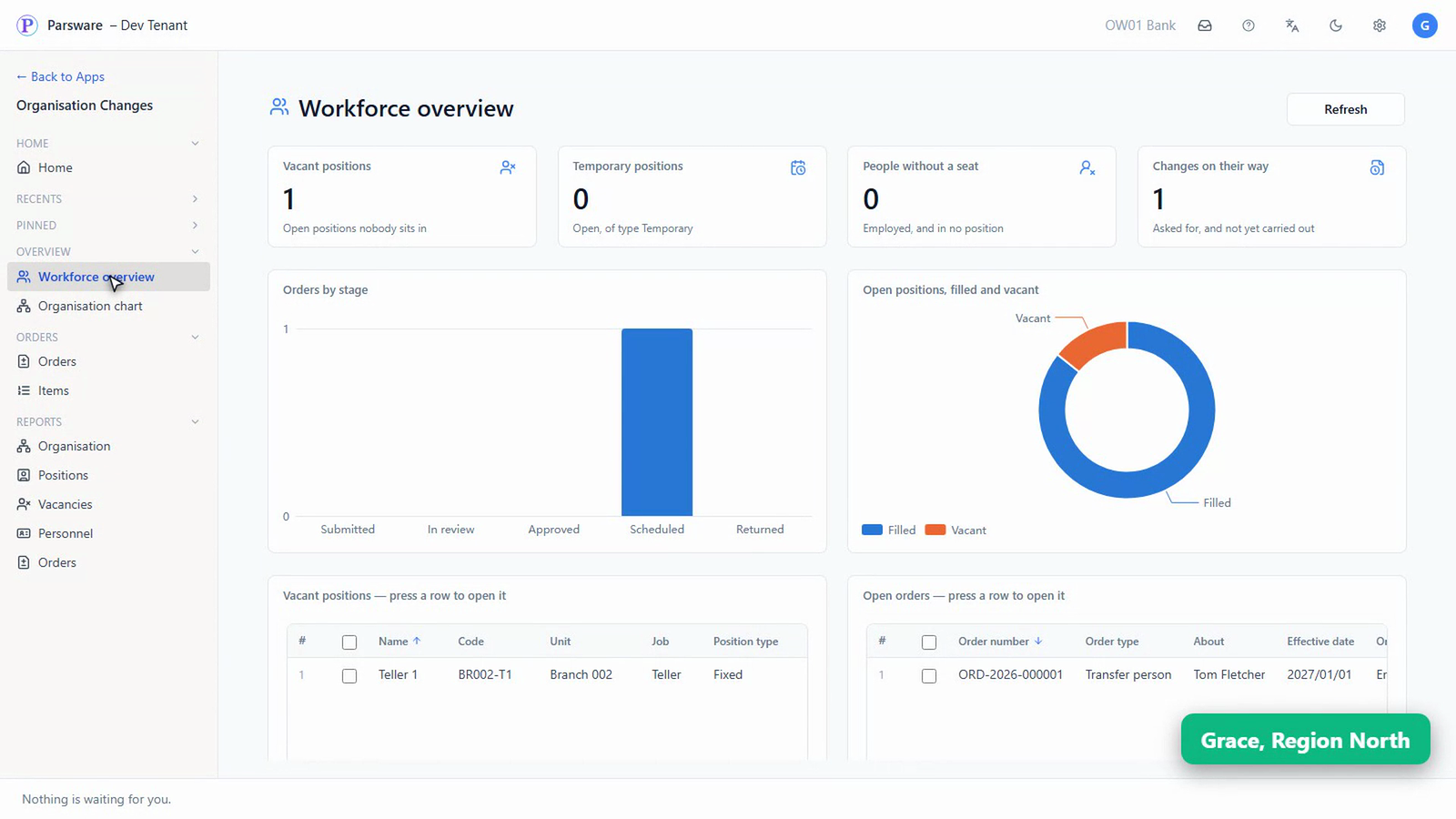
One seat nobody sits in.
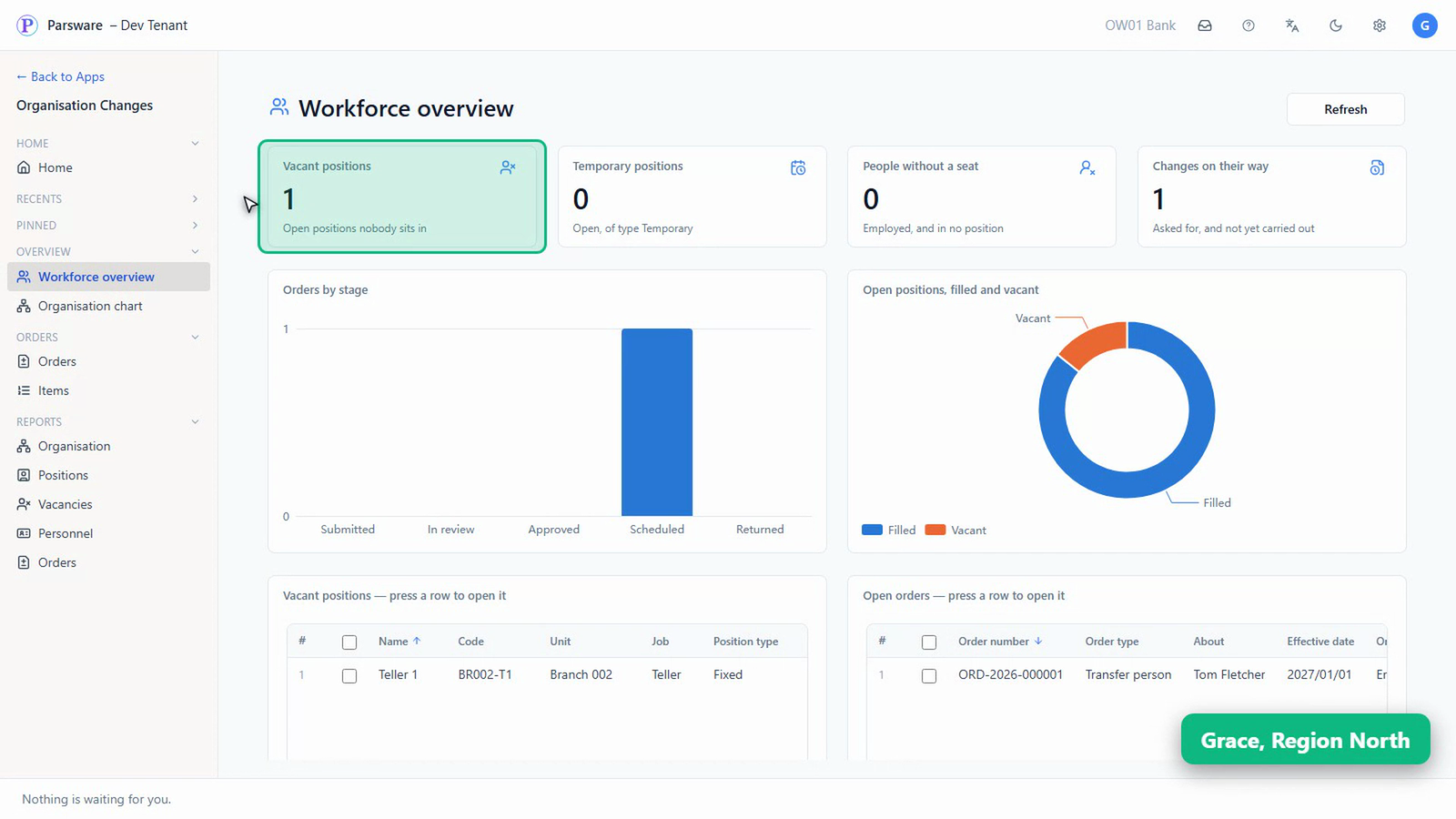
No temporary positions, and nobody employed without a seat.
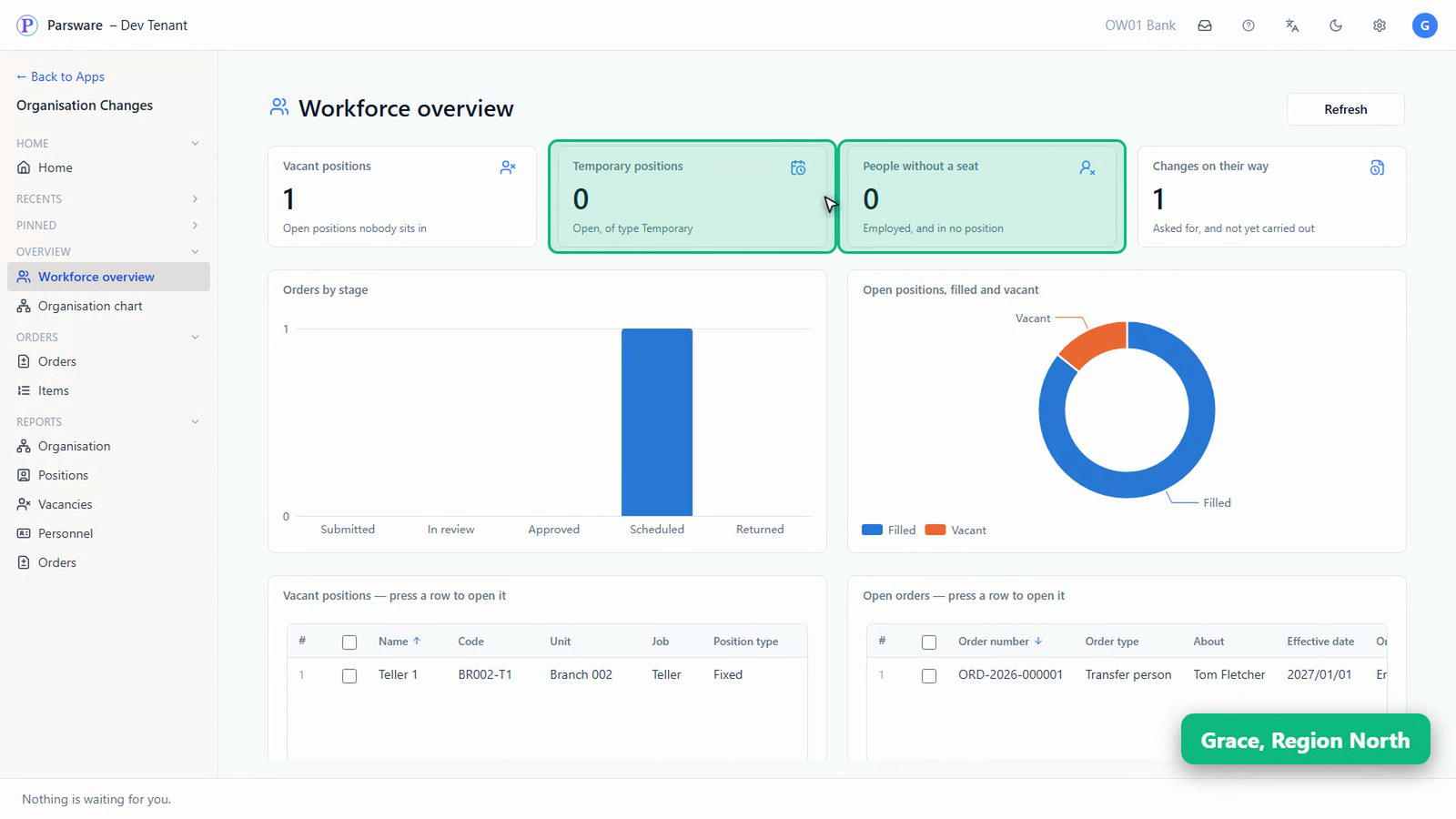
And one change on its way: Tom's transfer, from the last article, approved and waiting for its date.
The same, as charts
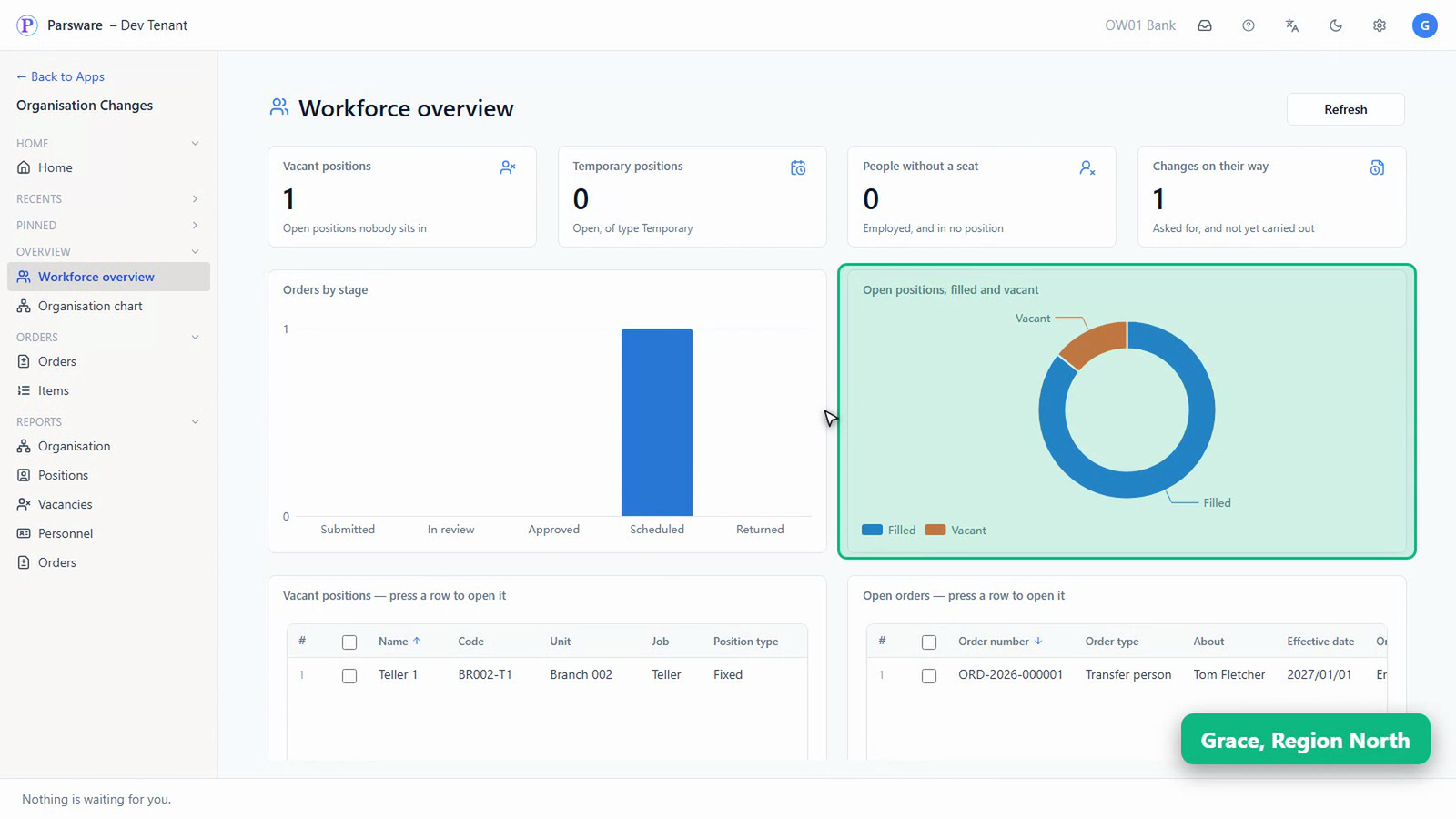
Orders by stage shows the one scheduled change. Open positions, filled and vacant, shows how much of the bank is empty.
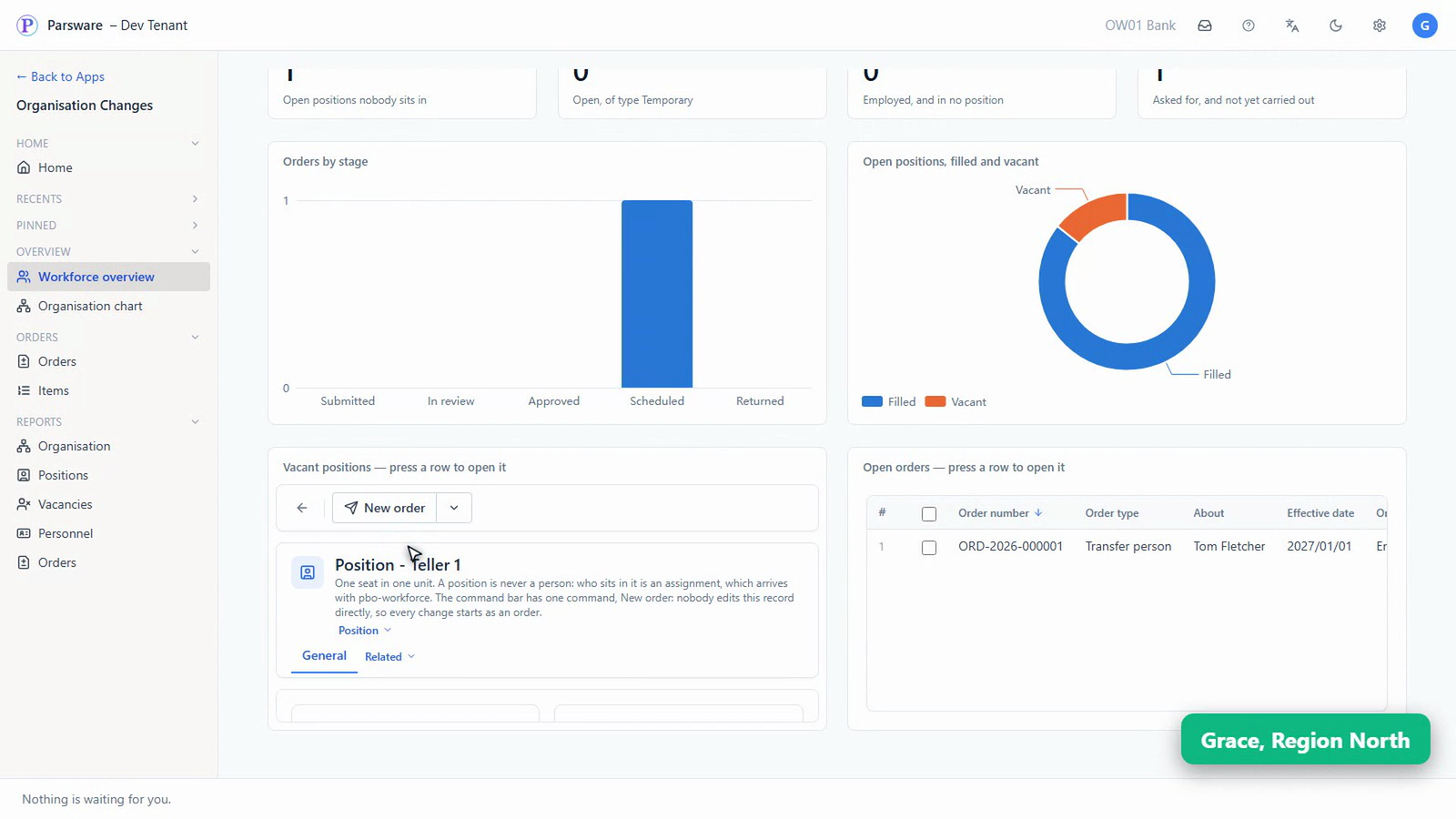
The empty seat is listed underneath. Press it, and it opens in place: Teller 1, at Branch 002.
And as reports
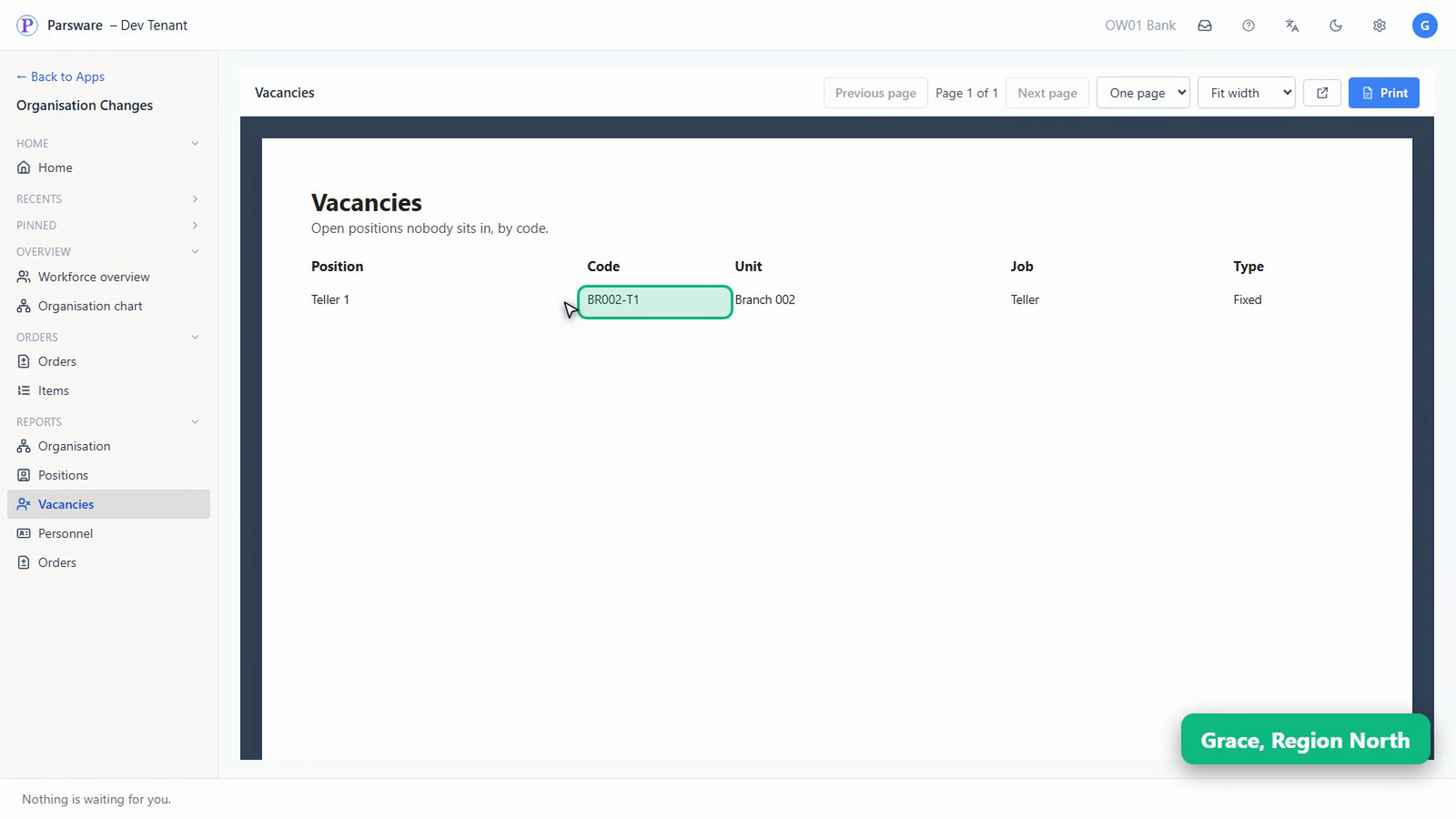
Everything on the overview prints as a report too. Vacancies: every open seat nobody sits in.
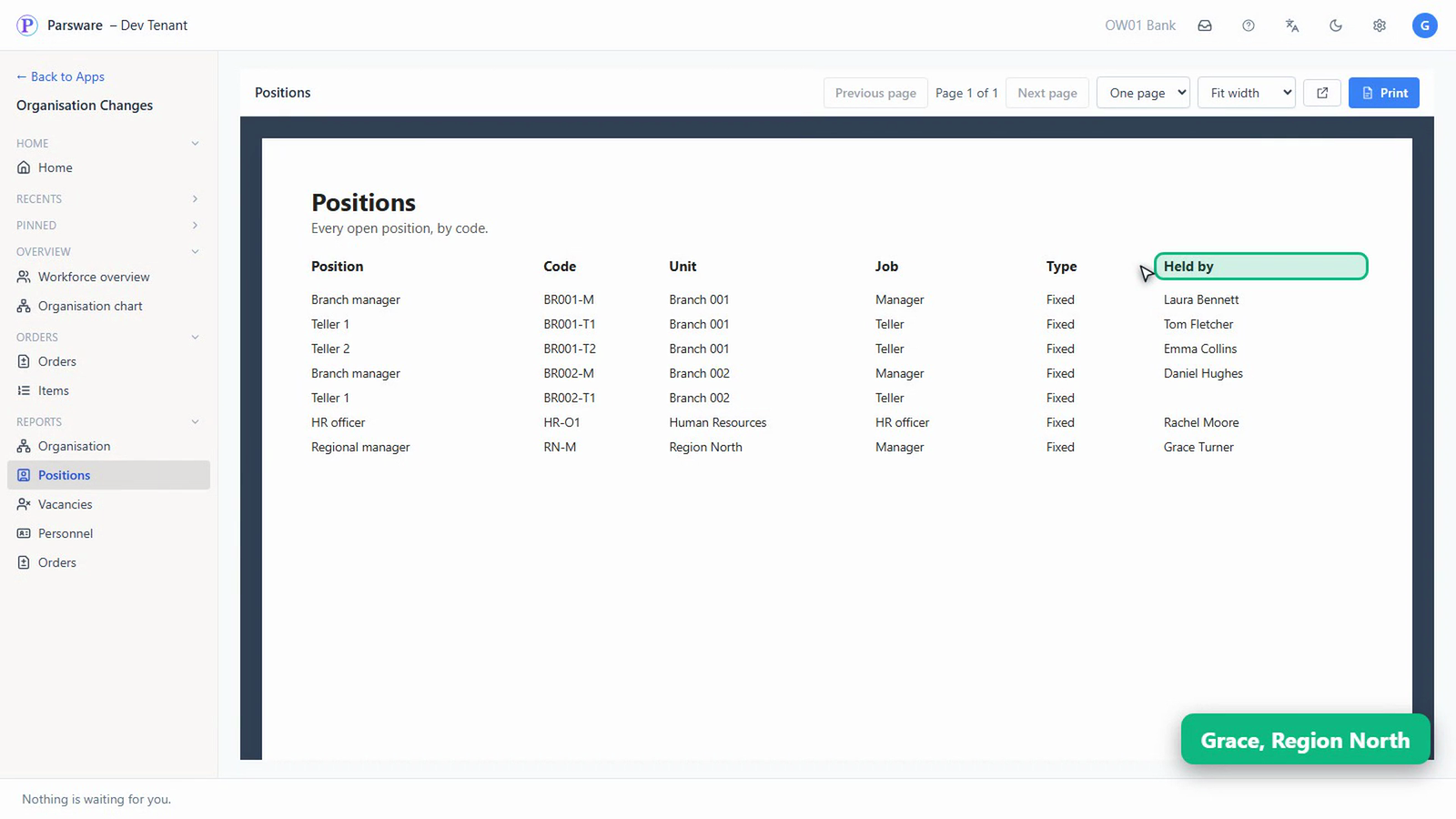
Positions: every seat in the bank, and who holds it.
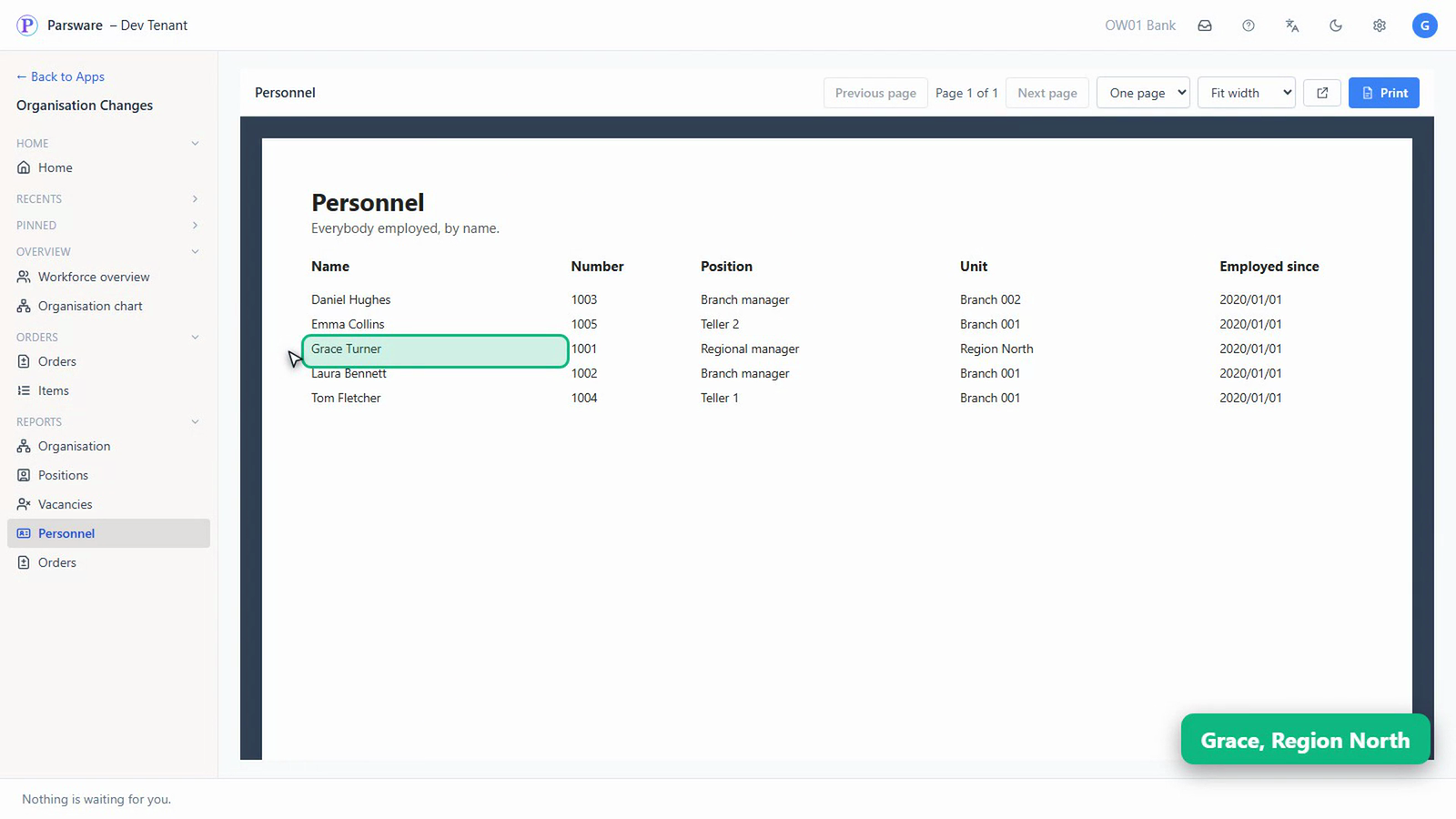
Personnel: everybody she manages. Grace sees her own region's people. The HR department isn't hers, so it isn't on her list.
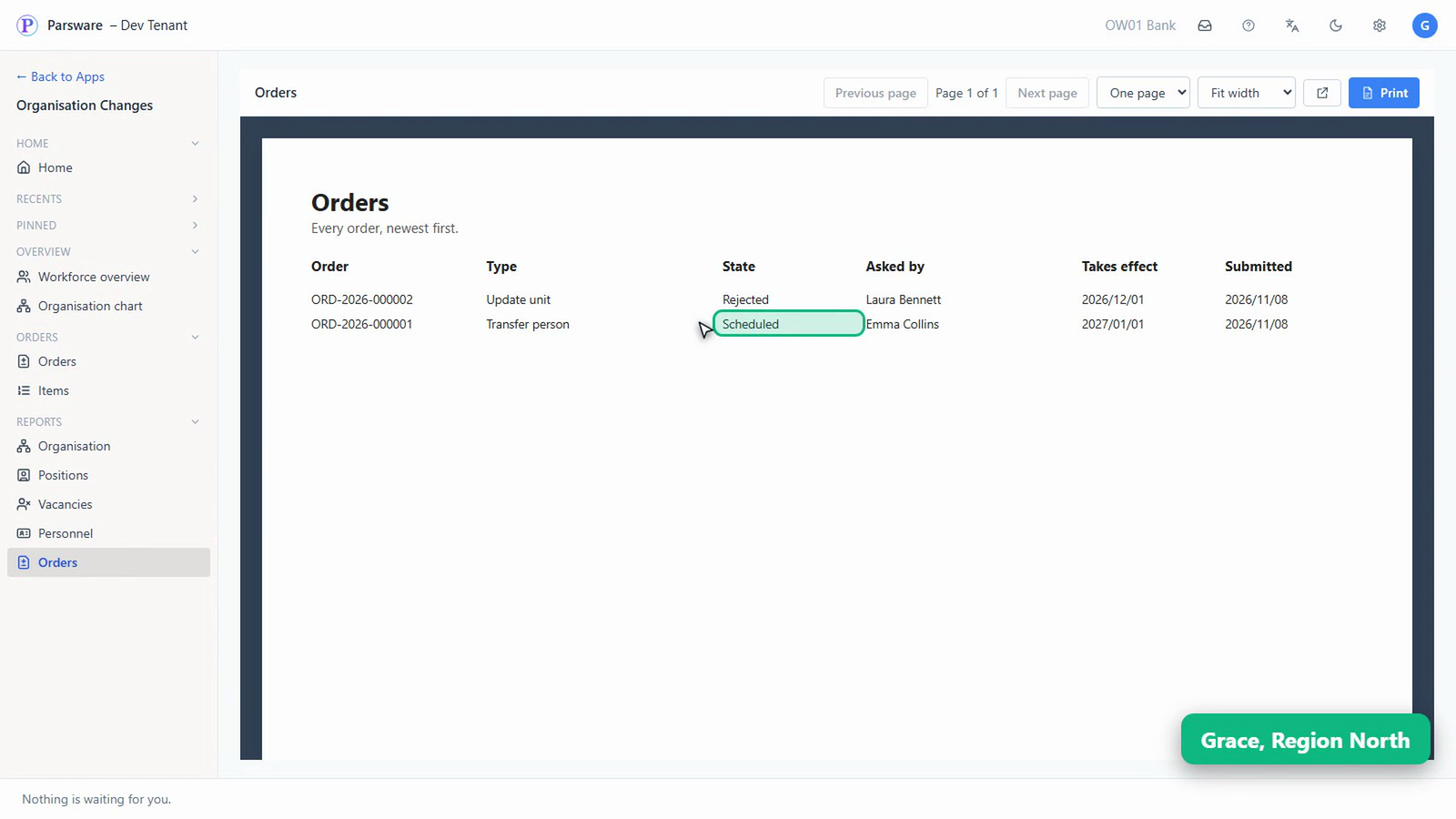
Orders: every order, newest first, with where it has got to.
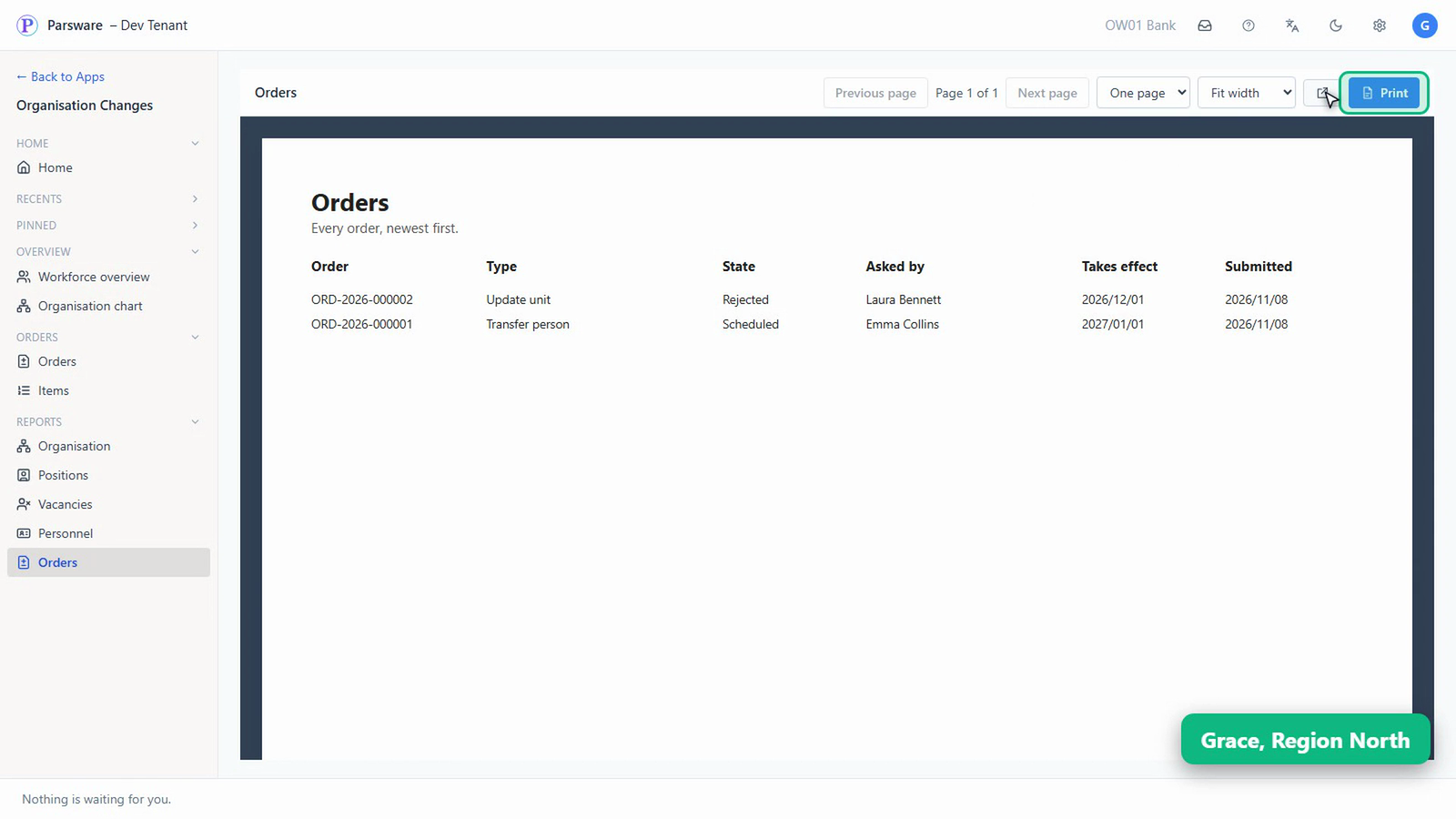
Each one prints, or opens on its own, ready to send to whoever asked.
What you know now that you didn't
- Headcount, vacancies and changes on their way are on one overview, worked out from the records themselves.
- Every number on it is also a report that prints or opens on its own.
- A manager sees the people she manages, not everybody's.
- Nobody has to ask HR, and nobody has to keep a spreadsheet up to date.
Tell us how your business runs, and we'll show it to you running on Parsware: parsware.com/contact.