Your whole organisation, on one chart
Ask three people who reports to whom, and you'll get three different charts. Here is one chart of a demonstration bank: its units, its seats, where each seat is, and who it answers to.
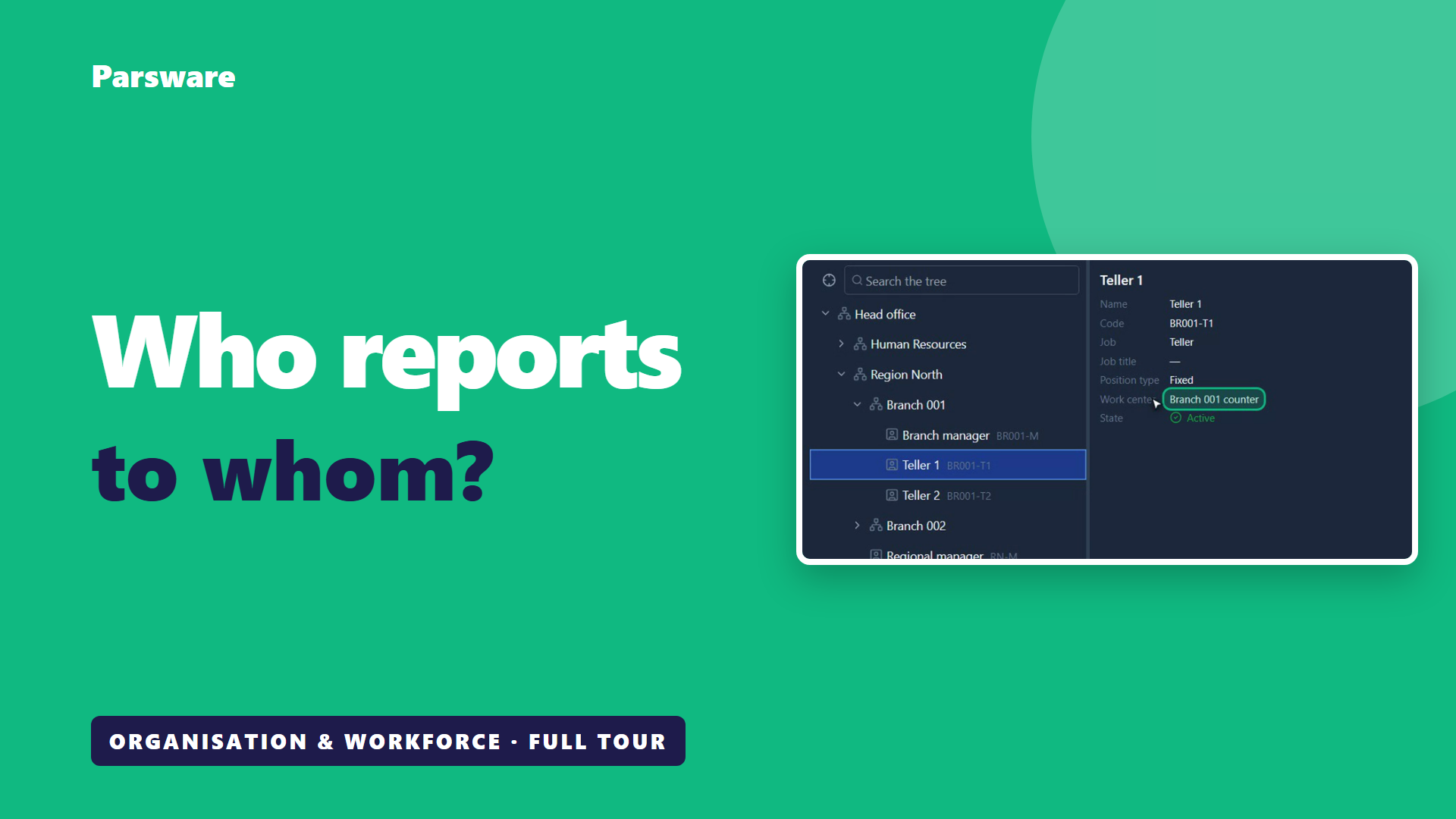
Ask three people who reports to whom. You'll get three different charts.
Usually it's a slide somebody made two years ago, a spreadsheet in HR, and a list of branches in finance. They were all right once.
Here is one chart, in a demonstration bank on Parsware. This isn't banking software. It's how any large organisation keeps track of its own structure. The screens are the real application, and the people and the data are made up for the demonstration.
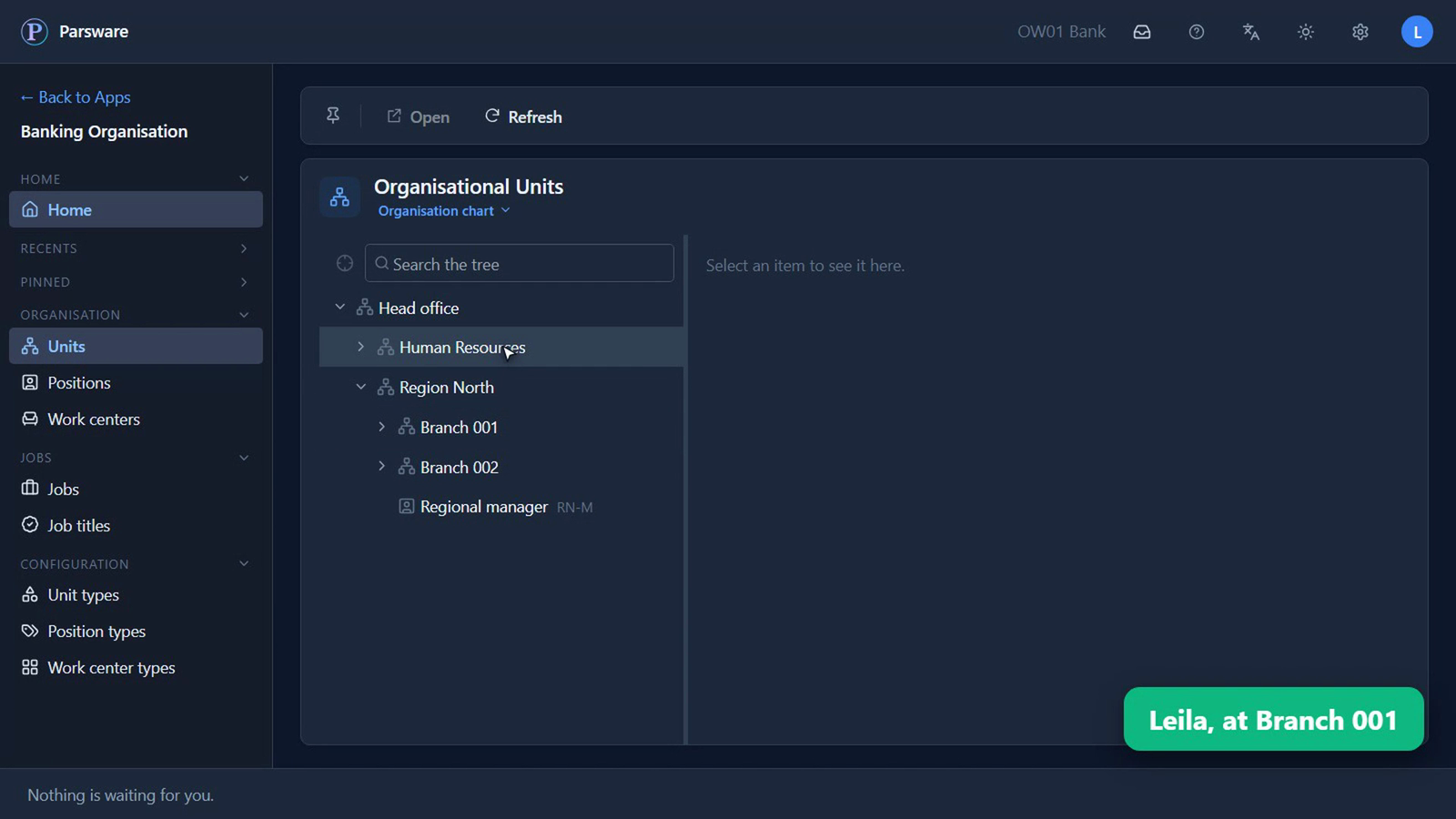
It opens on the whole organisation
Head office. The region, and its two branches. Human Resources, beside them.
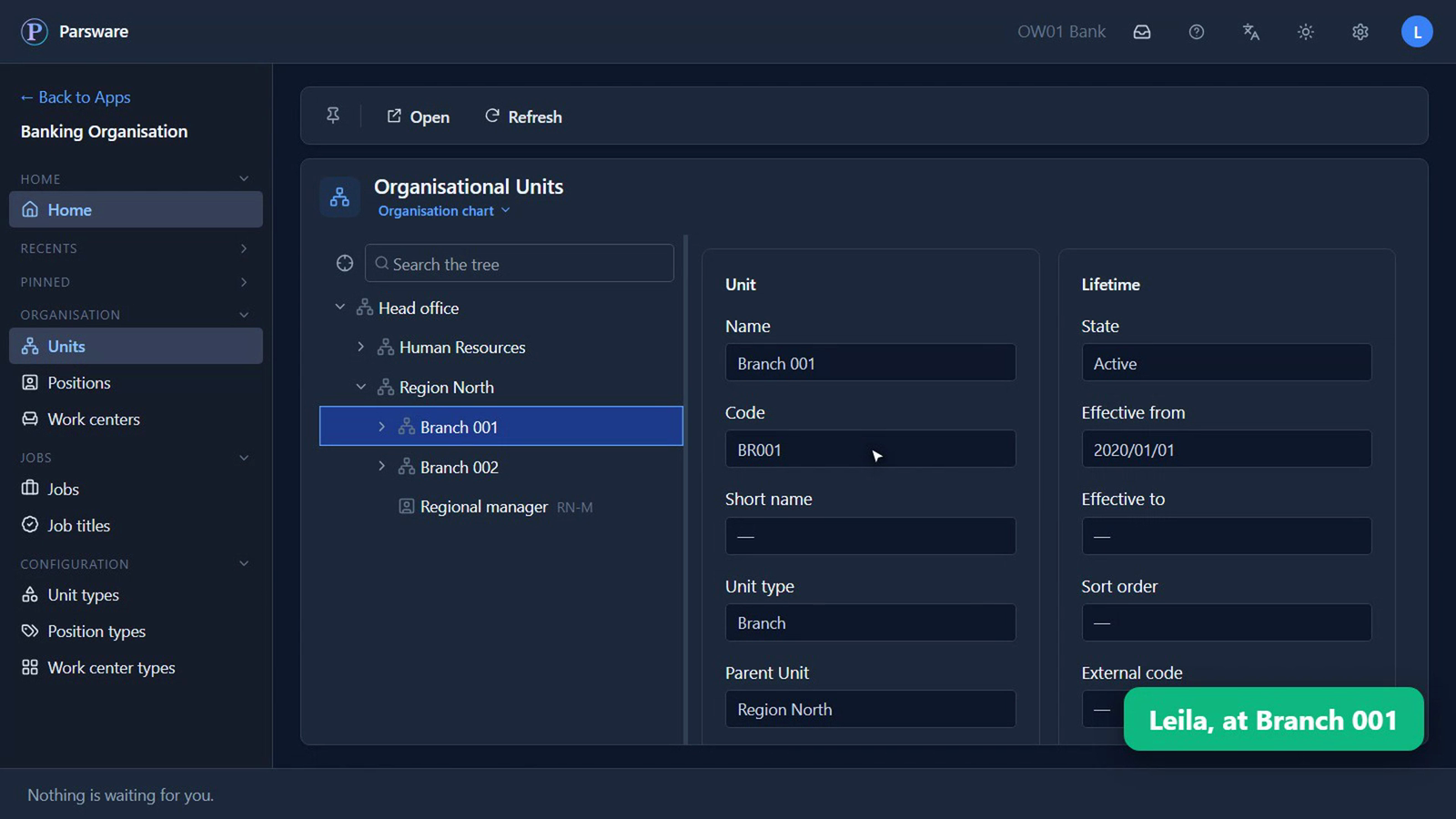
What anybody would ask about a branch
Click a branch, and there it is: its code, what kind of unit it is, which seat heads it, and how long it has been open.
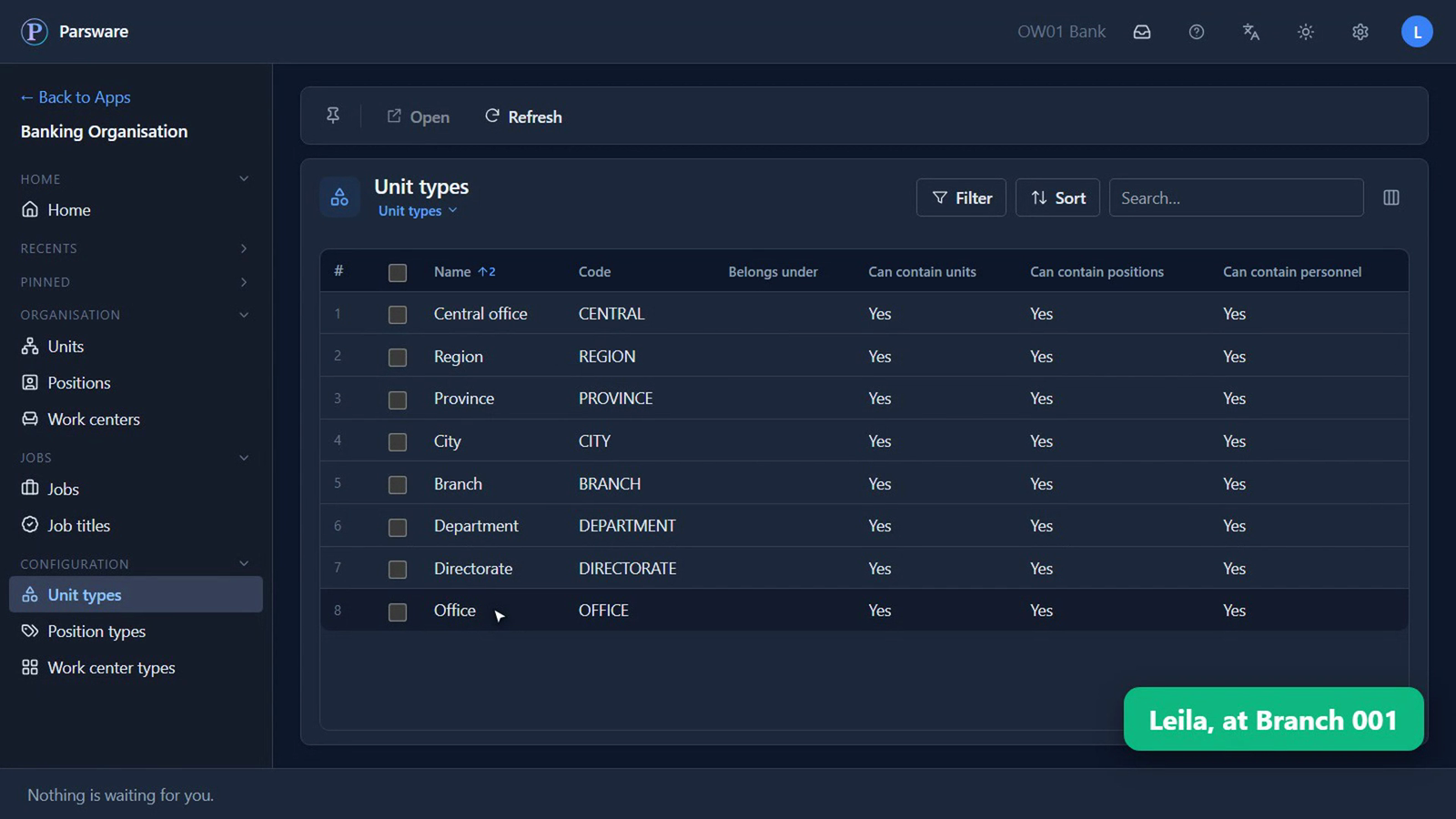
A branch is one kind of unit. A region, a department and an office are others. These words are the organisation's own, so the chart reads the way people there talk.
A seat isn't a person
Under each branch are its seats. At Branch 001, that's a branch manager and two tellers.
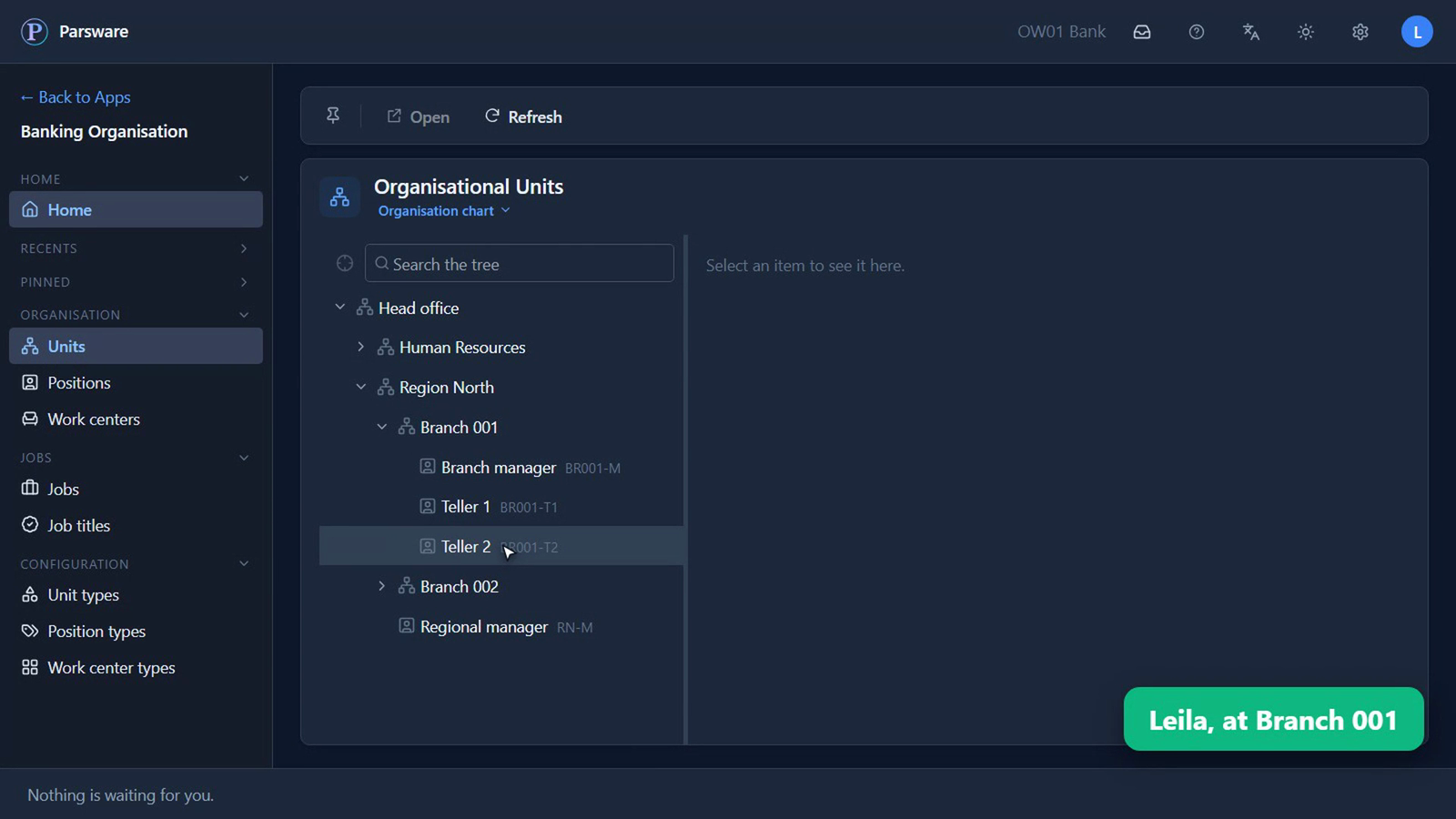
A seat is a job that exists whether anybody's in it or not. So when somebody leaves, the seat is still on the chart, and you can see that it needs filling.
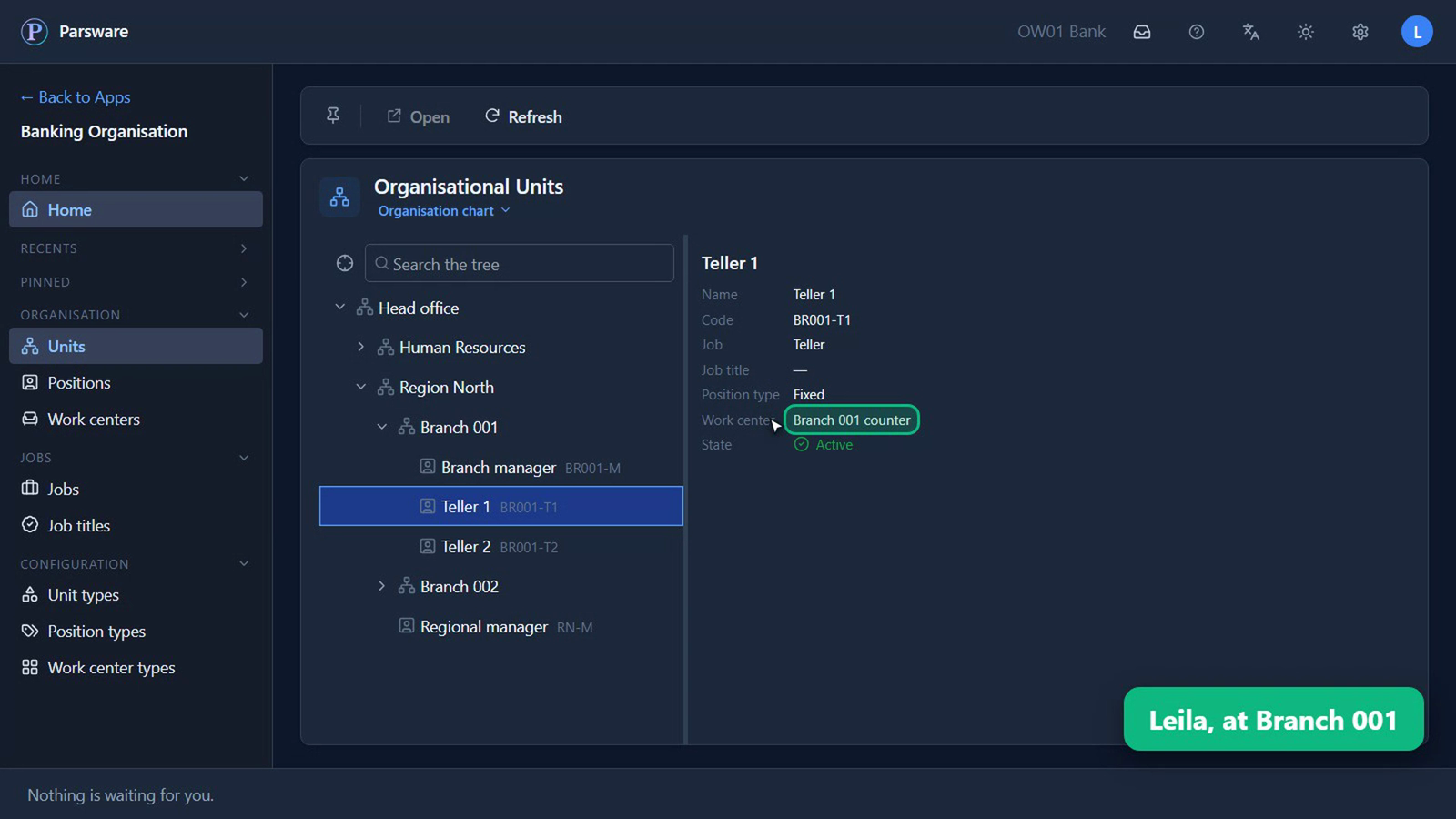
Click one, and it says what the job is, what kind of seat it is, and where it is. This one is on the counter at Branch 001.
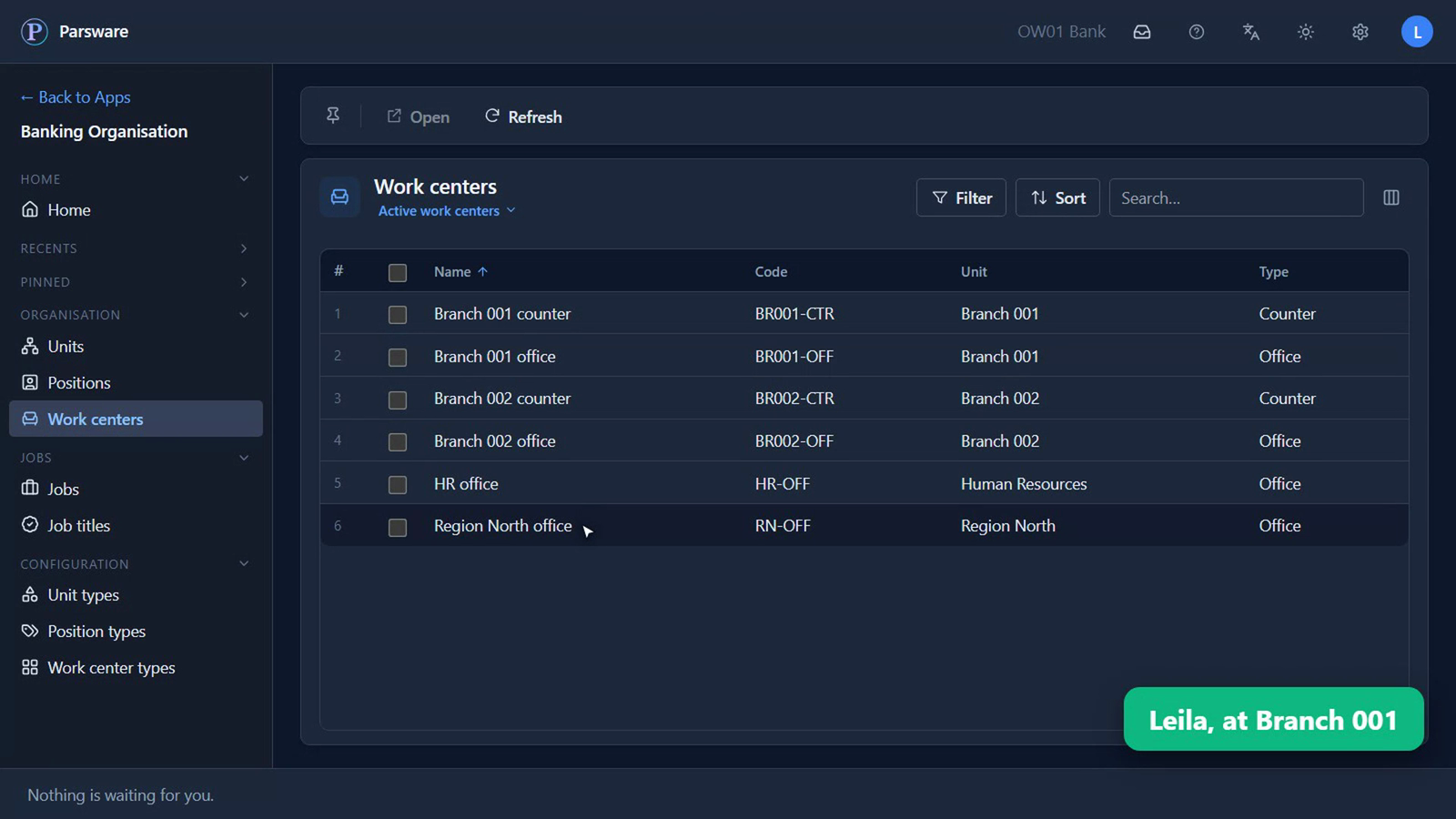
Those places have a list of their own: every counter and every office, and the unit each one belongs to.
Who answers to whom
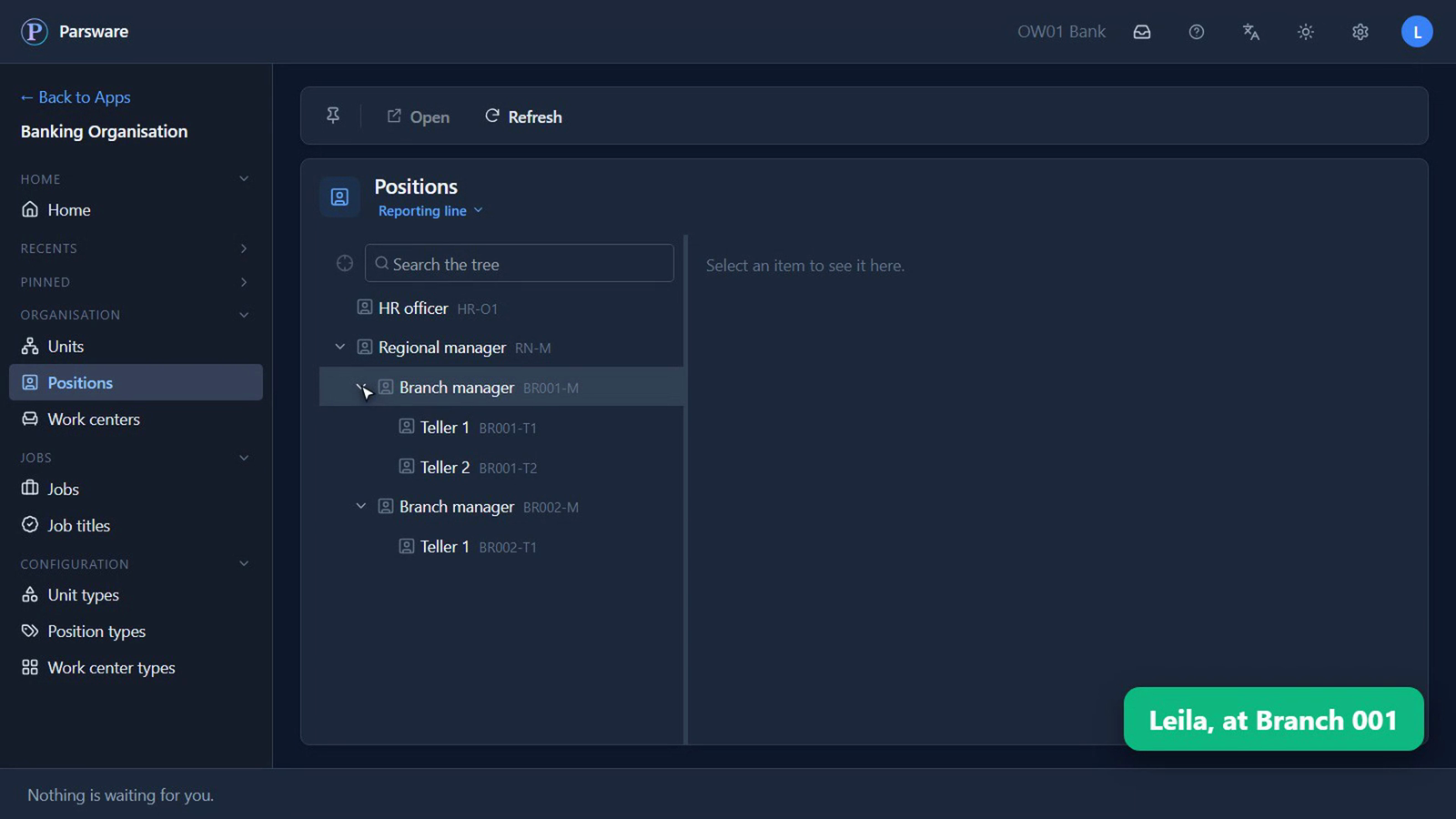
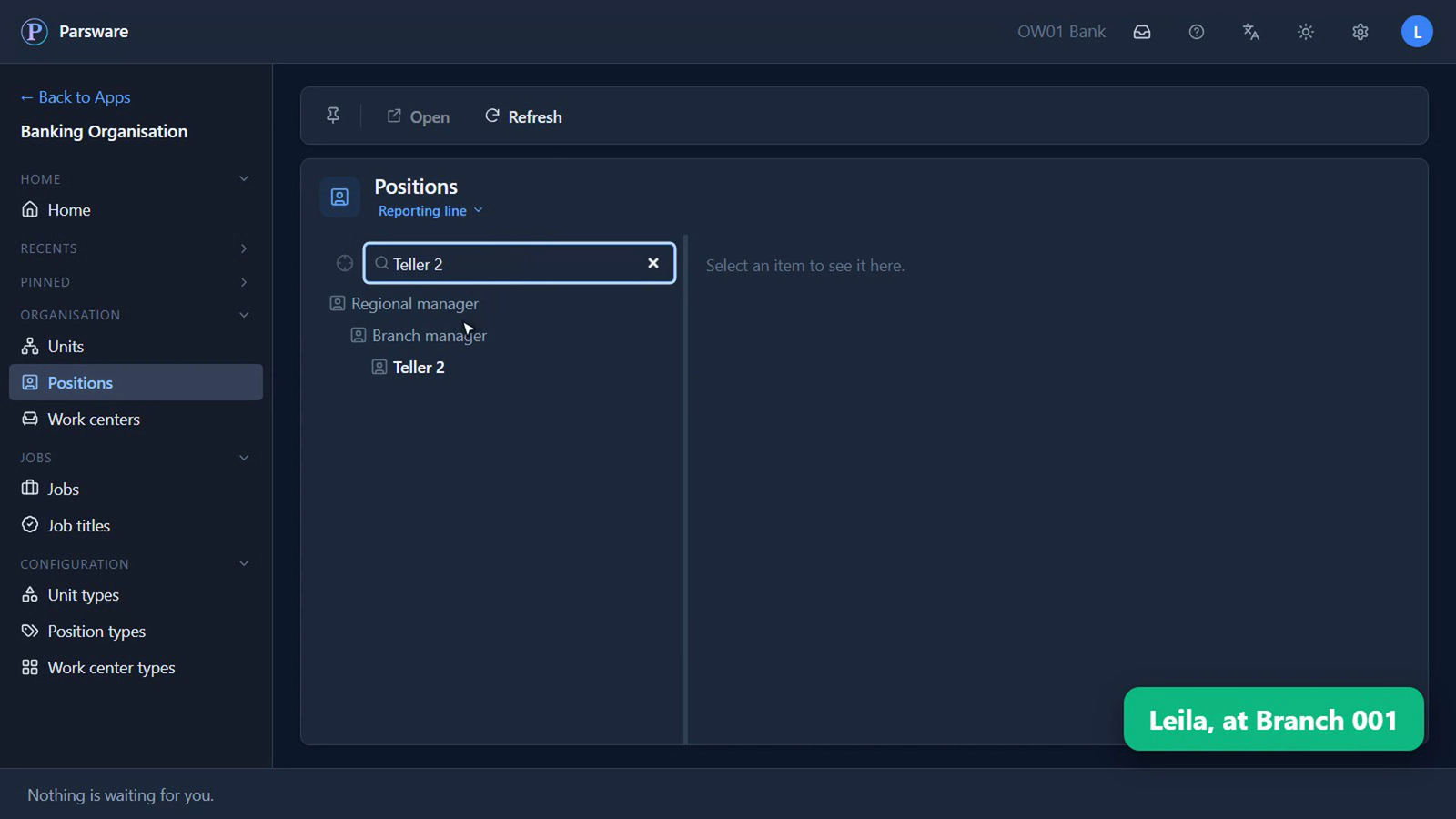
Now a different question. Not where a seat is, but who it answers to. These are the same seats, in a second picture: the regional manager, then the two branch managers, then the tellers under each of them.
When it's too big to read, you don't read it
Type what you're after, and there it is, wherever it sits, with the seats above it on the way down.
Everybody reads it. Nobody redraws it.
Everything here was read by Leila, who works at Branch 001. She can read all of it, and she can't change any of it. Nobody can, not directly. Every change is asked for and approved first, and that's the story of the overview.
What you know now that you didn't
- Every unit in your organisation, and what kind of unit it is, on one chart.
- Every seat, what the job is and where it is, whether anybody's in it or not.
- Who each seat answers to, without asking anybody who has an old slide.
Tell us how your business runs, and we'll show it to you running on Parsware: parsware.com/contact.