A help desk home page
A home page for a help desk: three tiles counted from the cases, the newest open ones, and a New case button that opens a form in the app’s dialog.
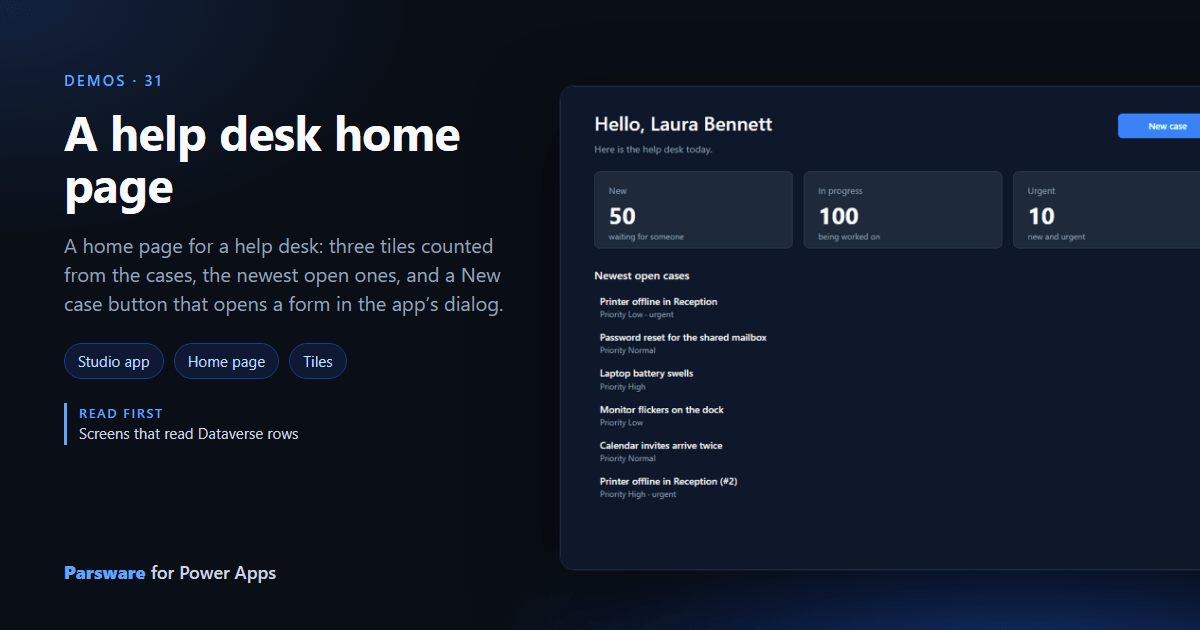
A model-driven app opens on a list or a dashboard. This demo is a drawn home page instead, with what the help desk asks first thing. Demos → Help desk home.
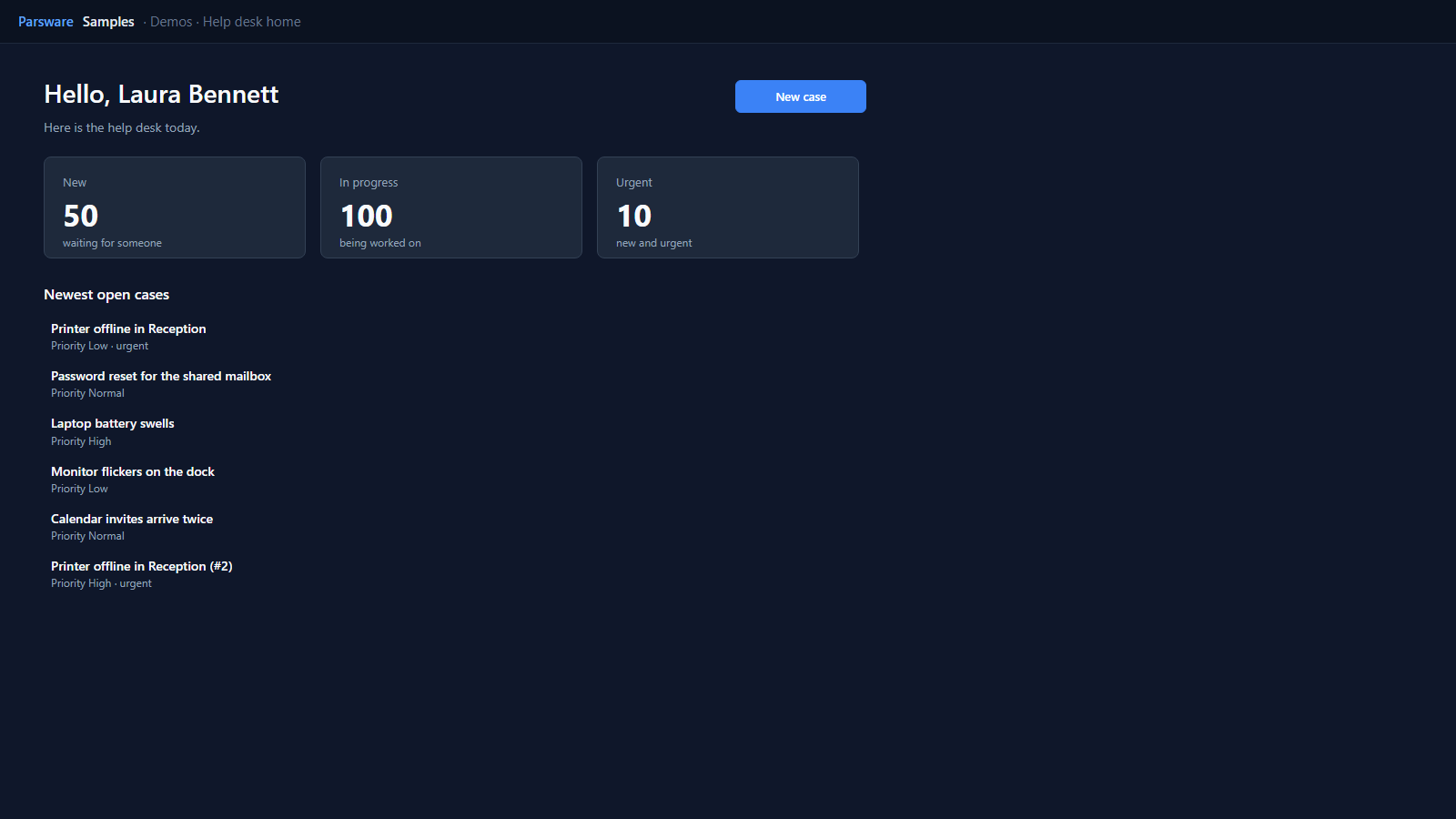
Counted, not listed
The tiles are counts, asked of Dataverse with countInto and top: 1, so a tile of a
thousand cases costs one row:
loadRecords("par_case", "hot", { where: { par_urgent: true, par_stage: 100000001 }, top: 1, countInto: "urgent" });
The greeting reads the signed-in person: "Hello, " + user.name. The newest open cases are
a list, and clicking one opens it in the side pane, as in
Peek at a record in the side pane.
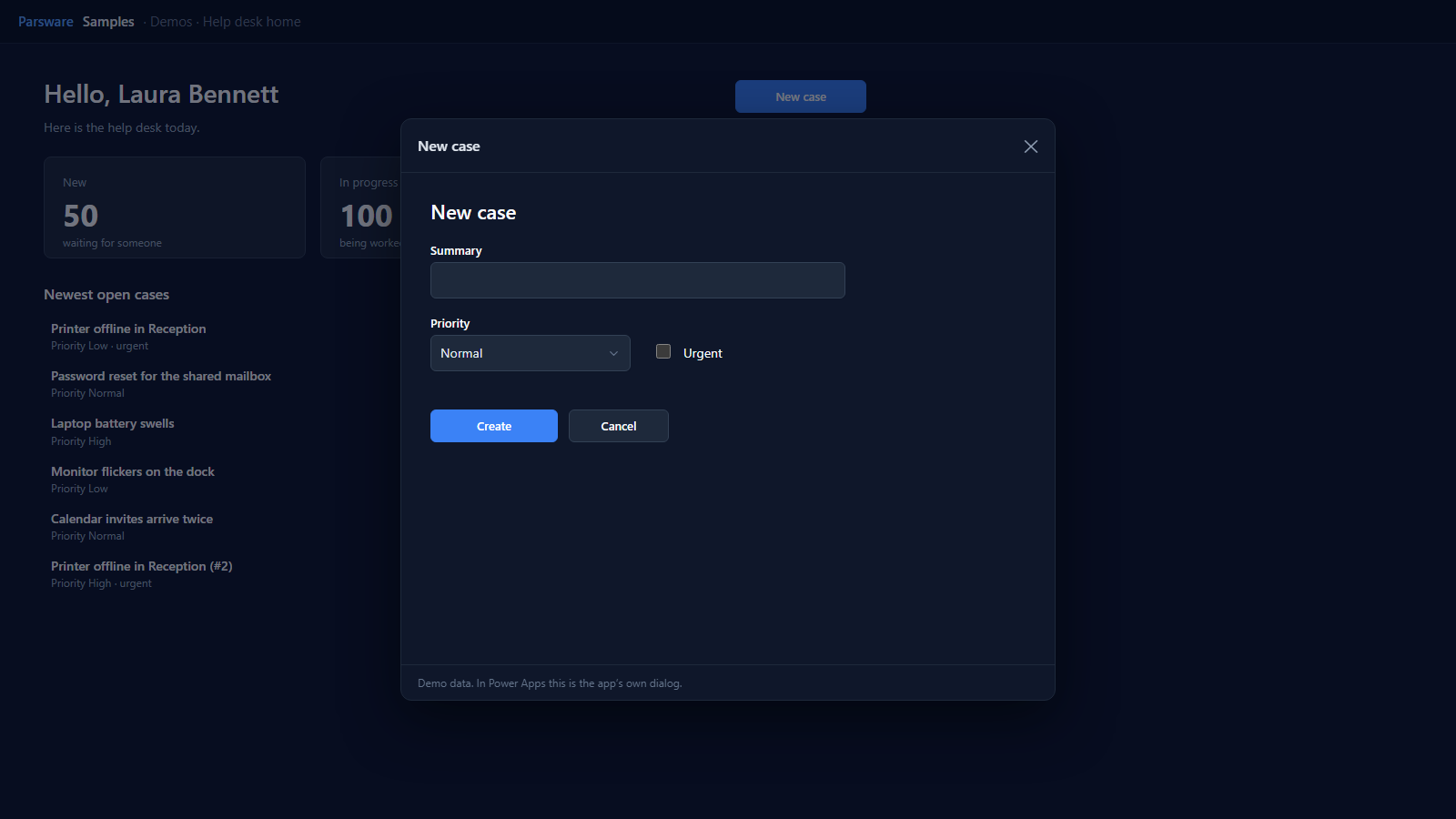
New case, then the page is current
New case opens the three-field form from Quick create in the dialog. The page has an A design it opened closed handler that runs its loads again, so the tiles and the list include it.
Try it
- Install the three Parsware for Power Apps solutions, samples included (Install it).
- Open Sample data and press Replace, so the newest columns are filled (The samples, and sample data).
- Open Demos → Help desk home.
The pictures show the shipped design running on demo data in Parsware’s own runtime. In Power Apps it is a page of the model-driven app, with the app’s own dialog and side pane.