Parsware Platform
Custom code travels in the solution
A custom app or control is part of its solution, code and all. We exported Visitors from Development with its visitor board, its badge field and its web resources, imported it into Test, and watched an altered copy of the same file get refused.
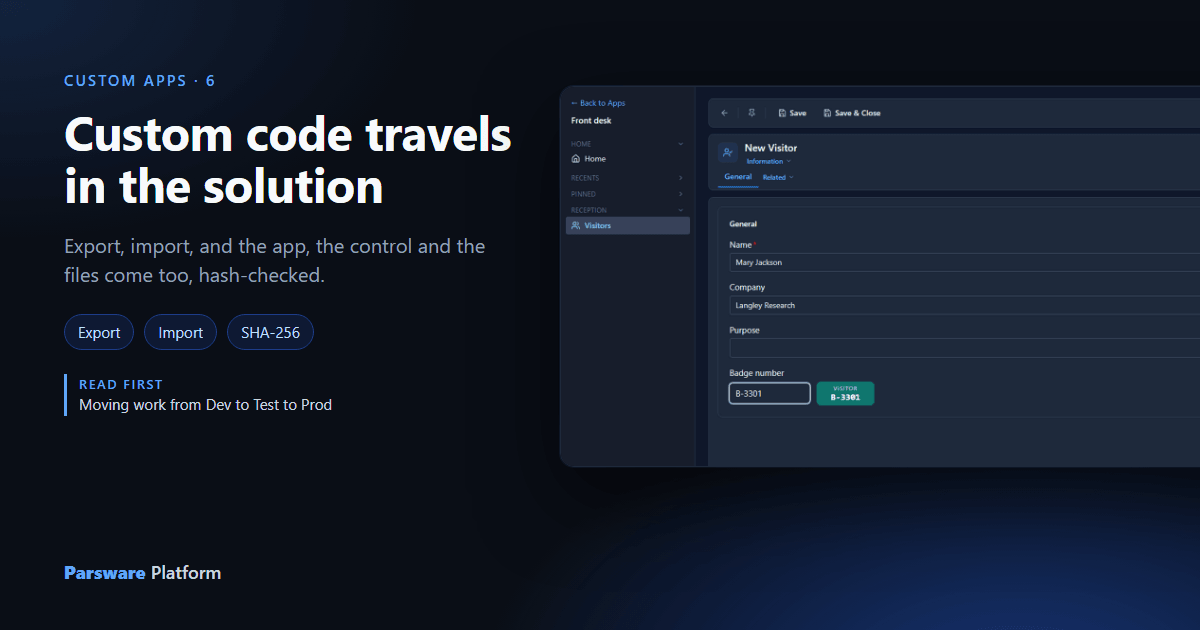
Over the last few articles the Visitors solution picked up code: the visitor board app, the badge field control and the badge page. All of it was built in Development. Test should get it the way it gets everything else: export, import, done, with nothing to set up outside the platform.
What the solution holds
The solution's overview lists the custom code beside the tables and the apps:
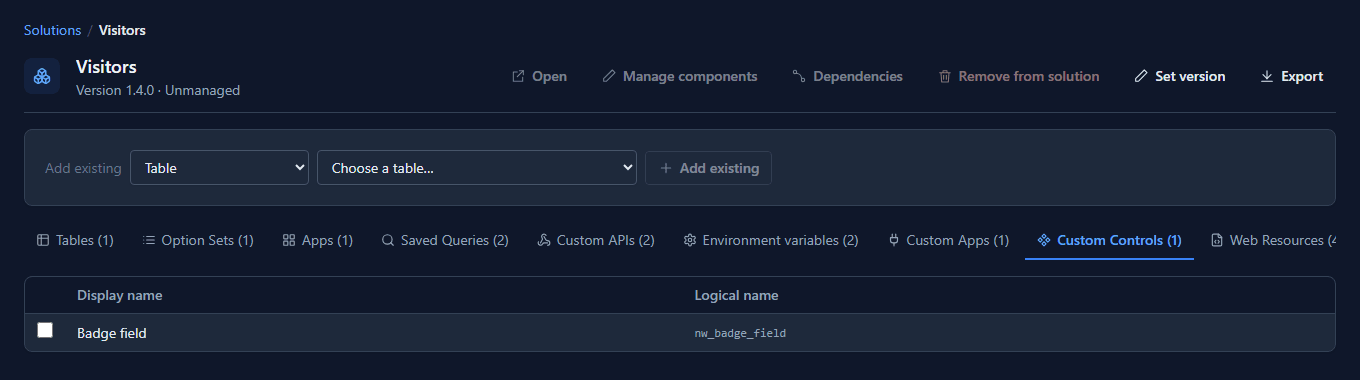
We raised the version to 1.5.0 with Set version and selected Export. The file that comes down carries the code itself, not a pointer to it:
- The custom app and the control each travel as their package, the same archive that was uploaded, with its version and a SHA-256 hash of its content.
- The web resources travel as their content, text as text and images as Base64, each with its own hash.
- The form carries its binding to the badge field, and the Front desk app comes too.
An altered file is refused
Before importing the real file, we changed one character in the middle of the control's archive and imported that into Test:
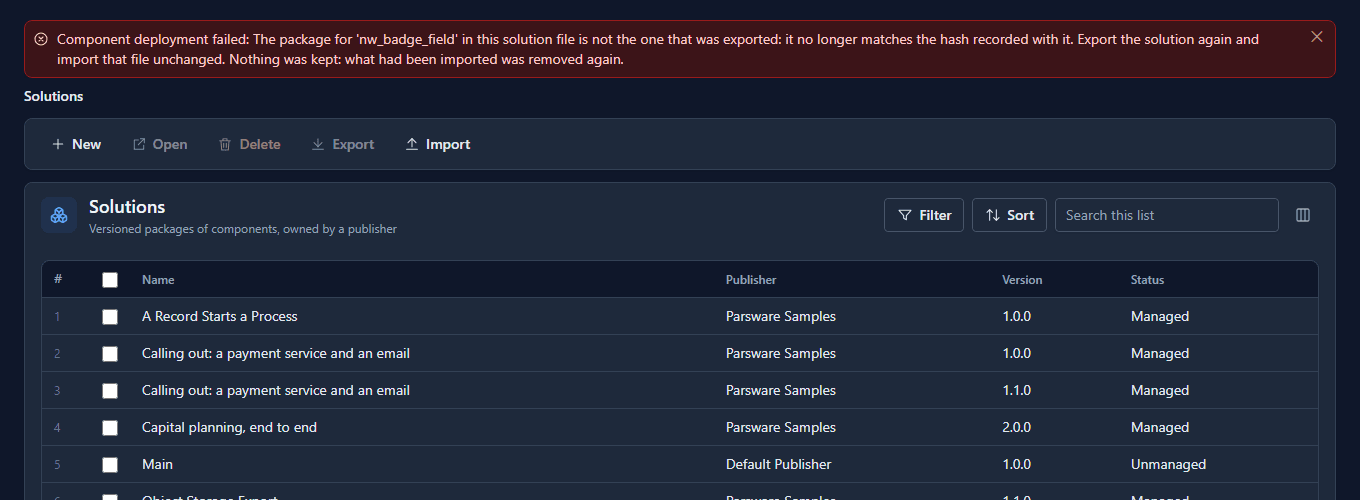
The archive no longer matched the hash recorded at export, so the import stopped. It also undid what it had already done: Visitors in Test was still 1.4.0 afterwards. A damaged download, a merge gone wrong or an edit by hand all look the same here, and none of them reaches Test.
The real file
The unchanged file imported in one step:
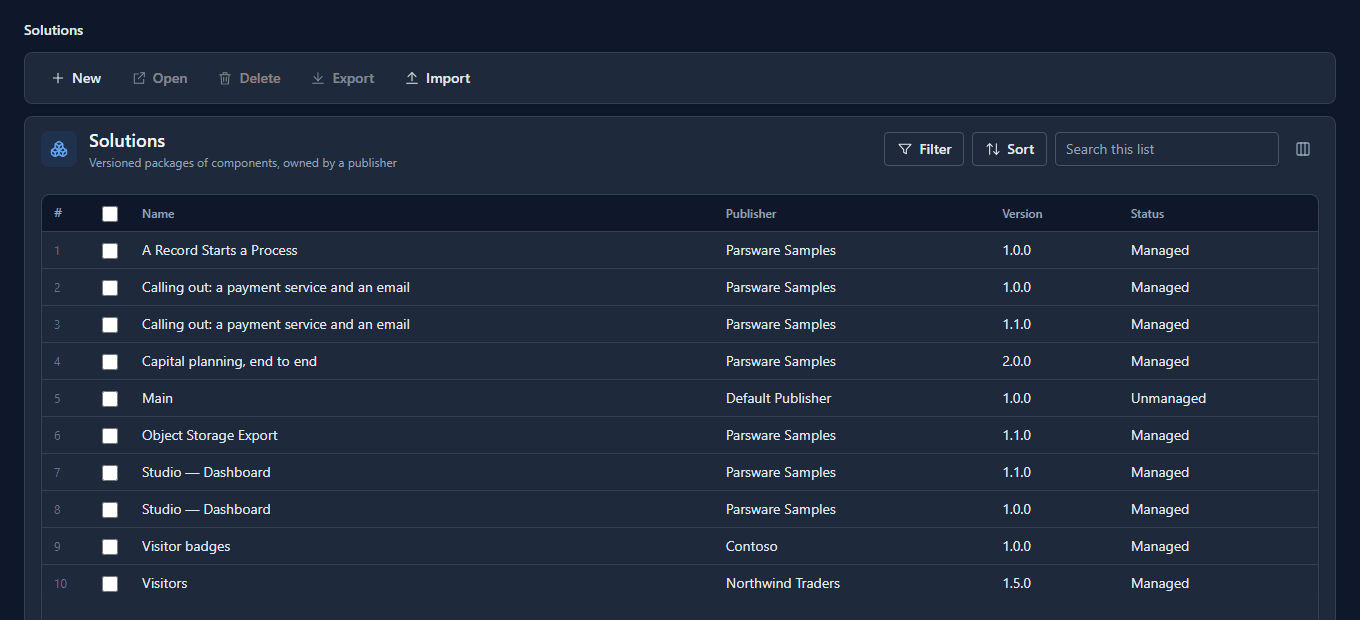
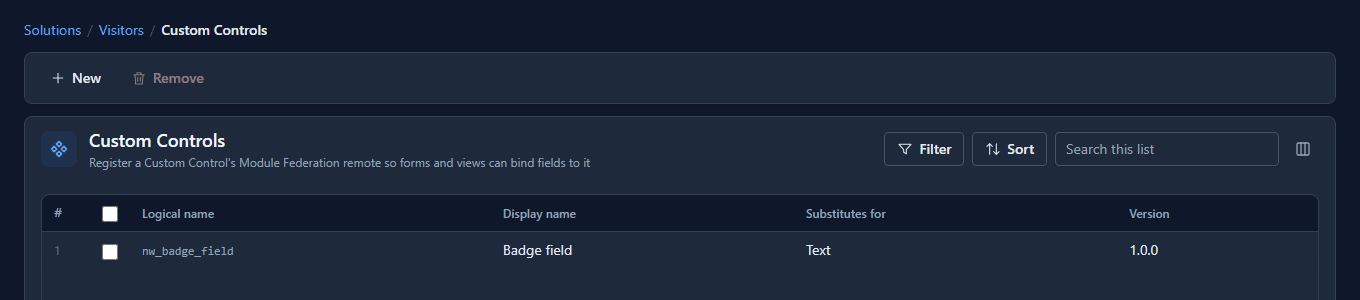
Test now has the badge field, at the same version as Development:
And in Test's Front desk app, a new visitor gets the badge field, served from Test:
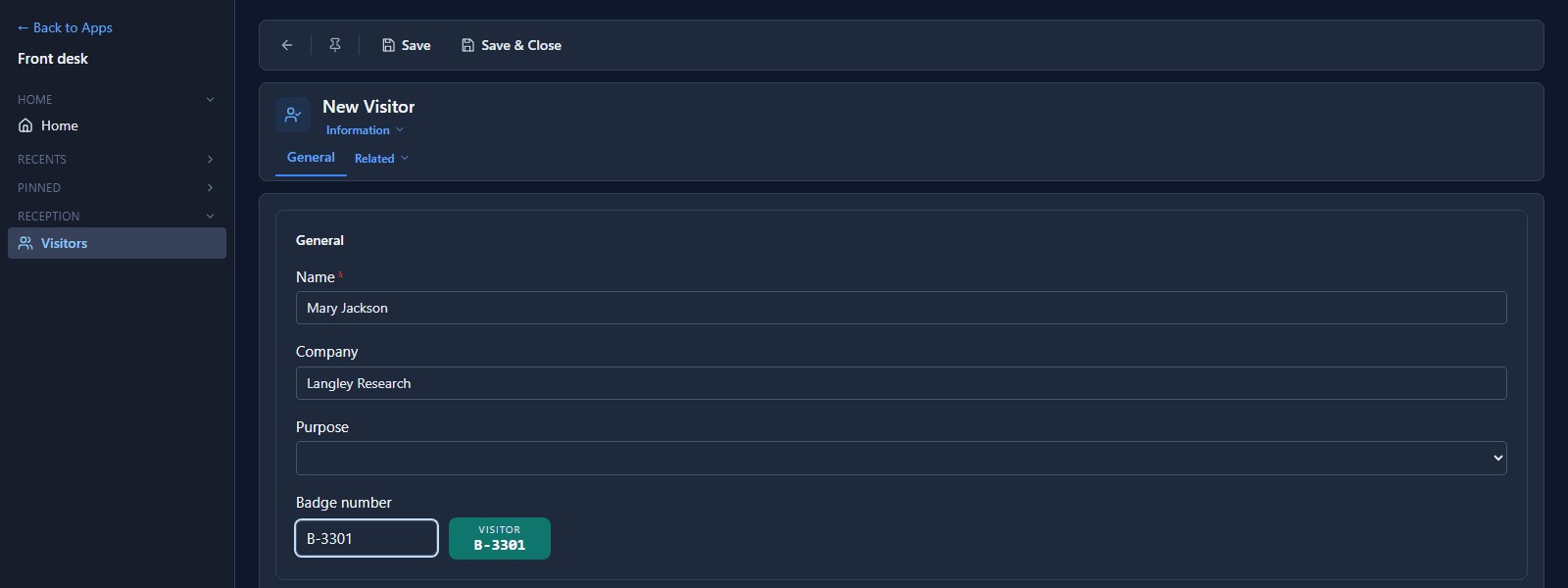
Nobody uploaded anything to Test, and nothing points back at Development or at the machine the control was built on. Each environment serves its own copy.
What we fixed
The refusal used to say that "the stored package does not match its recorded content hash". Nothing had been stored, which made it read like a fault in Test rather than in the file. It now says the file isn't the one that was exported, and to export again. A web resource in the same state said only "content hash mismatch", behind a heading about an invalid manifest; it now says the same thing as the control.
Good to know
- Raise the version before each export. An import refuses a version lower than the one already installed, and the version is how Test tells you which build it has.
- The hash protects the file between export and import. It isn't a signature: it shows the file wasn't changed, not who made it. Who may import into Test and Production is still a decision about people.
- A control registered from a dev server doesn't travel. It has no package, which is why the platform only allows it in Development. The next article is about exactly that.
Try it
Export a solution with a custom app or control in it, import it into another environment and open the app there. Then change one character of a package in the file and import it again.
Next: Hot reload while you develop.