Parsware Platform
The Runtime SDK
Everything a custom app does in Parsware goes through one object: who's using it, where it was opened, the data their role can read, saved queries, Custom APIs, object storage and the log. We grew the visitor board with company totals from a saved query, readable visit purposes, and a button that keeps today's list as a file.
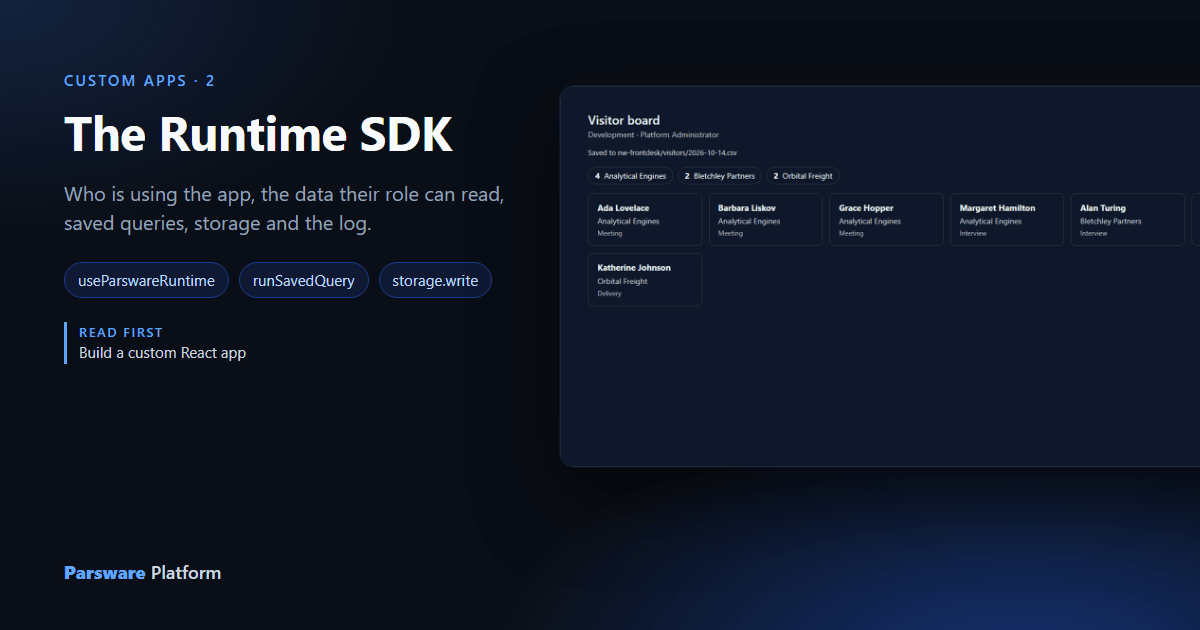
The visitor board reads one table. Reception wants three more things: how many people each company has sent, why each visitor came, and a way to keep today's list for the records. All of it comes through the same object the board already has:
const runtime = useParswareRuntime();
That's the Runtime SDK. The Shell creates it for the environment it opened the app in and for the person using it.
What's in it
runtime.user, runtime.environmentName |
Who's using the app, and where. |
runtime.scopes |
What the app asked for, narrowed to what the person's session holds. |
runtime.data |
Records, queries, saved queries, Custom APIs, reports, record files, and the definitions of tables, views and forms. |
runtime.storage |
Object storage: buckets and the files in them. |
runtime.log |
The platform's log, with the app and environment attached. |
Every call goes out as the person using the app. Their security role decides what each one may read and change, exactly as in a model-driven app.
Totals from a saved query
Visitors by company is a saved query in the Visitors solution: grouped by company, counting visitors (Query platform data for reporting made it). The board runs it by name:
const totals = await runtime.data.runSavedQuery('nw_visitorsbycompany');
// totals.groups.groups → [{ groups: { nw_company: 'Analytical Engines' }, measures: { visitors: 4 } }, …]
The question lives in the solution, not in the app's code, so whoever improves it in the Query designer improves the board too, without a new build.
A choice comes with its label
The cards now ask for Purpose as well:
const result = await runtime.data.runQuery('nw_visitor', {
  select: ['nw_name', 'nw_company', 'new_purpose'],
  order: [{ field: 'nw_company', descending: false }, { field: 'nw_name', descending: false }],
  page: { number: 1, size: 50 },
});
// record.values.new_purpose          → 270150000  (what's stored)
// record.formattedValues?.new_purpose → 'Meeting'  (what a person reads)
A choice column comes back as the option's number, which is what's stored, with its
label beside it in formattedValues. A lookup's name travels the same way. So a card shows
record.formattedValues?.new_purpose and the board looks nothing up. Grouped results do the
same, in formattedGroups.
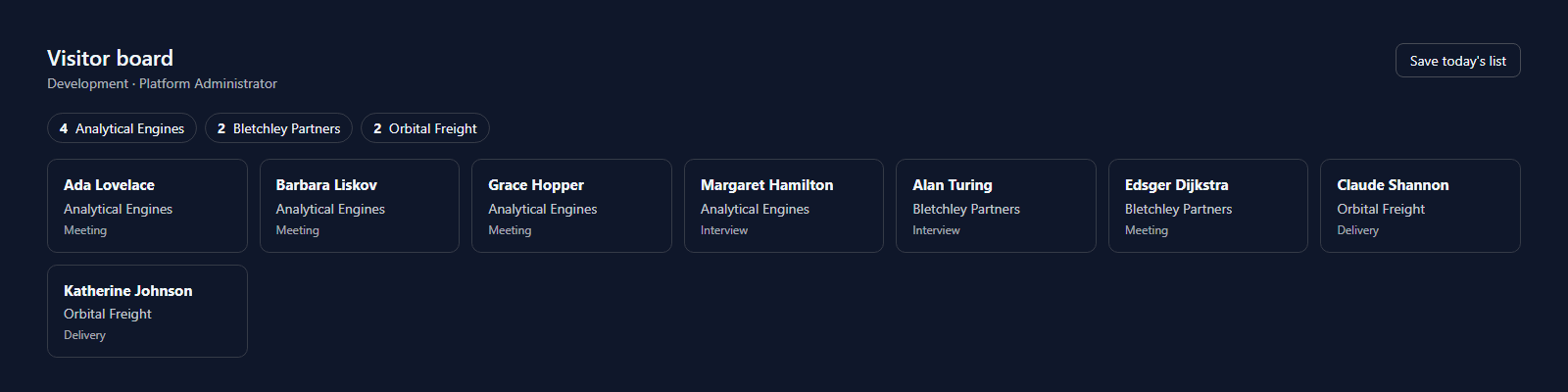
With both, the board has its totals across the top and a purpose on every card:
Keep today's list as a file
A file that belongs to no single record goes into object storage. The board builds a CSV and puts it in a bucket:
async function save() {
  const csv = ['name,company,purpose', ...rows].join('\n') + '\n';
  const day = new Date().toISOString().slice(0, 10);
  await runtime.storage.createBucket('nw-frontdesk');   // or returns the existing one
  const file = await runtime.storage.put('nw-frontdesk', `visitors/${day}.csv`,
    new Blob([csv], { type: 'text/csv' }), `${day}.csv`);
  runtime.log('info', 'Visitor list saved', { rows: rows.length });
  setSaved(`${file.bucket}/${file.key}`);
}
The app asks for storage in its parsware block, "requestedScopes": ["modelapps.read", "storage.write"], and only offers the button when it was granted:
const canSave = runtime.scopes.includes('storage.write');
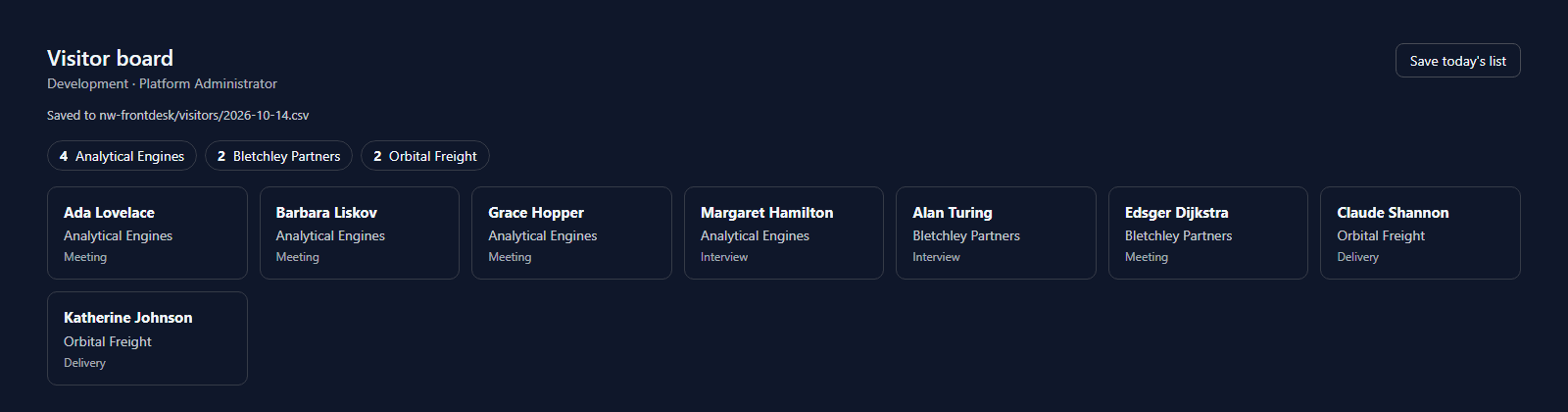
Version 1.1.0 packed and uploaded over the first one, Save today's list:
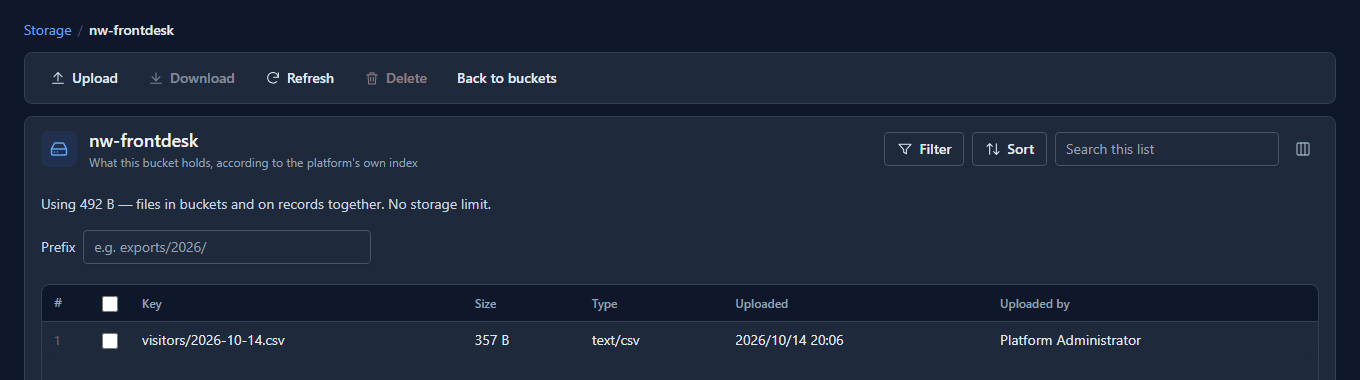
And under Storage in the Admin Control Center, the file is there, uploaded by the person who pressed the button:
And the log
runtime.log('info', 'Visitor list saved', { rows: 8 }) goes to the platform's log with the app
and the environment attached, where whoever supports the board can find it. The browser's console
is invisible to them. Never put record values or personal data in it.
What isn't there
Notifications. The SDK has no way to send one, so an app shouldn't try to fake one with a direct call to the platform's services. There's also nothing to read a token from, and nothing that reaches another environment: the runtime is bound to the one the app was opened in.
What we fixed
- The app was told it couldn't save files.
runtime.scopesis what the app asked for, narrowed to what the person's session holds, and a session held no storage scopes. So the board hid its button, while the same upload worked. Sessions now carrystorage.readandstorage.write, which people could already use from the Storage screen. - The help page for the SDK described an older SDK. It left out queries, saved queries, Custom APIs and storage, said storage wasn't available, and had an example that didn't compile. It's rewritten against what the SDK actually offers, in all seven languages.
Good to know
- A bucket belongs to your organisation, not to an environment. Put the environment in the key if Development's files and Production's must stay apart.
- Bucket names are shared with every other Parsware customer, as in S3, so pick one that's clearly yours.
- A file that belongs to one record goes on the record instead, with
runtime.data.uploadRecordFile, and is read and deleted with it.
Try it
Add something your own board needs: a saved query of your own run by name, the label of another choice column, or a file saved to a bucket. Then open the board as somebody whose role reads less, and see what changes.
Next: Build a custom control.