Parsware Platform
A support-ticket portal
One case, followed from both sides: a customer raises it on the portal, the support team answers it inside the platform, the customer replies with a photo, and the status says whose turn it is at every step. The customer and the team never share a screen, and each one sees only what is theirs to see.
The last three articles each looked at one piece of the Portal service desk sample: the rule, changing a case and the grid. This one follows a single case from start to finish, from both sides: the customer on the portal, and Northwind's support team in the Shell.
The customer raises it
Avery Brooks at Proseware has two chairs the wrong size, and raises a case from Raise a case:
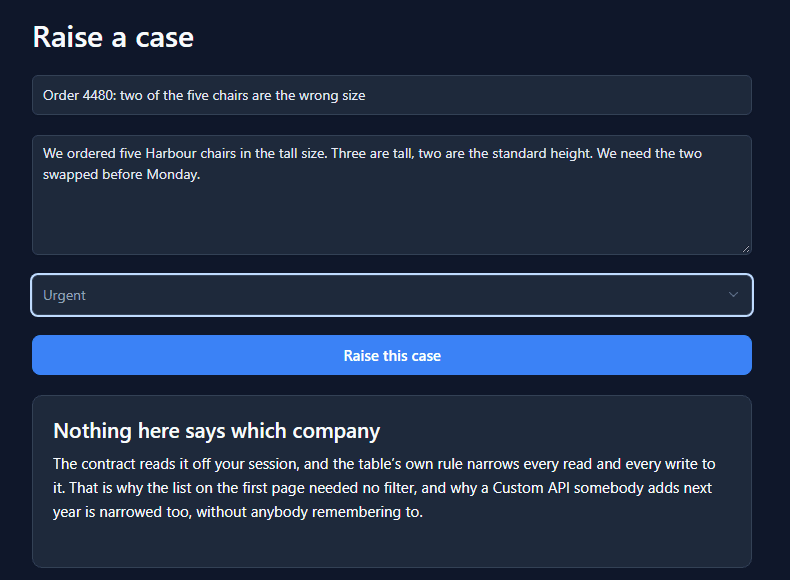
The form asks nothing about the company. The contract behind it reads the company off Avery's
session and refuses a par_customer from the page, so a case can only ever belong to the company
of whoever raised it.
The team sees it
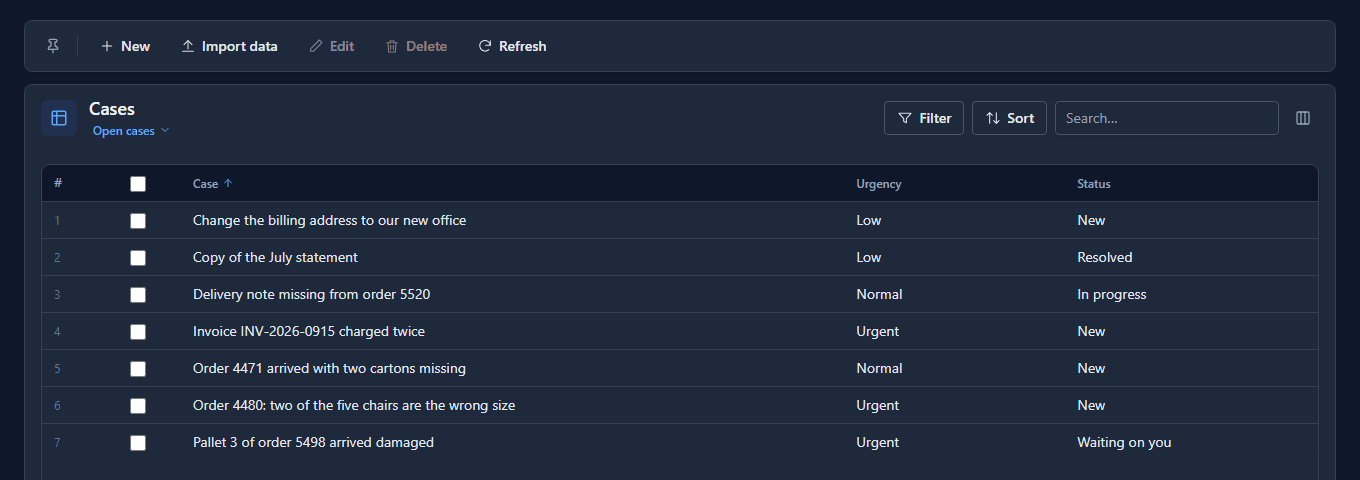
Inside, Northwind's people open the Service desk app. They see every company's cases, because the portal rule is for portal visitors and nobody else:
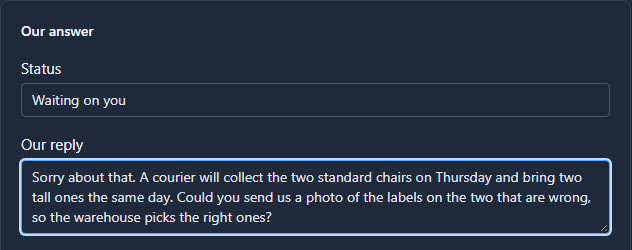
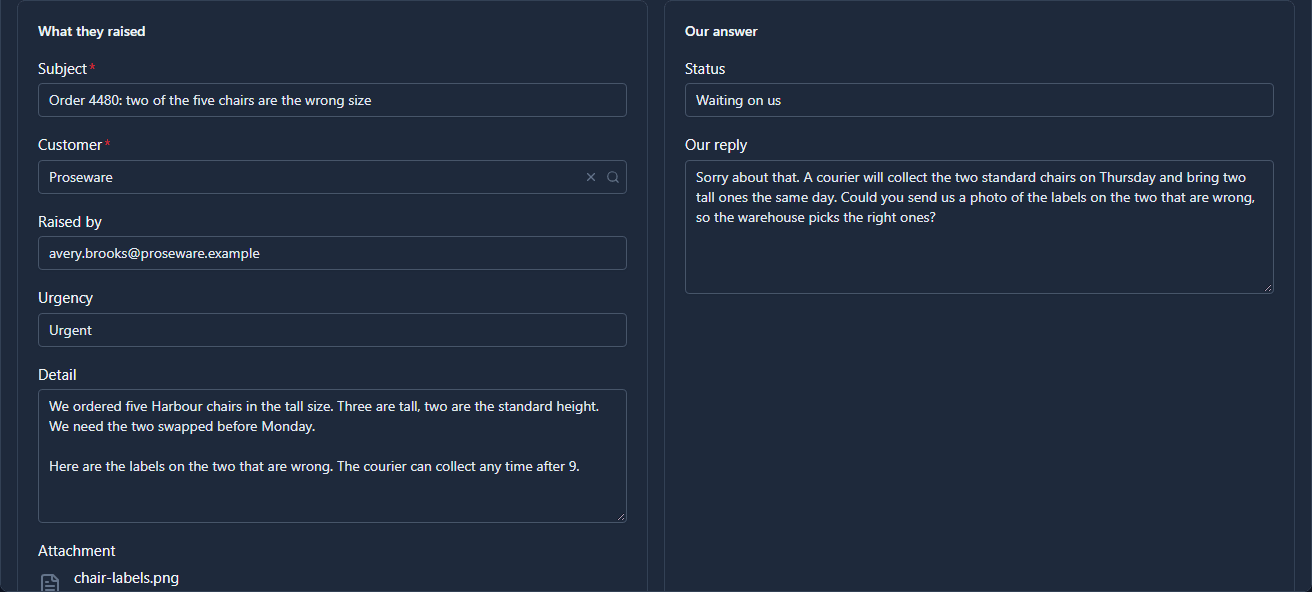
They open the chairs case. The form puts what the customer raised on the left and the team's half on the right: a Status and Our reply. They ask for a photo and set the status to Waiting on you:
The customer reads the answer
Back on the portal, Avery opens the case. The status has changed, and the reply is there under Northwind replied:
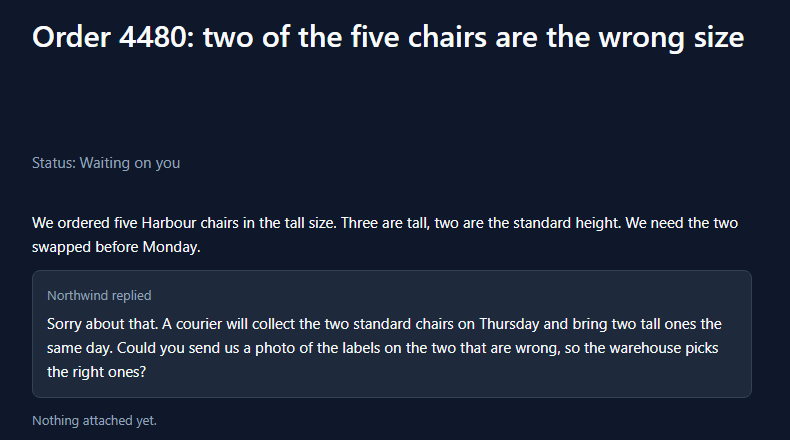
No Custom API writes Our reply. The change a visitor can send refuses it, the same way it refuses the status, so only your own people can put words in Northwind's mouth. The portal only reads it.
And answers it
Avery adds a note and a photo of the two labels, and presses Save changes:
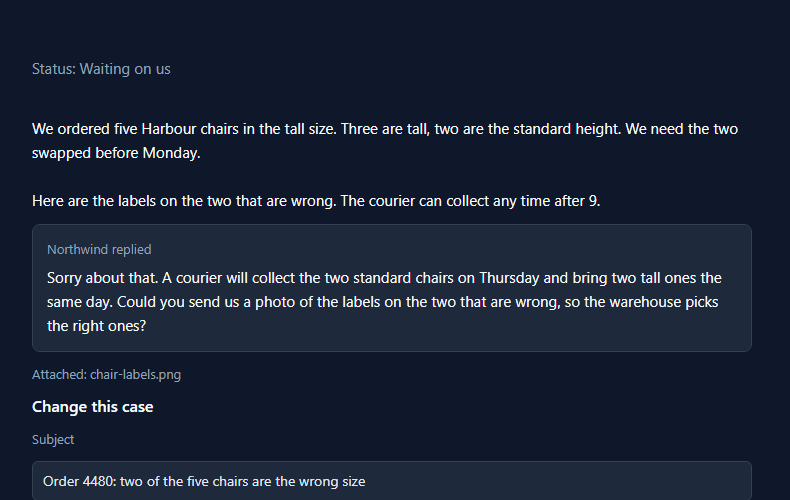
The status moved to Waiting on us. Avery didn't send that, and couldn't: the contract moves it when a customer adds a note or a file to a case that was waiting on them.
par_status: found.par_status == 'Waiting on you' && (!isEmpty(note) || !isEmpty(file))
  ? 'Waiting on us' : found.par_status
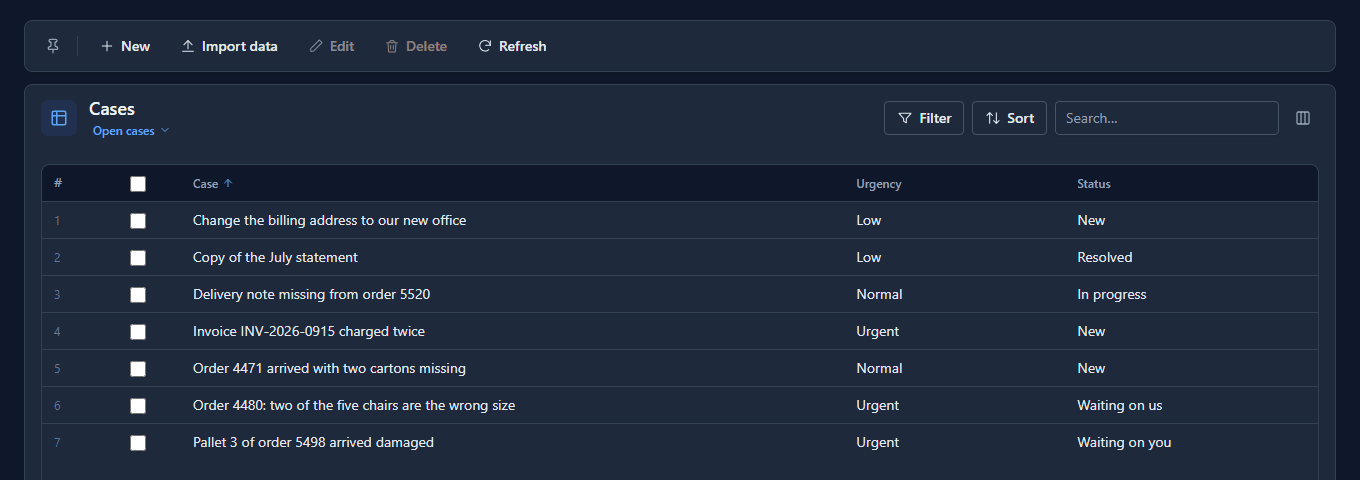
Whose turn it is
The team's list says so without anyone opening a case:
Open it, and Avery's note is under what they first wrote, with the photo on the Attachment field:
What each side can do
| The customer, on the portal | The team, in the Shell | |
|---|---|---|
| Raise a case | yes, for their own company | yes, for any |
| Change the subject and urgency | yes | yes |
| Add a note or a file | yes | yes |
| Set the status | no, the contract moves it | yes |
| Write the reply | no | yes |
| See other companies' cases | no | yes |
The left column is four Custom APIs and one rule on the table. The right column is the team's security role. Neither knows about the other.
What we fixed
- The team had no way to answer. A customer could raise a case and Northwind could read it, and that was the whole conversation. The case now has Our reply, a main form that puts both halves side by side, and a reply box on the portal.
- The team couldn't read the customer's notes. Detail was a one-line text box inside, so each note added under the first paragraph was out of sight. It's multi-line text now, shown six lines tall. If you imported the earlier sample, delete the Detail field before importing this one: a solution can't change a field's type, and the import says so.
- The status didn't move when the customer answered. It stayed Waiting on you after they had.
Try it
Import samples/solutions/portal-sign-in-kit, then samples/solutions/portal-service-desk, and
publish Service desk. Raise a case on the portal. Answer it in the Service desk app with a
reply and Waiting on you. Then reply from the portal with a file, and watch the status come back.
Next: Visitors who run their own company.