Parsware Platform
Pages and navigation
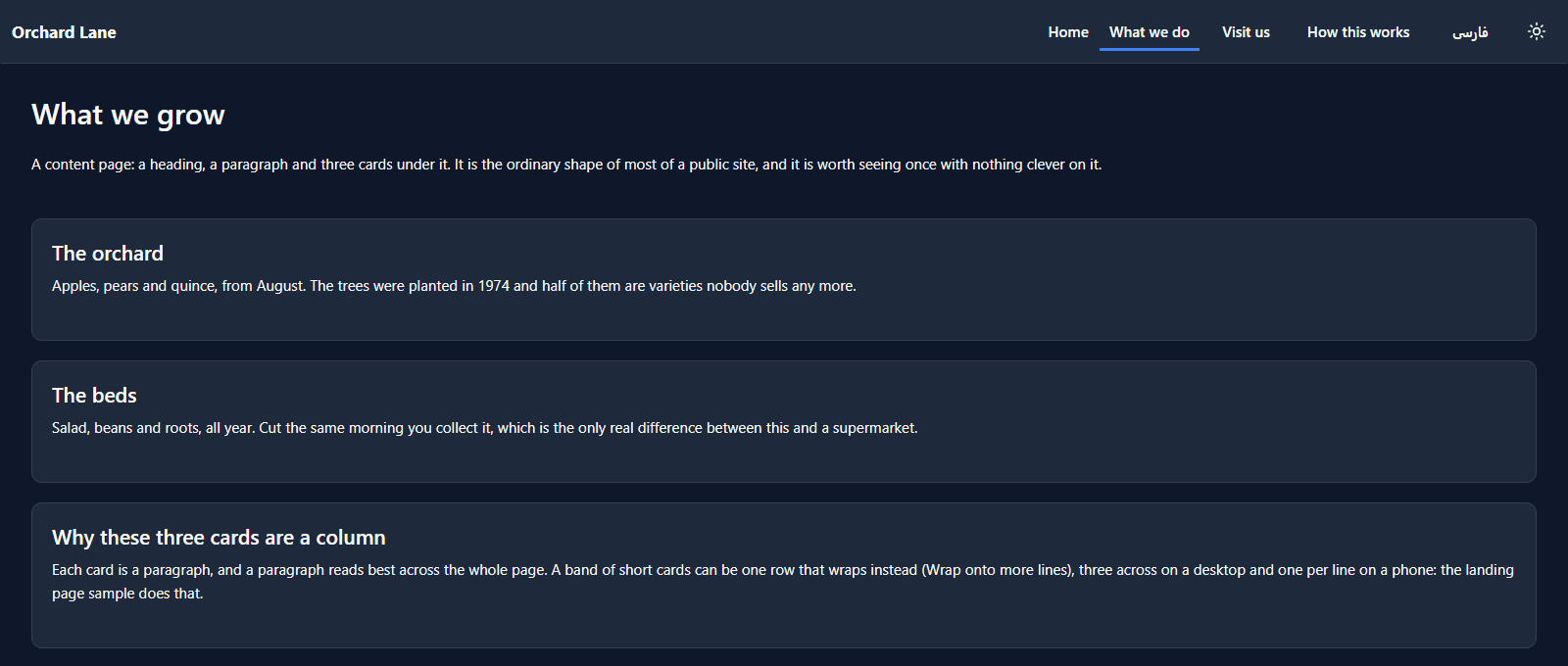
A public site is several pages, one bar and a menu that follow you between them, and here a carousel and a second language too. We published the Orchard Lane sample, moved between its pages in English and Persian, and opened it in the designer to see the bar that knows which page it's on and the carousel that tells the page when to move on.
Most public sites are the same shape: a bar across the top, a handful of pages it moves between, a
menu on a phone, and content. This article builds that shape from the Portal pages and navigation
sample, samples/solutions/portal-pages-and-navigation: Orchard Lane, a market garden's site with
four pages, a carousel, and every word in English and Persian.
It reads no table and calls no Custom API, and its portal is set to Anyone, so there's no sign-in. Publish it the way Publish an app as a portal shows, and open the address.
Four pages and one bar
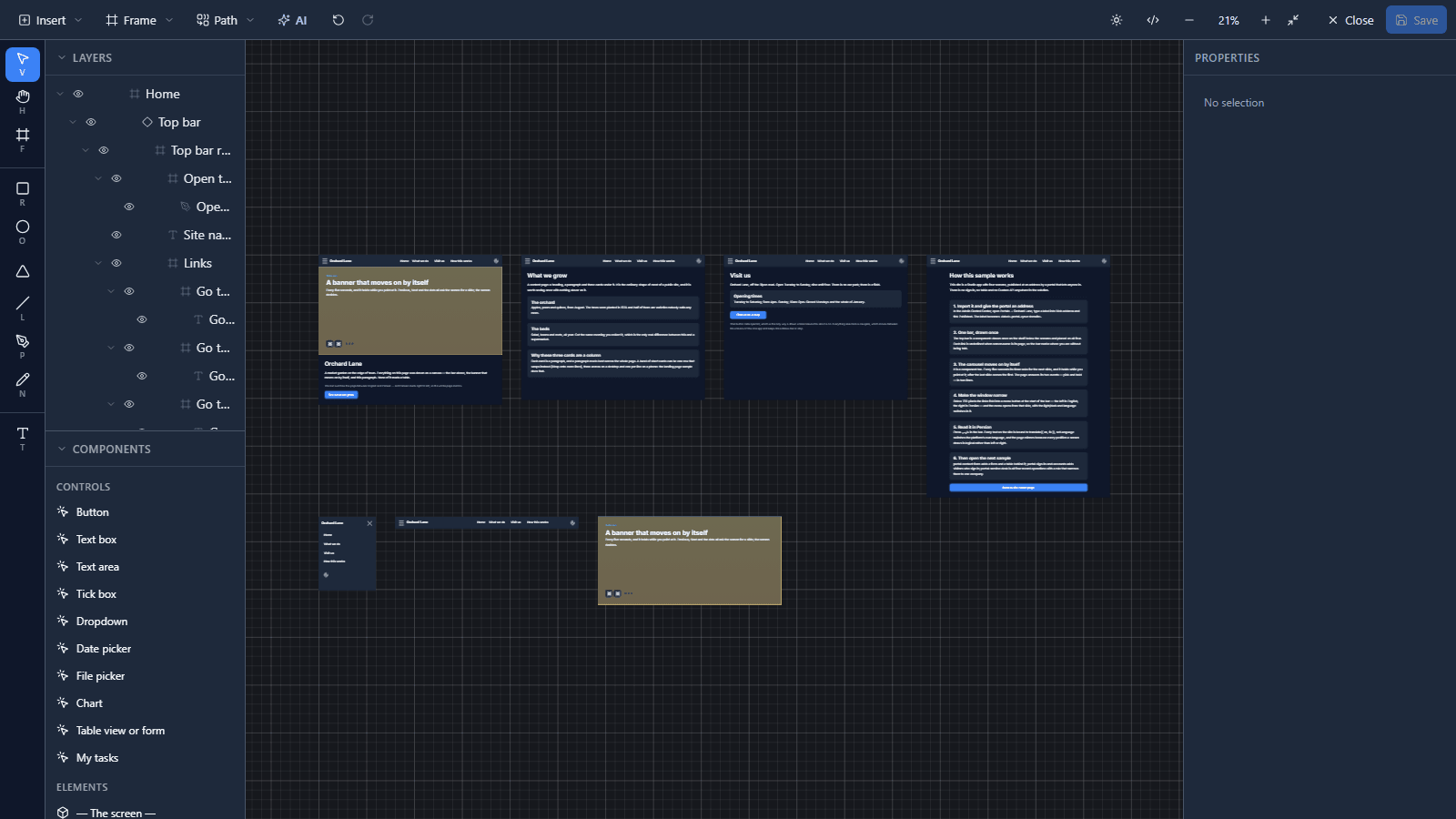
In the designer, the four pages sit side by side, and three components sit on the shelf under them: the phone menu, the top bar and the carousel.
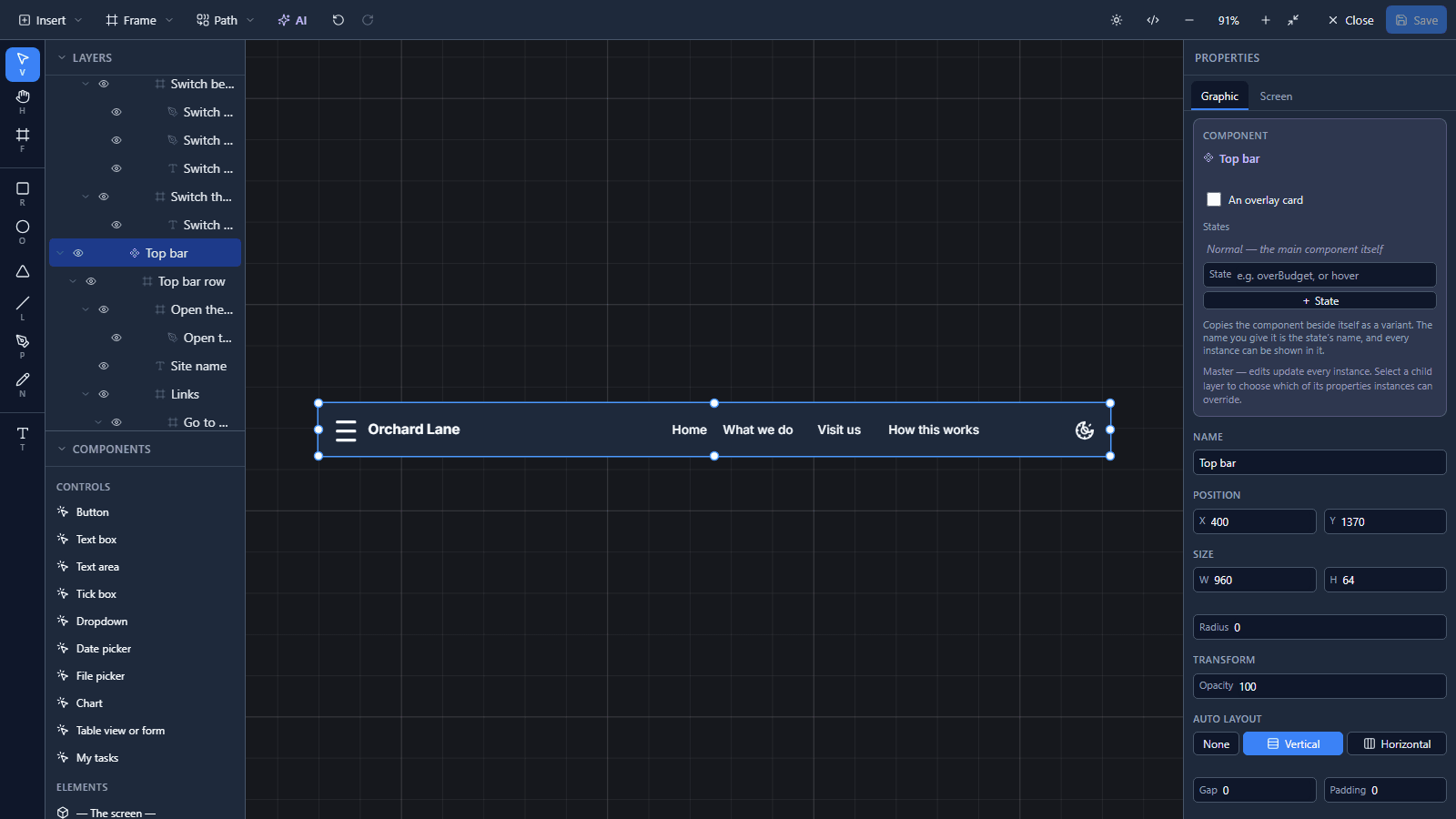
The bar is drawn once. Every page places an instance of it, so a fifth page gets the same bar by placing it, and a change to the master reaches all of them:
Each link knows where it goes, and where you are
A link has two lines of code. Pressed moves to the page:
navigate("What we do");
The page's name goes into the address bar (/What%20we%20do), so Back, Forward and a pasted link
all land where they say. Chosen says whether this link is the page you're on:
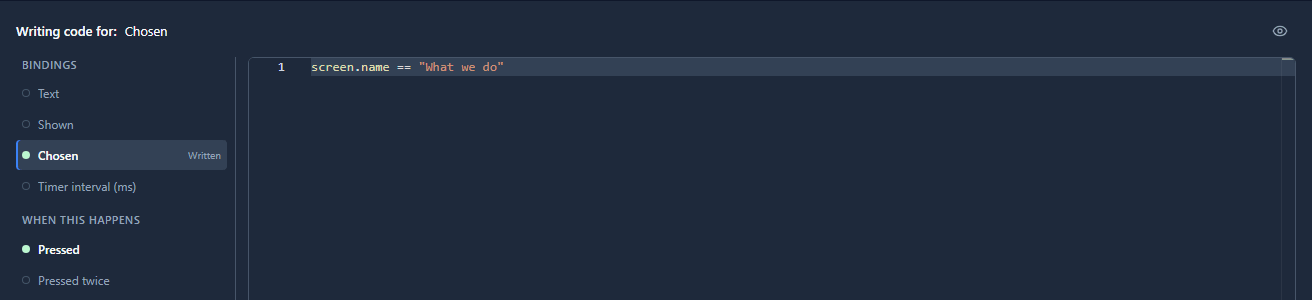
The links' row does the painting: it underlines the chosen link in the accent colour and lights
whichever one is under the pointer. Nobody has to tell the bar which page it's on, because it reads
screen.name:
Two languages, one line each
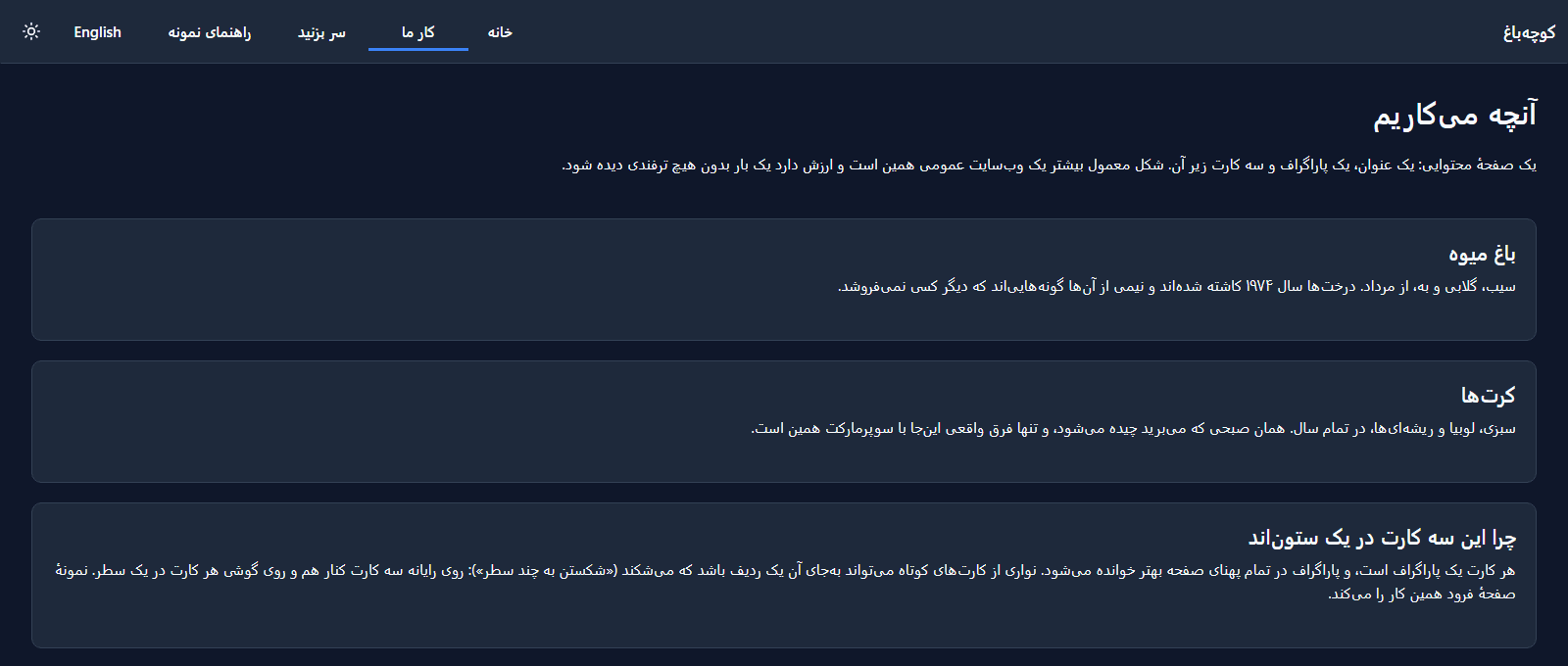
Every text on the site is bound to both languages at once:
translate({ en: "What we grow", fa: "آنچه میکاریم" })
The language switch in the bar calls setLanguage, which is the platform's own setting, so the
choice is remembered. And because a Studio screen positions everything by start and end
rather than left and right, Persian mirrors the whole page without a second drawing:
A carousel: properties in, events out
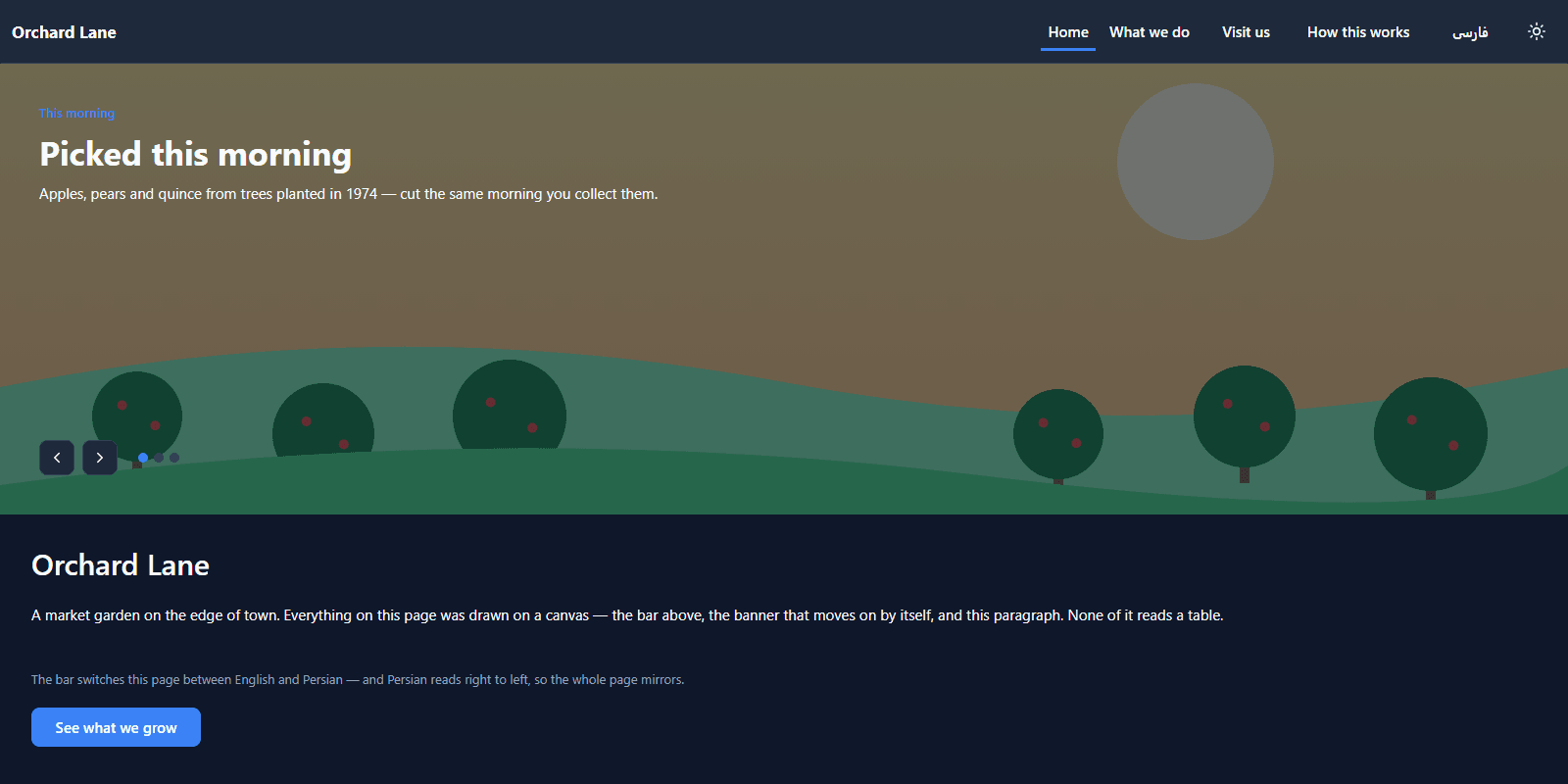
The carousel moves on every five seconds, holds while you point at it, and comes back round after the last slide:
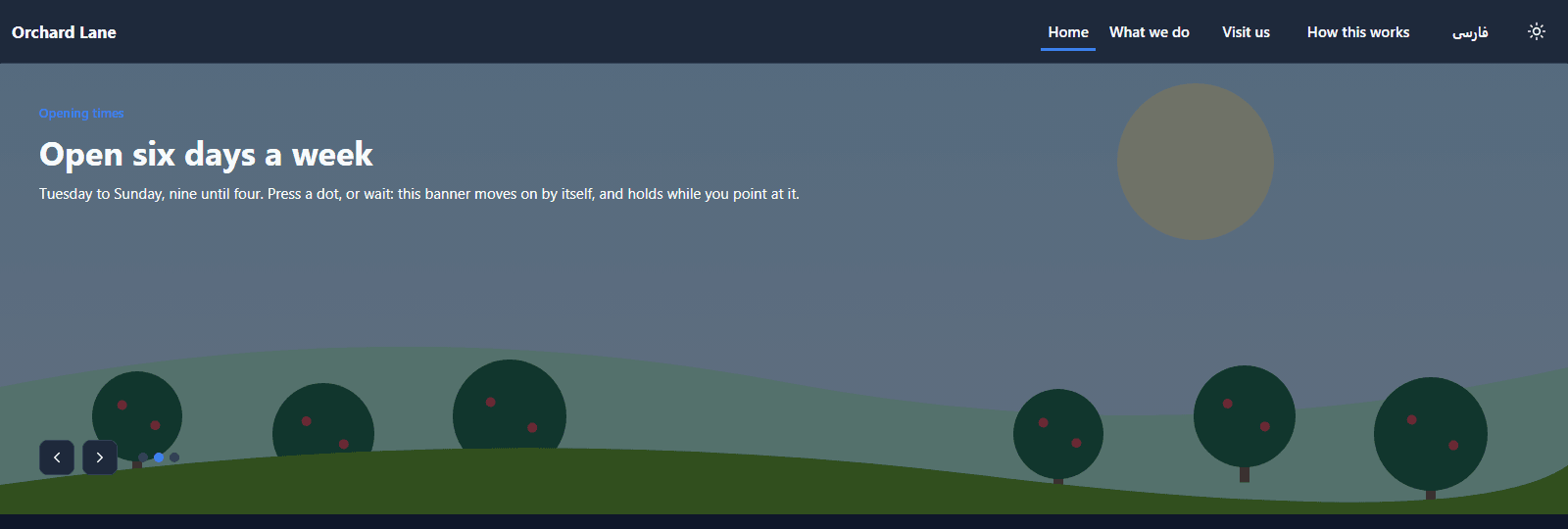
It's a component, and it doesn't decide which slide to show. The page does. The page passes it two properties:
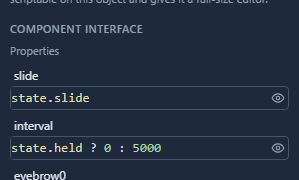
and answers the two events it raises:
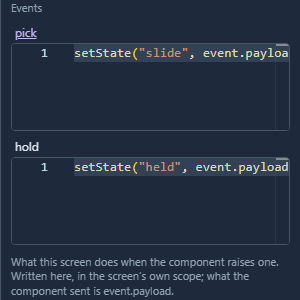
Inside the component, a timer on its root runs emit("pick", (props.slide + 1) % 3) every
interval milliseconds, and an interval of zero stops it. The chevrons and dots raise pick too;
pointing at the banner raises hold. The page keeps the state, so the same carousel can sit on any
page, in any app, and do what that page says.
On a phone
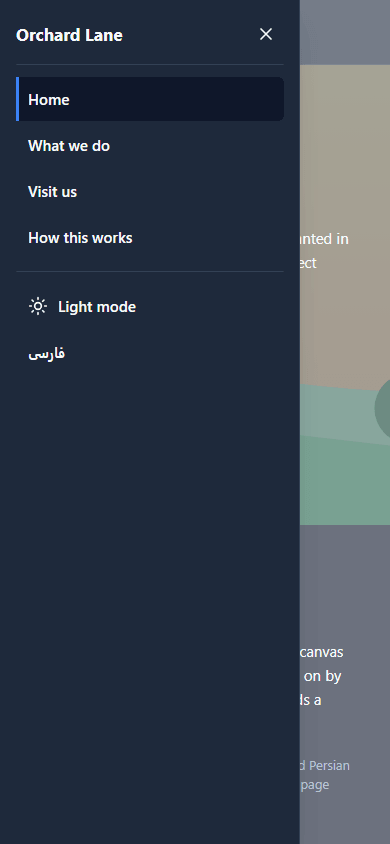
Below 720 pixels the links fold into a menu button at the start of the bar, which is the left in English and the right in Persian. The menu opens from that side, with the page you're on marked and the two switches under the pages:
What we fixed
- A page told visitors something that stopped being true. The third card on What we do explained that a row keeps its children side by side at every width, so these samples are built out of columns. Rows can wrap now (A landing page relies on it). The card now says why these three are a column, because each is a paragraph, and that a band of short cards can wrap instead. In both languages.
Try it
Import samples/solutions/portal-pages-and-navigation, publish Orchard Lane, wait five seconds on
the home page, then point at the banner and wait again. Press فارسی, then narrow the window.
Next: A contact form.