A report in English and Arabic
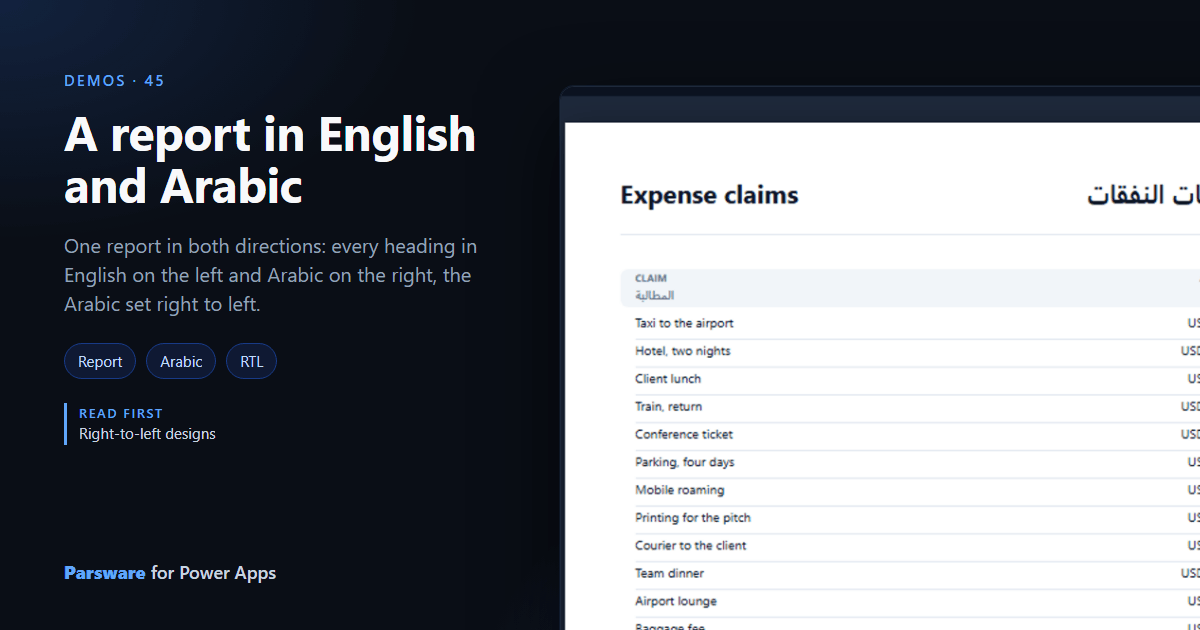
One report in both directions: every heading in English on the left and Arabic on the right, the Arabic set right to left.
A report read by English and Arabic speakers is usually printed twice. This demo prints both on one page: Demos → Expenses in English and Arabic.
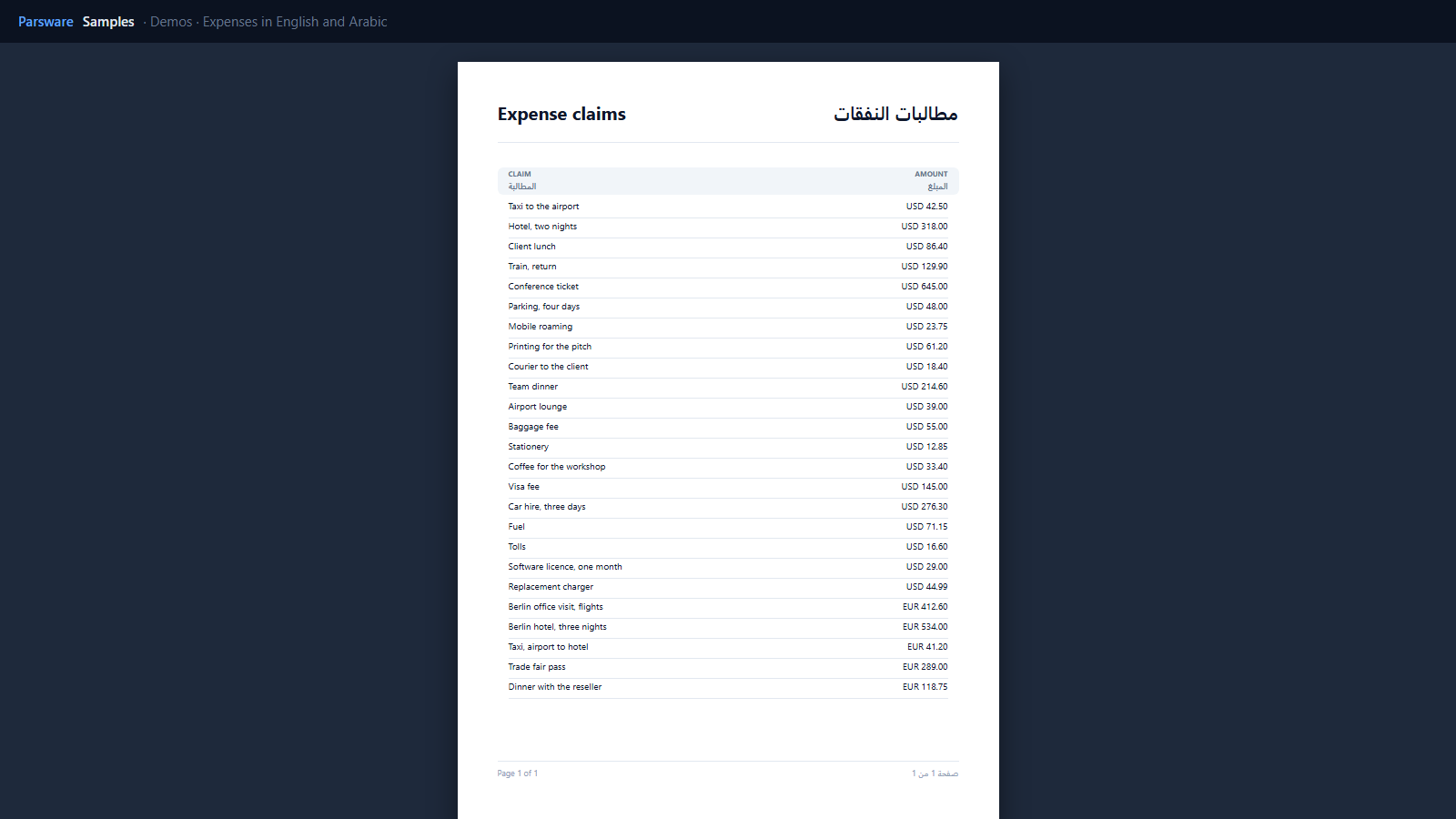
Each text says which way it runs
The title and every heading are drawn twice: the English left-aligned, the Arabic right-aligned with its direction set to right to left. Direction is a property of each text in a report, so a page can hold both. The Arabic reads correctly, its punctuation on the right side, and numbers inside it stay in order.
The footer does the same with the page number:
concat('صفحة ', pageNumber, ' من ', pageCount)
The data stays as it is
The claims themselves are printed once, as entered. A bilingual report translates its labels, not its data.
For a report entirely in one right-to-left language, see Right-to-left designs.
Try it
- Install the three Parsware for Power Apps solutions, samples included (Install it).
- Open Sample data and press Replace, so the newest columns are filled (The samples, and sample data).
- Open Demos → Expenses in English and Arabic.
The pictures show the shipped report laid out on demo data by Parsware’s report engine. In Power Apps it opens in the app, from the navigation or a form.