Due this week
Every case due in the next seven days, grouped by the day it falls due, with the overdue ones on top.
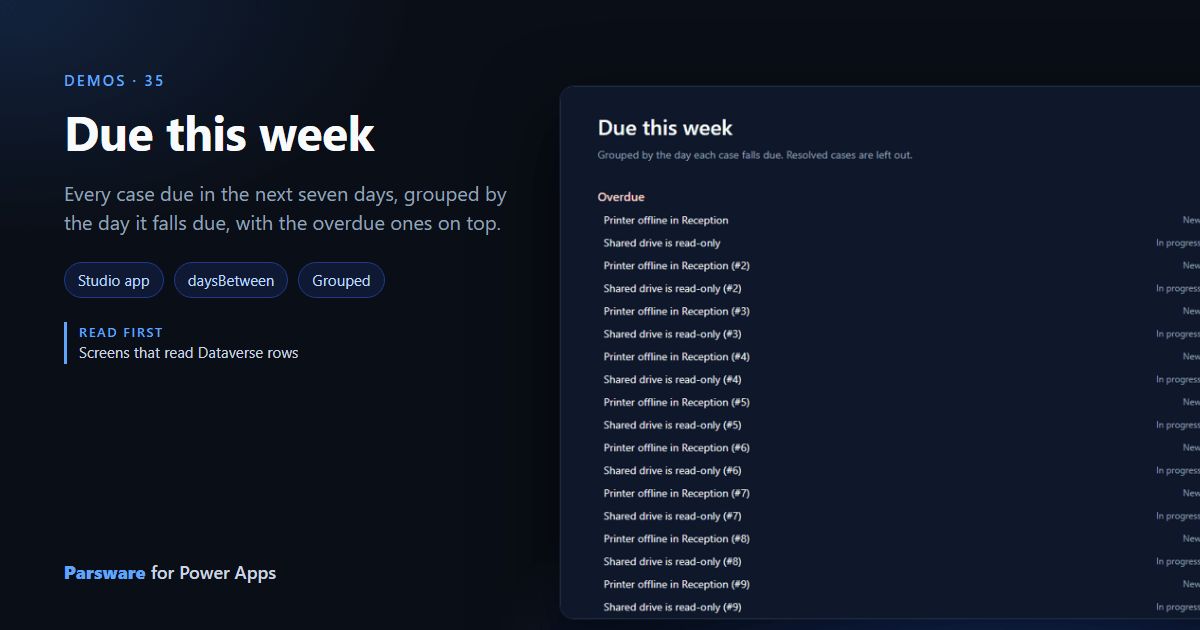
What is due this week? A view filtered by date gives a list. This demo groups it by day, with the late ones first: Demos → Due this week.

One list, eight groups
The page reads the cases once, ordered by due date. Each group is a repeater over the same rows, and each row is shown only in its own group, by the days from today to its due date:
text(row.par_due) != "" && row.par_stage != "Resolved" && daysBetween(today(), row.par_due) == 1
for Tomorrow, < 0 for Overdue, and so on to six days out. Resolved cases are left out.
Nothing is copied between groups: one list in the page’s state, drawn eight times, each showing
its part. today() and daysBetween() are new, and count calendar days in the reader’s own
time zone.
Try it
- Install the three Parsware for Power Apps solutions, samples included (Install it).
- Open Sample data and press Replace, so the newest columns are filled (The samples, and sample data).
- Open Demos → Due this week. The sample due dates are set from the day you fill them.
The pictures show the shipped design running on demo data in Parsware’s own runtime. In Power Apps it is a page of the model-driven app, with the app’s own dialog and side pane.