Expenses on a phone
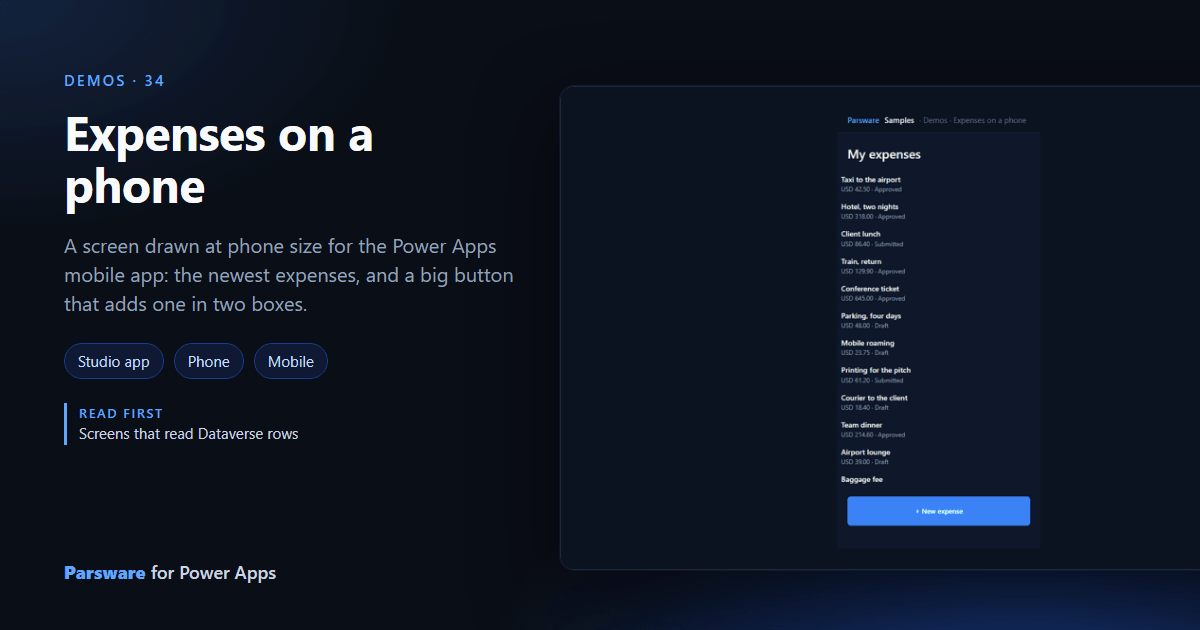
A screen drawn at phone size for the Power Apps mobile app: the newest expenses, and a big button that adds one in two boxes.
A model-driven form on a phone is the desktop form, squeezed. This demo is drawn for a phone, 390 pixels wide: Demos → Expenses on a phone, opened in the Power Apps mobile app.
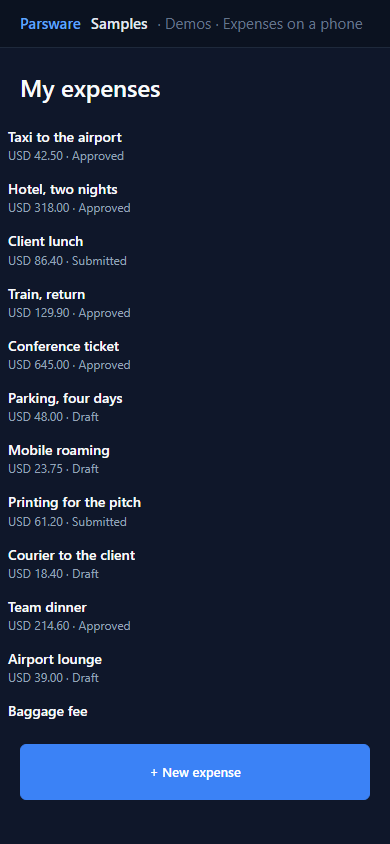
Drawn for a thumb
The list is a repeater of the twenty newest expenses. The button is the full width of the screen and 56 pixels tall, where a thumb lands. It opens a card with two boxes, drawn on the same screen:
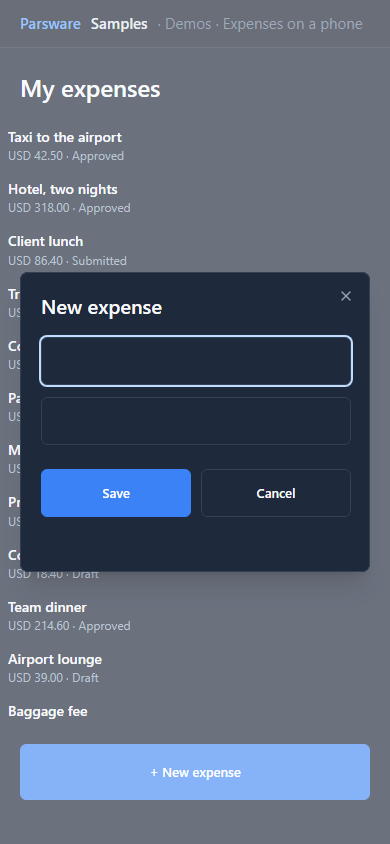
Save checks both boxes and writes a draft:
if (state.quick.name == "" || num(state.quick.amount) <= 0) {
  notifyError("A name and an amount, please.");
} else {
  createRecord("par_expense", { par_name: state.quick.name, par_amount: num(state.quick.amount), par_currency: "GBP", par_status: 100000001 });
  notify("Saved as a draft.");
  closeModal();
}
then reads the list again. Everything else about the expense can be filled in later at a desk.
Try it
- Install the three Parsware for Power Apps solutions, samples included (Install it).
- Open Sample data and press Replace, so the newest columns are filled (The samples, and sample data).
- Open Demos → Expenses on a phone in the Power Apps mobile app.
The pictures show the shipped design running on demo data in Parsware’s own runtime. In Power Apps it is a page of the model-driven app, with the app’s own dialog and side pane.