A contact directory
Contacts as cards, with a search box that filters them as you type.
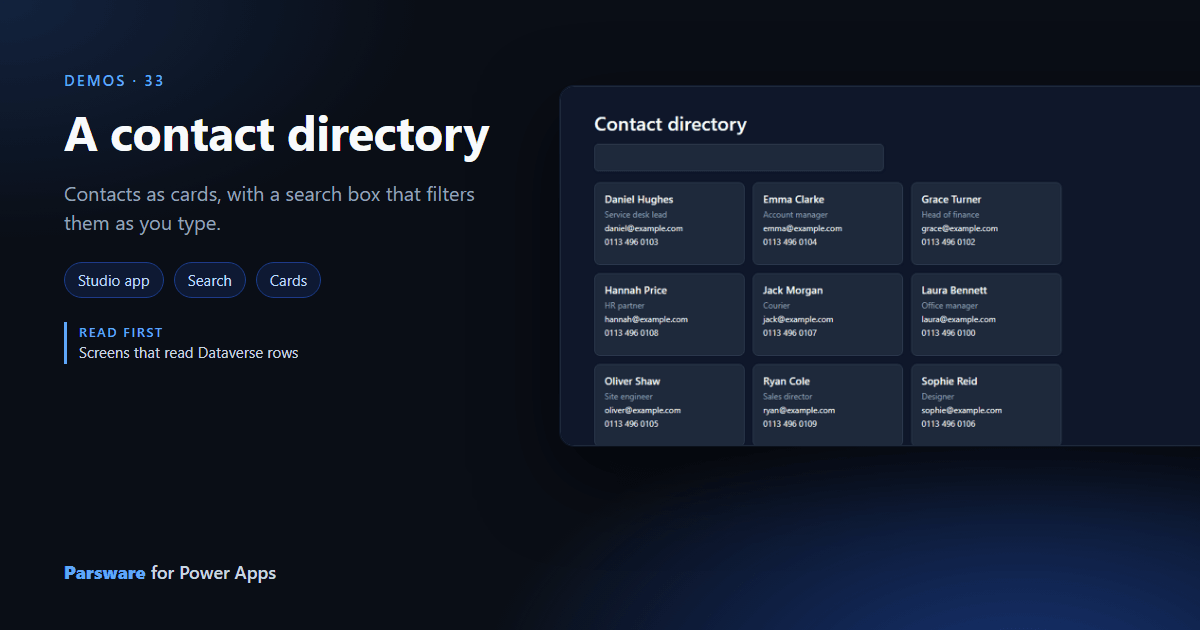
The contacts grid is a table of columns. A directory is cards you can scan, with a search box on top. This demo reads the ordinary Contact table: Demos → Contact directory.
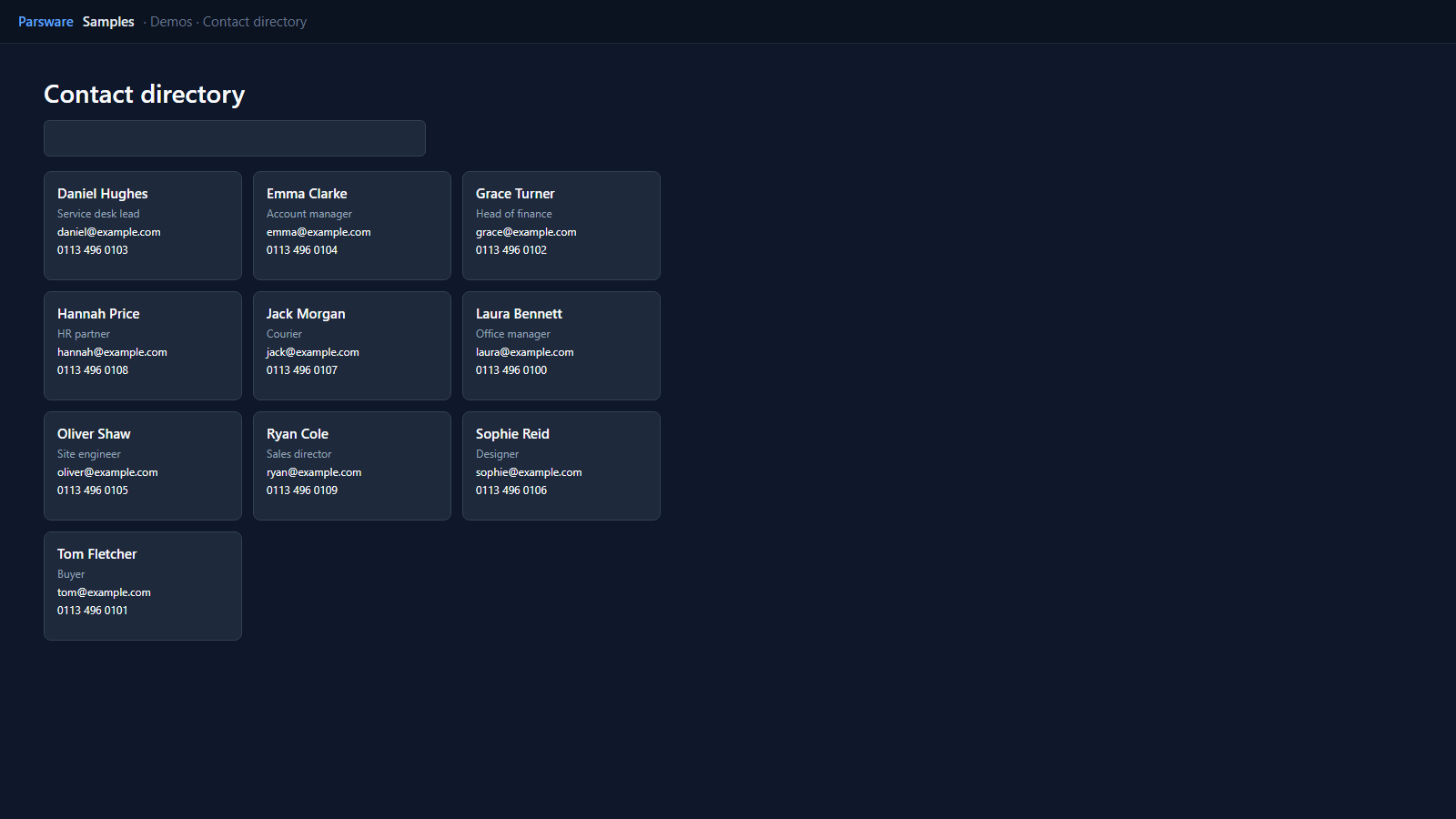
Search as you type
The search box is bound to state.search, and its Value changed handler reads the contacts
again with contains, which Dataverse runs as a filter:
loadRecords("contact", "people", {
  contains: { fullname: state.search },
  orderBy: "fullname",
  top: 24
});

The cards are a repeater laid out to wrap, so they fill the width at any window size. Each card
reads its row: row.fullname, text(row.jobtitle), text(row.emailaddress1).
text() turns an empty column into nothing rather than a gap.
Try it
- Install the three Parsware for Power Apps solutions, samples included (Install it).
- Open Sample data and press Replace, so the newest columns are filled (The samples, and sample data).
- Open Demos → Contact directory. It shows your environment’s own contacts.
The pictures show the shipped design running on demo data in Parsware’s own runtime. In Power Apps it is a page of the model-driven app, with the app’s own dialog and side pane.