The same panel in Arabic and Persian
One drawing on the expense form that reads in English, Arabic or Persian, whichever the reader uses, and mirrors itself for right to left.
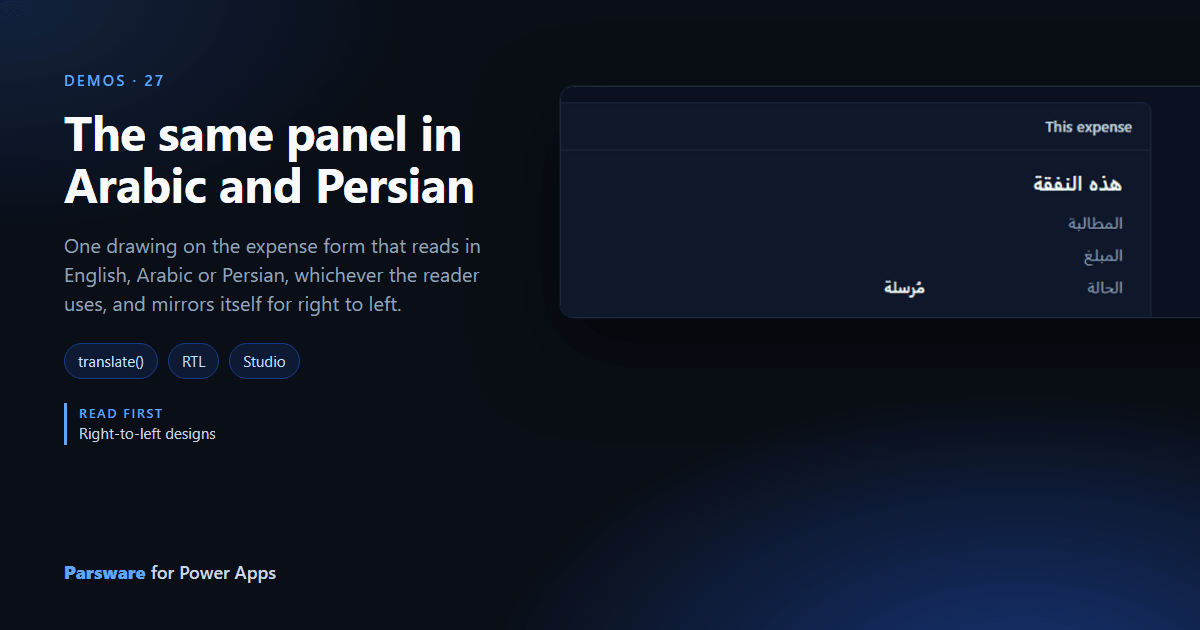
A panel that has to be read in three languages usually becomes three panels. This demo is one, on the expense form, in English, Arabic or Persian.
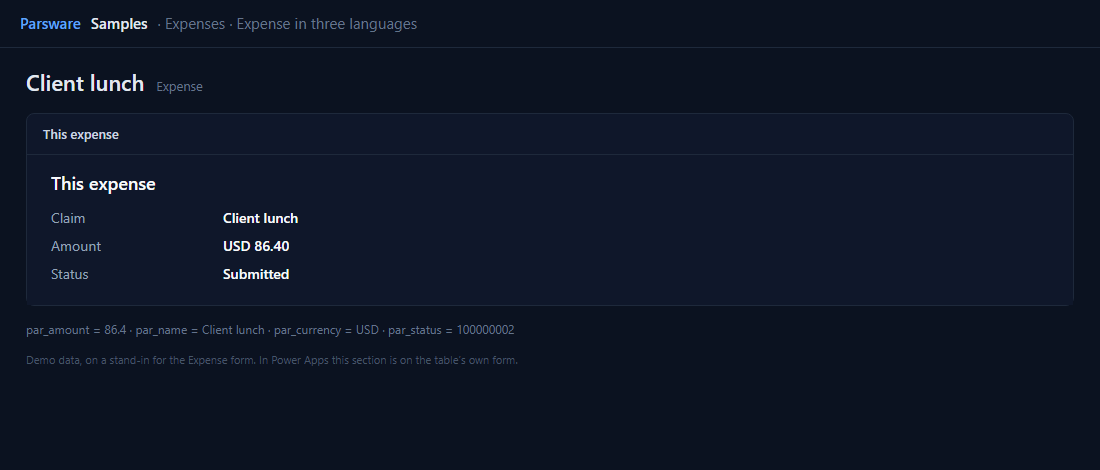
Every language beside the English
Each label is translate(...) with all three languages side by side, so changing the English
puts the Arabic and Persian in front of you:
translate({ en: "Amount", fa: "مبلغ", ar: "المبلغ" })
The values come from the expense’s columns. The status, a choice, is read as its option’s number and turned into words the same way.
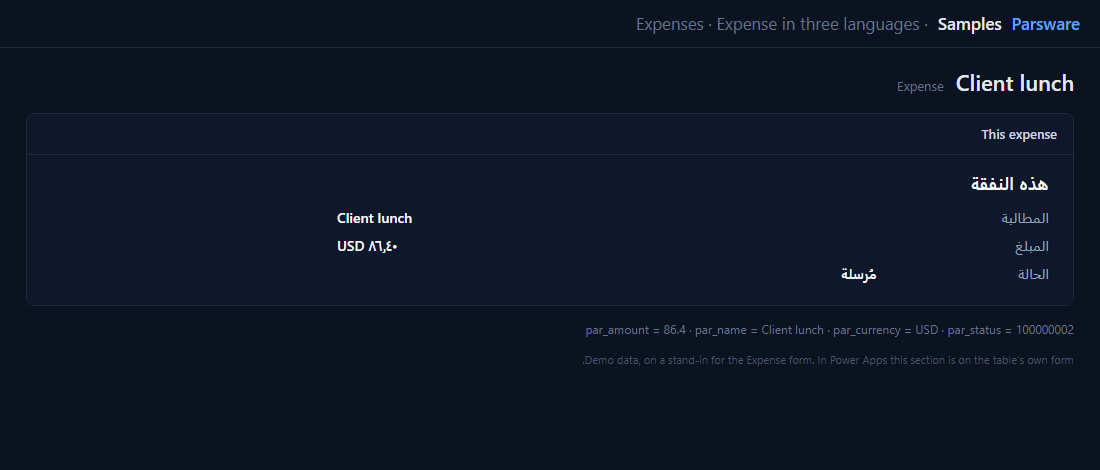
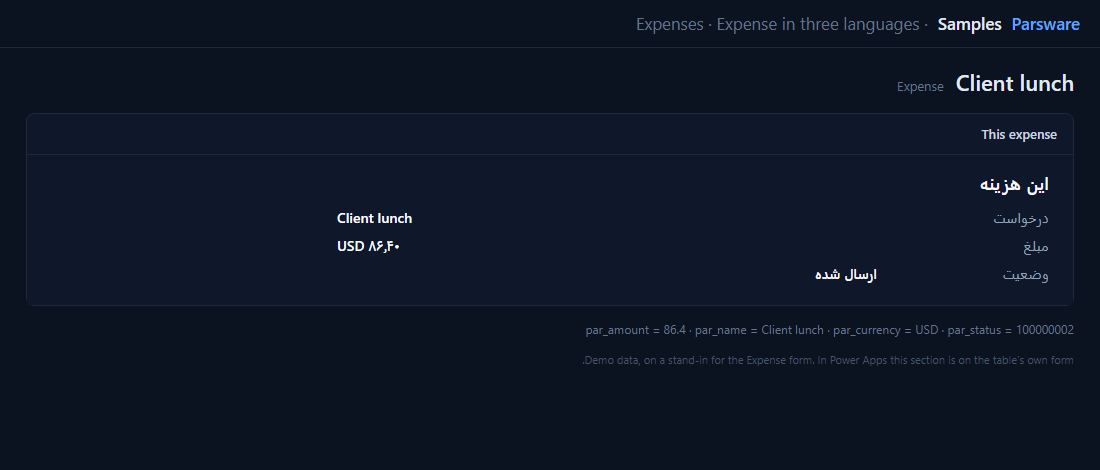
Nothing is drawn twice. In Arabic or Persian the panel mirrors itself, because positions on a
drawn screen are start and end rather than left and right, and format writes the amount in
the reader’s digits (Right-to-left designs).
Try it
- Install the three Parsware for Power Apps solutions, samples included (Install it).
- Open Sample data and press Replace, so the newest columns are filled (The samples, and sample data).
- Open an expense. In three languages is a section on the form; switch your Power Apps language to see it change.
The pictures show the shipped design running on demo data in Parsware’s own runtime. In Power Apps the form, the side pane and the dialog are the app’s own.