A checklist of child rows
A case’s tasks as a checklist on the case form. Tick one and the task is done, written straight away, and the count follows.
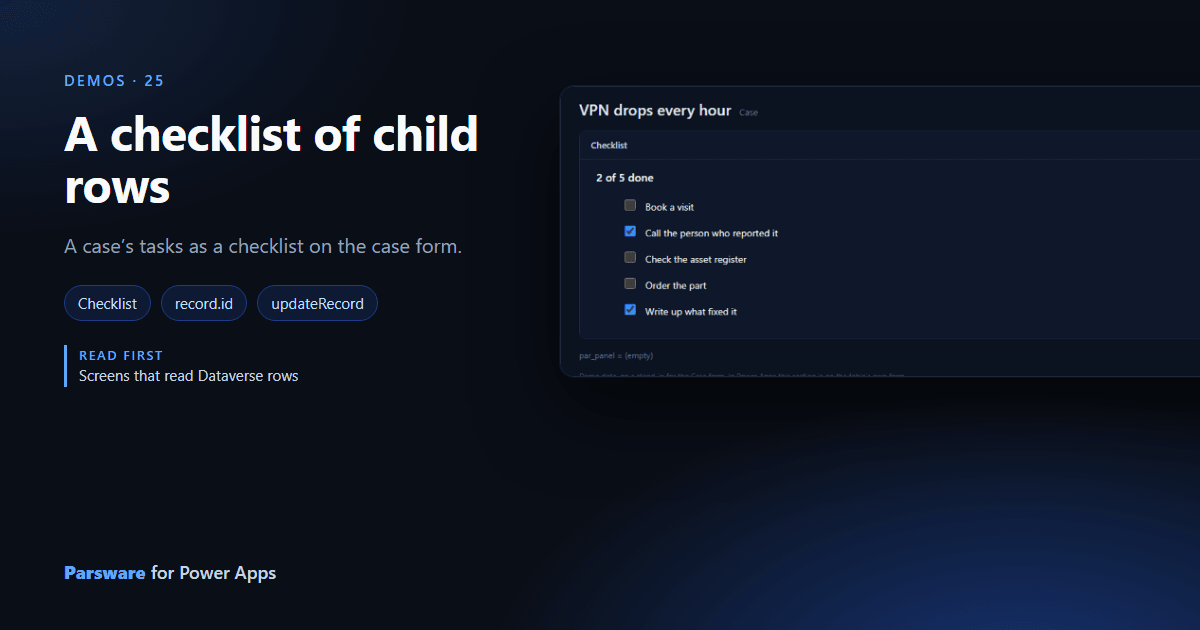
A list of tasks is more use as a checklist. This demo shows a case’s tasks on the case form with a tick box each.
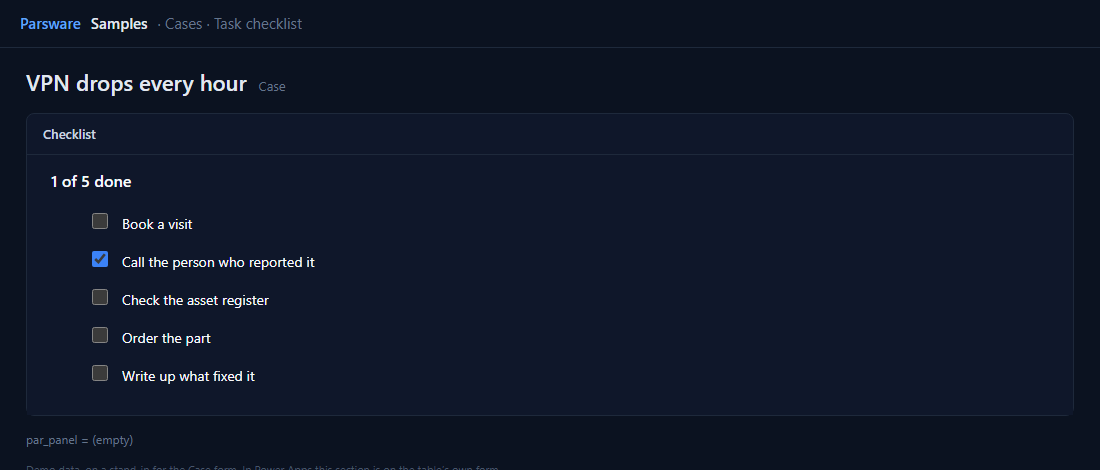
A tick is a write
The list is the case’s tasks, read by record.id. Each row has a tick box bound to the row’s
Done column, and its Value changed handler writes the opposite straight to the task:
updateRecord("par_casetask", row.id, { par_done: !row.par_done });
then reads the tasks and the count again, so 2 of 5 done follows.
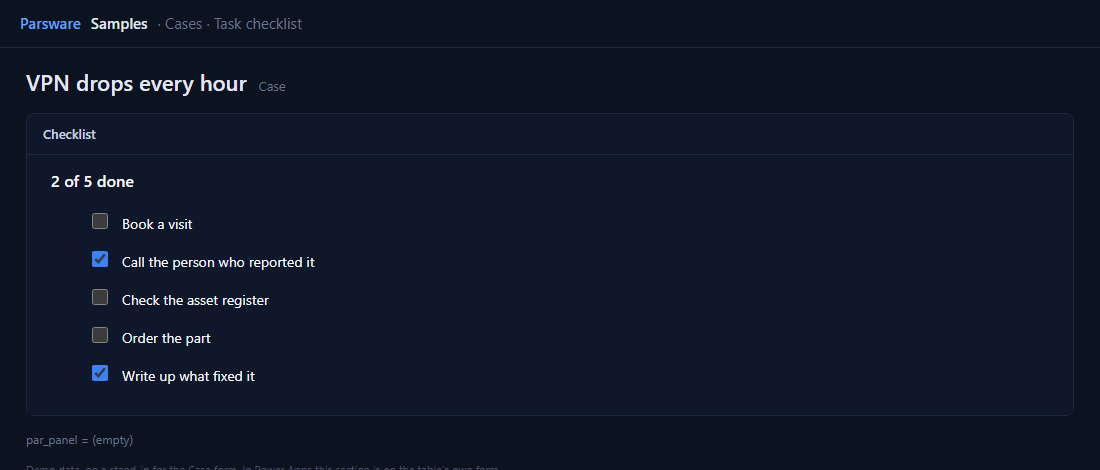
Unlike a drawn field, this writes the task, a different row, so it saves at once rather than with the case. That is why the form shows no unsaved changes after a tick.
Try it
- Install the three Parsware for Power Apps solutions, samples included (Install it).
- Open Sample data and press Replace, so the newest columns are filled (The samples, and sample data).
- Open one of the older cases. Checklist is on the Panels tab.
The pictures show the shipped design running on demo data in Parsware’s own runtime. In Power Apps the form, the side pane and the dialog are the app’s own.