Everyone sees their own job
Who at your club can change the prices, and who can see the takings? Here is a demonstration club where the desk, the café till, an instructor and the manager each sign in to the same app and each see their own job: nothing missing, and nothing they shouldn't touch.
Who at your club can change the prices? And who can see the takings?
At a lot of clubs, the whole team shares one login. Everybody sees everything, and anybody can change anything. Or it's locked down so tight that the desk rings the manager for every little thing.
Here's a demonstration club on Parsware, with three sites: a leisure centre, a tennis club and a football centre. The screens are the real application, and the people and the data are made up for the demonstration. Everyone signs in as themselves, and the app shows each of them their own job.
Sophie, on the front desk
Today's figures, customers and members, bookings, the timetable, and the till. Everything the desk needs.
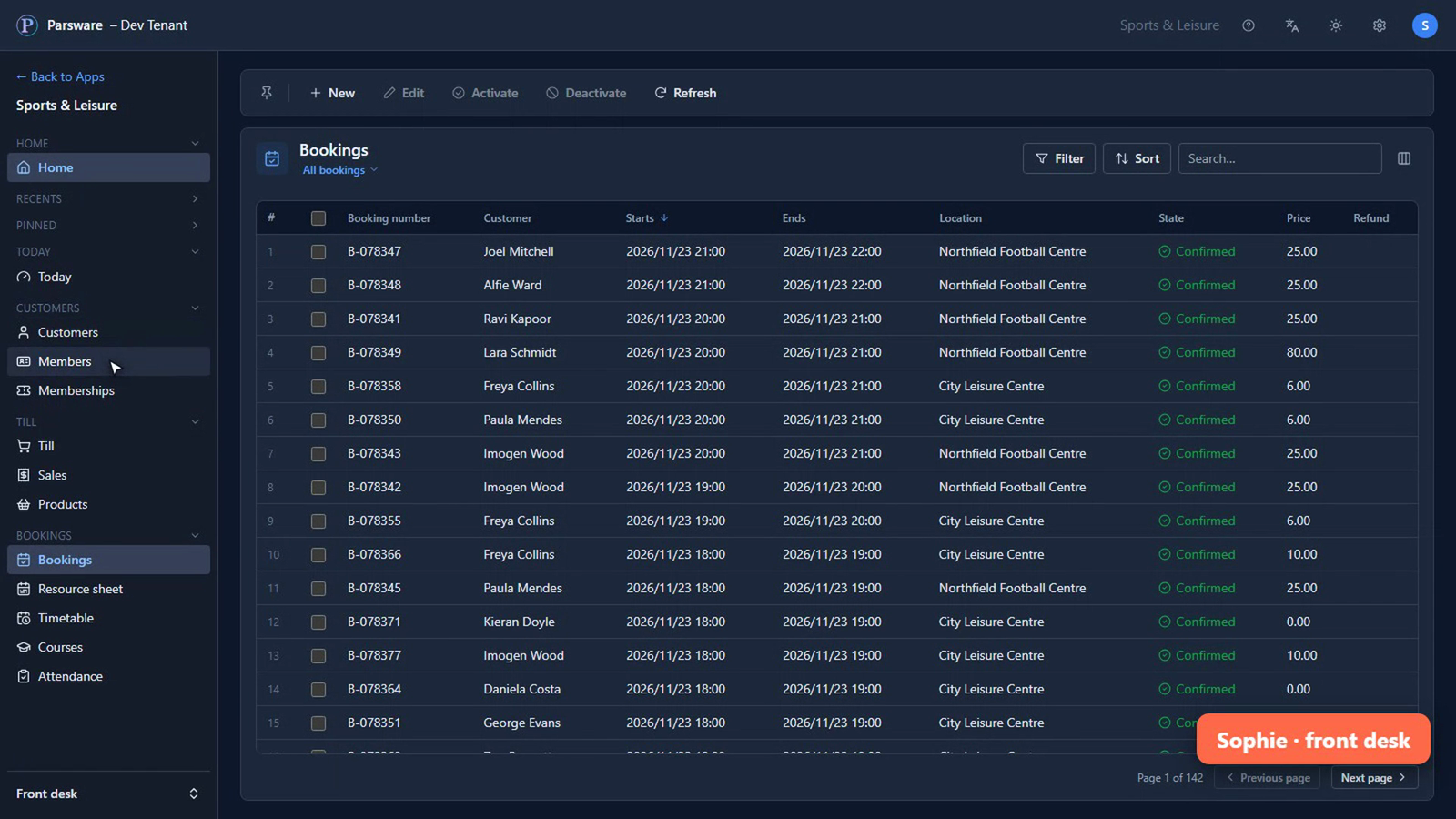
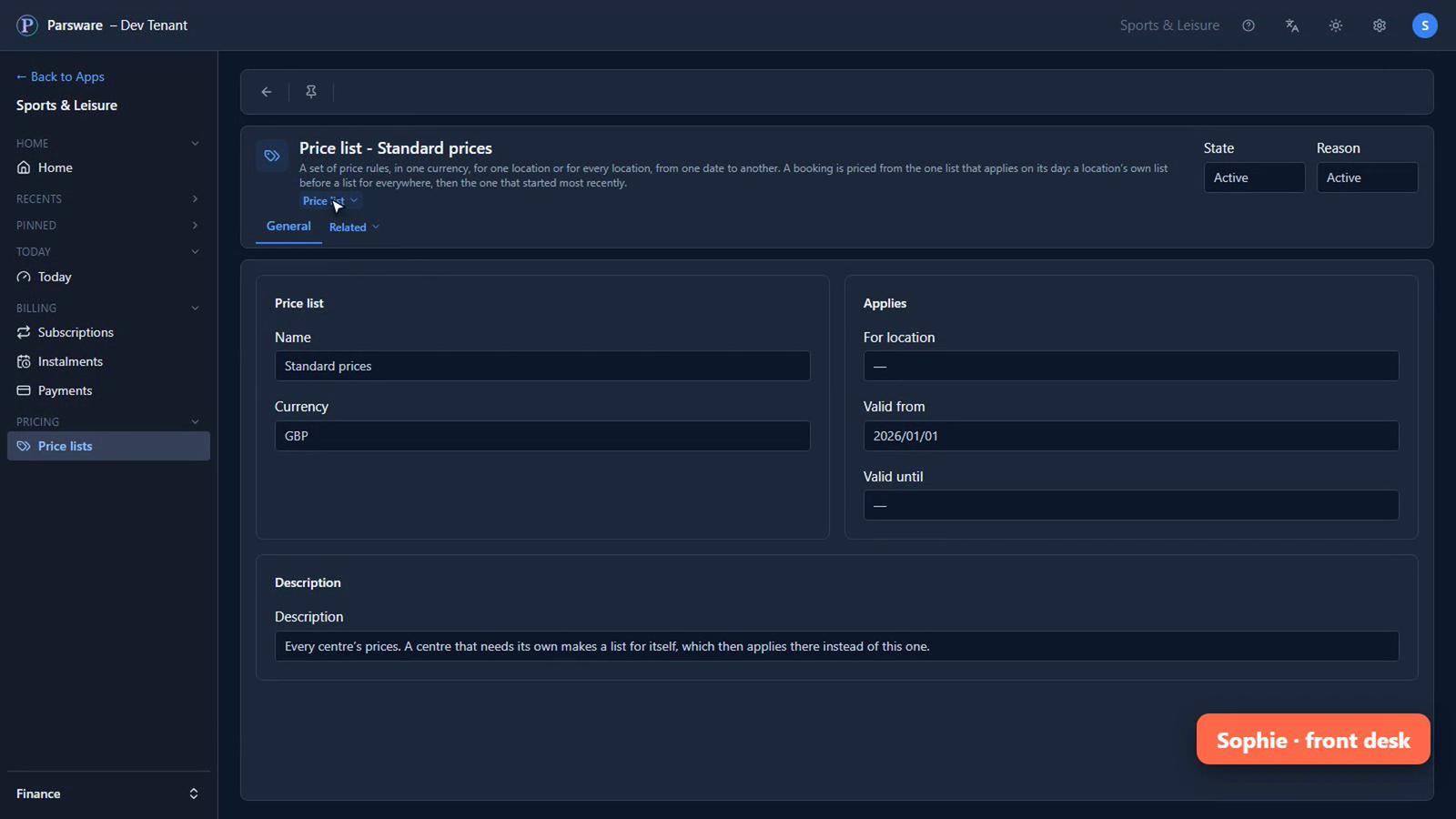
She can look up any price, so she can tell a customer what it costs. But she can't change it: there's no Save, and nothing to type into.
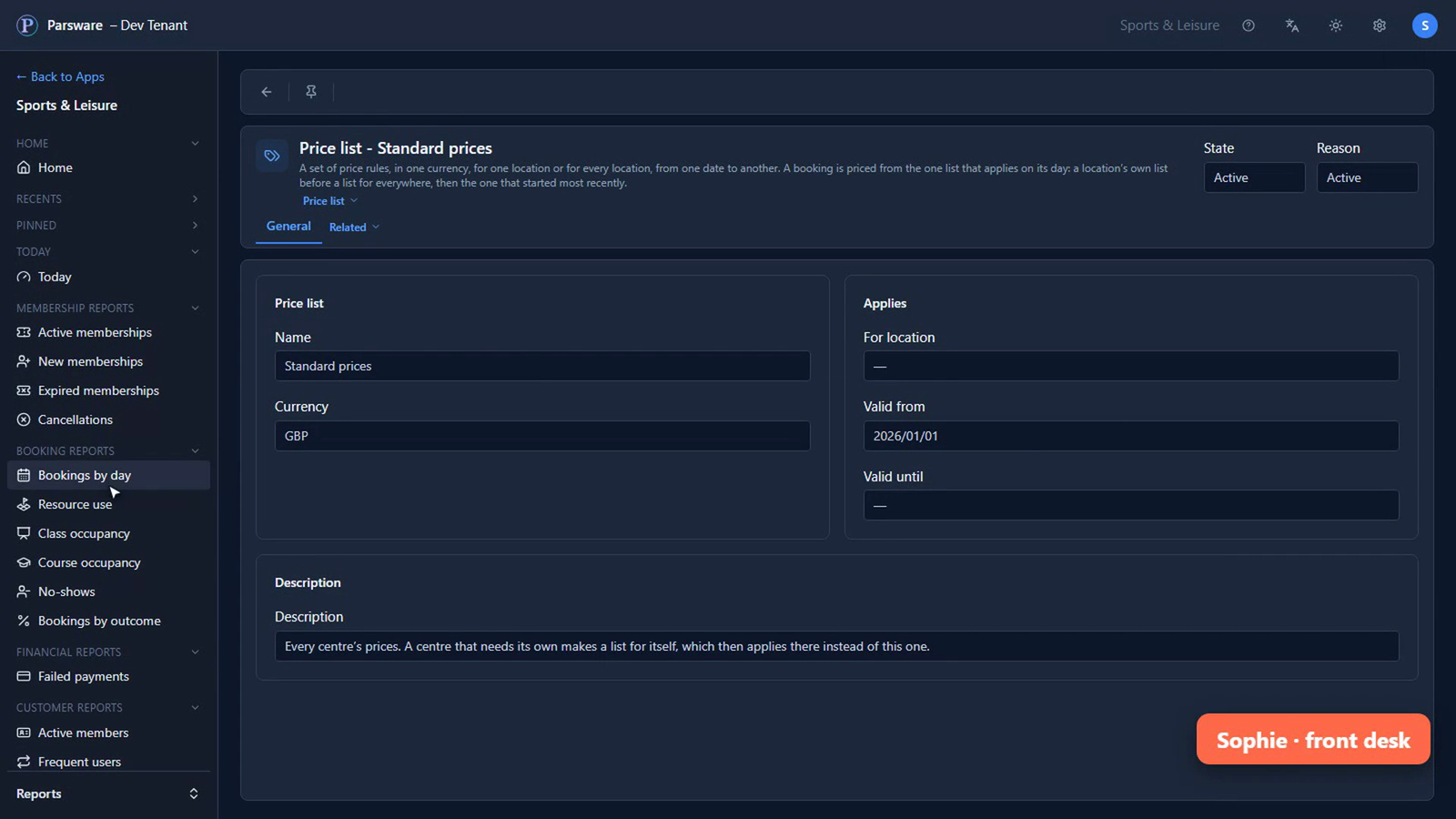
Her reports are the desk's: bookings, classes, members, and who hasn't paid. Not what the club earns.
Oliver, on the café till
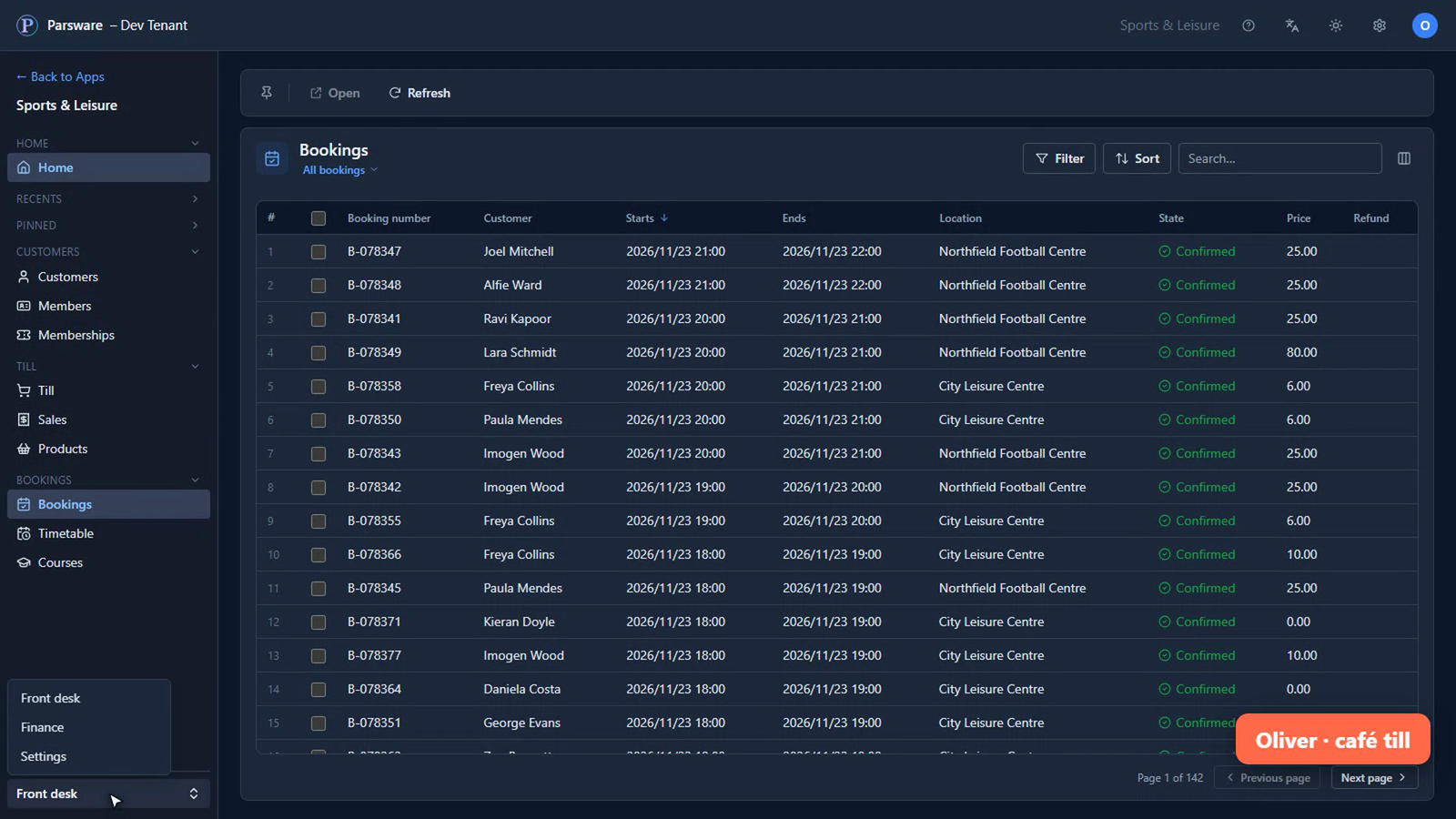
He sees the till, the products and the sales.
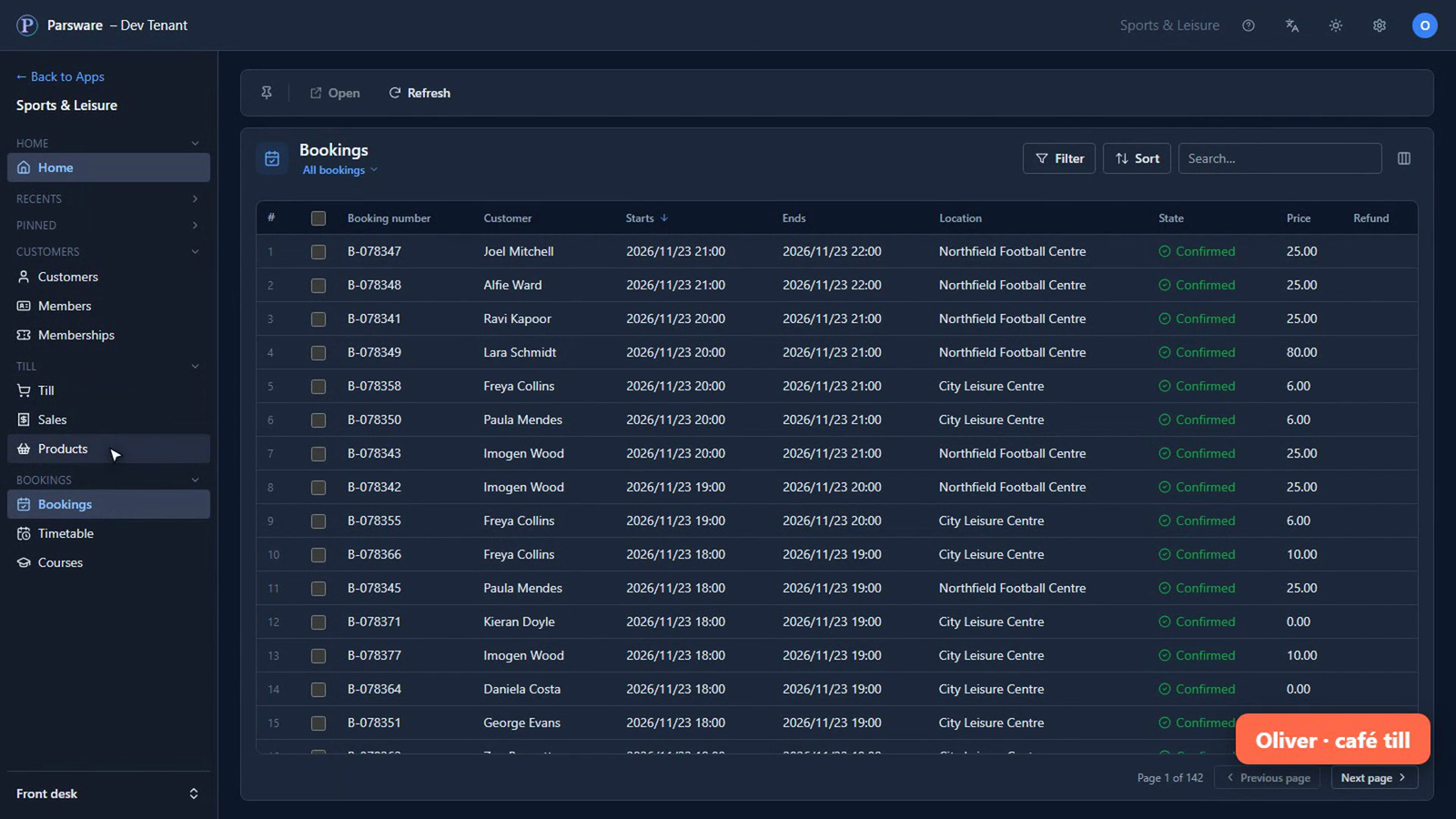
Nothing about the club's money, and no reports at all. The menu doesn't even offer them.
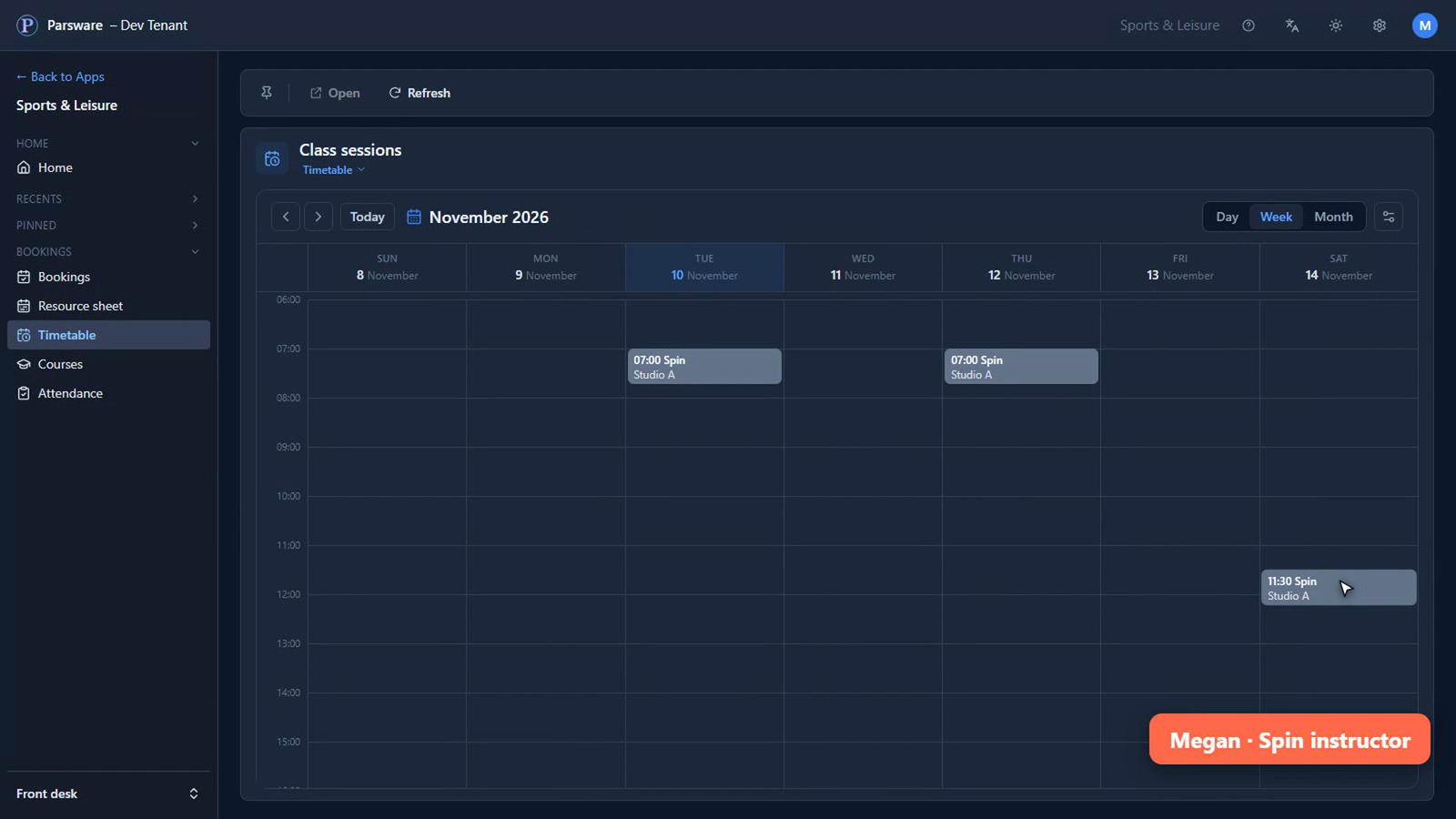
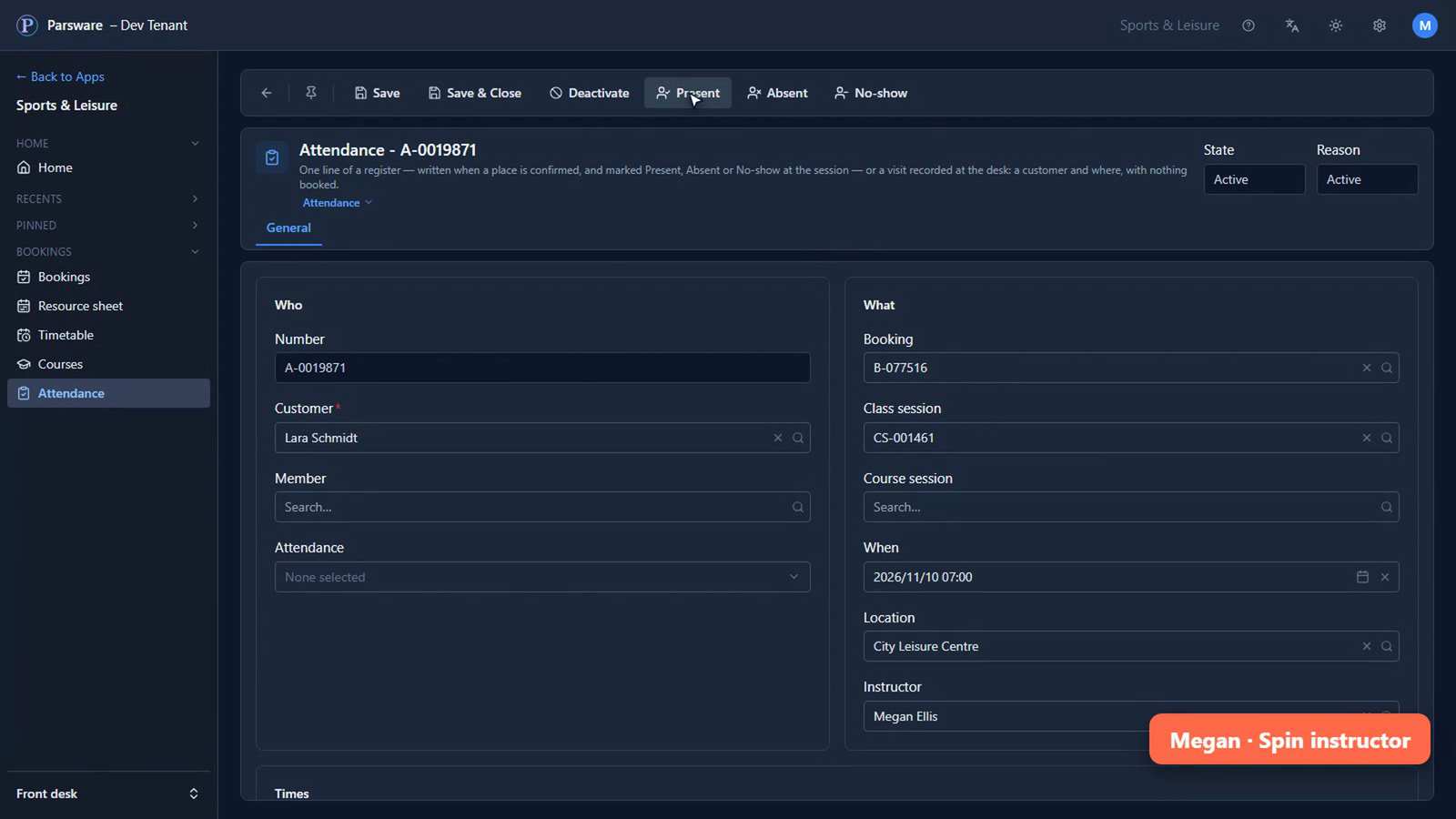
Megan, who teaches Spin
Her timetable shows her own classes, and nobody else's.
Her register is this morning's class: the people who booked, by name.
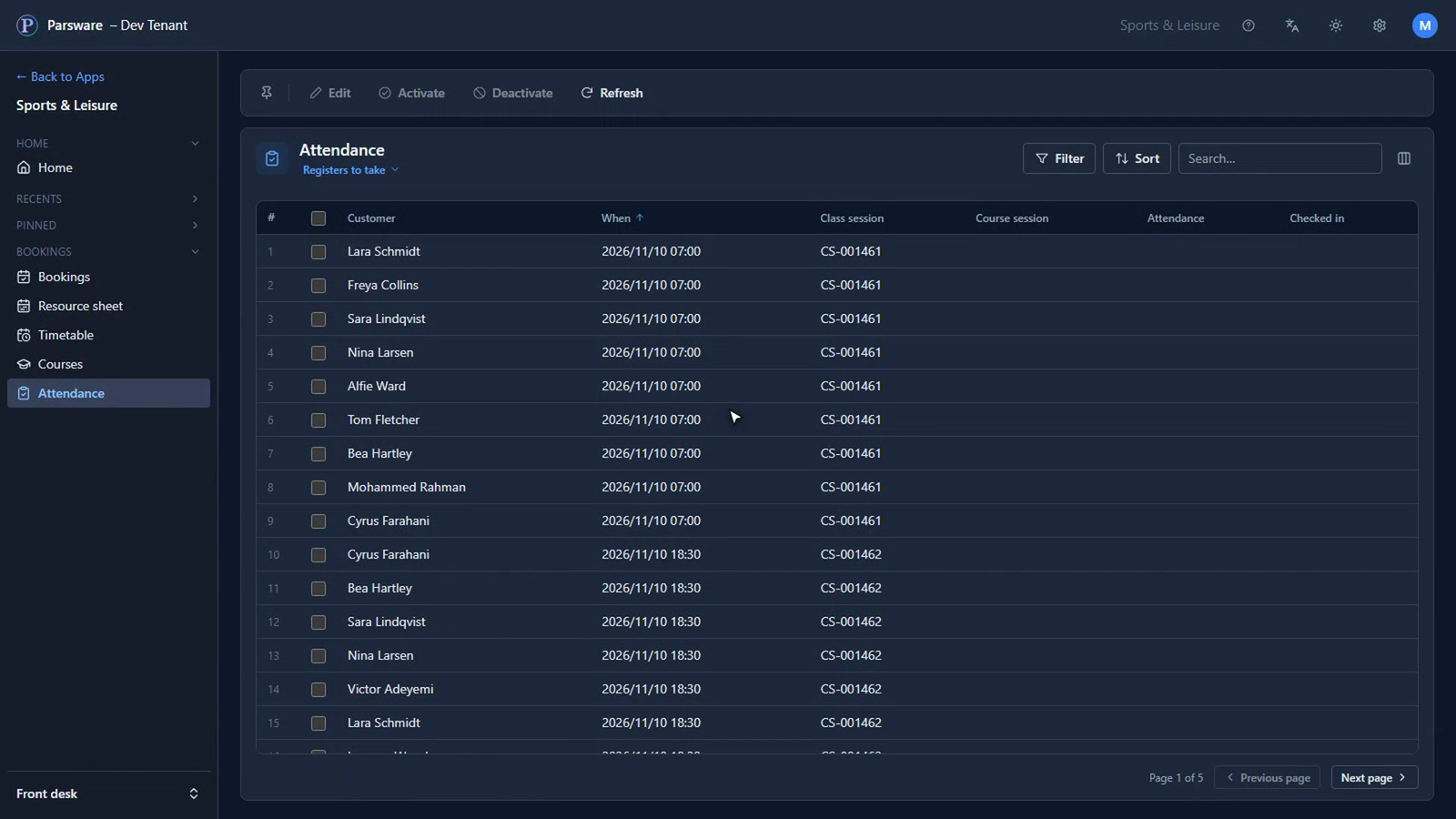
She opens one, and marks them present. That's all she needs, so that's all she gets.
James, who runs the centre
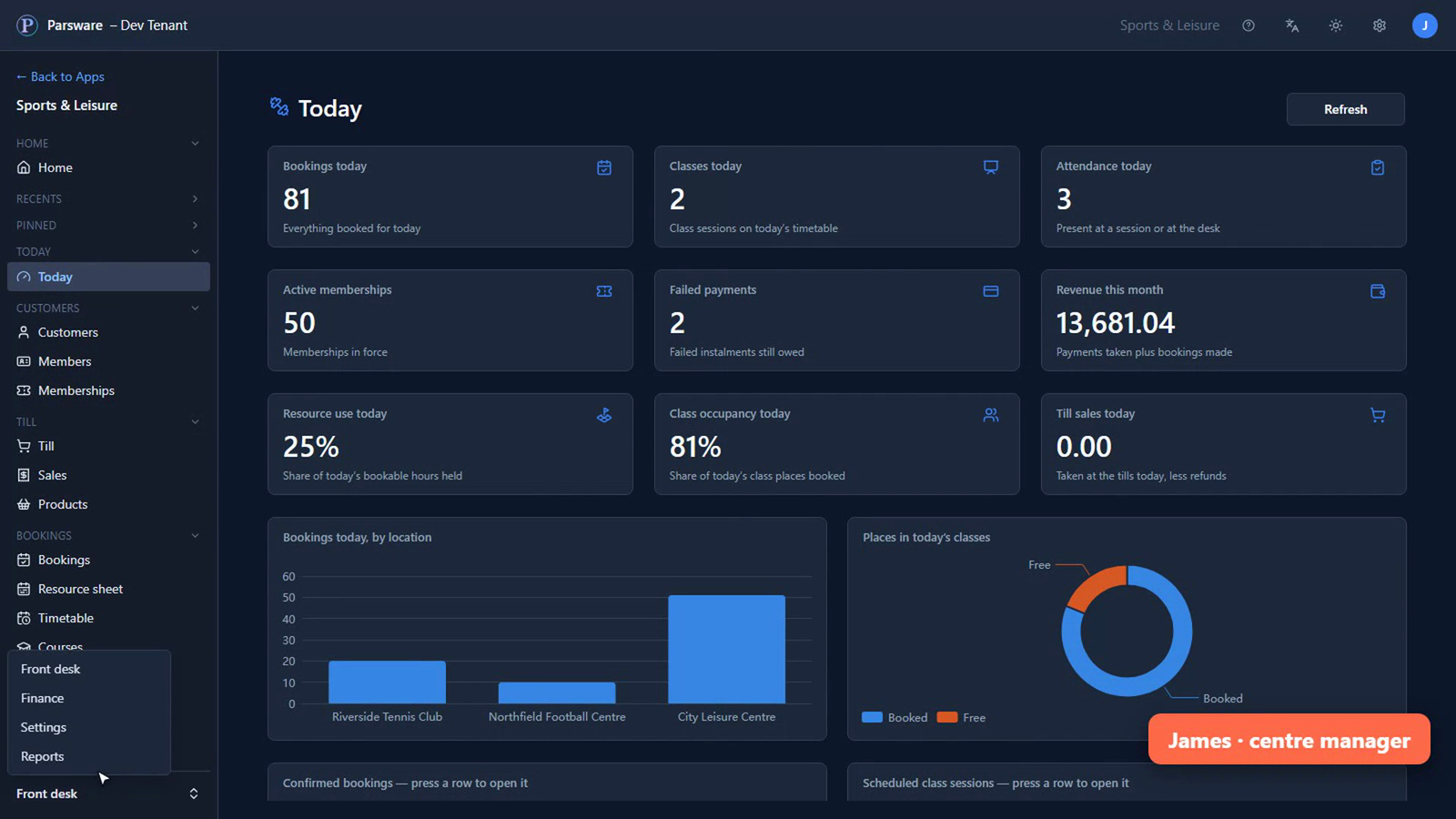
He sees all of it: today's figures, and every report, the money included.
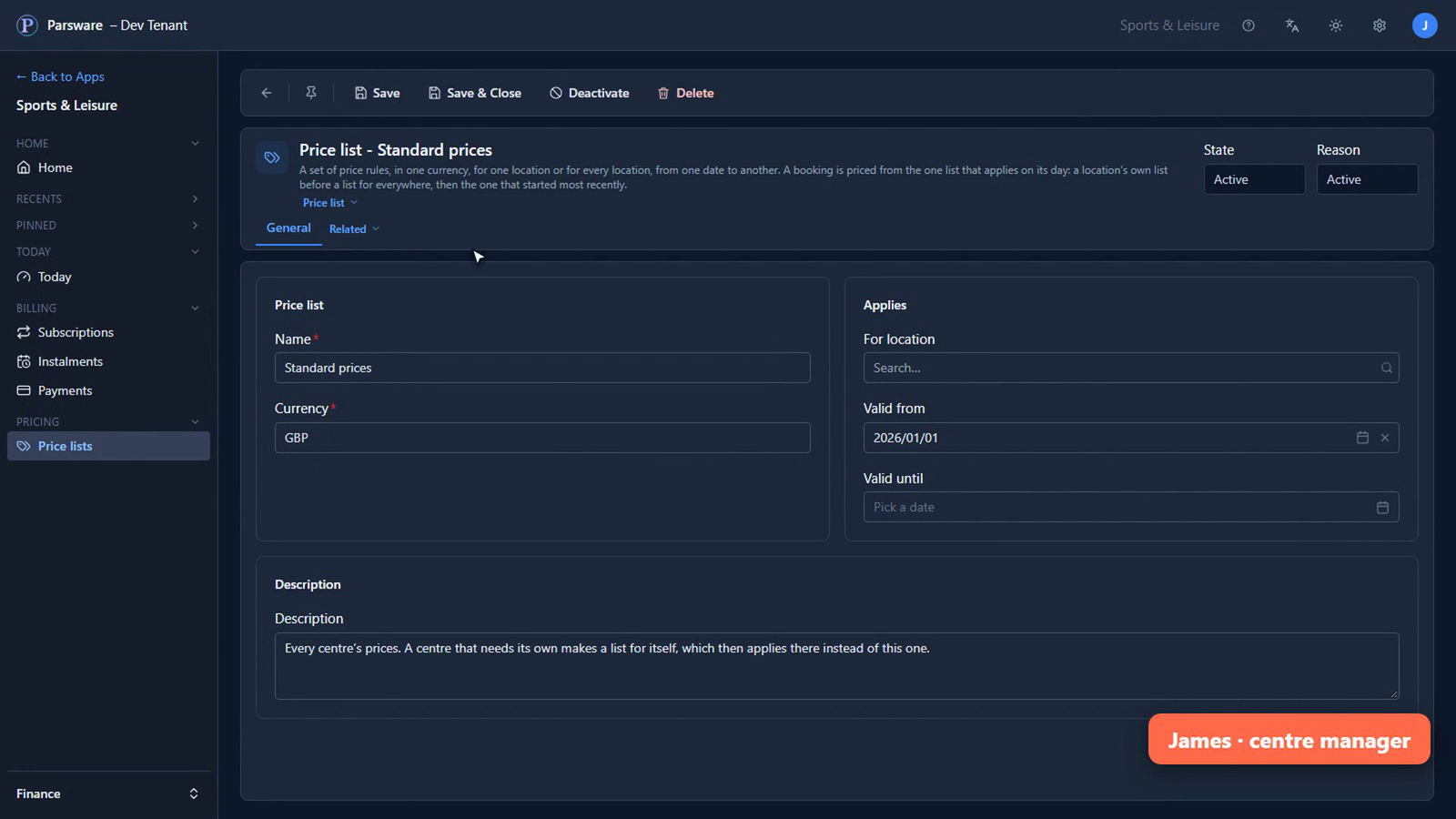
And he's the one who can change a price.
What changes for you
Nobody shares a login, and nobody has to ask for what their job needs. The desk serves customers, the till sells, the instructor takes the register, and the manager decides, each from the same app, each seeing their part of it. Who can do what is set once, for each role, and everyone who holds the role gets it.
Tell us how your business runs, and we'll show it to you running. Get in touch.