Parsware Platform
How we run parsware.com on Parsware
The website you're reading sells Parsware, and the business behind it runs on Parsware: our leads, plans, subscriptions, trials and support tickets are tables in three ordinary solutions, and the site reaches them only through named Custom APIs. Here is what that looks like, and what it means when you start a trial.
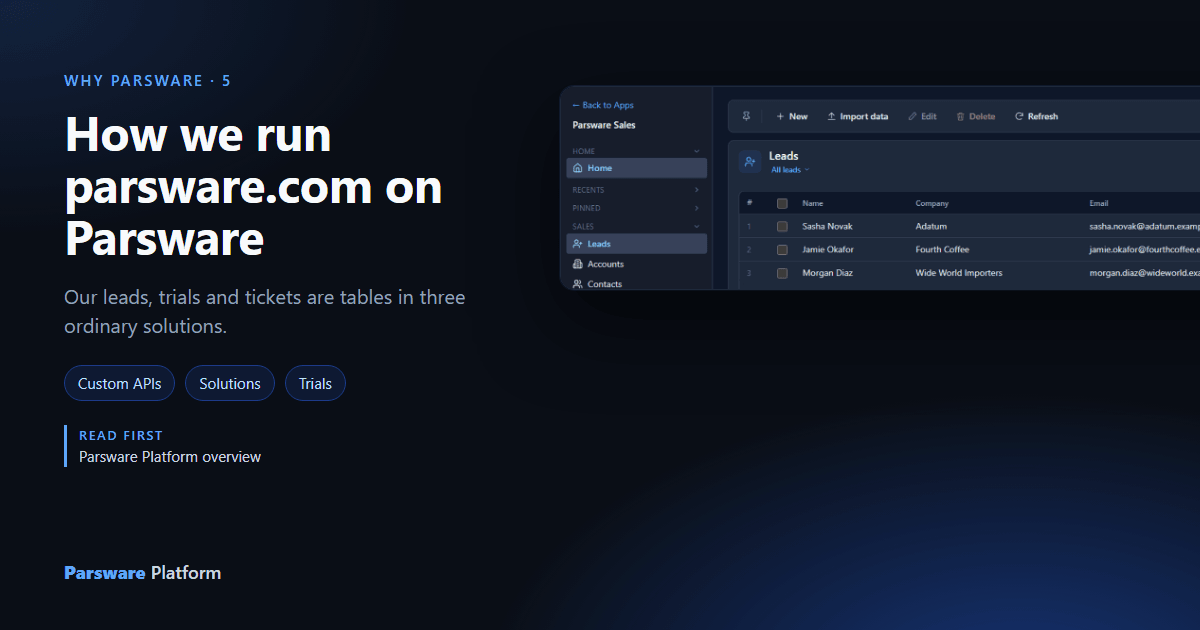
A company that sells an app platform could run its own business on a CMS, a CRM it bought and a spreadsheet of licences. We don't. Behind parsware.com is a Parsware tenant of our own, and the records our business runs on are tables in it, built the way any customer would build them. Every defect in the platform that our own site trips over, we find before you do.
The site in front
parsware.com is a website like any other, written in Next.js:
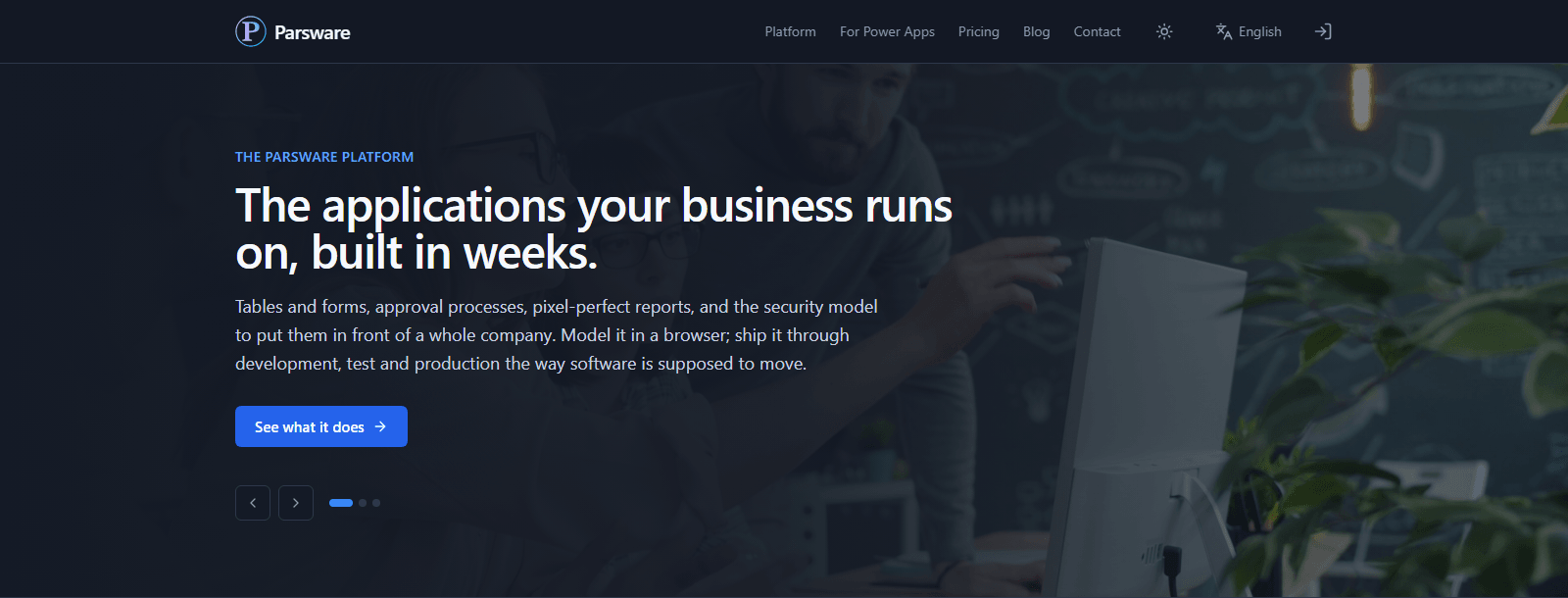
Most of it is pages: the product, pricing, this blog. The parts that do something, such as Contact us, signing up, starting a trial and the account area, are where it talks to the platform:
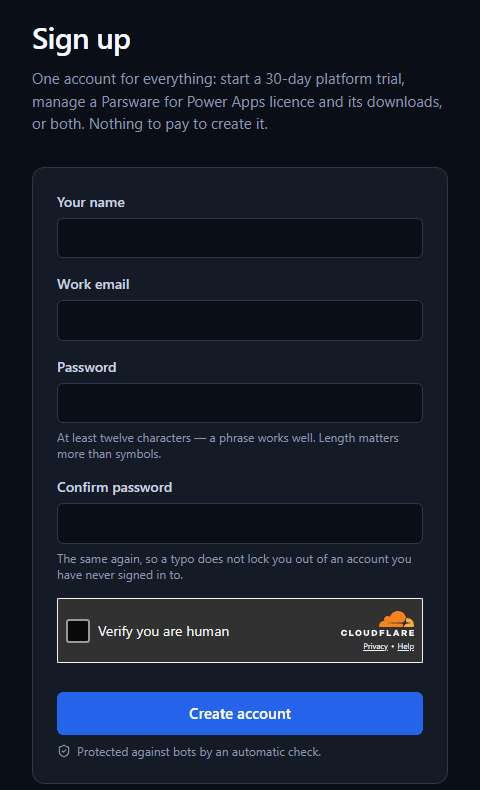
A visitor who signs up becomes a portal user: an account for an outsider, separate from the tenant's own staff, the same kind any customer's portal has (see A customer portal on your own data).
The business behind it
Our tenant has an environment called Commerce. These pictures are from a copy of it on our own machine, built from the same files. It holds four apps:
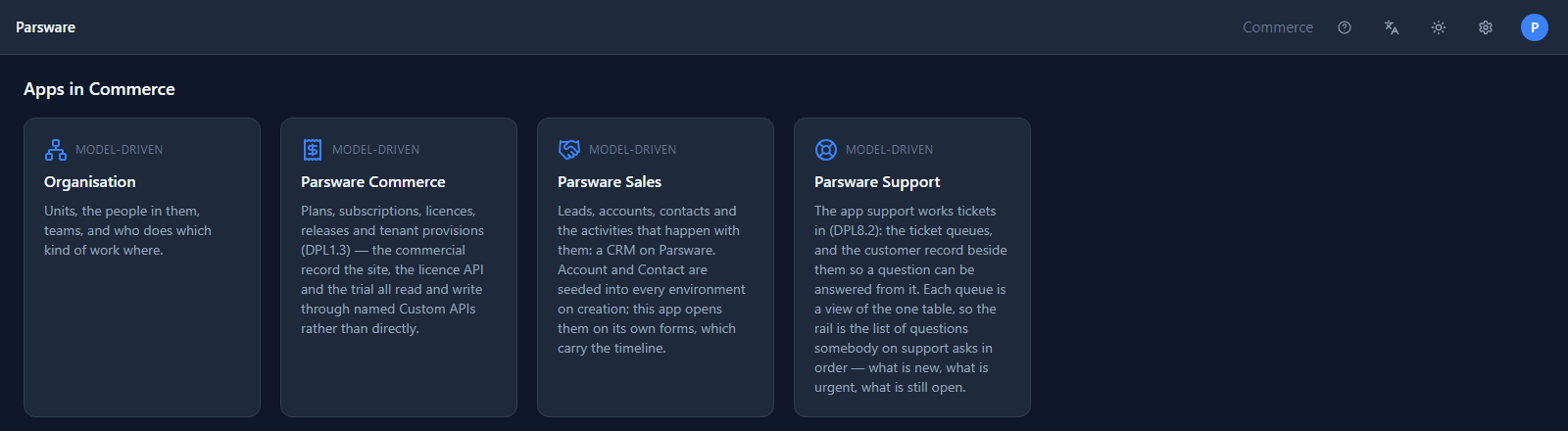
They come from three solutions, imported in order, exactly as a customer imports a sample:
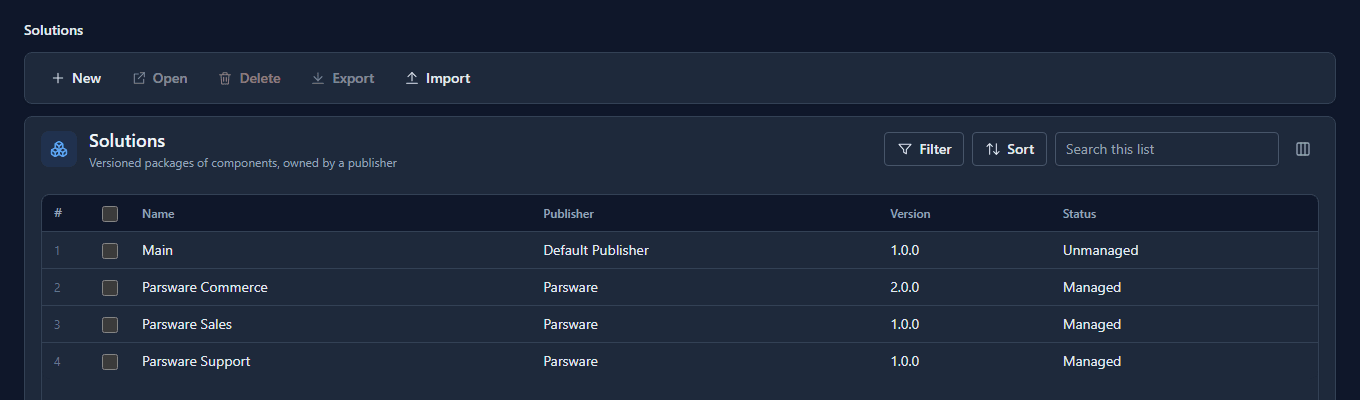
- Parsware Sales is the CRM: leads, accounts, contacts and their activities. It's also a product we sell on its own.
- Parsware Commerce is what we sell and to whom: plans, subscriptions, licences, releases, tenant provisions, orders.
- Parsware Support is the tickets customers open from their account.
Commerce's tables are ordinary tables a maker declared:
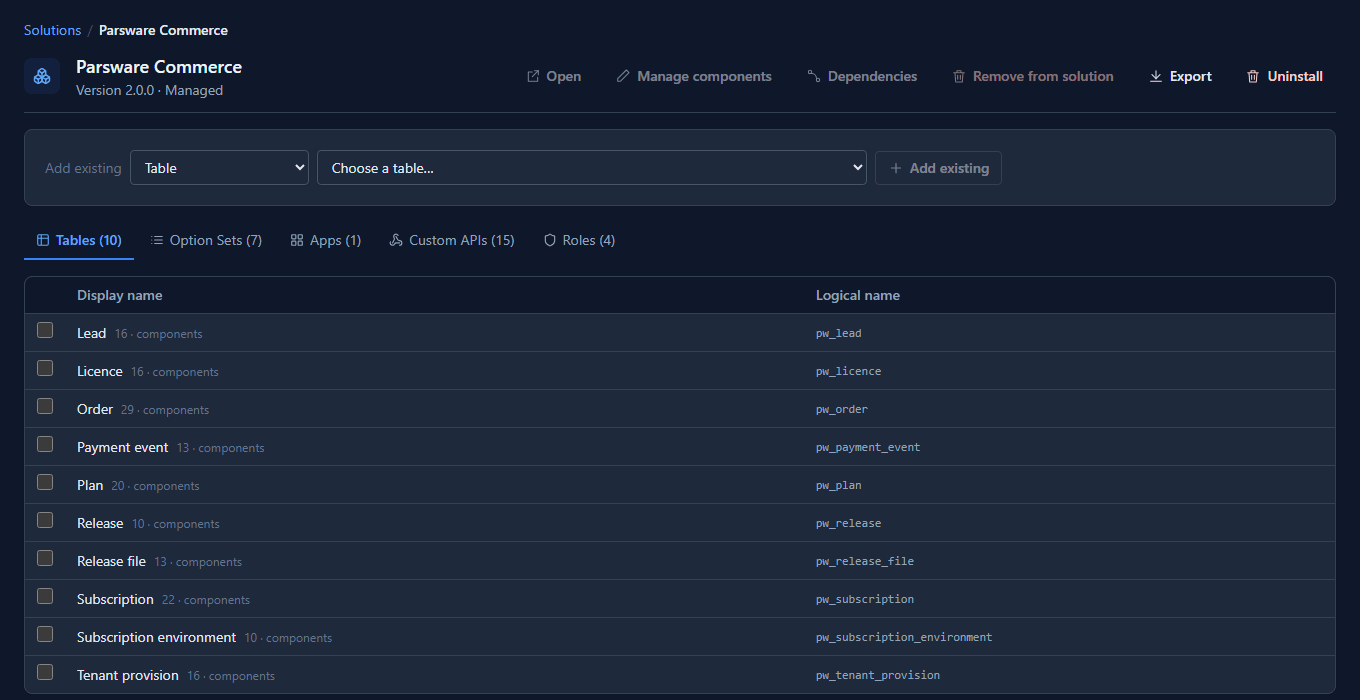
Commerce is a Production environment, so when we imported Parsware Sales, the platform refused its 66 rows of demonstration data. That rule is for every customer's production environment, and it held for ours.
The site only calls named operations
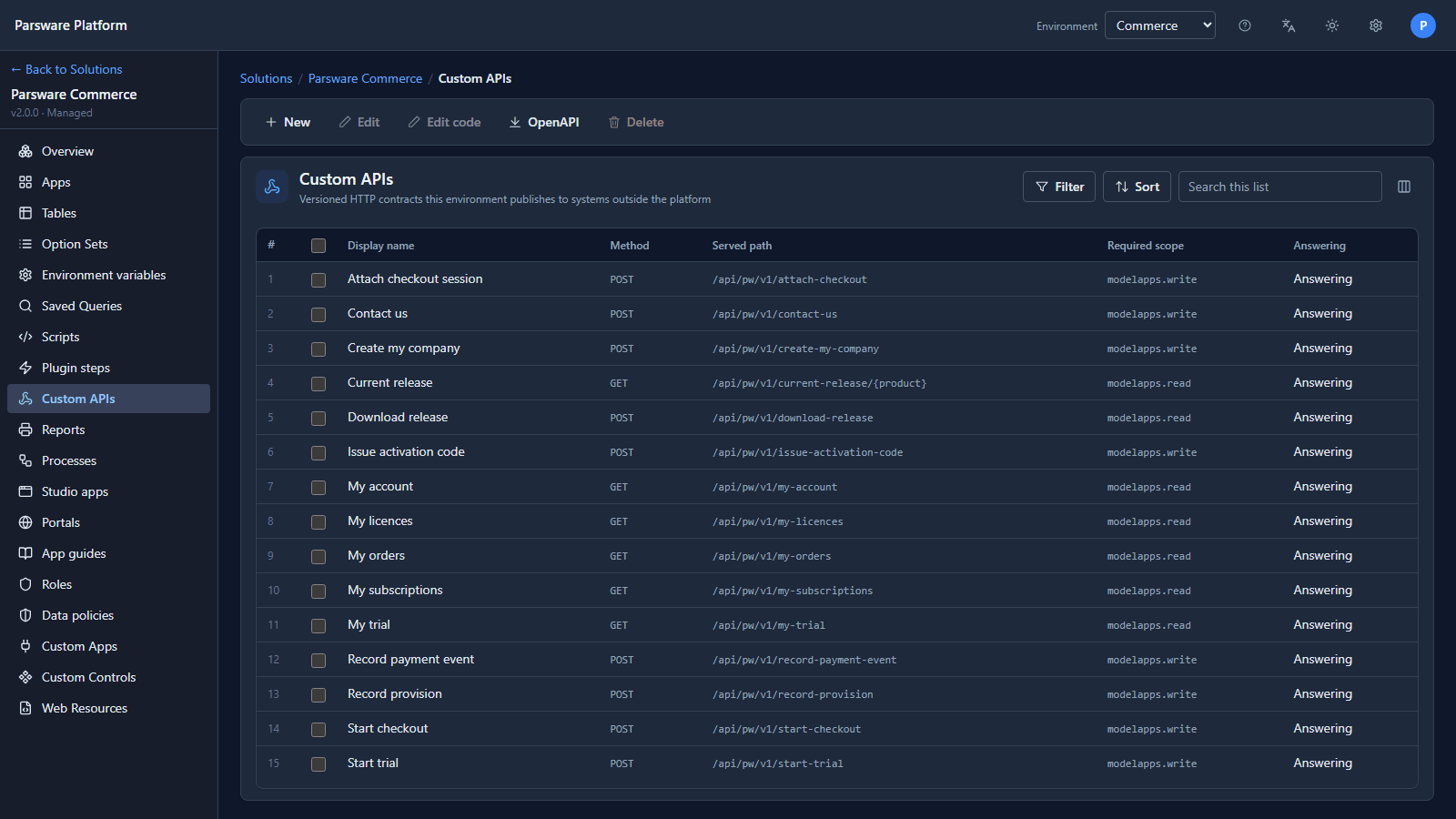
The website never reads or writes a table directly. Each thing it needs is one Custom API, a named, versioned operation with its own route, in the Commerce solution:
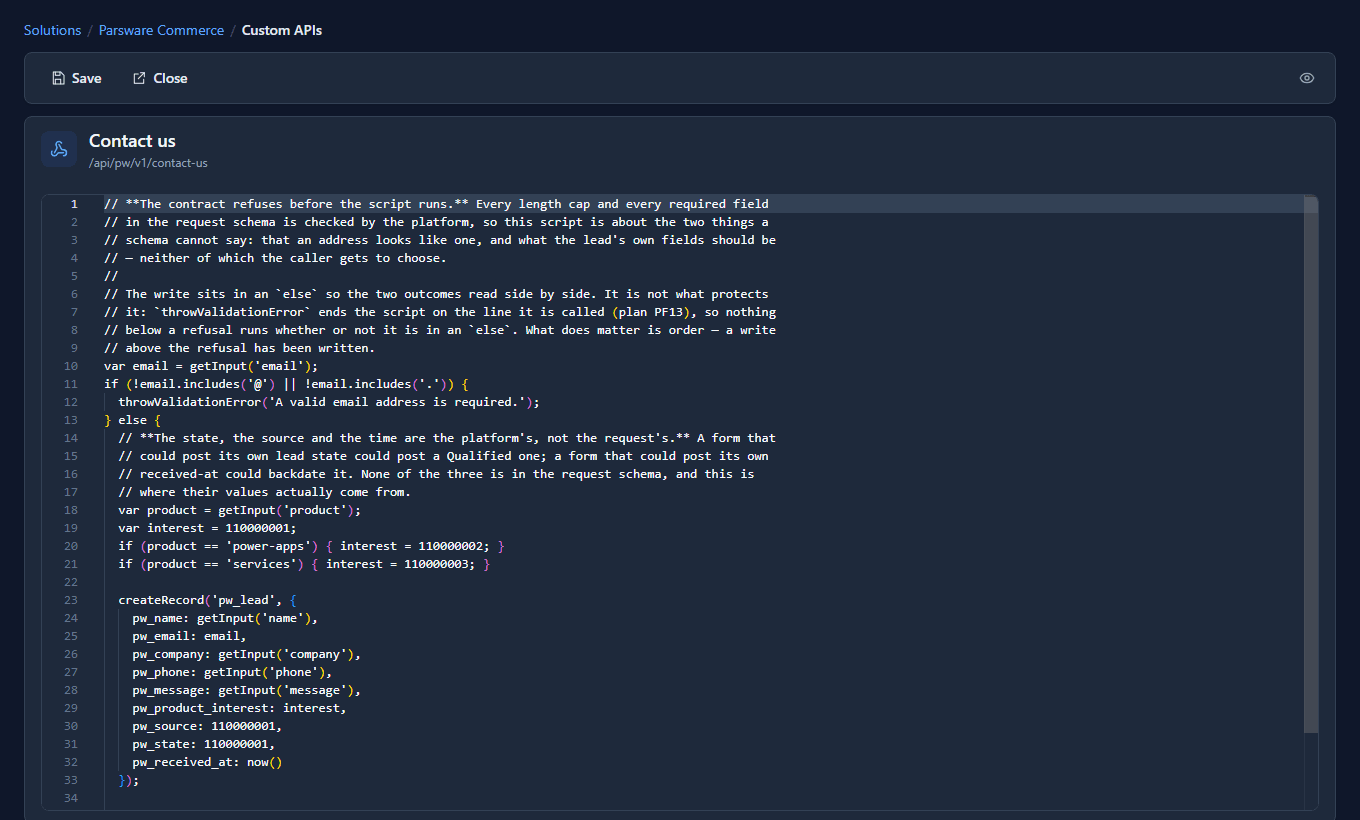
Each operation is a short script in BS, the platform's scripting language. Contact us checks the address and writes a lead, setting the fields a form must not choose for itself (its state, its source and when it arrived):
The site calls them as an App Registration, which holds one role, Website, and nothing else:
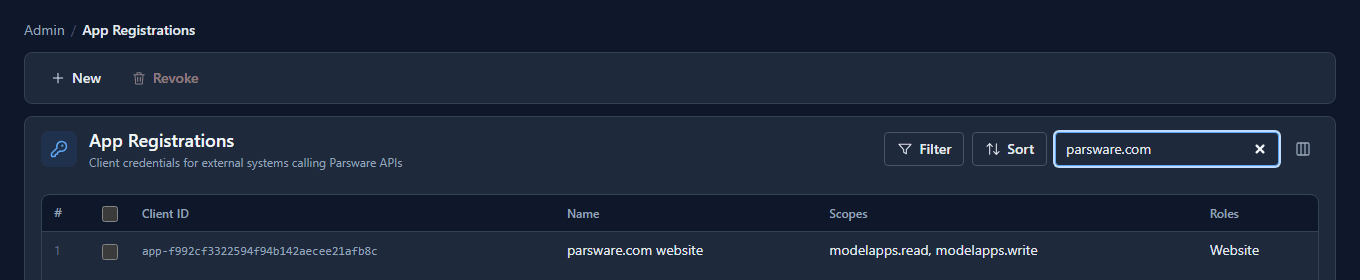
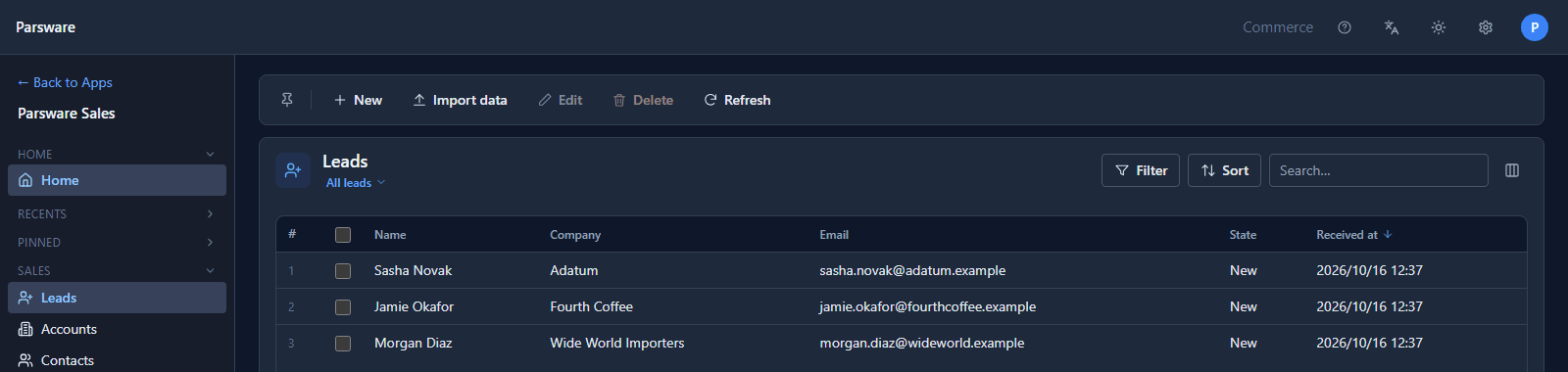
So the website can't do anything the list above doesn't name: no "read any table" and no "update any row". We sent three enquiries through Contact us exactly as the site does, and they're in Parsware Sales a moment later, for our sales staff to answer:
One customer never sees another
The operations a signed-in visitor calls, such as My subscriptions, My trial or My licences, take no customer as an input. The visitor's company comes from their own sign-in, and every script starts from it. My subscriptions opens with:
// The filter is the token's claim, and nothing else is.
var customerId = portalCustomerId();
There's no customer id in the request for anybody to change, so there's nothing to try.
Starting a trial makes a real tenant
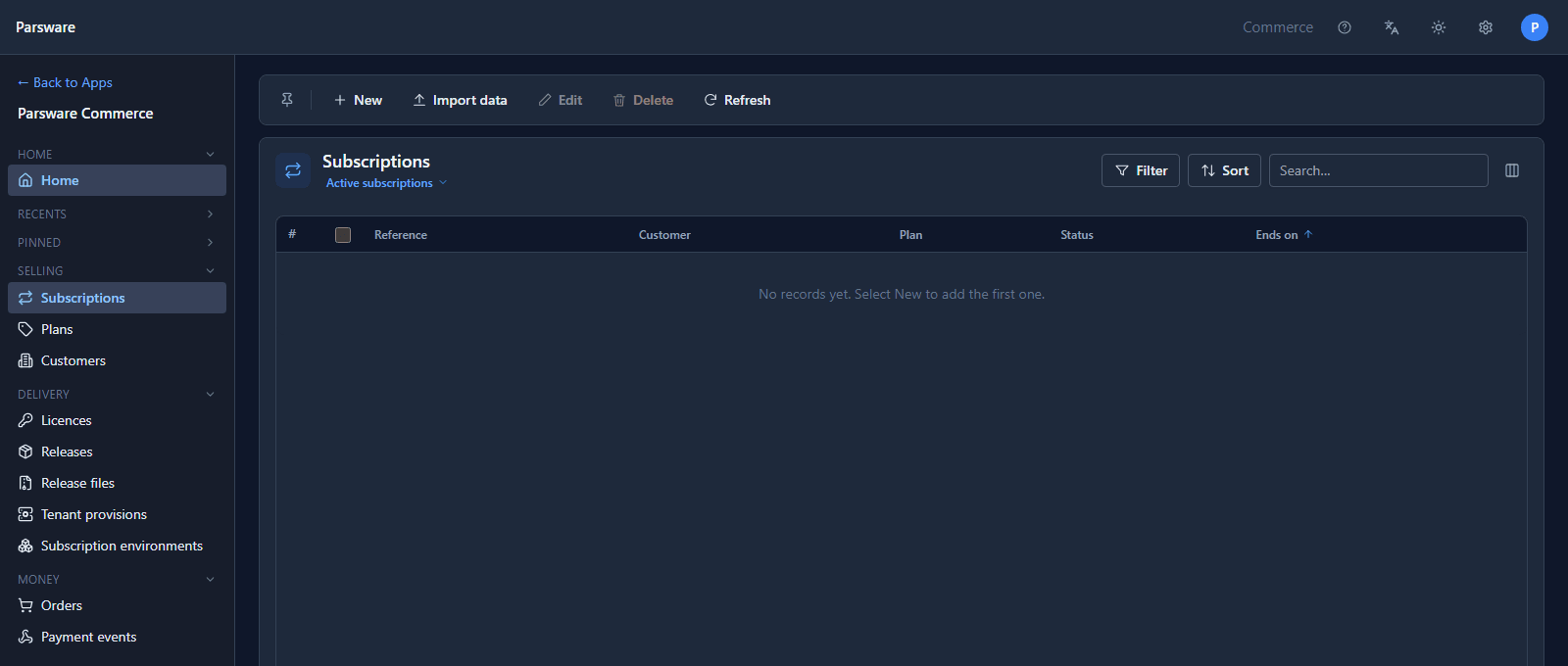
When an Owner of a company starts a trial, Start trial writes the trial subscription and a Tenant provision row, and the site asks the platform to create a whole new tenant: a first environment and an administrator, who gets a welcome message with a link to set a password (see Sign in and open an app). The provision row follows each step, so our staff can see one that stopped half way, in the Commerce app:
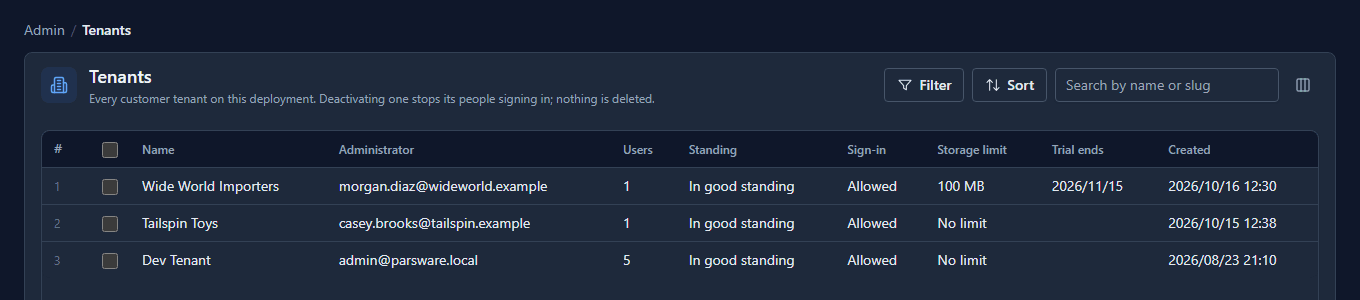
The tenant is real from the first minute. It appears in the operator's tenant list with its trial end date:
When the trial ends, the rules in What happens when a trial ends apply to it like to anyone else.
What it costs us
Running the shop on the product has one cost we take seriously: the server that sells Parsware is also the one that holds customers' data. That's why the site gets one role and a fixed list of operations rather than broad access, and why the platform's own security model is the thing standing between them. The upside is the same sentence the other way round: every rule we ask you to rely on, we rely on first.
Try it
Send us a message from the Contact page and it lands in the same Leads view. Or start a trial, and your tenant is made the way this article describes.
Next: the Parsware for Power Apps series, starting with its own Start here.