Parsware Platform
Help on every screen
Every screen in Parsware has a Help link in the same corner, and it opens the page about that screen, not the front of a manual. It opens it in your language, too: a Persian maker gets the Persian page, an Arabic reader the Arabic one. We followed it from the maker portal and from an app, in three languages.
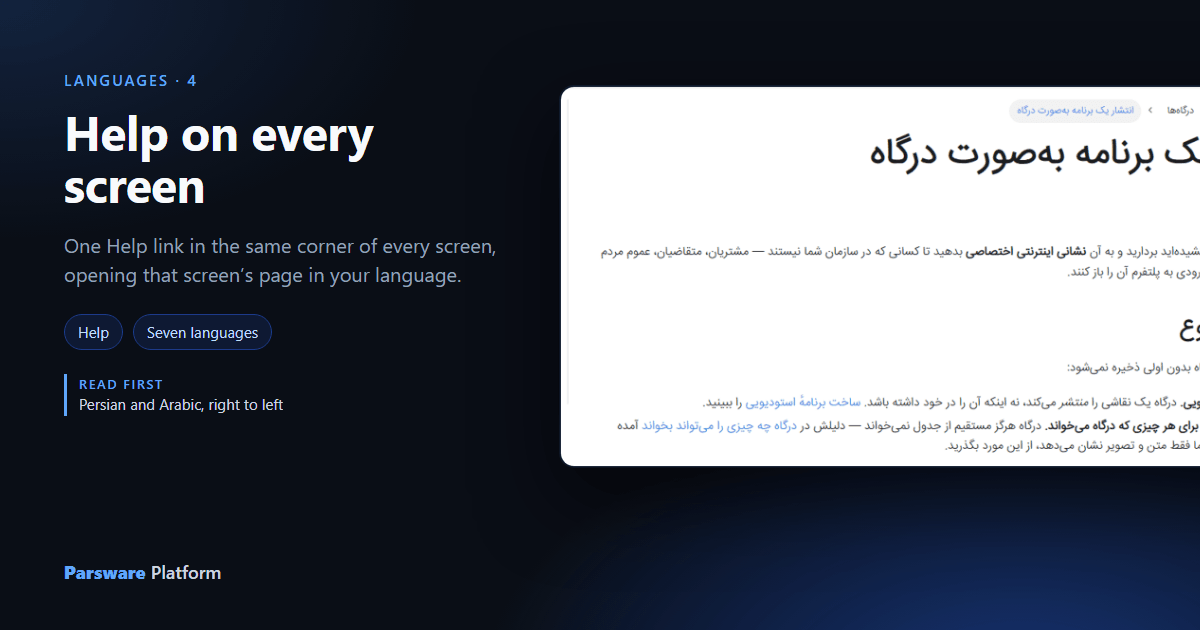
Help that people have to go looking for is help nobody reads. So every screen in the platform carries a link to its own page, and the link always sits in the same place: the top bar, just before the language menu. This article follows it from two screens, in English, Persian and Arabic.
The link
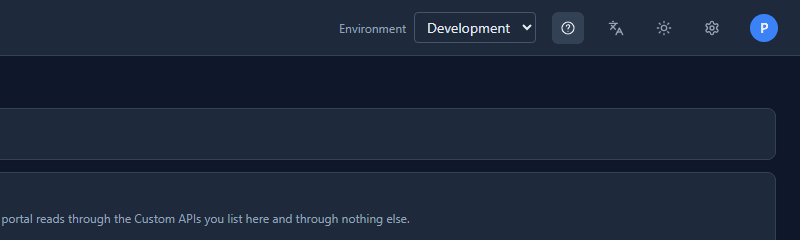
On the Portals page of a solution, the ? in the top bar is the Help link. Its tooltip says Help (opens in a new tab), because it does:
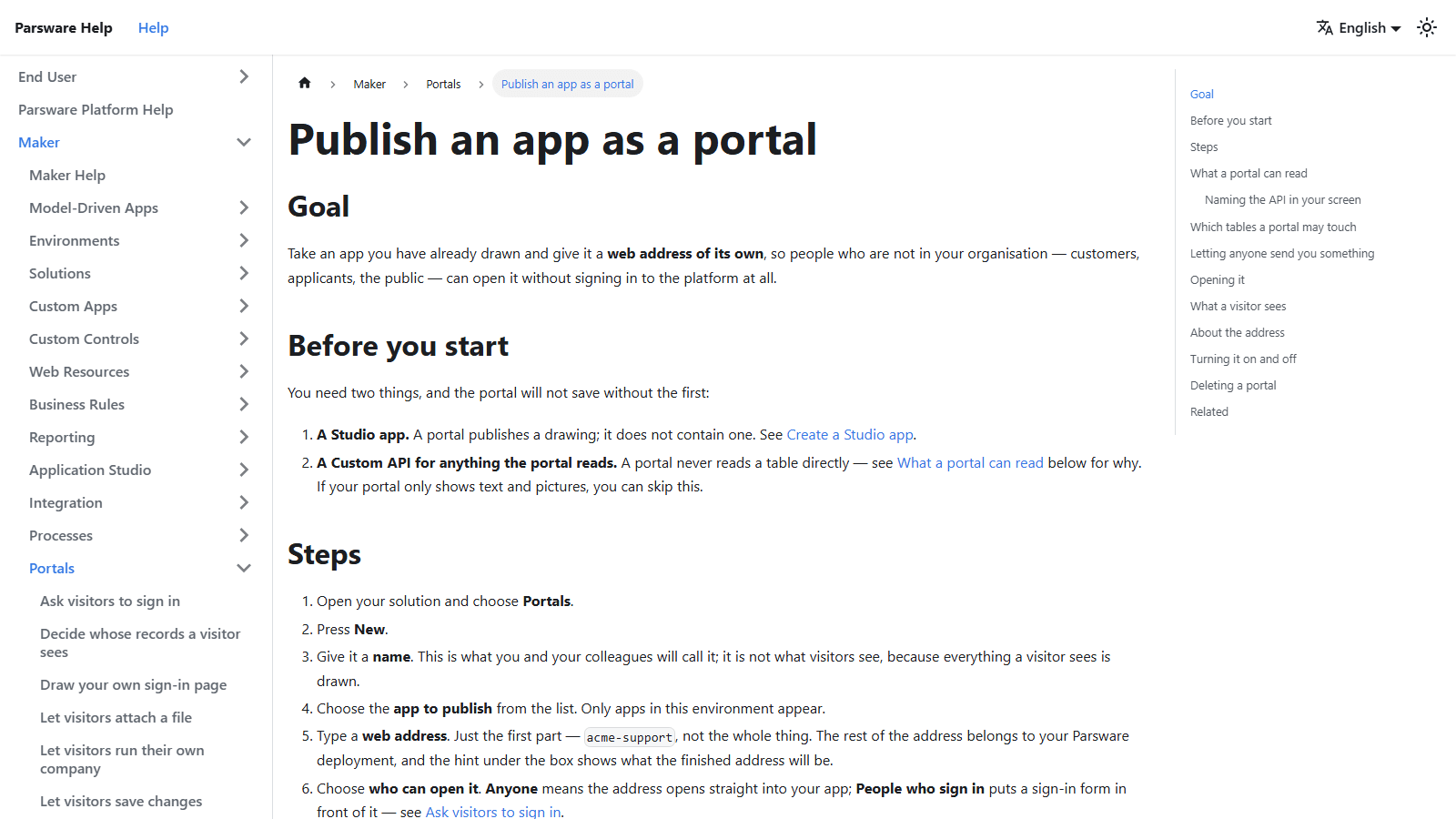
It opens Publish an app as a portal, the page for the screen you were on, rather than the help site's front page:
In your language
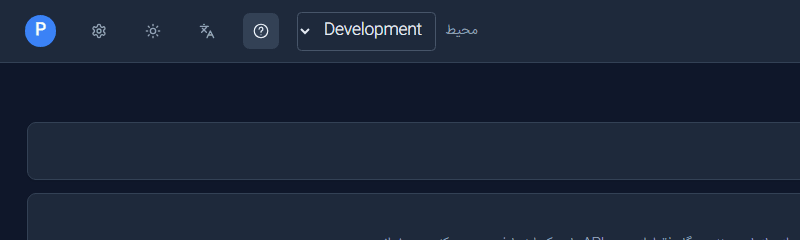
Switch the maker portal to فارسی and the same button, now on the left because the page has mirrored, opens the Persian page:
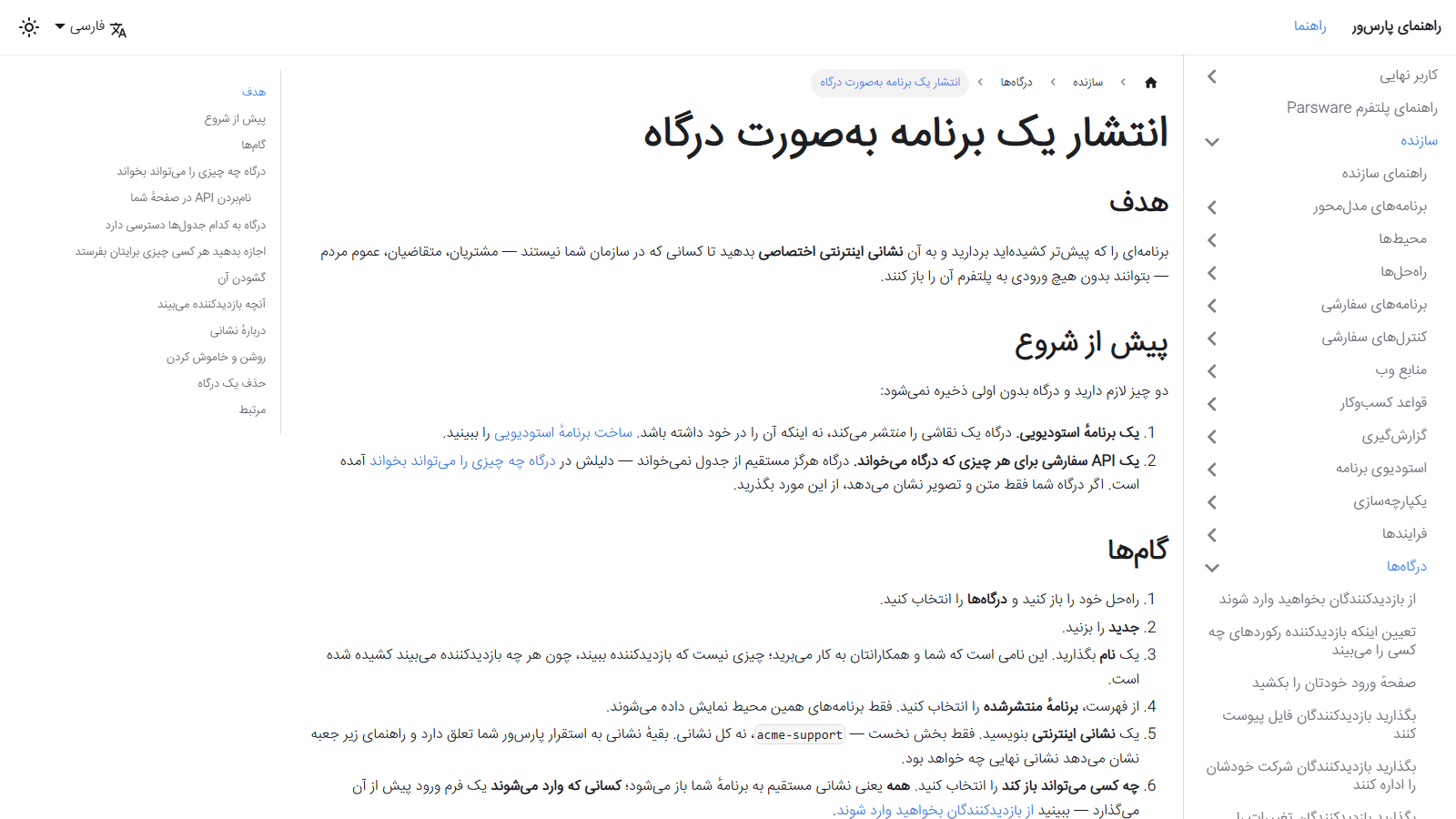
The help site ships in the same seven languages as the product, and both read them from the same list, so the two can't offer different languages.
From an app
The Platform Shell does the same for people using apps rather than building them. In Arabic, on the bookings calendar in the Room Bookings app:
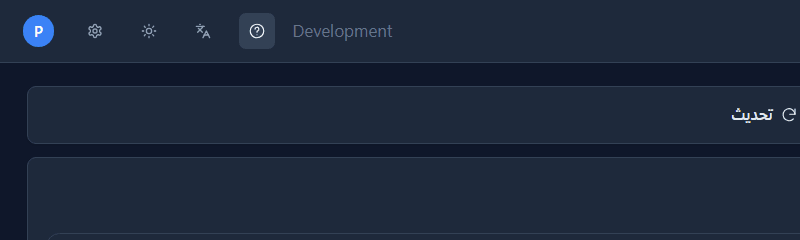
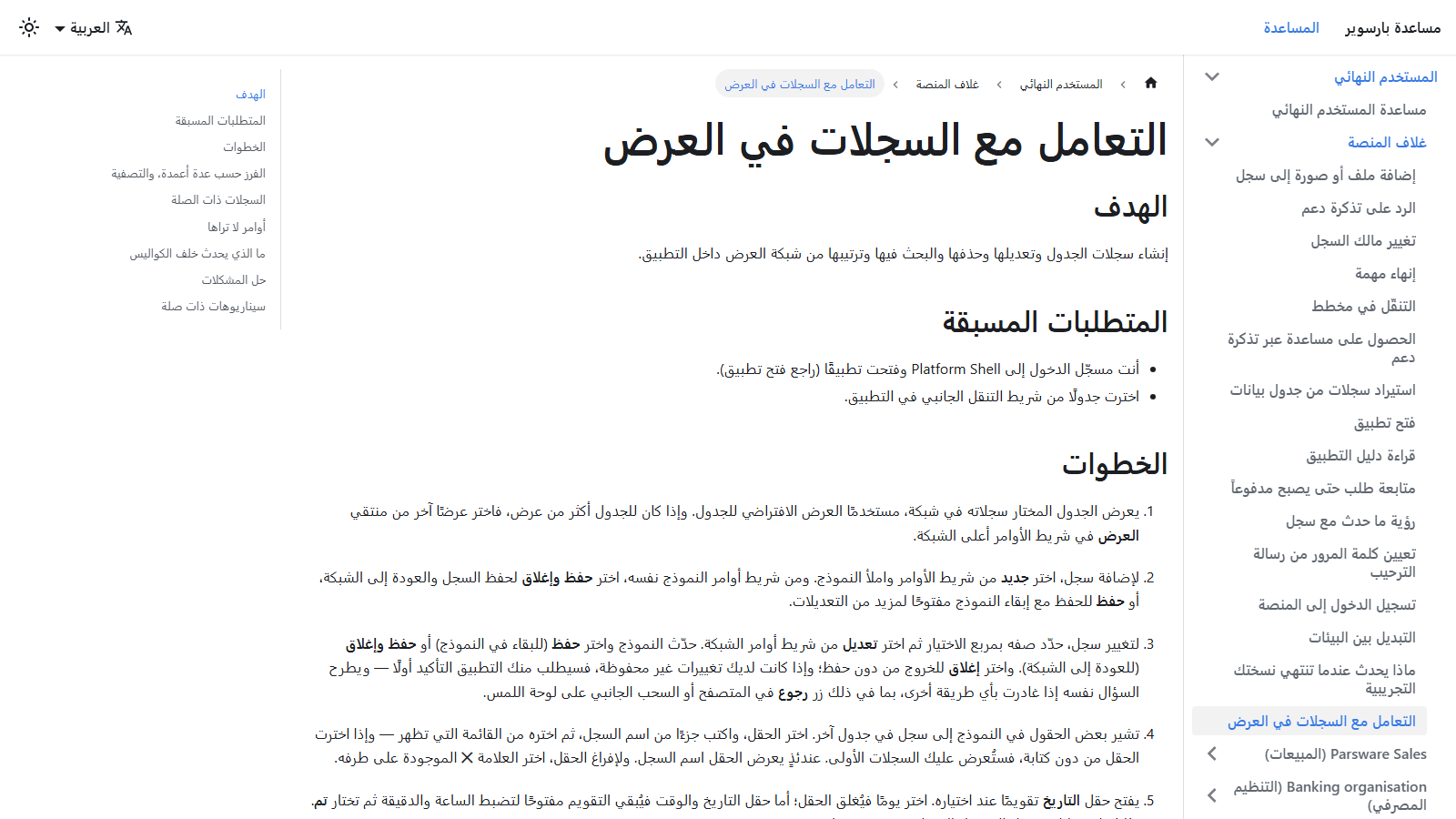
it opens Work with records in a view in Arabic, a page written for the person using the app, not for its maker:
Why it doesn't go stale
A link can't point at a page that isn't there. Each screen names its help topic, every topic is listed in one file per app, and a test fails the build if any topic has no page in any of the seven languages. So an English page without its Persian twin, or a new screen whose link points nowhere, stops the build rather than reaching a reader.
Try it
Open any screen in the maker portal or an app and press the ? in the top bar. Then switch the language and press it again.
Next: Building for more than one language.