Parsware Platform
Two-step sign-in for visitors
A portal visitor can protect their own account with an authenticator app, from a page you drew. We turned it on for one visitor: scanned the code, saved the recovery codes, signed out, came back with a code from the app and then with a recovery code, and saw the account from the Admin Control Center.
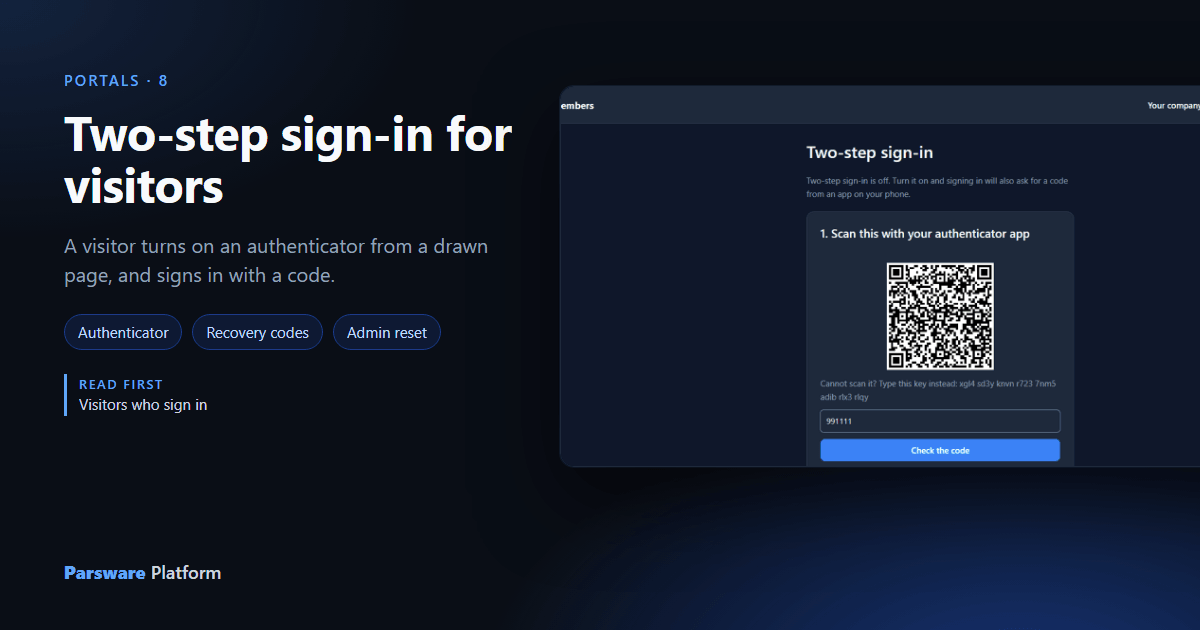
A password is one thing a visitor knows. Two-step sign-in adds one thing they have: a phone with an authenticator app, which shows a new six-digit code every thirty seconds. Somebody who has stolen the password still can't sign in.
On a portal it's the visitor's choice, made on their own account. This article continues with Alexandra Khan on Northwind members from the Portal sign-in and accounts sample.
Off, to start with
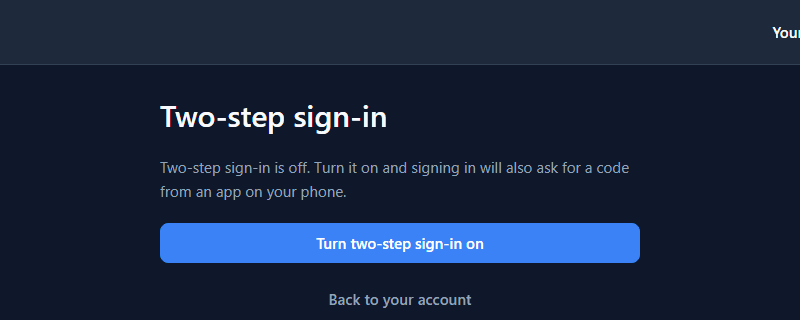
Your account → Sign-in security opens the kit's Sign-in security card:
Scan and prove
Turn two-step sign-in on asks the platform for a new secret and shows it two ways: a QR code for the app to scan, and the same key as text for an app that can't scan.
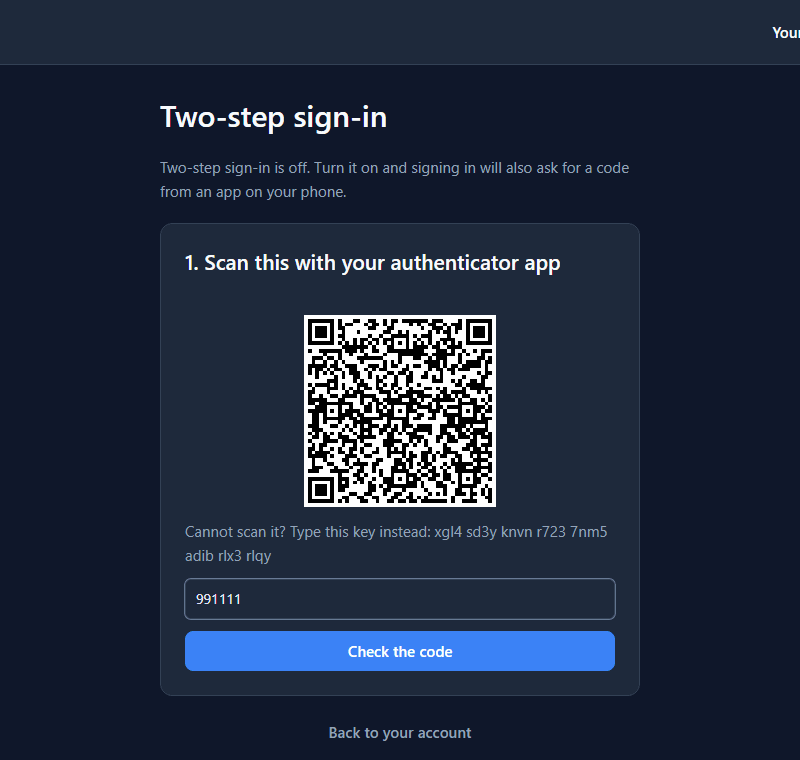
Alexandra types the six digits the app shows and presses Check the code. Nothing is switched on yet. A code that matches proves the app holds the same secret, so it will work tomorrow.
Save the codes
The answer is ten recovery codes:
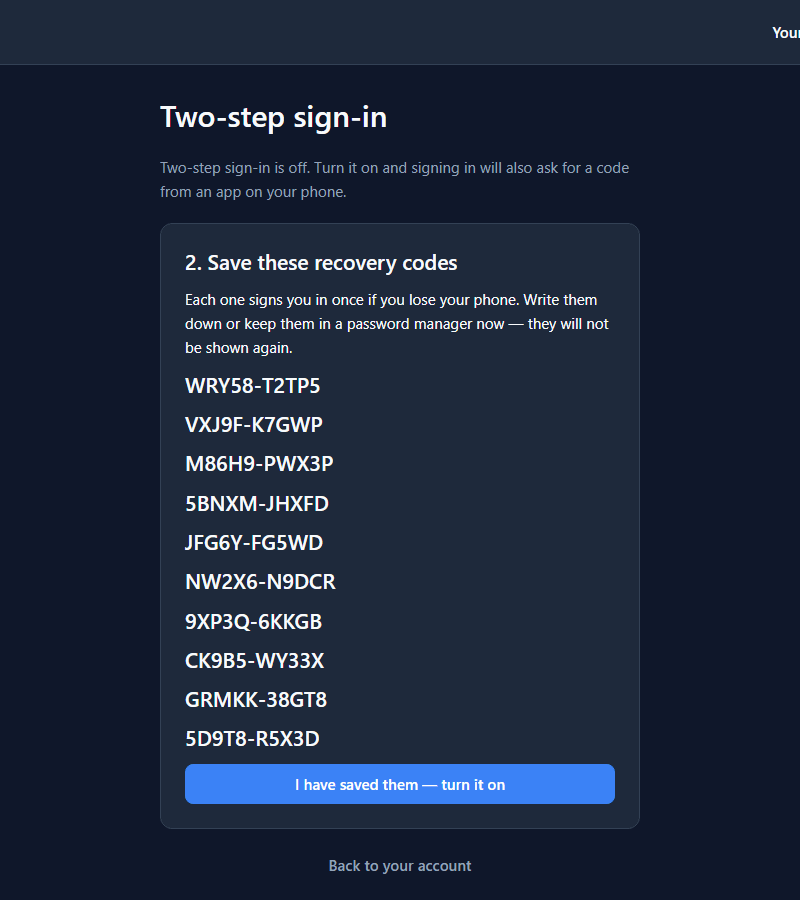
Each one signs in once, in place of the app. The card says they won't be shown again, and that's literally true: they're in the page's memory and nowhere else the visitor can reach. Only after I have saved them — turn it on is two-step sign-in on:

Signing in again
Alexandra signs out and signs back in with the password. Instead of the portal, the sign-in card grows a code box:
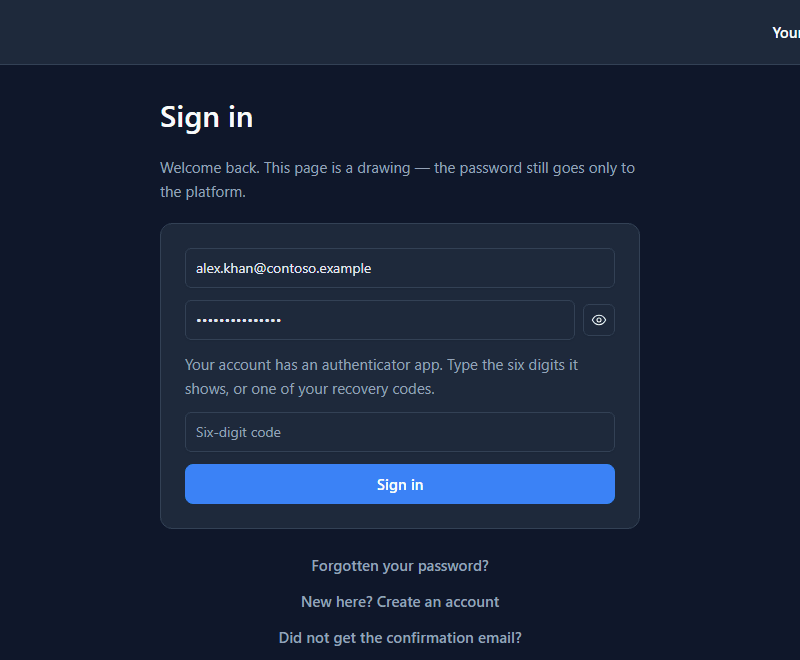
That's the needsCode field from the previous article: signIn
answered a code is needed rather than failing, the card showed its box, and the next press sends
the code with the password. A wrong code is refused with That code is not right. Check your
authenticator app and try again. The right one signs them in.
Without the phone
A recovery code goes in the same box:
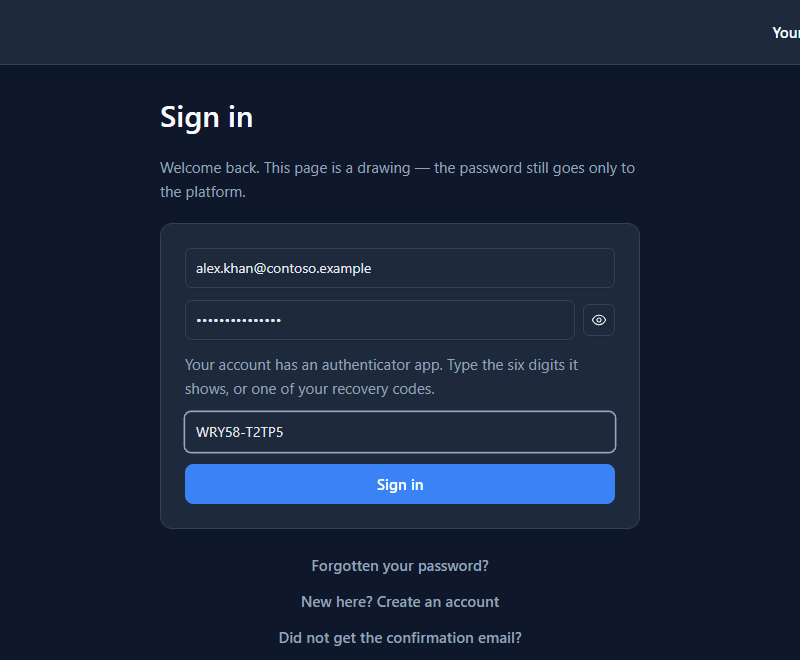
It works once. The security page now counts one fewer:
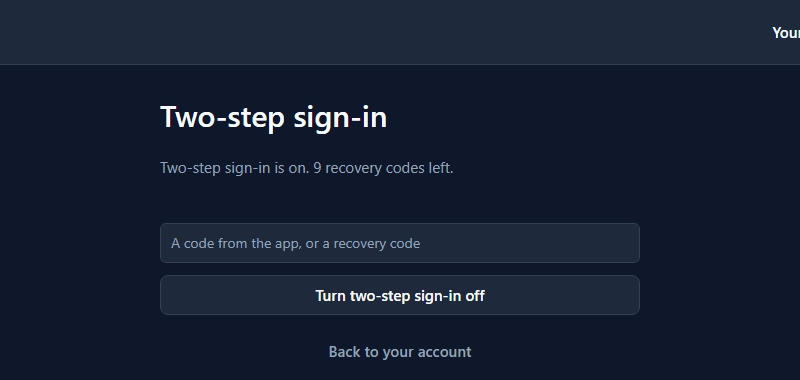
Turning it off asks for a code too: a code from the app, or a recovery code. Somebody who has only borrowed a signed-in laptop can't switch it off.
From the inside
In Admin Control Center → Portal users, the account says the authenticator is On:
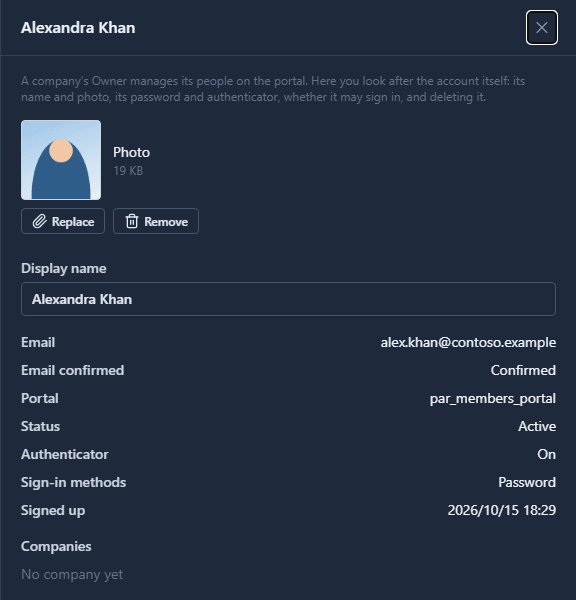
A visitor who has lost the phone and the codes can't get in by themselves, and that's the point. They ask you, and Reset authenticator on the list's toolbar turns it off for their account so they can sign in with the password and set it up again. Check who's asking before you press it.
What it doesn't do
- It doesn't make it compulsory. In this sample it's each visitor's choice.
- It doesn't send codes by text message or email. It's an authenticator app or a recovery code.
- It doesn't need a drawn card. A portal without one can open the platform's own panel from a
button, with
openAccountSecurity().
What we fixed
- The code box was a number box. The six digits were typed into a box with up and down arrows, and an arrow key would count the code up or down. It's a plain box now, like the sign-in card's.
- The recovery codes were spread down the page. Each code sat in a row sized for a whole sentence, about 94 pixels tall, so on a laptop the ten codes pushed I have saved them below the bottom of the window. Each row is now one line.
Try it
With samples/solutions/portal-sign-in-and-accounts published, sign in, open Your account →
Sign-in security, and turn it on with any authenticator app. Sign out and back in with a code,
then once with a recovery code.
Next: Whose records a visitor sees.