Parsware Platform
Visitors who sign in
A portal that signs its visitors in gives each of them an account of their own: created on the portal, confirmed by email, with a name, a photo and a password they can reset. We published the members sample, signed up as a new visitor, tried to sign in too early, confirmed the address, changed the photo and the name, forgot the password, and found the account in the Admin Control Center.
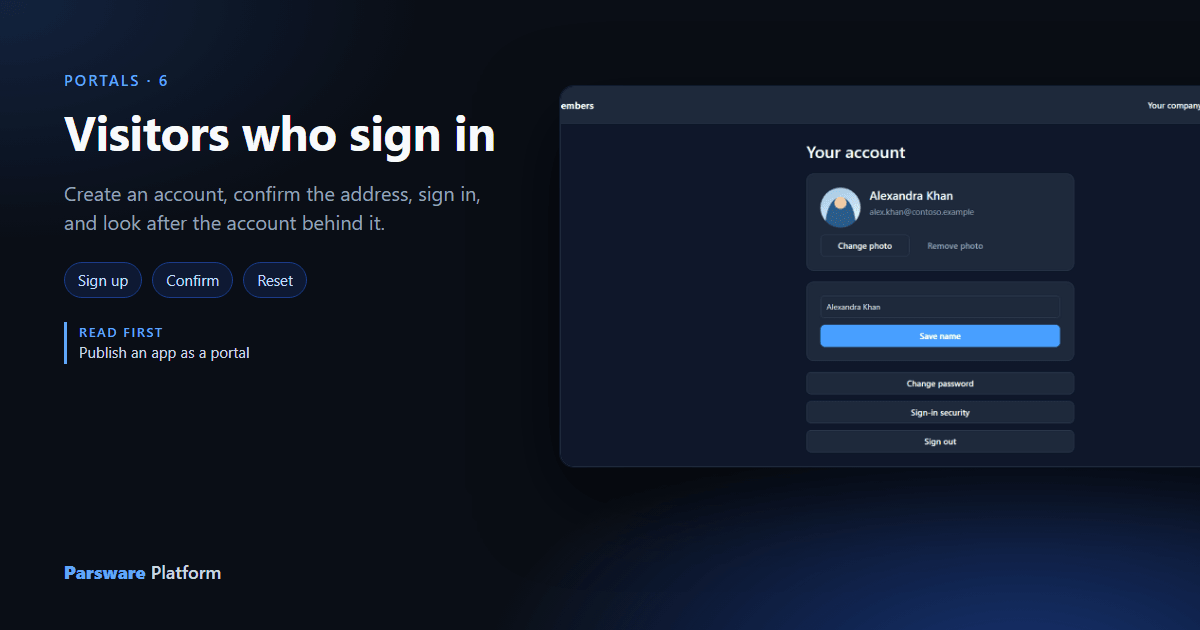
A portal open to Anyone can show a landing page and take a contact form. Anything that's about one person needs to know who that person is: their cases, their company, their settings. So the portal asks them to sign in.
The people who sign in to a portal are portal users, not platform users. They have no roles,
no Shell and no place in a user picker. They're your customers, and they make their own accounts.
This article uses the Portal sign-in and accounts sample,
samples/solutions/portal-sign-in-and-accounts, published as Northwind members.
One setting
On the portal, Who can open it is People who sign in:
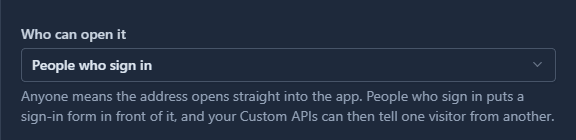
That's all it takes to put a way in in front of the app. The next article is about drawing that way in yourself. This one uses the sample's, which is already drawn.
Create an account
A stranger opening the address sees the sign-in page, not the app:
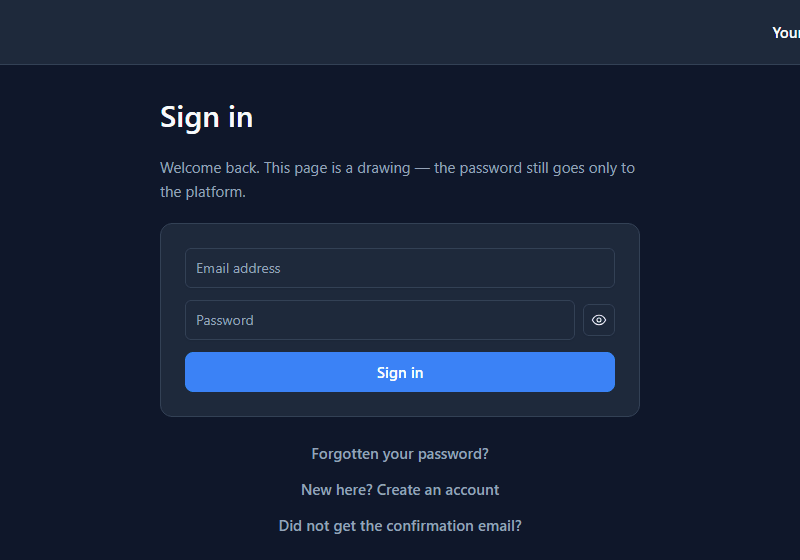
Alex Khan has no account yet, so they press New here? Create an account and fill it in:
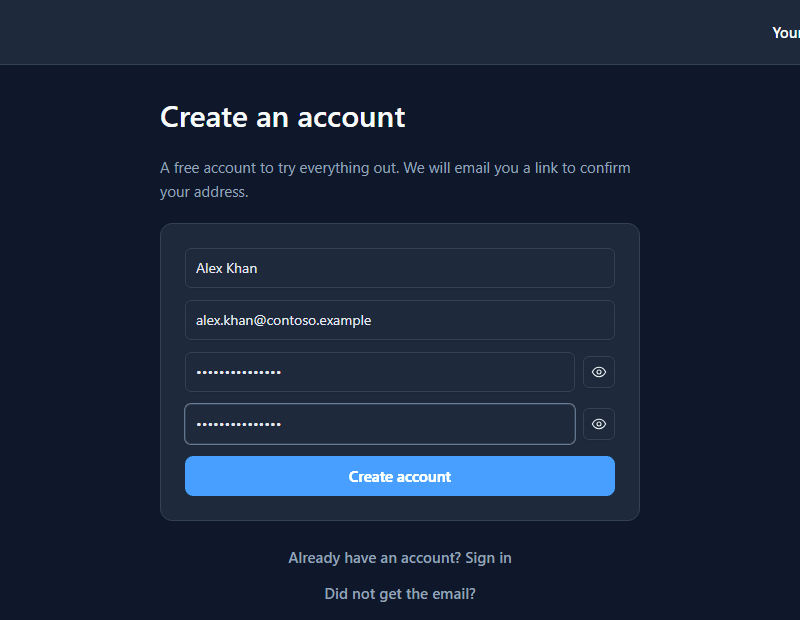
Before the account is made, the browser solves a moment's proof of work, the same check the contact form uses. A person doesn't notice it; a script making a thousand accounts does. Then:
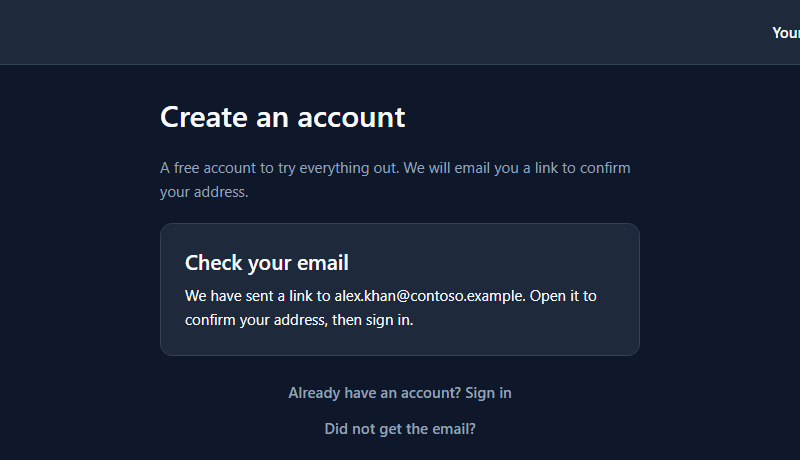
Too early
The account exists, but it can't be used until the address is confirmed. Alex tries anyway:
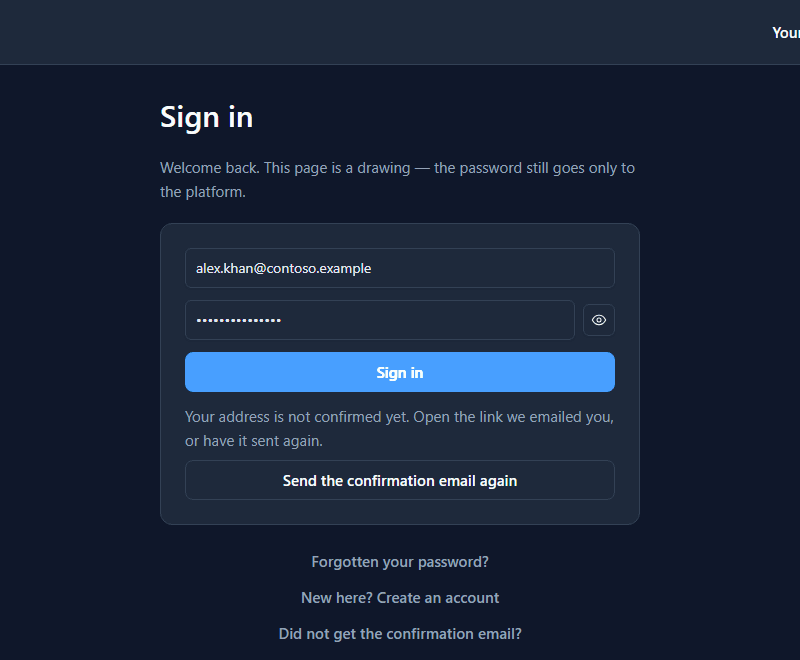
The page says why and offers the way on. An address nobody has confirmed could be anybody's, so nothing is unlocked until the owner of the mailbox says it's theirs.
The link
The email holds a link that's good for 24 hours. It opens a page of the portal's own:
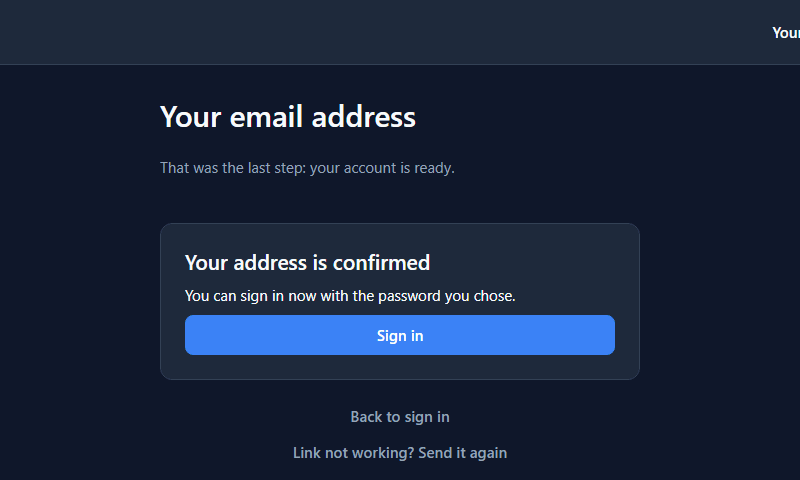
The secret in the link never reaches the drawing. The platform takes it out of the address, confirms it, and the page only learns whether that worked.
Alex signs in and lands on the portal's first page, Your company, which is the next part of this series.
The account behind it
Your account shows the visitor's photo, name and address. With no photo, a drawn placeholder stands in. Alex adds a photo and changes the name to Alexandra:
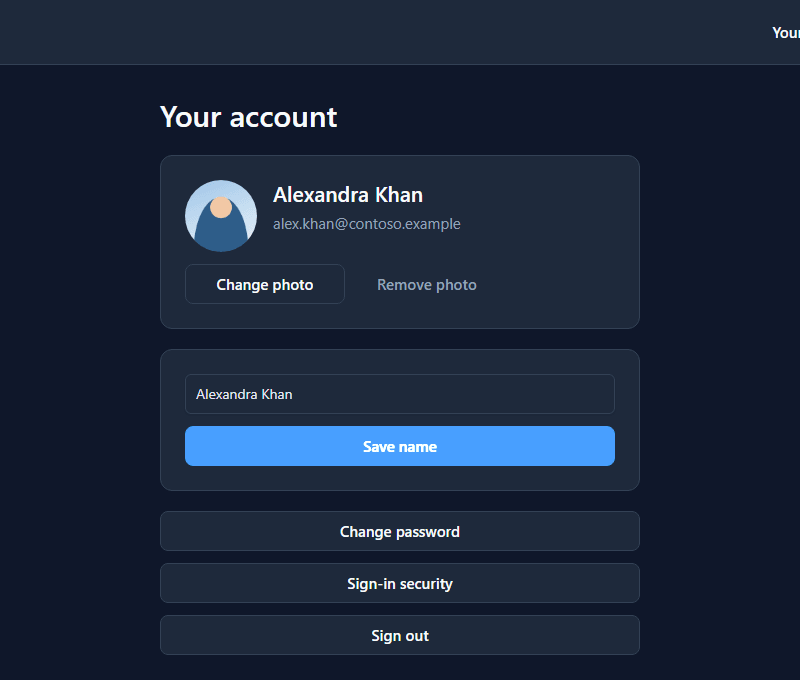
The name and photo belong to the account, not to a record in a table you made. Every portal
screen reads them as user.name and user.photo, so anything that shows them follows at once.
Forgotten password
Alex signs out, and a week later can't remember the password. Forgotten your password? asks for the address:
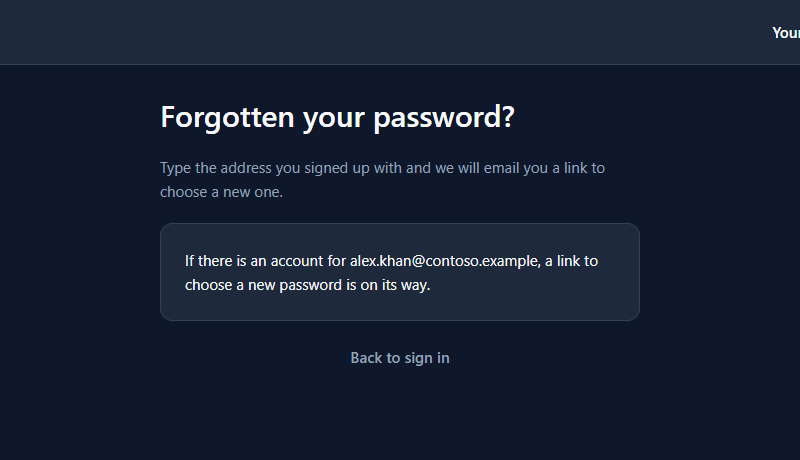
It says if there is an account, whatever the address. A page that said "no such account" would tell anybody which addresses are customers of yours.
The link opens the new-password page:
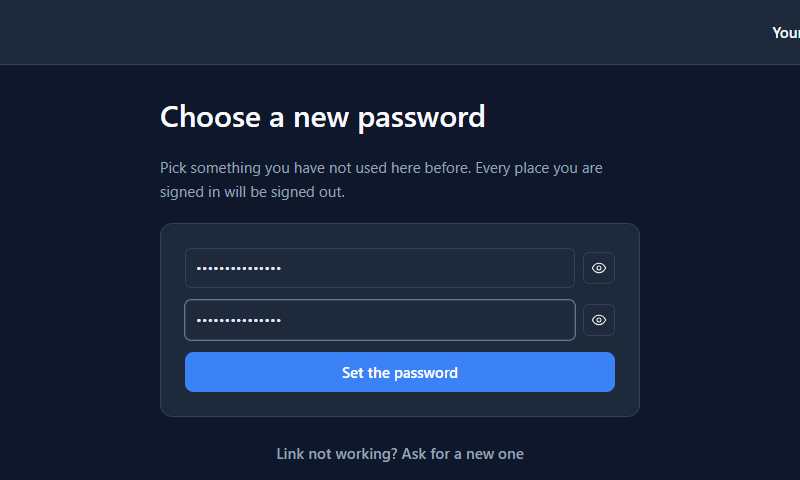
Setting it ends every session the account had, on every device, and brings Alex back to the sign-in page with Your password is set. Sign in to continue.
From the inside
Your own people find these accounts in Admin Control Center → Portal users, beside Users:
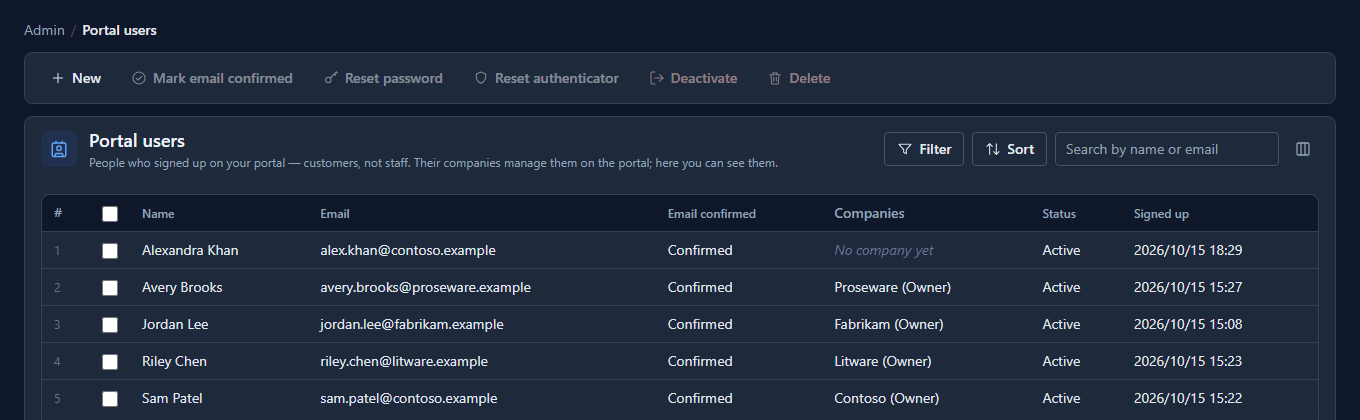
This is where an administrator answers "my sign-up didn't work": whether the address was confirmed, which company they're in, and whether they're locked out. From here you can confirm an address, reset a password, or deactivate an account. You can't see the password, and nor can anybody else.
An account belongs to the portal it was made on. Alex's account opens Northwind members, and signing in to another of your portals with the same address and password doesn't work.
What it doesn't do
- It doesn't send mail on its own. The deployment needs a mail provider. Without one, the messages go to the service's log, which is fine on a developer's machine and nowhere else.
- It doesn't give visitors a role. What a portal may read is decided by the portal's Custom APIs and the roles under Visitors act as, not by anything on the account.
- It doesn't share accounts between portals. One person on two of your portals has two accounts.
What we fixed
- "Sign in to continue." after signing out, twice. Pressing Sign out showed that error as two stacked messages. Until the page had reloaded its settings it still thought somebody was signed in, so the first page drew itself, asked for that person's company, and was refused twice. The page now forgets the visitor the moment the session ends.
- The confirmation page still said "One moment". It kept its title, Confirming your address, and One moment — this page confirms the address, above a card saying the address was confirmed. The title is now Your email address, and the sentence under it follows the answer.
Try it
Import samples/solutions/portal-sign-in-kit, then samples/solutions/portal-sign-in-and-accounts.
Open Portals → Northwind members, give it an address and tick Published. Create an account
with an address you can read, confirm it, and then change your photo.
Next: Your own sign-in page.