Parsware Platform
Reset a password
There is no forgotten-password email for the people who use the Shell and the Admin Control Center: an administrator sets a new password and hands it over. We reset Alex Morgan's while Alex was signed in, and watched what Alex saw: the open tab signed out, the old password refused, the new one working.
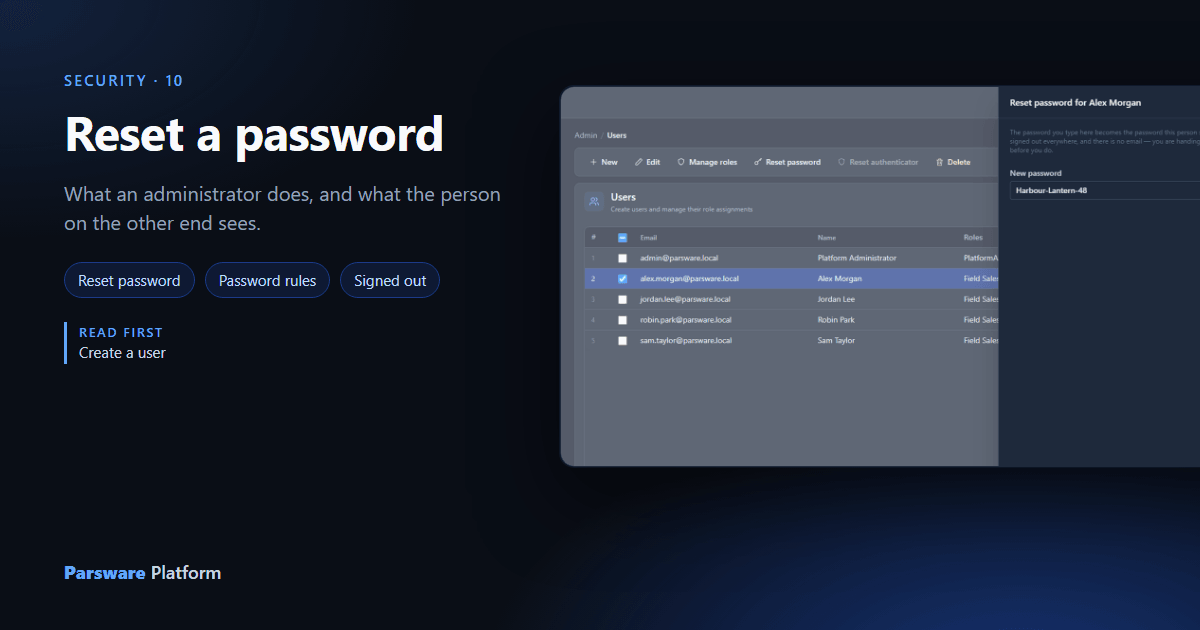
When someone forgets their password, or you think somebody else may know it, an administrator resets it. There is no "forgot your password" email for the people who sign in to the Shell and the Admin Control Center. You choose the new password and hand it over yourself.
(Customers signing in to a portal are different: they reset their own password from a link sent by email, and an administrator never sees it.)
Set the new password
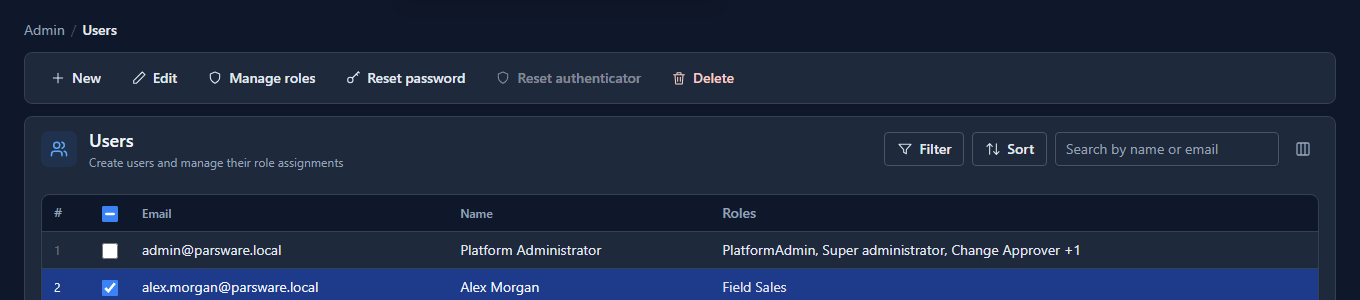
In the Admin Control Center, open Users, tick the person, and select Reset password. A panel opens with one box, and a sentence saying what happens next: the new password works straight away, the person is signed out everywhere, and nobody is emailed.
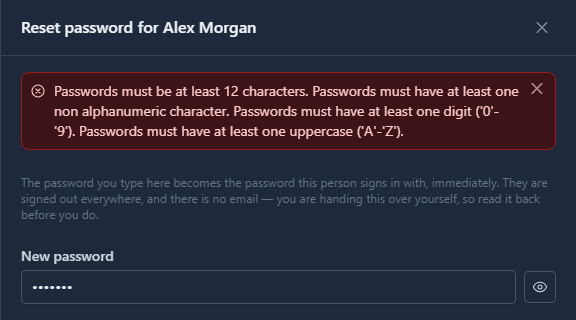
The password has to meet the same rules as a new user's. Type something too short and the panel says which rules it broke:
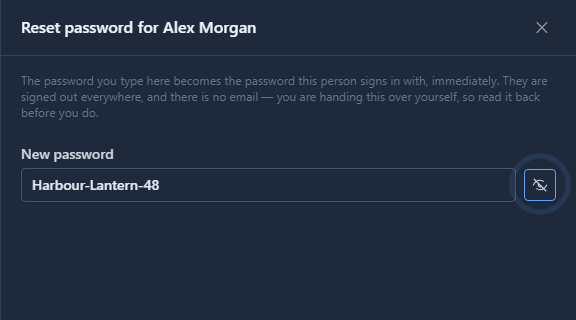
There's no second box to type it again. Select the eye to show what you typed and read it back instead, because you're about to give it to somebody, and a typo you can see is better than one that two matching boxes didn't catch:
Select Save:
The new password isn't kept anywhere you can look it up later, and it isn't left on screen once the panel closes. Give it to the person in a way you'd trust with the password itself: in person, or over the phone, not in an email that sits in two inboxes for ever.
What Alex sees
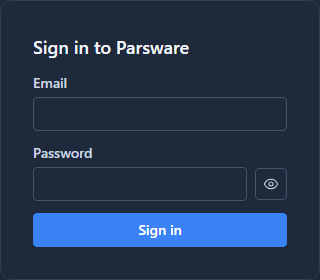
Alex had the Shell open while this happened. The reset signs out every session that started under the old password. A tab that's already open finds out when its access is next renewed, which is within the hour. Then it's back to the sign-in page:
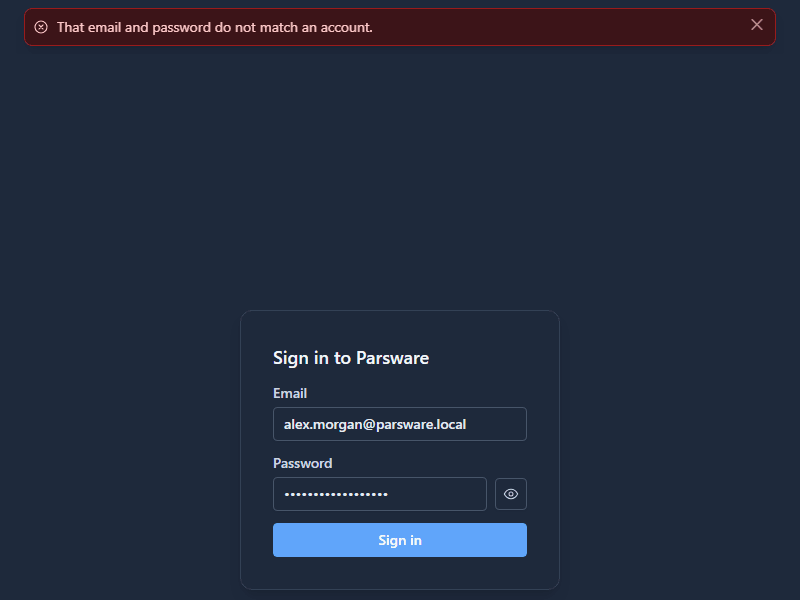
The old password is refused:
The new one signs Alex in. If Alex had an authenticator app, the sign-in would still ask for its code: resetting a password doesn't change the authenticator. That's the previous article.
What we fixed
- The reset didn't sign anybody out. The panel said it would, but a session started under the old password carried on renewing itself. If the old password had been stolen, the person using it stayed signed in. A session now ends at its next renewal after a reset.
- The sign-in page offered the administrator's address. Both sign-in pages opened with
admin@parsware.localalready in the email box, left over from development. Alex, signed out by the reset, came back to somebody else's address waiting for a password. The box is now empty. - A wrong password said The username/password couple is invalid. It now says That email and password do not match an account.
Good to know
- Nobody can change their own password yet. The person keeps the one you gave them until an administrator resets it again, so choose one they'll be happy to keep.
- Check who is asking. A reset hands an account to whoever receives the new password, so confirm the request really comes from that person before you make it.
Try it
Sign a test user in in a private window, reset their password from Users, and watch that window when it next renews.
Next: The audit log.