Parsware Platform
Row-level security
A list that hides rows is only safe if every other way in hides them too. We signed in as Robin, who may read claims only in his own units, and tried the search box, a claim's address and the record API directly. Each gave the same answer as the list.
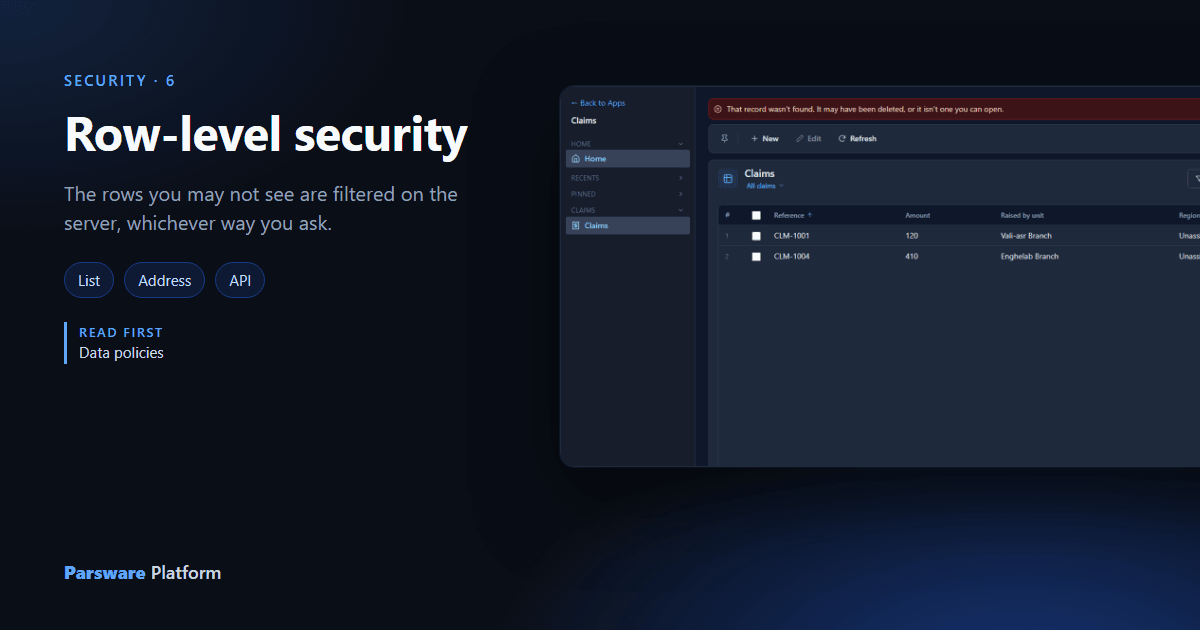
Hiding rows in a list is easy. What makes it security is that the rows stay hidden whichever way somebody asks: the search box, a link a colleague sent, a report, a script calling the API. In Parsware they do, because the filter isn't applied by the screen. It's part of the query the server runs.
We used the Row-level security that travels with the solution sample from
samples/solutions/mda-row-level-security, as in Data policies. Robin
Park holds the Claim Reviewer role, whose Read is held under Claims in my units. Robin sits in
Northern Region, so he may read claims raised in its branches. There are four claims, one per
branch.
The list
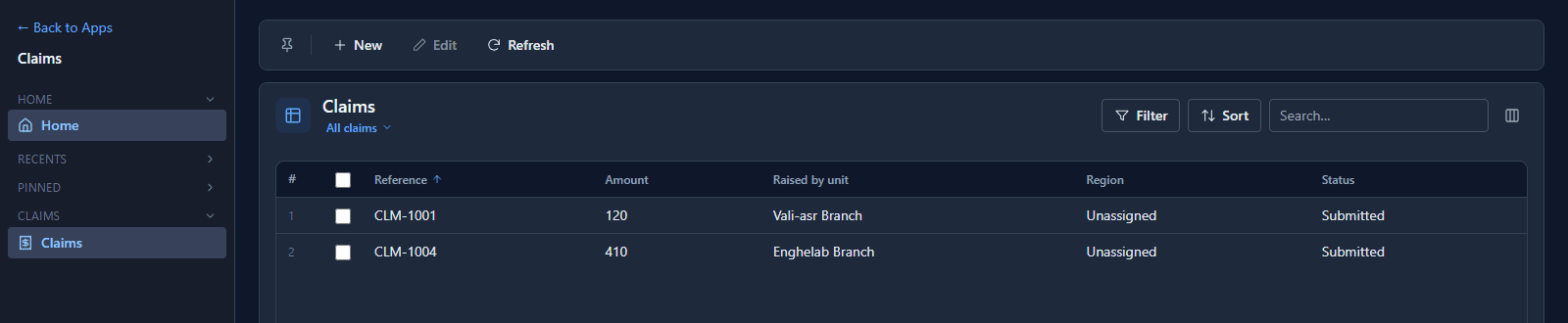
Two of the four: the claims from the two northern branches.
The search box
CLM-1003 was raised in Shiraz Branch, in the south. Robin searches for it:

The search runs inside the same filter, so a row outside it can't be found by name either.
A claim's address
Somebody sends Robin a link straight to CLM-1003. Opening it:
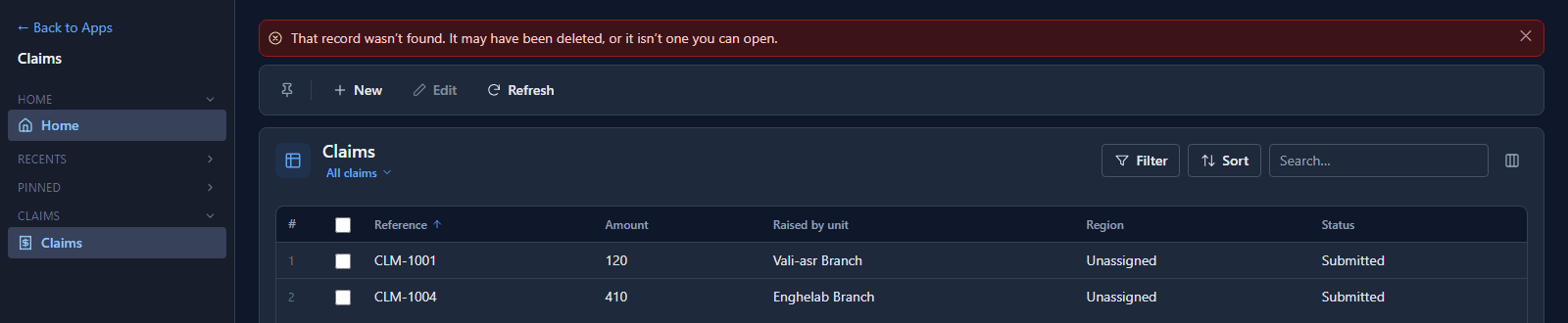
The answer is not found, never forbidden. Forbidden would confirm that CLM-1003 exists and that someone else has it, which is itself information Robin shouldn't have.
The API
The Shell is only one client. An integration, a script or a portal calls the same record API, so we called it directly with Robin's sign-in. These are the real answers:
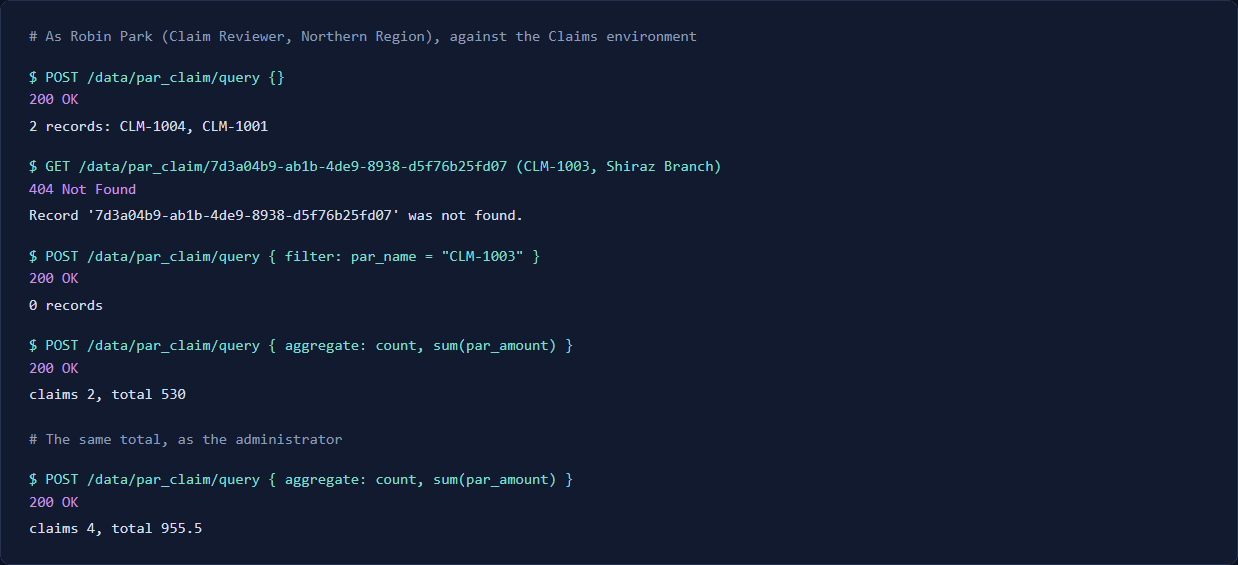
- A query returns the same two claims as the list.
- A claim by its id answers 404, as the address did.
- A filter for CLM-1003 finds nothing.
- A total counts only what Robin may read: 2 claims worth 530, where the administrator's total is 4 claims worth 955.5.
That last one matters more than it looks. A total over rows you can't see would leak them a little at a time ("the sum went up by 410 since this morning"). Reports, charts and saved queries run the same query, so they total only what the person running them may read.
Why it holds
Every read starts by working out the caller's scope: their roles, their teams, their unit, and the policy each permission is held under. That scope becomes part of the SQL, so the database never returns the other rows to begin with. There's no second, unfiltered path for a screen to forget about, and a record fetched by id is checked against the same scope before it's returned.
What we fixed
The Shell used to answer an out-of-reach address with That record no longer exists. It claimed a deletion that never happened, and sent people looking for whoever deleted it. It now says the record wasn't found, and that it may have been deleted or may not be one they can open, without saying which. In all seven languages.
Good to know
- Read, update and delete each have their own policy. Grant them consistently. A role whose Update reaches more records than its Read can change records its holder can't list.
- The administrator isn't filtered. The tenant administrator bypasses roles, which is why the administrator's total above counts everything.
- Lookups and related lists are filtered too. A lookup picker offers only records its user may read, and a related tab lists only those.
Try it
Sign in as a user with a narrow policy, copy the address of a record you can see as the administrator but they can't, and open it as them.
Next: Set up your organisation.