Parsware Platform
Security roles in practice
One app, two roles. We copied Field Sales into a read-only role, gave it to Jordan, and opened the same Accounts list as Alex and as Jordan: the same records, with and without the commands to change them.
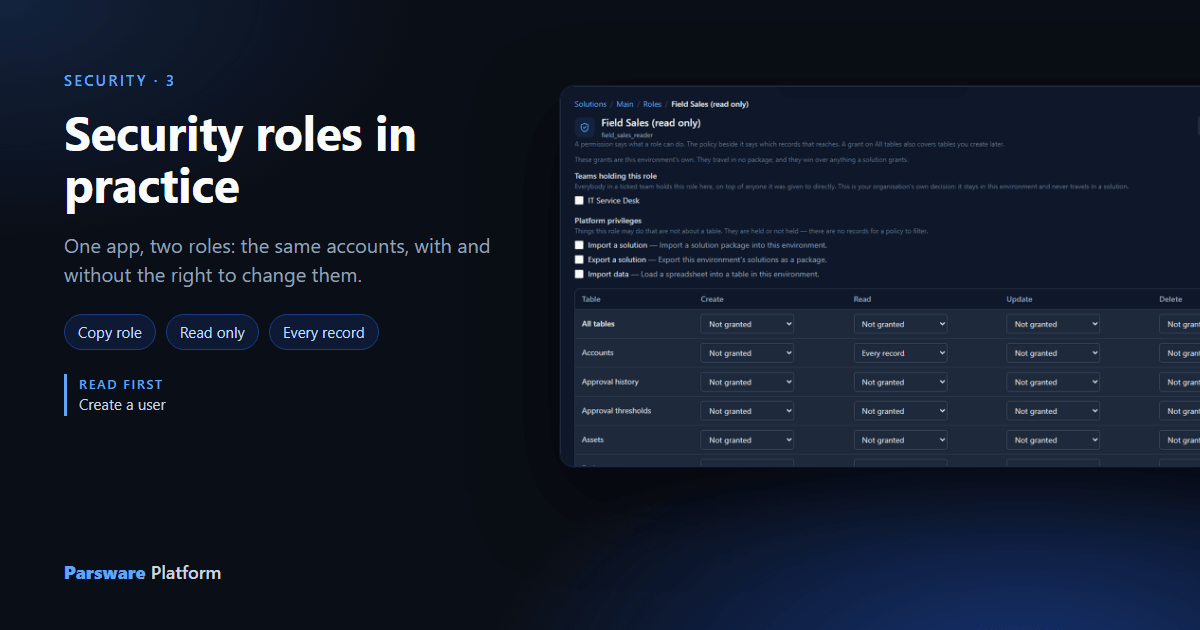
Alex sells, so Alex creates and updates accounts. Jordan supports the sales team and needs to look accounts up without changing them. Same app, different jobs. That's two roles.
We used the An app that arrives shared with the people who need it sample, from
samples/solutions/mda-app-shared-with-a-role. It brings the Field Sales app and a Field Sales
role.
What Field Sales may do
Open the sample solution, choose Roles, then Field Sales:
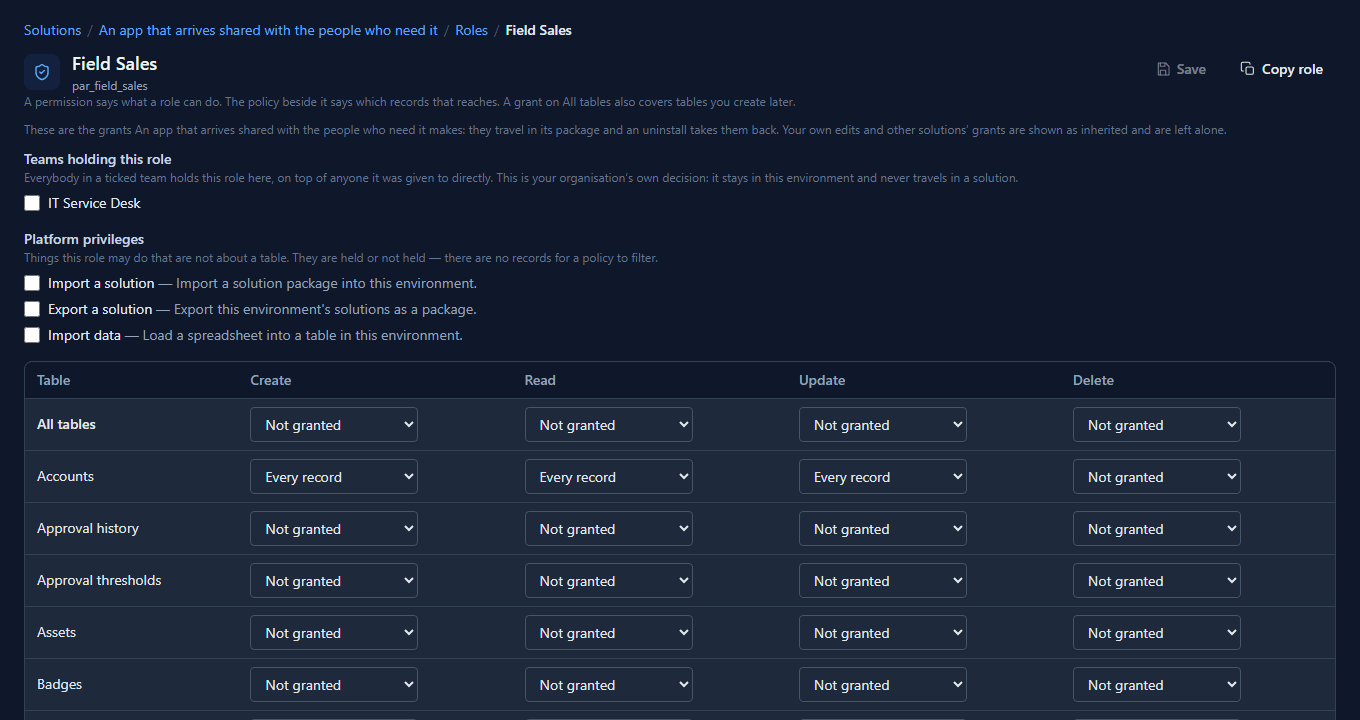
Each table has four cells. A cell left on Not granted is a permission the role doesn't have. Any other value is granted, and the value is the policy: which records it reaches. Field Sales may create, read and update accounts and contacts, on every record, and may delete neither. The role also holds Open on the app, which the grid doesn't show: that's the Share panel's job.
Copy it
Jordan's role is Field Sales minus two verbs. Re-granting it cell by cell is how two roles end up different in a place nobody meant, so we copied it instead. We did it in the Main solution, because a read-only role for our support people is our own decision, not part of the sample's package. Open Field Sales there and select Copy role:
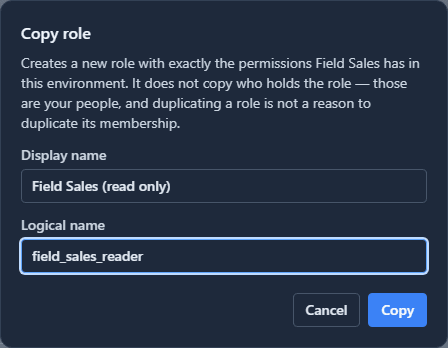
The display name is what people read; the logical name is the role's identity, fixed once it's created. The copy takes every grant on screen, including the app's Open, and nobody who holds the original.
Narrow it
In the copy, set Create and Update on Accounts and Contacts back to Not granted, and Save:
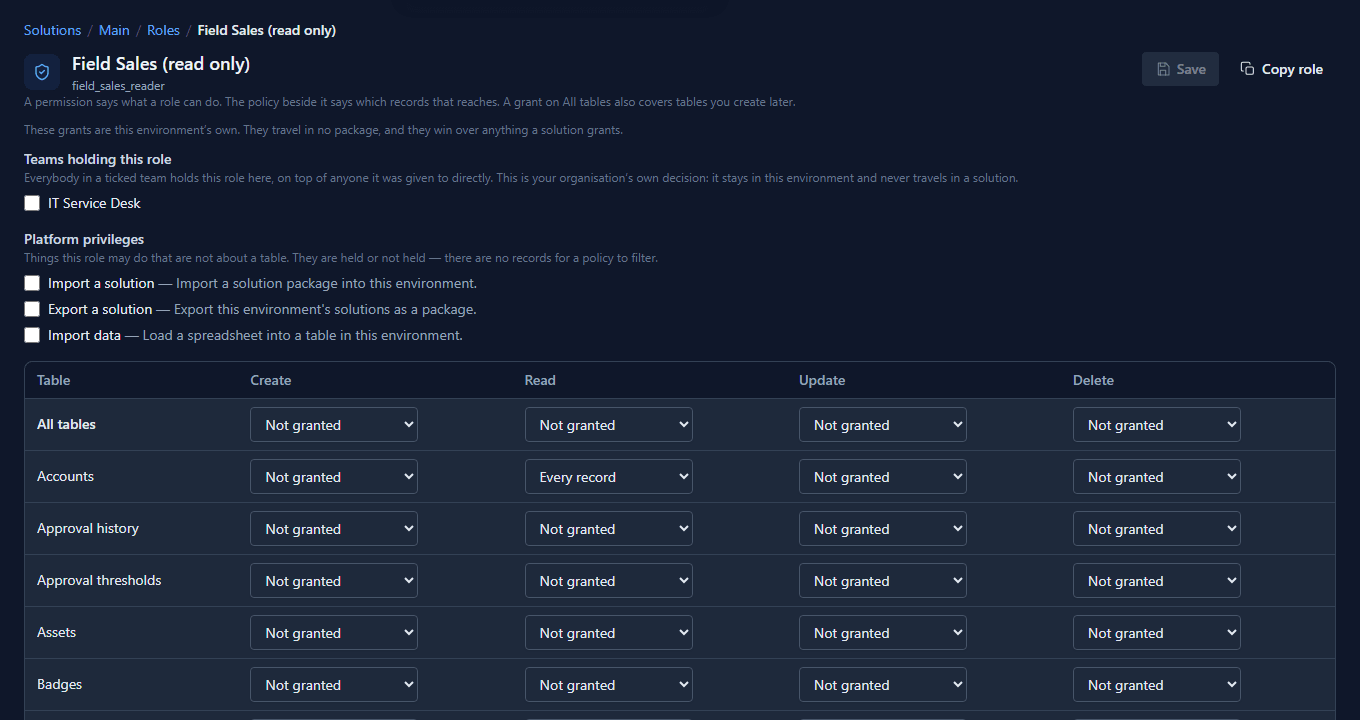
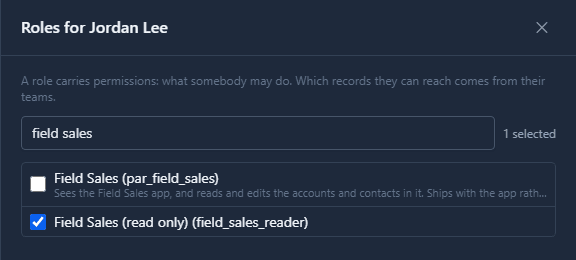
Then on Users, Jordan's Manage roles swaps one for the other:
Two people, one app
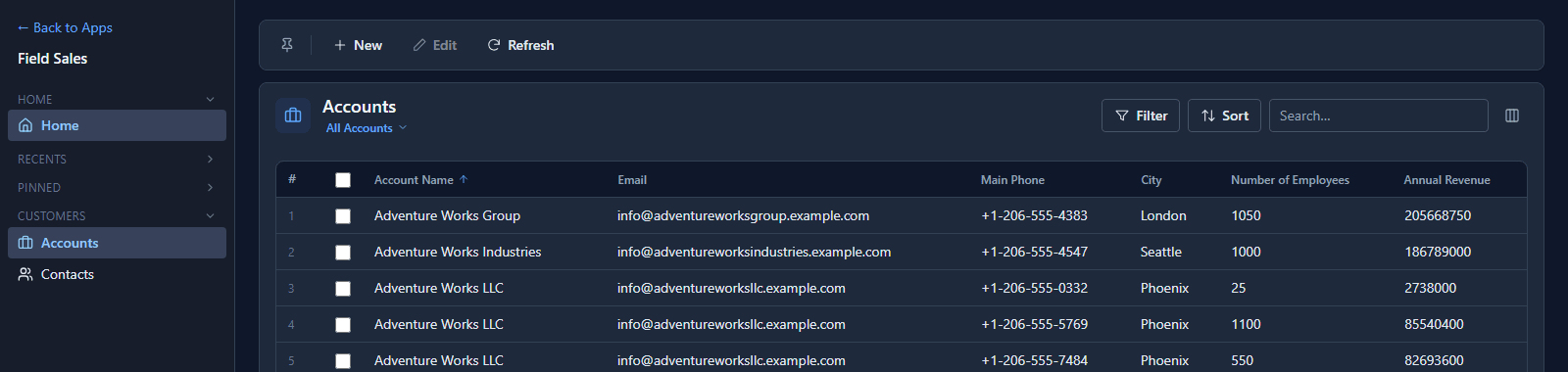
Alex opens Accounts:
Jordan, signed in after the change, opens the same list:
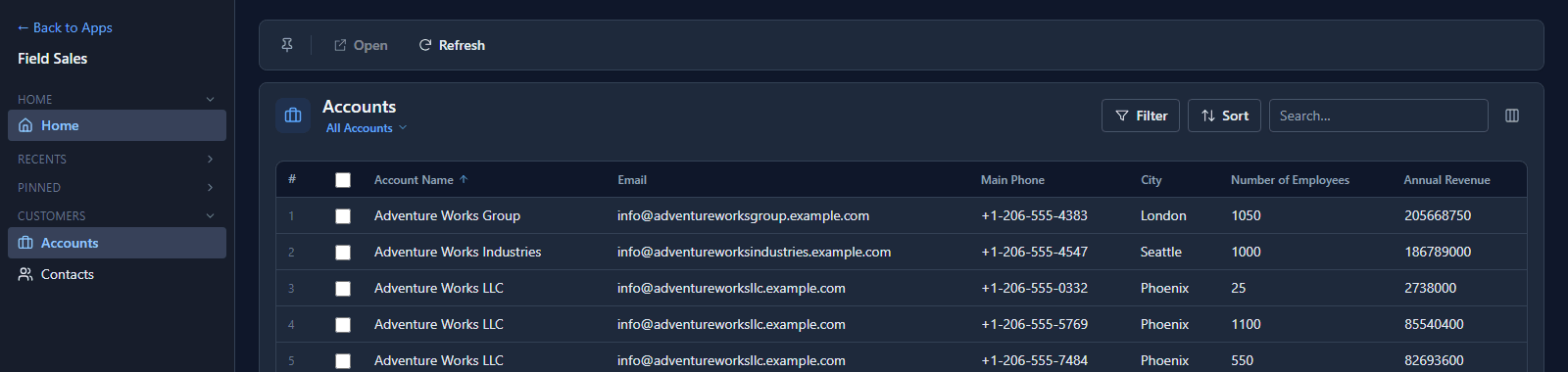
Same records, because both roles read every record. Jordan has no New, and Edit has become Open. Opening an account shows it without Save:
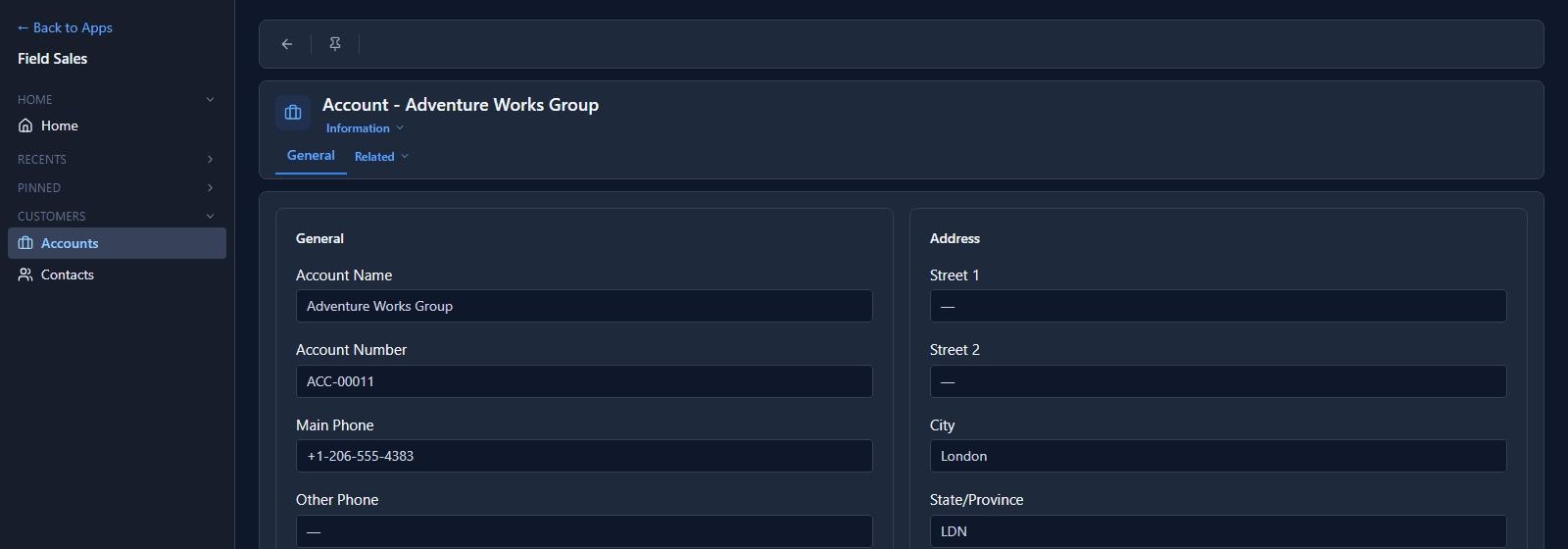
The screen is only the visible half. If Jordan sent an update some other way, through the API or a script, the server would refuse it: the permission is checked on every write, whatever the screen offered.
What we fixed
- The grid was in logical-name order. Training Courses sat between Badges and Contacts
because its table is
con_trainingcourse. Rows now sort by the name in the first column. - A copied role was named by its logical name. Copy role only asked for a logical name and used it as the display name too, so the Roles list read Field Sales beside field_sales_reader until somebody renamed it. The dialog now asks for both.
- Import data was offered to people who couldn't import. Field Sales may create accounts, so Alex's bar had Import data, but importing also needs the Import data privilege, which the role doesn't hold, and the upload was refused. The button now appears only when both are held.
Good to know
- Not granted and No records aren't the same. No records keeps the permission but reaches nothing, which is a way to switch something off without removing the line.
- All tables grants a verb on every table, including tables created later.
- A change to a role's permissions takes effect on the next request. Giving a person a different role takes effect at their next sign-in.
Try it
Copy a role, take one verb away, give it to a test user, and compare their screen with yours.
Next: Teams.