Parsware Platform
Teams
A team is a group of people that records can belong to, and it can hold a role. We put Alex and Jordan in Field Sales North, gave the team the Field Sales role, and watched Jordan's open session gain New on its next refresh, with no sign-out.
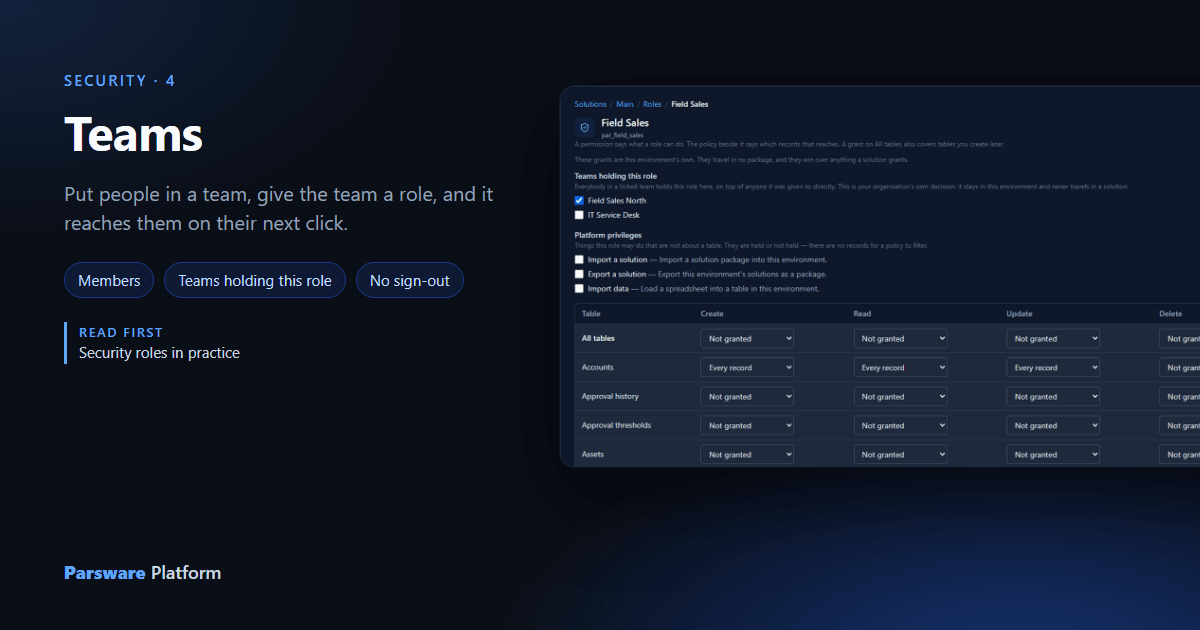
Giving a role to people one at a time works until there are thirty of them, and somebody joins, and somebody leaves. A team lets you say it once: everybody in Field Sales North holds Field Sales here.
A team does two things, and they're worth keeping apart:
- Records can belong to it. The My teams' records and Mine and my teams' policies reach records owned by a team you're in.
- It can hold a role, in one environment, for everybody in it.
Create the team
Teams are under Admin, below Users. Select New, give it a name, and say what it's for:
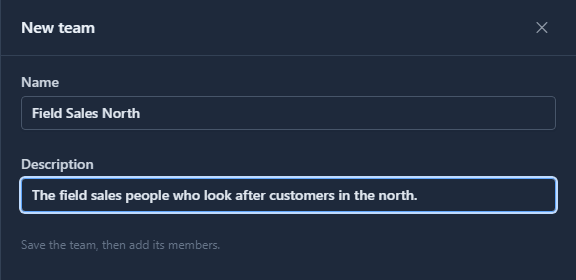
Like users and roles, a team belongs to the tenant: the same team exists in Development, Test and Production.
Put people in it
Tick the team and select Manage members. The list is your tenant's users, each with their email so two people with the same name can be told apart:
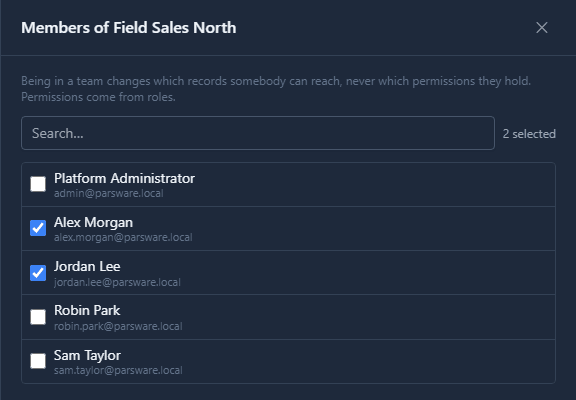
Save copies the team and its members into every environment, which is what lets a record there belong to the team and a policy there read who is in it. Being in a team gives nobody a permission by itself.
Give the team a role
Jordan holds only Field Sales (read only) since the last article, and is signed in to the Shell with no New on the Accounts list:

Now open Field Sales in a solution's Roles. Above the grid, Teams holding this role lists the environment's teams. We used the Main solution, since which teams hold a role is our own decision and never travels in a package. Tick Field Sales North and Save:
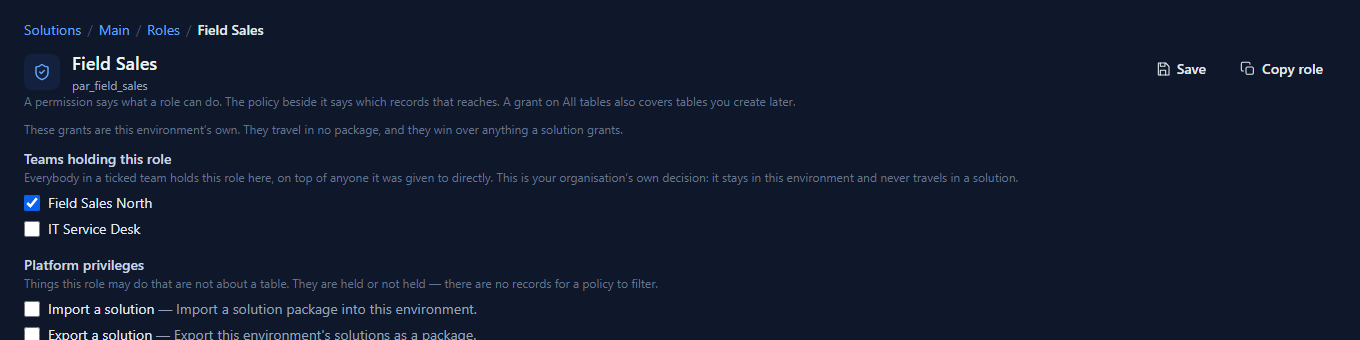
Jordan doesn't sign out. Jordan refreshes:

New is back, and an account opens with Save. A role a team holds is worked out inside the environment on each request, so it reaches people on their next click. A role given on the Users page travels in the person's sign-in instead, and waits for their next sign-in.
What we fixed
A team's members didn't reach environments created before the members were. An environment copies the tenant's users when it's created and not after, and a team's membership points at those copies. Alex and Jordan were added to the tenant later, so their membership was skipped without a word: the Teams page said two members, Development had none, and the role we gave the team reached nobody. Saving a team now copies the tenant's users into each environment first.
Good to know
- Teams page or Users page? A team is the way to give a role to a group, and the way to make a change take effect without anybody signing out.
- Holding a role through a team and directly counts once. Nothing doubles.
- A team can own records. Pick it in a record's Owner field, and everybody in it reaches that record under the team policies.
- Deleting a team is refused while it still owns records somewhere, and the refusal says which environment and which tables.
Try it
Make a team, put a test user in it, give the team a role in Main, and refresh the test user's open session.
Next: Record access: whose records you see.