Parsware Platform
Hot reload while you develop
Packing and uploading a control for every change is slow. In a development environment, register its running dev server instead: save a change, refresh the form, and it's there. We fixed the badge field's dash this way, then packed 1.1.0 when it was right.
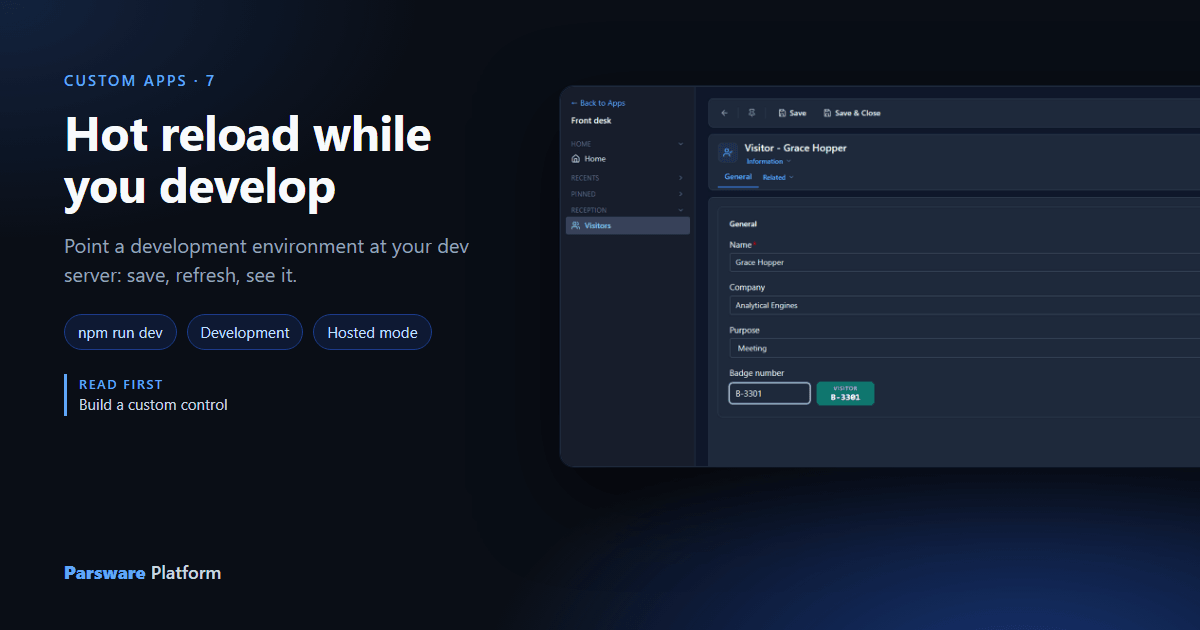
Reception keeps typing badge numbers without the dash, b3301, and the
badge field faithfully saves B3301. The fix is one line. The
loop around it, build, pack, upload, reopen the form, is a minute each time, and getting a regular
expression right can take a few tries. In a development environment there's a shorter loop:
the form loads the control straight from your dev server.
Point the platform at the dev server
Start the control's project the usual way:
$ npm run dev -- --port 5302
The platform only allows one registration per control name, so in the Visitors solution, Custom Controls, select Badge field and Remove. Then New, choose Use a running dev server, and type the address:
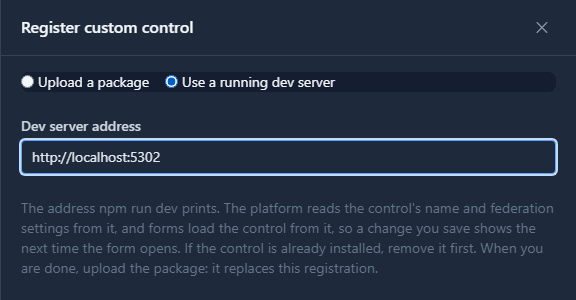
That's all it asks for. The platform reads the control's name from the parsware block of the
package.json your dev server serves, and its federation scope, module and entry file from the
mf-manifest.json it serves because manifest: true is set. The list shows where the control now
comes from:
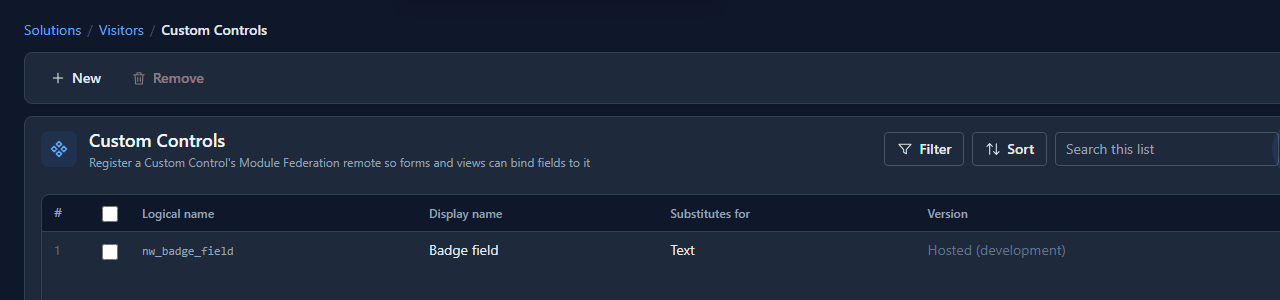
The form binding didn't change: it names nw_badge_field, and that's now your machine.
Change, save, refresh
Here's what reception gets today, typing b3301:
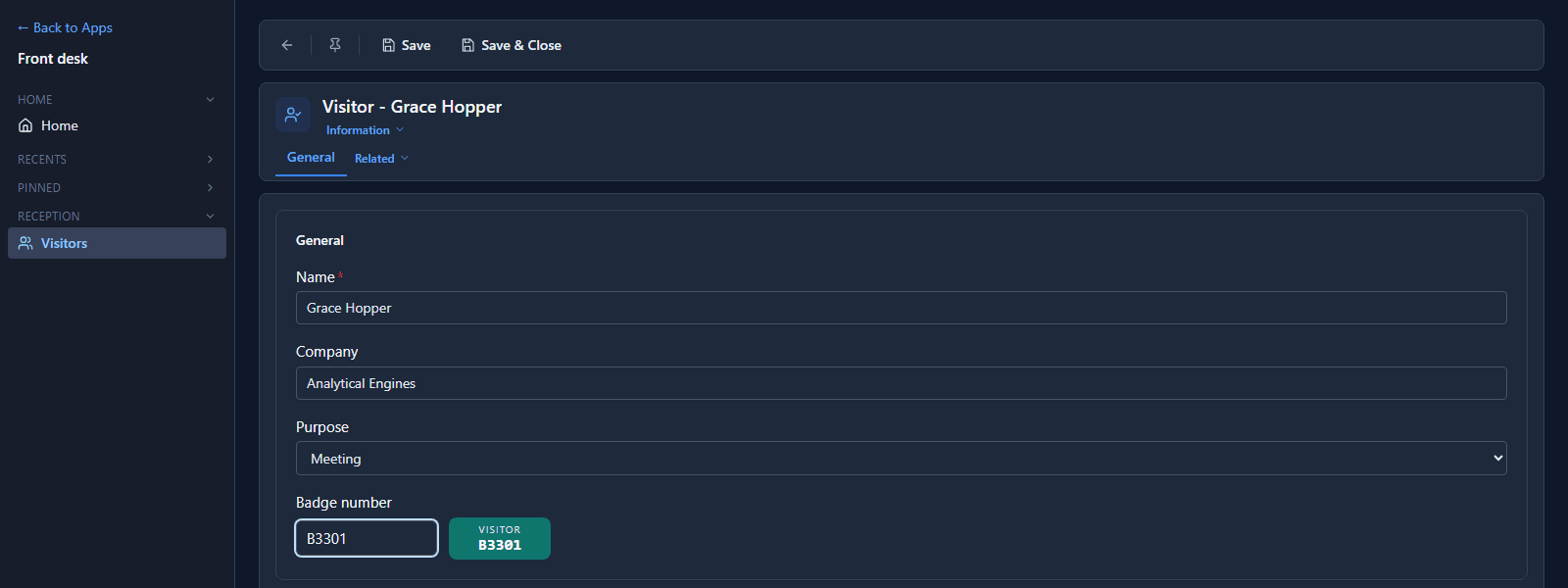
One line in Control.tsx, saved:
function tidy(text: string): string {
  return text.toUpperCase().replace(/\s+/g, '').replace(/^B-?(\d)/, 'B-$1');
}
Refresh the form and type the same thing:
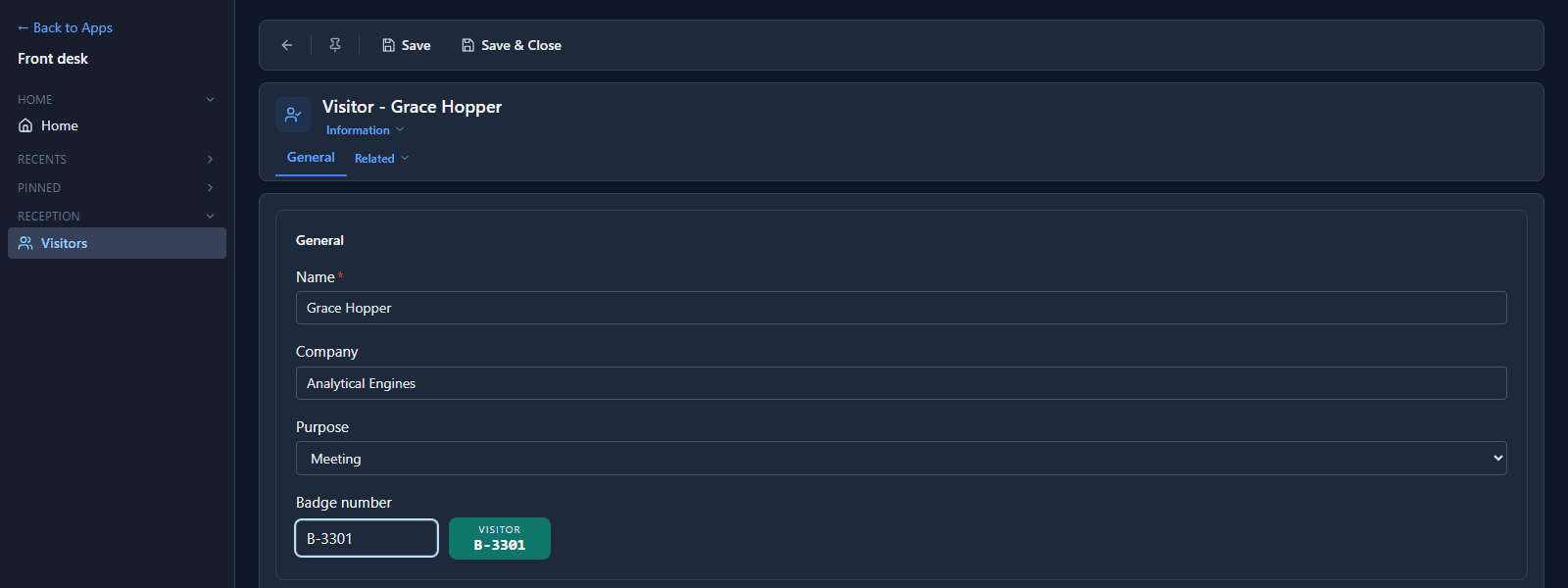
No build, no pack, no upload. One thing to know: the change shows when the form is refreshed, not while it stays open. Vite's fast refresh in your dev server can't reach the Shell's React, so the in-place hot reload you get on the control's own development page stops at the Shell. For styling work, use that page; for how the control behaves on a real record, refresh the form.
Two settings must allow it
- The Shell loads code only from origins it allows. On your own installation that's
REMOTE_ALLOWED_ORIGINS; add your dev server's origin, herehttp://localhost:5302. On a platform somebody else runs, ask them. - Your dev server must answer the platform. Vite allows requests from
localhostby default; from anywhere else, setserver.corsinvite.config.ts.
If either is missing, registering says which file it couldn't read, or the field shows that the control's origin is blocked.
When it's right, pack it
A dev-server registration has no package, so it can't travel with the solution, and Test and
Production refuse one. When the change is right, raise version in package.json to 1.1.0, then
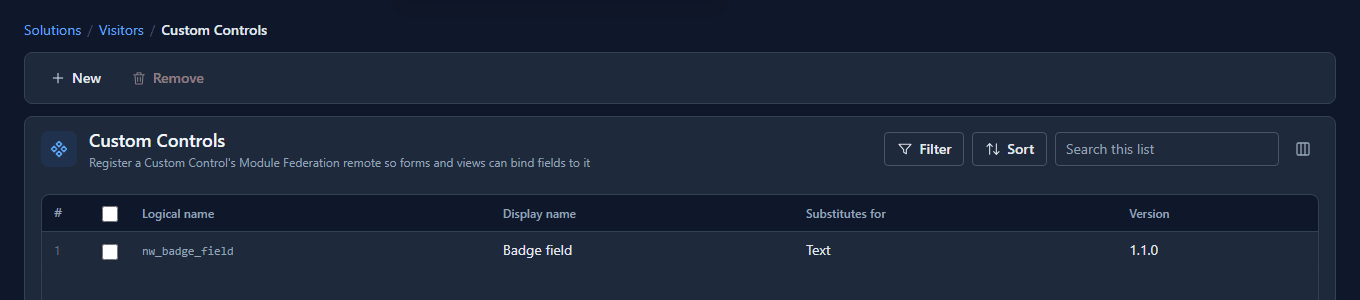
npm run build and npm run pack, and upload the package as usual. It replaces the dev-server
registration:
What we fixed
- There was no screen for this. A dev-server registration existed only as an API call taking six fields, two of which (the federation scope and module) fail silently when mistyped. The New panel now offers it in development environments, from one address.
- The help promised more than it gave. It said a dev-server registration "keeps Vite's hot reload". It keeps the fast loop, with a refresh. The help now says so, names the two settings above, and is updated in all seven languages.
Good to know
- Only in development environments. The choice isn't shown anywhere else.
- The address is read by each person's browser. Anyone else opening that form asks their own
localhost, finds nothing there, and sees an error in the field. Fine in a development environment, which is the only place this is allowed. - Stop the dev server and the field shows an error until you upload a package again.
Try it
Register a control from its dev server, change its look or its behaviour, and refresh a form that uses it. Then pack it and upload it, and check the version in the list.
Next: Security in Parsware.