Parsware Platform
A list a page at a time
A drawn list that shows ten records at a time: a page number in the screen's state, one query that skips to it and counts the whole table, and Previous and Next buttons that switch themselves off at either end.
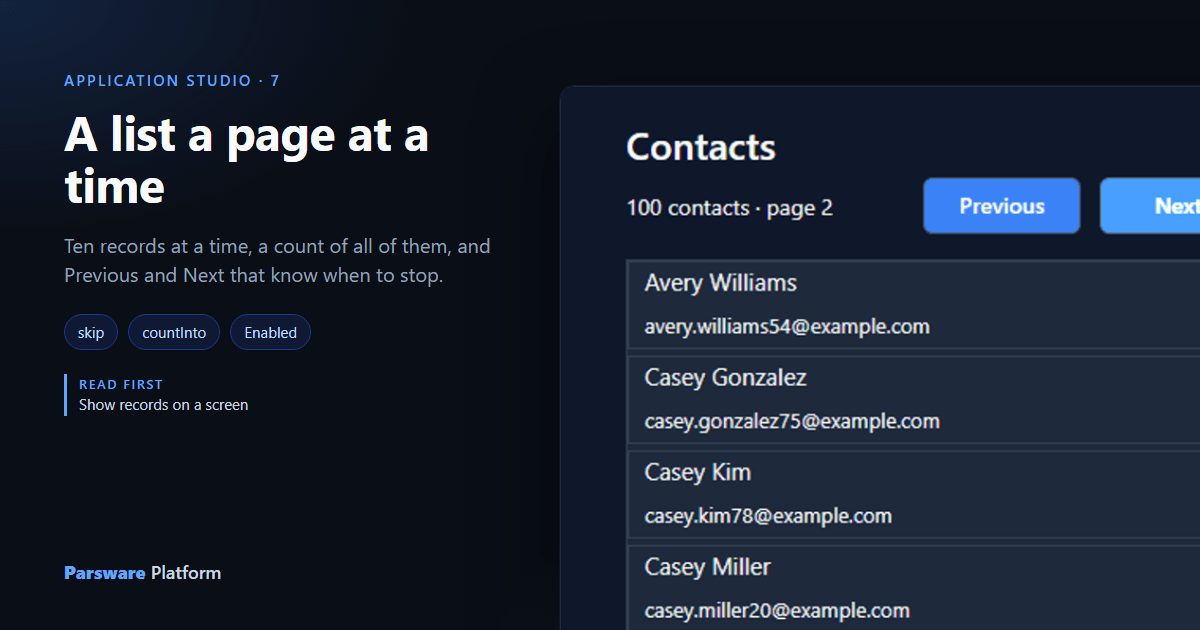
Show records on a screen loaded the first 50 contacts and let the list scroll. That works for 50. It doesn't work for 5,000: the screen would ask for all of them every time it opened, and the reader would scroll forever.
This article turns the same list into pages of ten, with a count of how many there are in total and Previous and Next buttons that stop at either end. We kept building the Contact list app from the last article, and took its Table view out so the drawn list has the screen to itself.
1. Three more state fields
Select the Contacts screen and add three state fields on its Screen tab:
| Field | Starts as | Holds |
|---|---|---|
page |
0 |
which page is showing, counting from 0 |
pageSize |
10 |
how many rows a page has |
total |
0 |
how many contacts there are altogether |
![The Contacts screen's state: contacts [], page 0, pageSize 10 and total 0](/blog/122-a-list-a-page-at-a-time/01-state.png)
2. Ask for one page, and count them all
Press Write code, choose Screen opens, and replace what's there with:
loadRecords("contact", "contacts", {
  top: getState("pageSize"),
  skip: getState("page") * getState("pageSize"),
  orderBy: "fullname",
  countInto: "total"
});
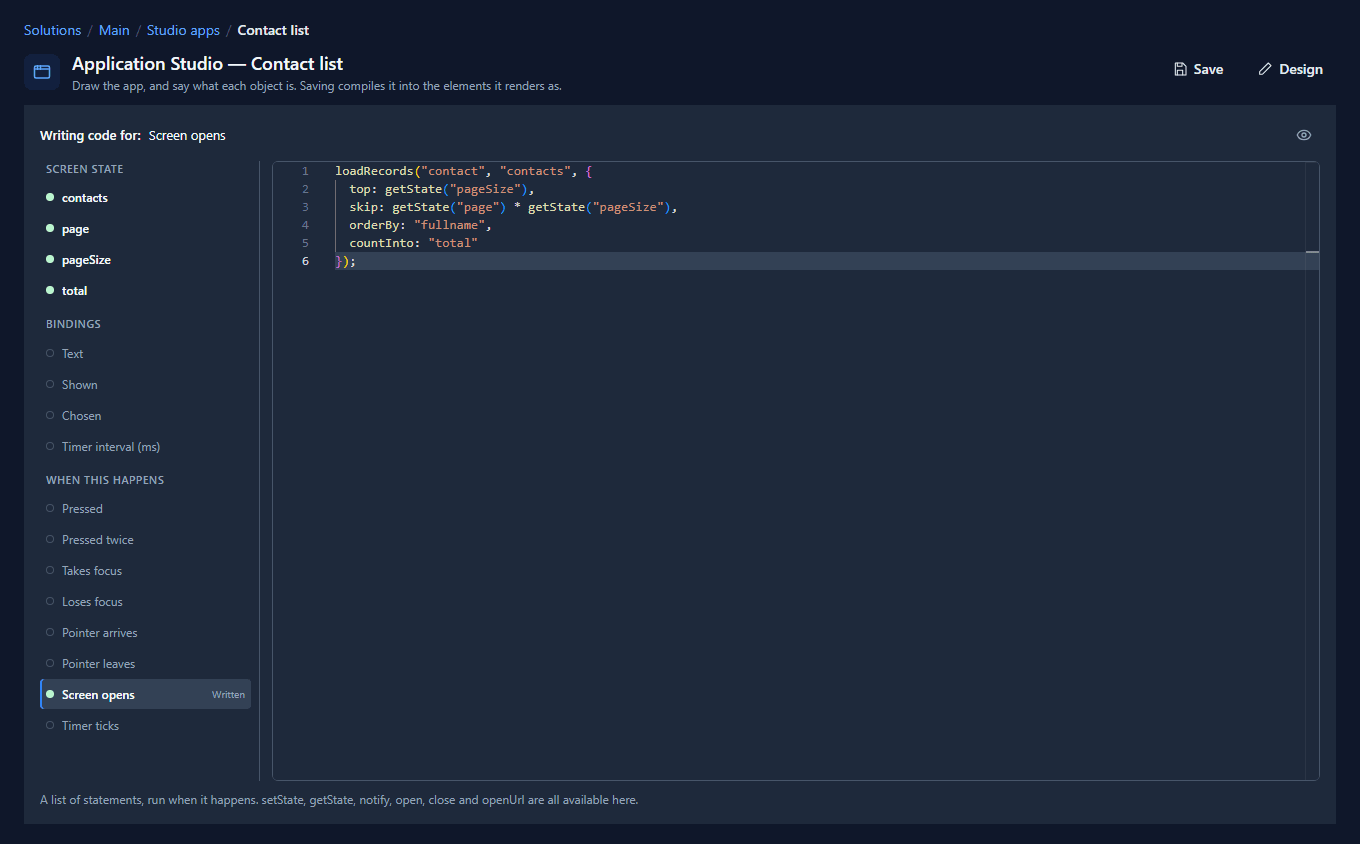
Two parts are new:
skipleaves out that many records before the page starts. Page 0 skips none, page 1 skips ten, page 2 skips twenty.countIntonames a state field to put the total in: how many records match, not just how many came back. A page of ten can't tell you whether it's the last ten or the first of a hundred. This can.
A handler reads state with getState("page"). A binding reads it as state.page. Both mean the
same field.
3. Say where you are
Select the Count paragraph from the last article and change its Text binding to:
text(state.total) + " contacts · page " + text(state.page + 1)
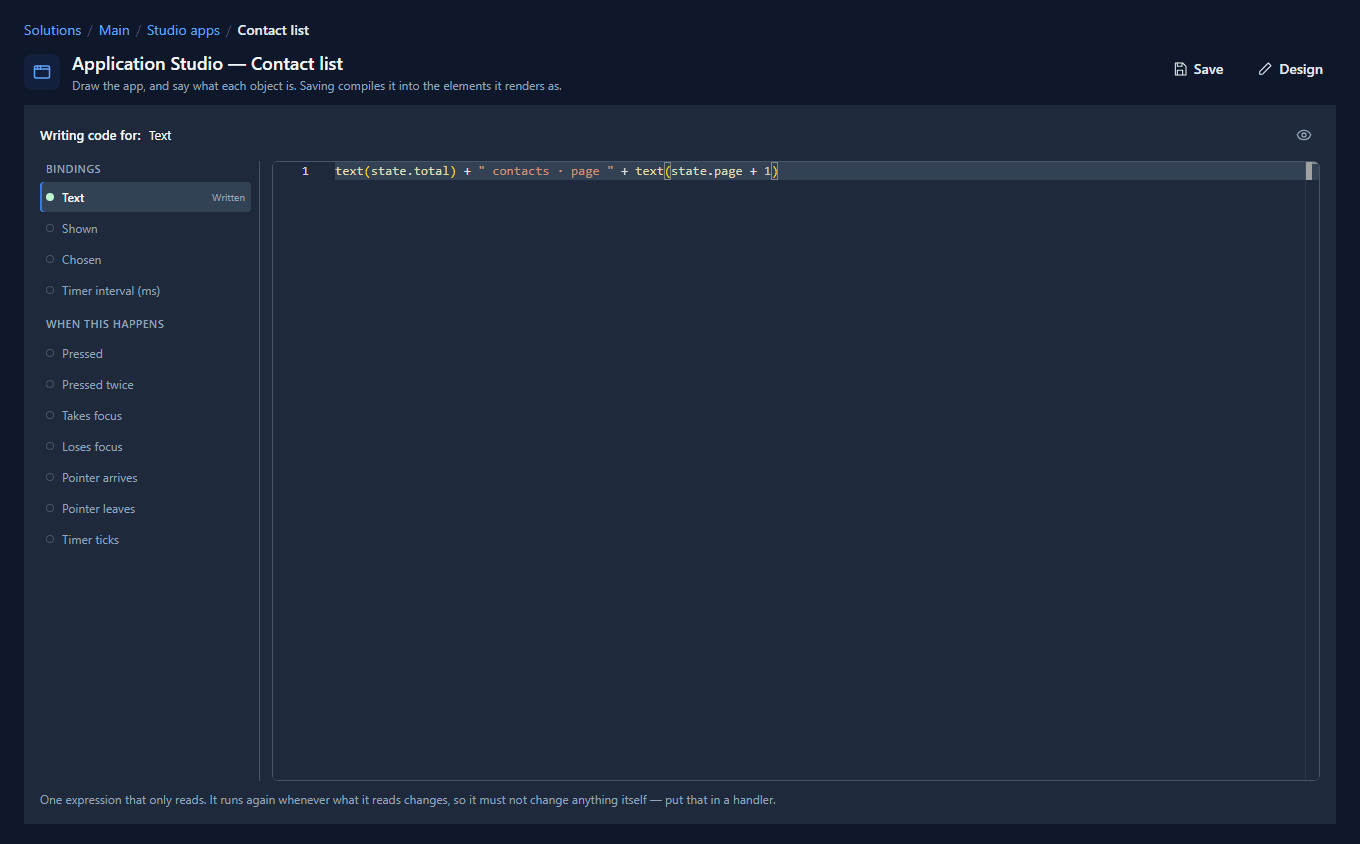
The + 1 is for people: the screen counts pages from 0, but nobody calls the first page "page 0".
4. Previous and Next
Place two Button controls beside the count. We put Previous at X 284 and Next at X 396, both at Y 100, 100 wide and 36 tall, and typed their words into the text inside each one.
Each button gets two pieces of code. Its Pressed handler moves the page and asks again:
setState("page", getState("page") - 1);
loadRecords("contact", "contacts", {
  top: getState("pageSize"),
  skip: getState("page") * getState("pageSize"),
  orderBy: "fullname",
  countInto: "total"
});
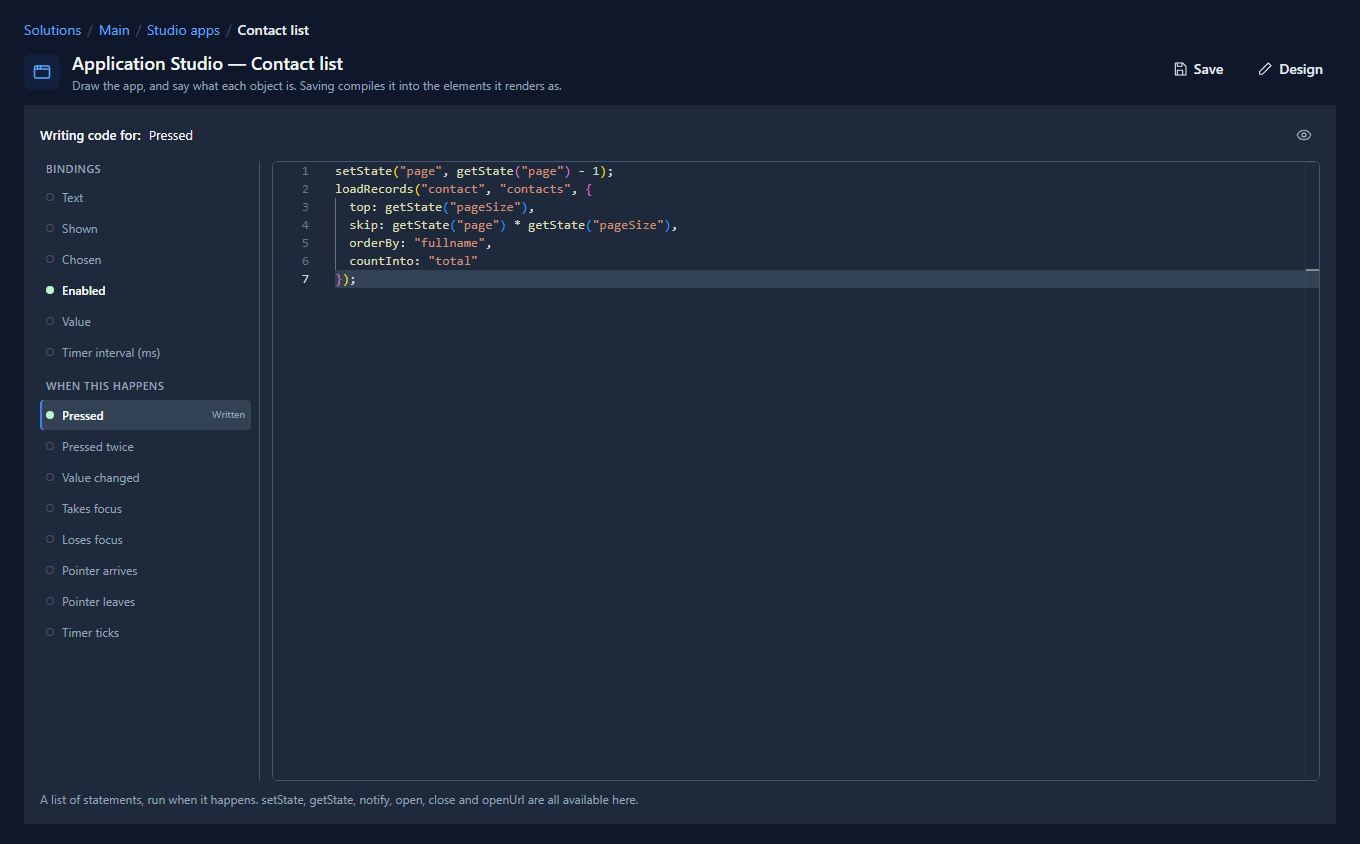
Next is the same with + 1. The lines run in the order they're written, so loadRecords sees the
page that setState just set.
The second piece is an Enabled binding, which says when the button can be pressed:
- Previous:
state.page > 0 - Next:
(state.page + 1) * state.pageSize < state.total
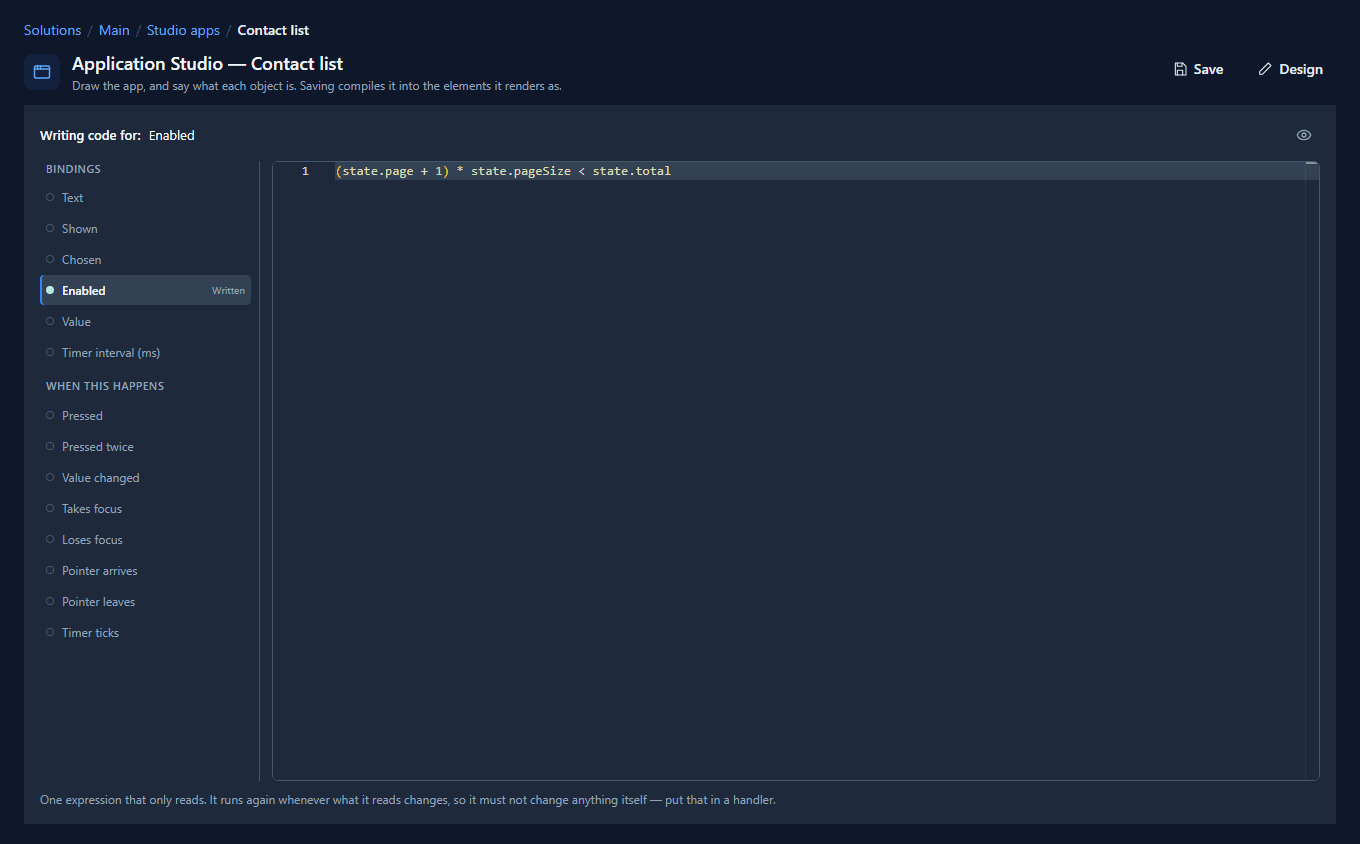
Next is on while the rows shown so far are fewer than the total. On the tenth page state.page
is 9, (9 + 1) * 10 < 100 is false, and the button switches itself off. That's why countInto matters: without
the total, Next would have to be pressed to find out there was nothing after it.
5. Make the list fit a page
A page of ten rows should fit in the list without scrolling. Our rows are 56 tall, so in the list's Graphic tab we set Gap to 4, Padding to 0 and H to 596: ten rows and nine gaps. Leave Content that does not fit at Scroll to it anyway, in case a row ever grows.
6. Open it in the Shell
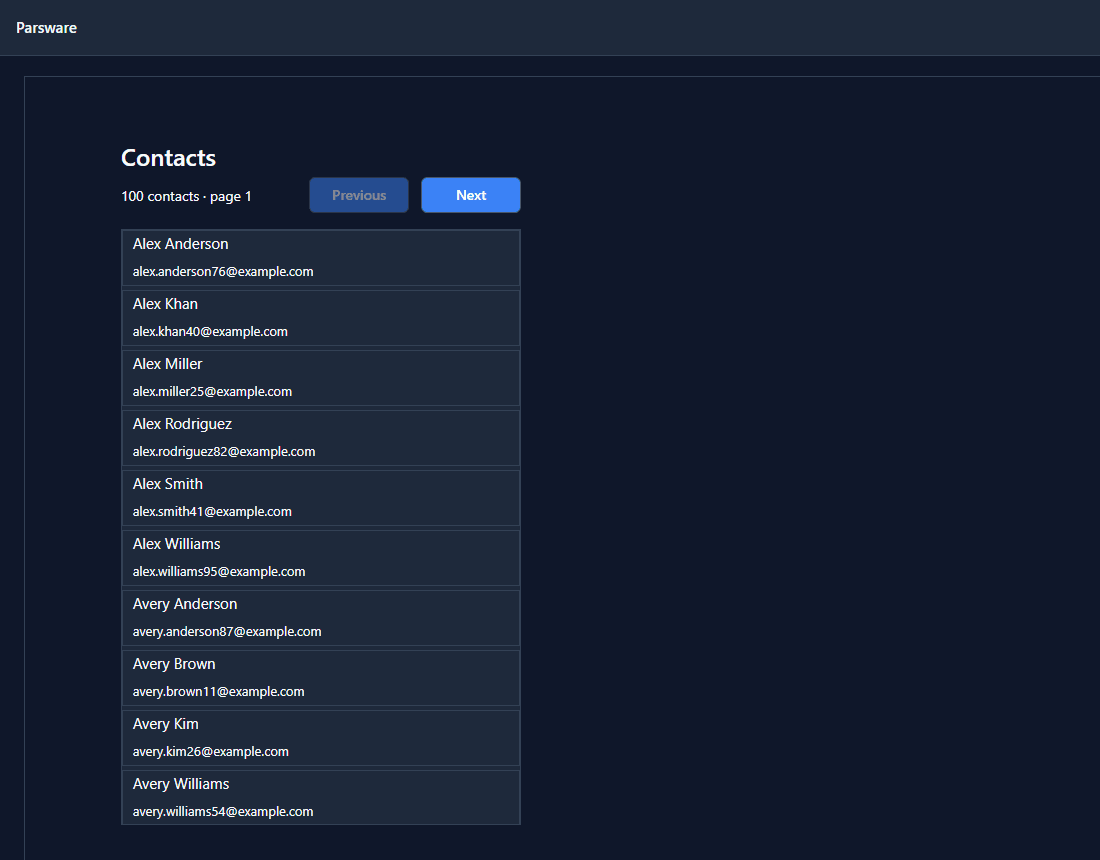
Save, and open Contact list from the Shell. Page 1, with Previous off because there's nothing before it:
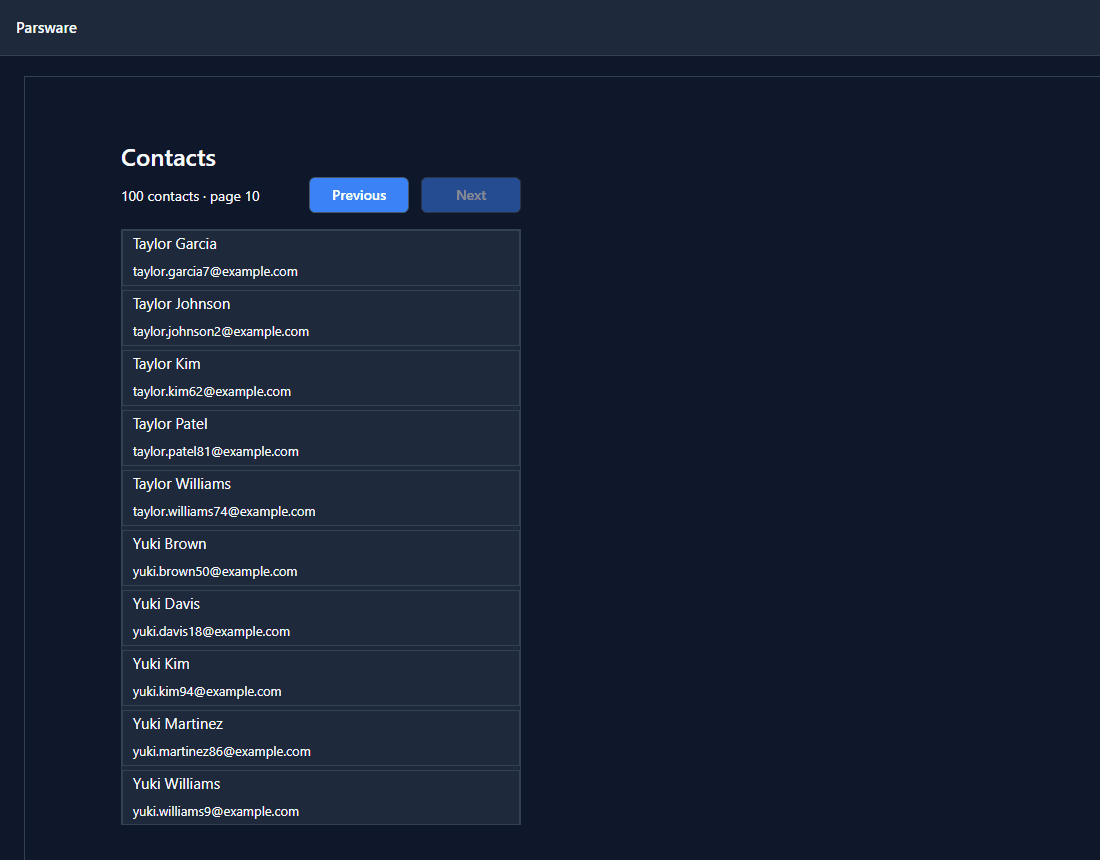
Press Next nine times and you reach the end. Next is off, Previous is on:
Each press asks the environment for ten rows, so the screen stays quick however big the table gets.
Search, too
The Studio records sample (studio-records) adds a search box to the same query:
contains: { fullname: getState("query") },
and its Search button sets page back to 0 before it loads. A search that stayed on page 4 would
usually show an empty page, because the matches fit on the first. The search runs in the environment, not
in the browser: filtering the ten rows already on screen could never find the eleventh contact.
Try it
Make the page size a choice. Place a Dropdown with the options 10, 25 and 50, bind its
Value to a state field, and in its Value changed handler copy that into pageSize with
num(…), set page to 0 and load again.
Next: a form that saves a record, beside this list.