For Power Apps
Start here: every Parsware for Power Apps article, in order
The reading list for Parsware for Power Apps, the managed solution that adds pixel-perfect reports and drawn screens to Power Apps. Every planned article in order, linked as each one is published.
Este artículo solo está disponible en inglés.
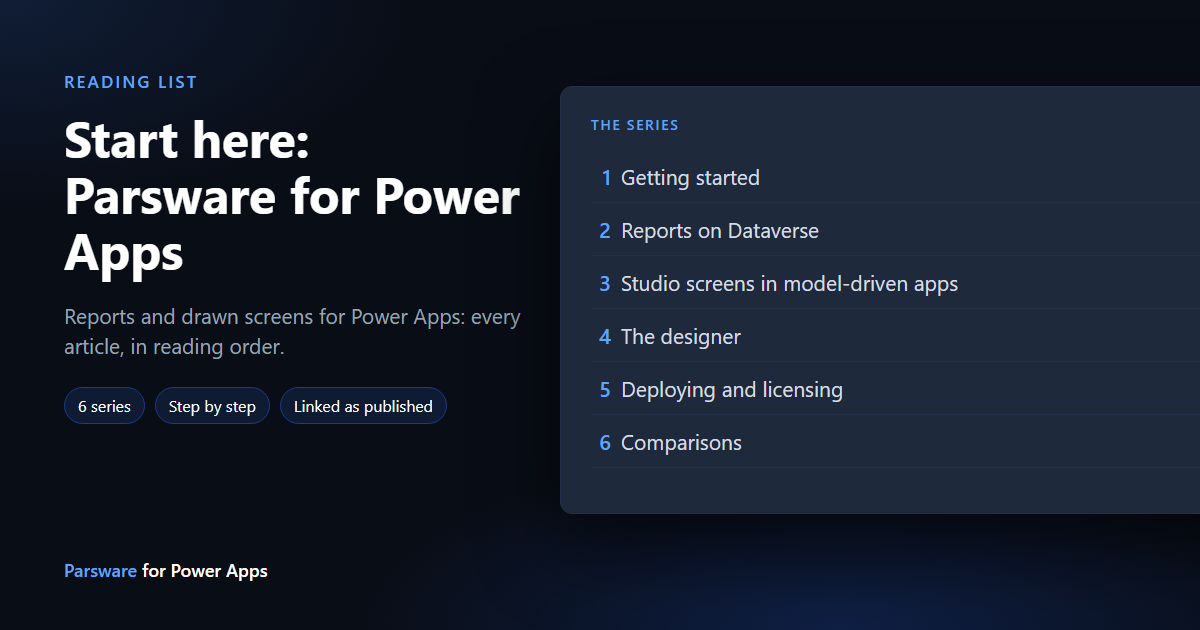
Parsware for Power Apps is a managed Dataverse solution. It adds two things to the Power Apps you already have: reports laid out to the pixel, bound to your Dataverse tables, and Studio screens, pages you draw and place inside a model-driven app. Your data stays in your tenant.
How to use it. Read Getting started first: it covers installing the solutions, activating a licence and the two apps. After that, each series stands on its own. Every article lists what to read first at the top.
This series is being written now. A title without a link is planned and not published yet; this page updates as each one goes out.
1. Getting started
5 of 5 published.
- PA1.1 Parsware for Power Apps: an overview — What it adds to Power Apps, and what never leaves your tenant
- PA1.2 Install it — The runtime, designer and samples solutions, and which environments get which
- PA1.3 Activate your licence — Getting a key, a trial key included, and entering it
- PA1.4 The two apps — Parsware Studio for makers, Parsware for users
- PA1.5 The samples, and sample data — Importing the samples solution and filling it with demo rows
2. Reports on Dataverse
10 of 10 published.
- PA2.1 Your first report on Dataverse — A report bound to a table, designed and previewed
- PA2.2 Reports from a view — A report that reads a Dataverse view
- PA2.3 Totals with FetchXML — A pasted FetchXML aggregate as a report's data
- PA2.4 Lookups and choices in a report — Related records and choice labels, not ids
- PA2.5 A report on a form — The report control on a model-driven form, for the current record
- PA2.6 Choose a report from a column — One control showing whichever report a column names
- PA2.7 Print it exactly — Printing one to one, one sheet per page
- PA2.8 Publish: drafts versus what users see — Save, publish, and a draft never reaching users
- PA2.9 Saved queries that travel — A report whose query moves with its solution
- PA2.10 Start from a shipped design — Copying a sample design and changing it
3. Studio screens in model-driven apps
8 of 9 published.
- PA3.1 A drawn screen on a form — A Studio screen as a form section, next to Dataverse fields
- PA3.2 A drawn field — A screen that draws one field and writes the column it is bound to
- PA3.3 One control, several columns — A screen that reads and writes more than one column
- PA3.4 Screens that read Dataverse rows — Lists and charts on a screen, bound to real records
- PA3.5 Modals and drawers from a form — A form-hosted screen opening overlays
- PA3.6 Open another design —
openDesign: a screen opening a report or another screen - PA3.7 Scripts on a screen — BS in the designer, with completion for Dataverse fields
- PA3.8 When a control can't load — The messages that say what is wrong, in place of "Error loading control"
- PA3.9 Generate a screen with AI — A screen from a sentence (coming once the feature is on a screen)
4. The designer
4 of 6 published.
- PA4.1 The designer inside Power Apps — Opening it from the Parsware Studio app; a tour
- PA4.2 Tables, columns and views in the pickers — Every picker reads your Dataverse metadata
- PA4.3 Components in Power Apps designs — Reusing a part across the screens of a design
- PA4.4 Right-to-left designs — A Persian or Arabic design in Power Apps
- PA4.5 Generate a report with AI — A report from a sentence (coming once the feature is on a screen)
- PA4.6 A component library in the solution — Shared components shipped with a solution (coming once the feature is on a screen)
5. Deploying and licensing
4 of 5 published.
- PA5.1 Move designs from Dev to Prod — Designs in your own solutions, through normal Power Platform ALM
- PA5.2 Upgrading to a new version — Importing a new release over the old one
- PA5.3 What stays on your tenant — Data never leaves Dataverse; only the licence check does
- PA5.4 When a licence lapses — What keeps working, and what stops
- PA5.5 Renewal without a connector — The plug-in renewing the licence, with nothing to switch on (coming once the feature is on a screen)
6. Comparisons
3 of 3 published.
- PA6.1 Parsware reports and Power BI paginated reports — Where each fits, honestly
- PA6.2 Studio screens and canvas apps — Drawing a screen for a form versus building a canvas app
- PA6.3 Parsware Platform and Power Apps — An honest comparison, for teams choosing a platform
Where next
If you are choosing a platform rather than extending Power Apps, the Parsware Platform reading list covers the standalone product.