How to create a publisher
Create a publisher with its own prefix, the name and namespace every table, field and app you build will carry, and see which of its settings can change later. How-to video H010, step by step.
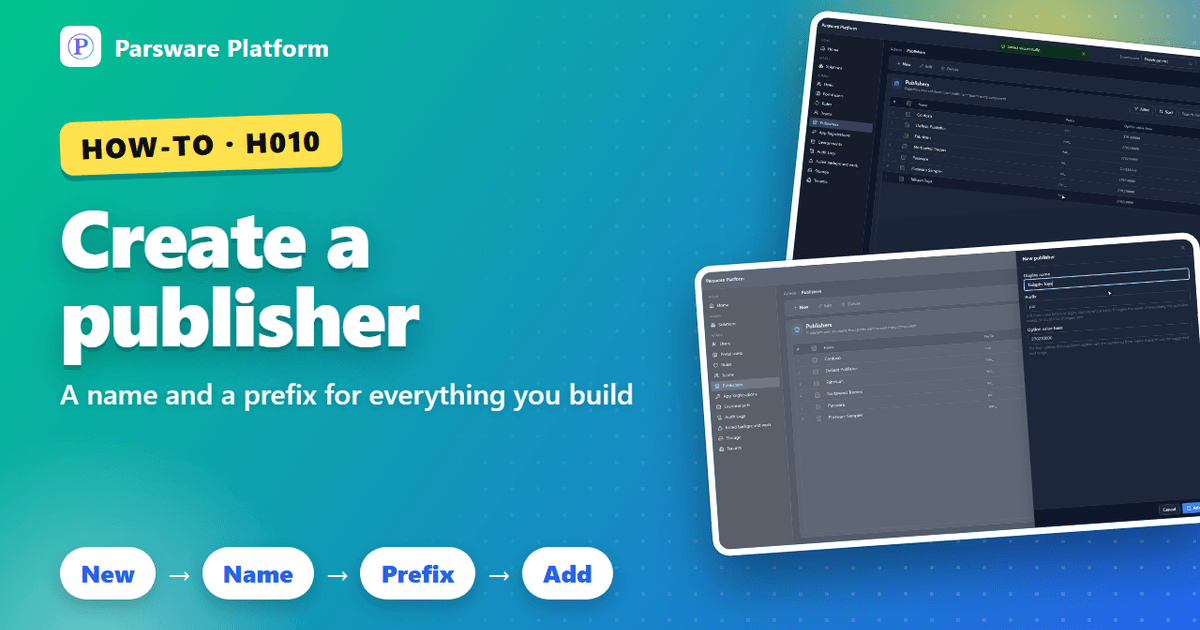
How-to H010 · 1 min 41 s. A complete tutorial: every click and value the video uses, and where the prefix and the option value base show up in everything you build afterwards. Every picture is a frame of the video.
Everything you build carries a prefix: a table called tsp_opportunity, not opportunity. The
prefix comes from a publisher, the organisation that owns your solutions. In this tutorial you
make one, Tailspin Toys, with the prefix tsp.
Before you start
You are signed in to the Admin Control Center as an administrator. Publishers belong to the whole tenant, not to one environment, so it doesn't matter which environment is selected.
What a publisher gives you
| Setting | Example | Where you see it later | Can it change? |
|---|---|---|---|
| Display name | Tailspin Toys | Beside every solution it owns | Yes |
| Prefix | tsp |
At the start of every table, field, option set, role and app: tsp_opportunity, tsp_estimatedvalue |
Never |
| Option value base | 270210000 |
The numbers stored for each choice in an option set | Never |
Step 1: Open Publishers
From Home, select Publishers in the rail, under Admin. Every publisher in your tenant is listed, with its prefix.
Default Publisher, with the prefix new, comes with every tenant. You could build with it, but
everything would be called new_…. Make your own instead, so your work carries your name.
Step 2: Type the display name
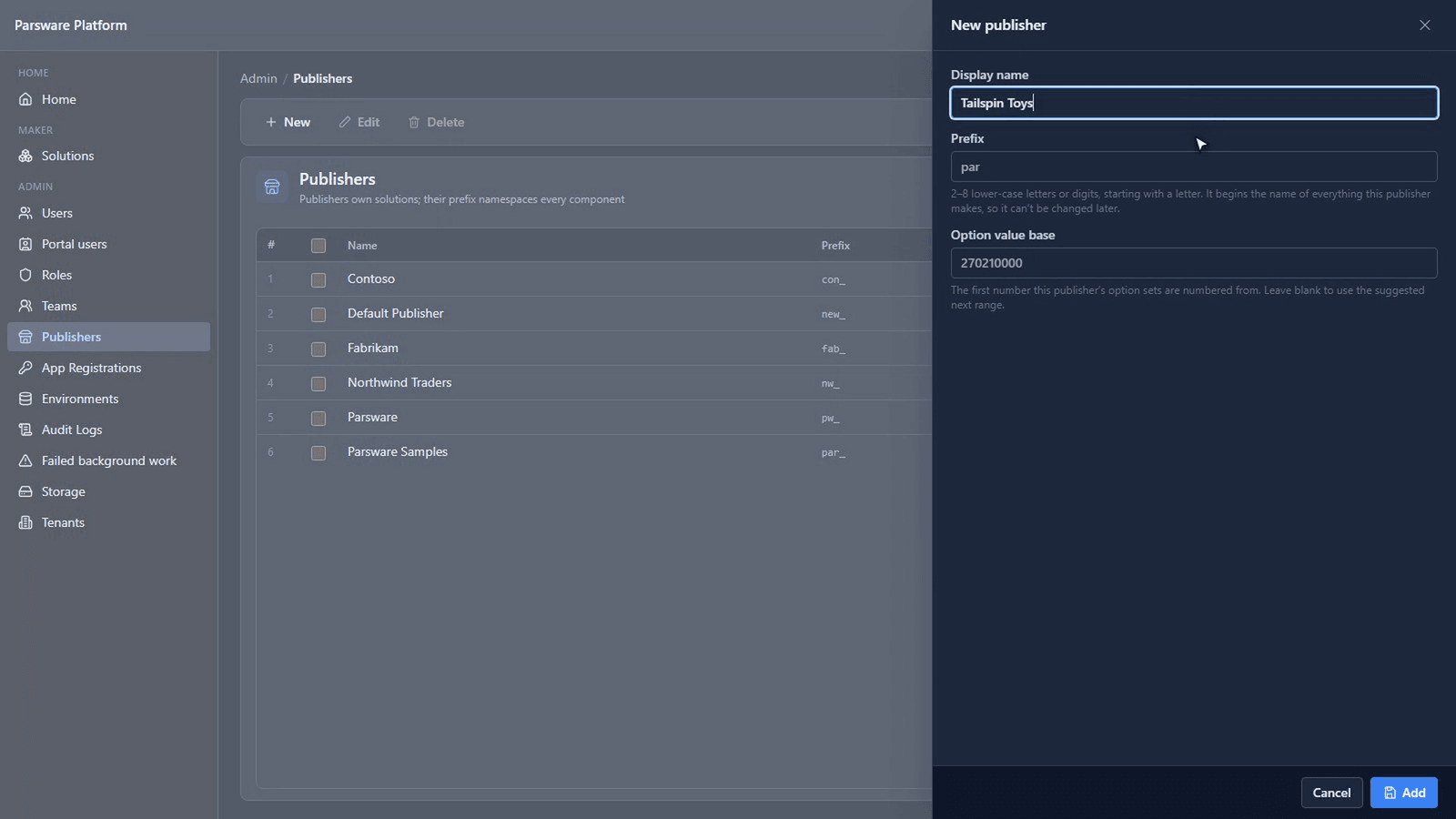
Select New. Type the display name, the organisation that makes the solution: Tailspin Toys.
Step 3: Choose the prefix
Type tsp. The rules:
- two to eight characters;
- lower-case letters and digits only;
- it starts with a letter.
| Prefix | Allowed? |
|---|---|
tsp |
Yes |
tailspin |
Yes (eight characters) |
t |
No: too short |
Tsp |
No: capital letter |
2tsp |
No: starts with a digit |
tsp_ |
No: the underscore is added for you |
Read the line under the field. Every table this publisher makes starts with the prefix, so an
invoice table becomes tsp_invoice. That is why it can never be changed. Choose it with care: short,
and recognisably yours.
Step 4: Leave the option value base empty
Leave Option value base empty. The platform gives this publisher the next free range of numbers for its option sets, so two publishers never store the same number for different choices.
Step 5: Add it
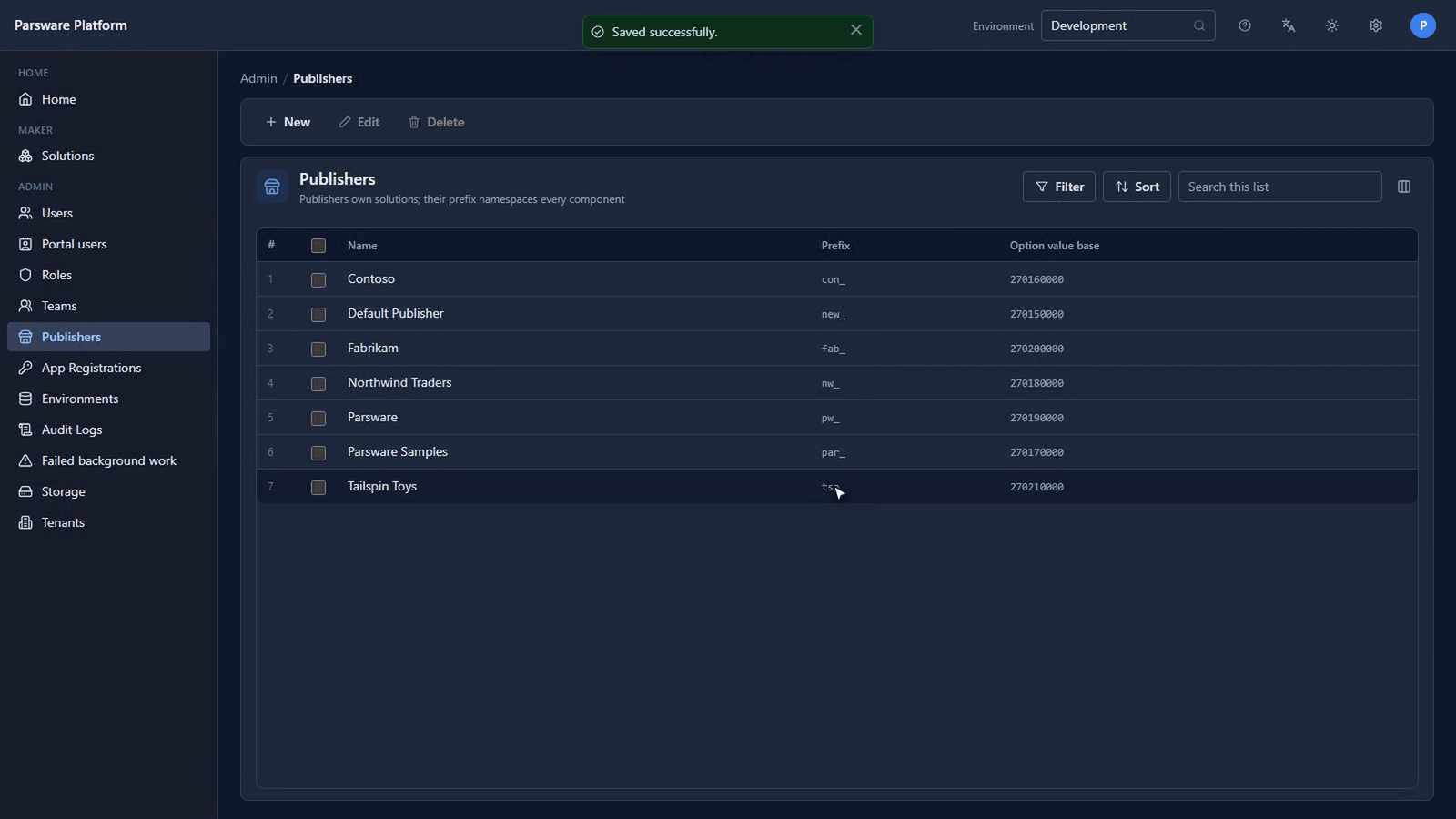
Select Add. Tailspin Toys is in the list, with its prefix, tsp_, and the base the platform
chose.
Step 6: See what can still change
- Select Tailspin Toys and choose Edit.
- Only the display name can change. Prefix and Option value base are greyed out, and the line below them says why.
- Select Cancel.
Where the prefix and the base show up
Every document a solution carries names its publisher's prefix, and every option set numbers its choices from the base. An option set this publisher makes is stored like this (the values are the base plus one, two, three…):
{
  "logicalName": "tsp_leadsource",
  "displayName": "Lead source",
  "publisherPrefix": "tsp",
  "optionValueBase": 270210000,
  "options": [
    { "value": 270210001, "displayName": "Website" },
    { "value": 270210002, "displayName": "Referral" }
  ]
}
That is why neither can change: records already hold those names and numbers.
If something goes wrong
- The prefix is refused. Check the rules in step 3. A prefix another publisher in the tenant already has is refused too.
- You chose the wrong prefix. It can't be edited. If nothing has been built with it yet, create a new publisher with the right prefix and use that one.
What you built
A publisher whose prefix every component will carry, so your tables and fields never clash with somebody else's when solutions meet in one environment.
Read more
- The help page: Create a Publisher, the page this screen's Help link opens.
- The feature, explained: Publishers and solutions in Parsware.
- The next how-to: How to create a solution.
- Every how-to: the How-tos category.
Is there a task you would like to see done step by step? Tell us. parsware.com/contact