3 mistakes to avoid when building your next app
Most business apps don't go wrong because something was missing. They go wrong because of three mistakes made before the first screen: features nobody asked for, guesses about users, and answers nobody can find.
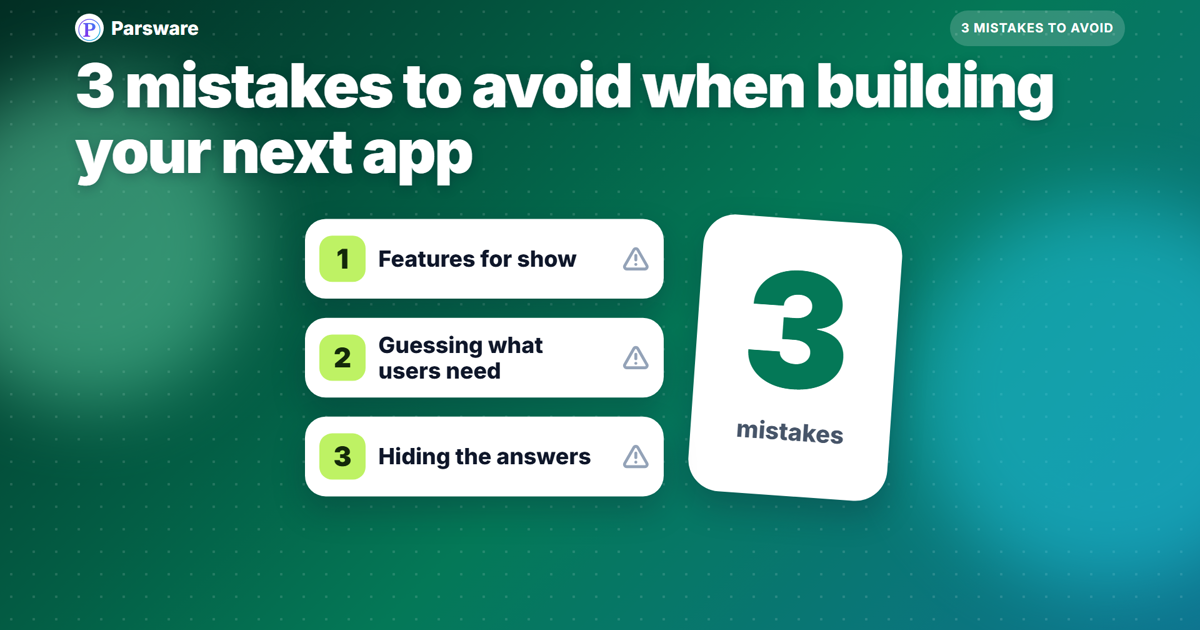
A new business app usually starts with good intentions and a long list. Somebody has seen a feature somewhere else, somebody else has an idea for a screen, and the list gets longer at every meeting. Six months later the app is finished, and people are still using the old spreadsheet.
That rarely happens because the app was missing something. It happens because of three mistakes that are made before the first screen is drawn, and they are all easier to avoid than to fix.
1. Adding features without a clear business purpose
Every feature looks cheap on the list. A chat screen, badges and points, five colour themes, a dashboard for every department. Each one is a good idea somewhere.
The cost shows up later. Every extra screen is one more thing to learn, one more thing to test when something changes, and one more place for the thing people actually came for to hide. An order form that breaks while the colour themes work perfectly is not a finished app.
A useful test for each item on the list is a single question: which piece of work does this make easier, and for whom? If nobody can answer it, the feature can wait. It can always be added once somebody needs it; taking a feature away after people have started to rely on it is much harder.
2. Designing around assumptions instead of real users
The second mistake is building the app people should use rather than the one that fits how they work. It usually sounds reasonable in a meeting: "the team will enter everything at the end of the day", "managers will check the approvals screen each morning", "nobody needs that on a phone".
Then the app meets the people it was built for. The warehouse team is on its feet all day and never sits at a desk. The approver is travelling. The person who knows how the process really works was never asked, and the app has no step for the thing they do every Tuesday.
Assume, build, nobody uses it is a cycle that is easy to recognise afterwards. The way out is to start with the people who do the work:
- Watch one person do the job before writing anything down. The workarounds they use are your requirements.
- Ask what they would stop doing if the app worked. That is usually a better list than what they would like to add.
- Show them something early. A rough first version they can click through finds more problems than a perfect specification.
3. Ignoring how people will find the answers
The third mistake is the one most people miss, because it only appears once the app is in use. The data goes in, carefully and correctly, and then nobody can get anything out of it.
A manager wants to know how many orders are waiting. A team leader wants to see this week's work. Somebody from finance asks for last month's total. If the answer means exporting to a spreadsheet, or asking the one person who knows how to run the query, the app has only done half its job.
If people can't find the answer, the app hasn't finished the job. When you plan an app, plan its answers at the same time as its forms:
- List the questions people will ask of the data, in their own words.
- Decide who needs each answer, and how often: at a glance every morning, or printed once a month.
- Make the answer part of each person's job, so the right screen or report is where they already work, rather than a separate place they have to remember to visit.
Build around real work and real users
All three mistakes have the same fix: start from the work and the people, not from a list of features. Pick one process, talk to the people who run it, and decide what each of them needs to see. That plan is useful whatever you build with.
Where Parsware fits
Parsware is an app platform for building exactly that kind of application, shaped to your own operation. Forms ask for the fields your process needs, processes carry the approval steps and send each one to the right person, and reports are drawn on a canvas so the answers look the way people expect them. AI is built into the designers, so a first draft of a report or a process can start from a sentence. And we build custom mobile apps for iOS and Android when the work happens away from a desk.
Here is mistake three avoided in our Sports & Leisure sample application, which runs a fictional leisure business with three sites (sample data, not a customer). Megan teaches Spin. When she signs in, the timetable shows her own classes and nobody else's, so the answer she needs is the first thing she sees:
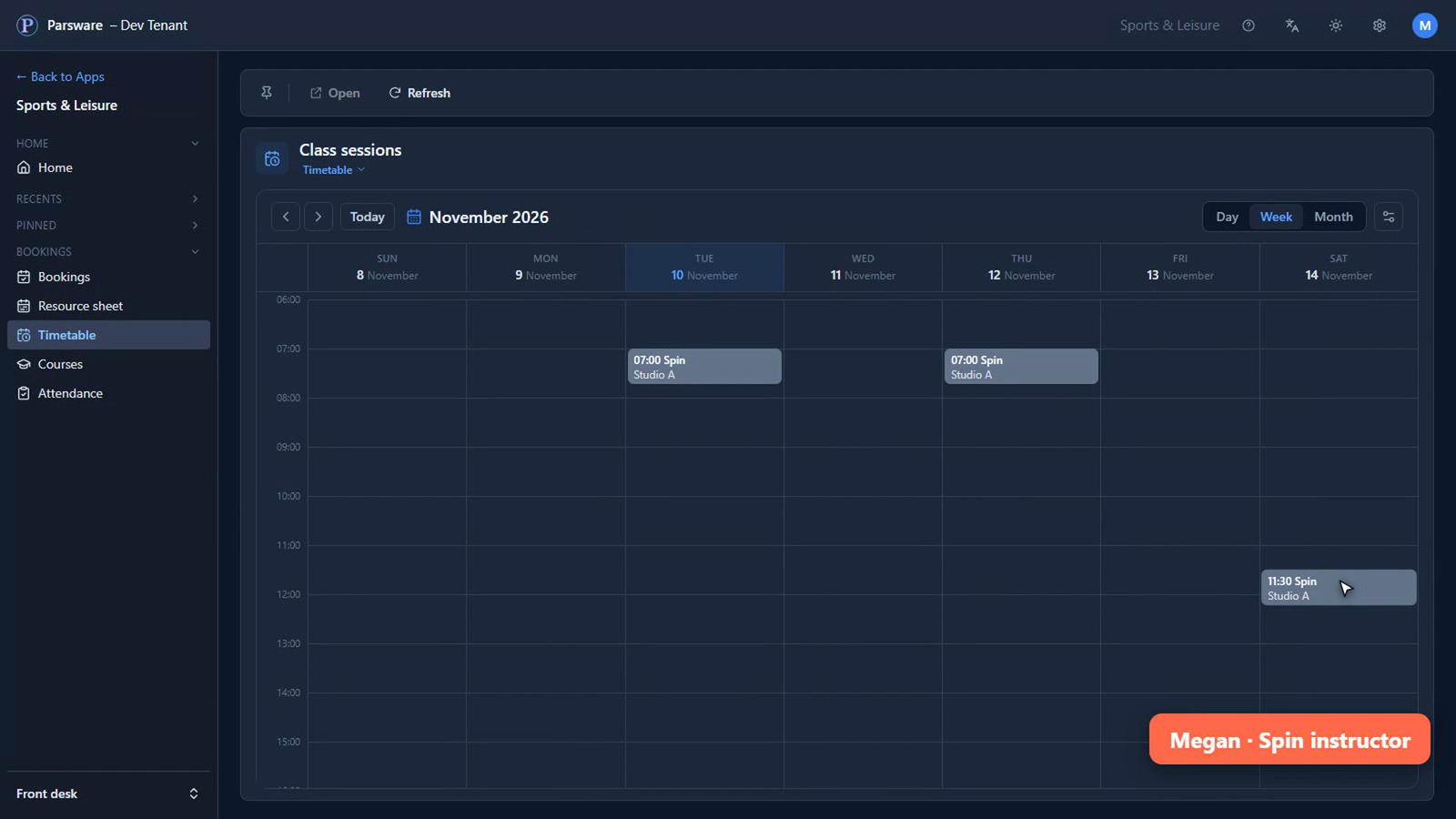
How each person in that club gets their own menu, reports and screens is in Everyone sees their own job.
Save this before your next app project. And if your business has a problem nobody has solved yet, tell us about it.