A delivery note
A delivery note for a case’s tasks: the case and its contact printed by name, each task’s done column as Yes or No, never an id or a number.
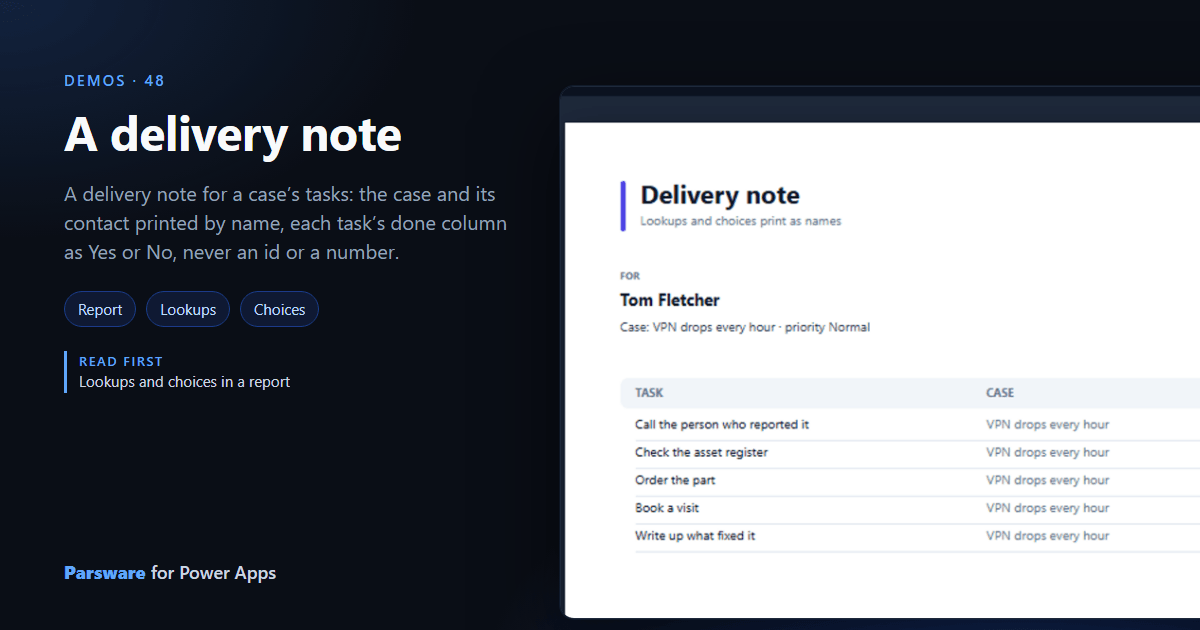
A document that prints ids where names should be is no use to the person reading it. This demo is a delivery note for a case’s tasks, where every lookup and choice prints as words: Demos → Delivery note, printed from a case.
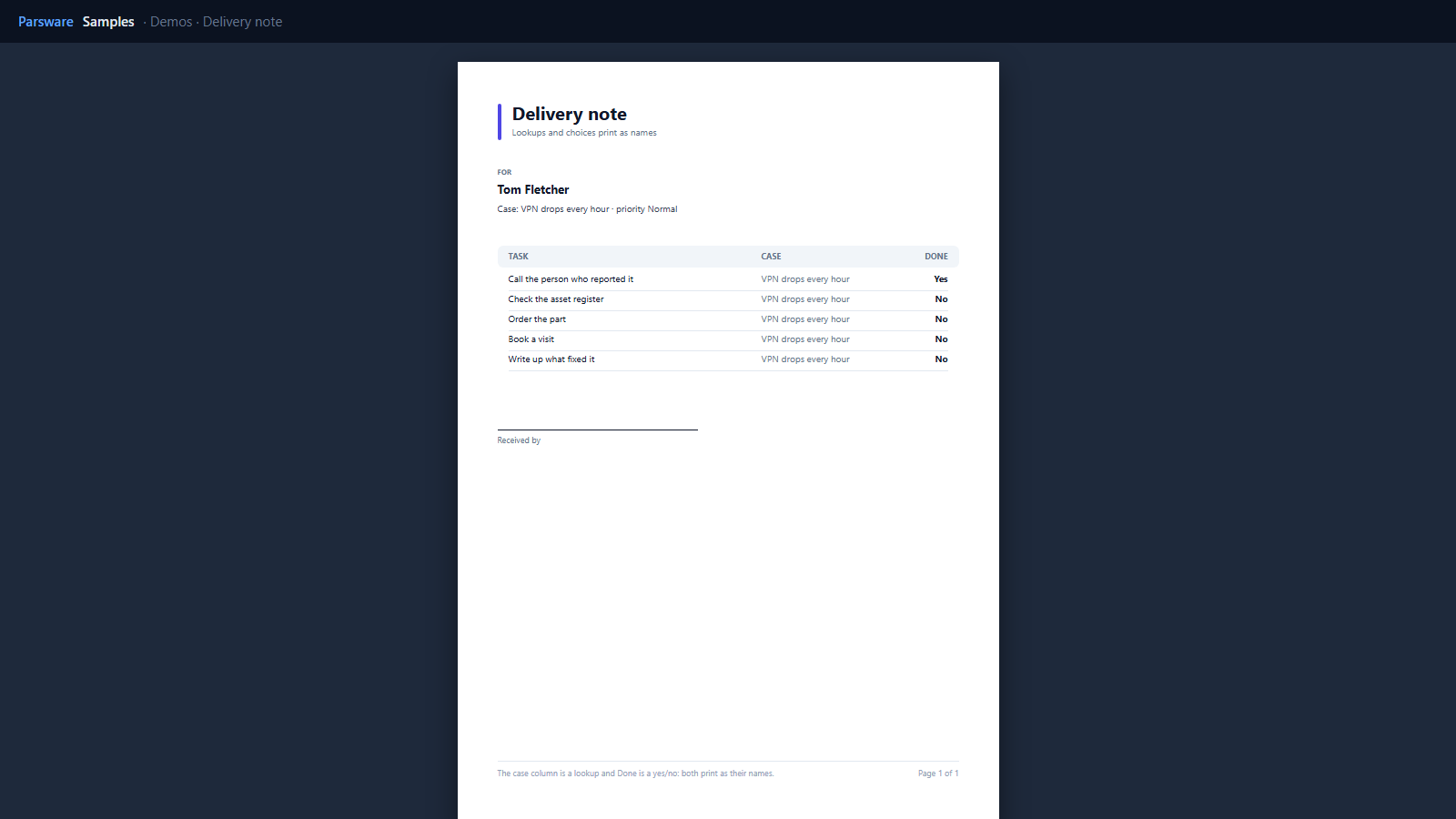
Two datasets, one record
The report reads the case and its tasks, both narrowed to the case it is printed from: the case by
recordScopeField: "par_caseid", the tasks by their lookup back to it, par_case.
Names, not ids
Everything that is stored as a code prints as words, with nothing to write in the report:
- the case’s contact, a lookup, prints as
Tom Fletcher; - its priority, a choice, prints as
Normal; - each task’s Case, a lookup, prints as the case’s name;
- each task’s Done, a yes/no, prints as
YesorNo.
That is how a report reads Dataverse (Lookups and choices in a report).
Try it
- Install the three Parsware for Power Apps solutions, samples included (Install it).
- Open Sample data and press Replace, so the newest columns are filled (The samples, and sample data).
- Open a case and print Delivery note for it, or open Demos → Delivery note.
The pictures show the shipped report laid out on demo data by Parsware’s report engine. In Power Apps it opens in the app, from the navigation or a form.