Change the view, the report follows
A report that reads a Dataverse view of the cases. Change the view in Power Apps, its filter or its order, and the report follows.
Who decides which cases a report shows? If the report names its own filter, the report does. If it reads a view, whoever owns the view does. This demo reads a view: Demos → Cases from a view.
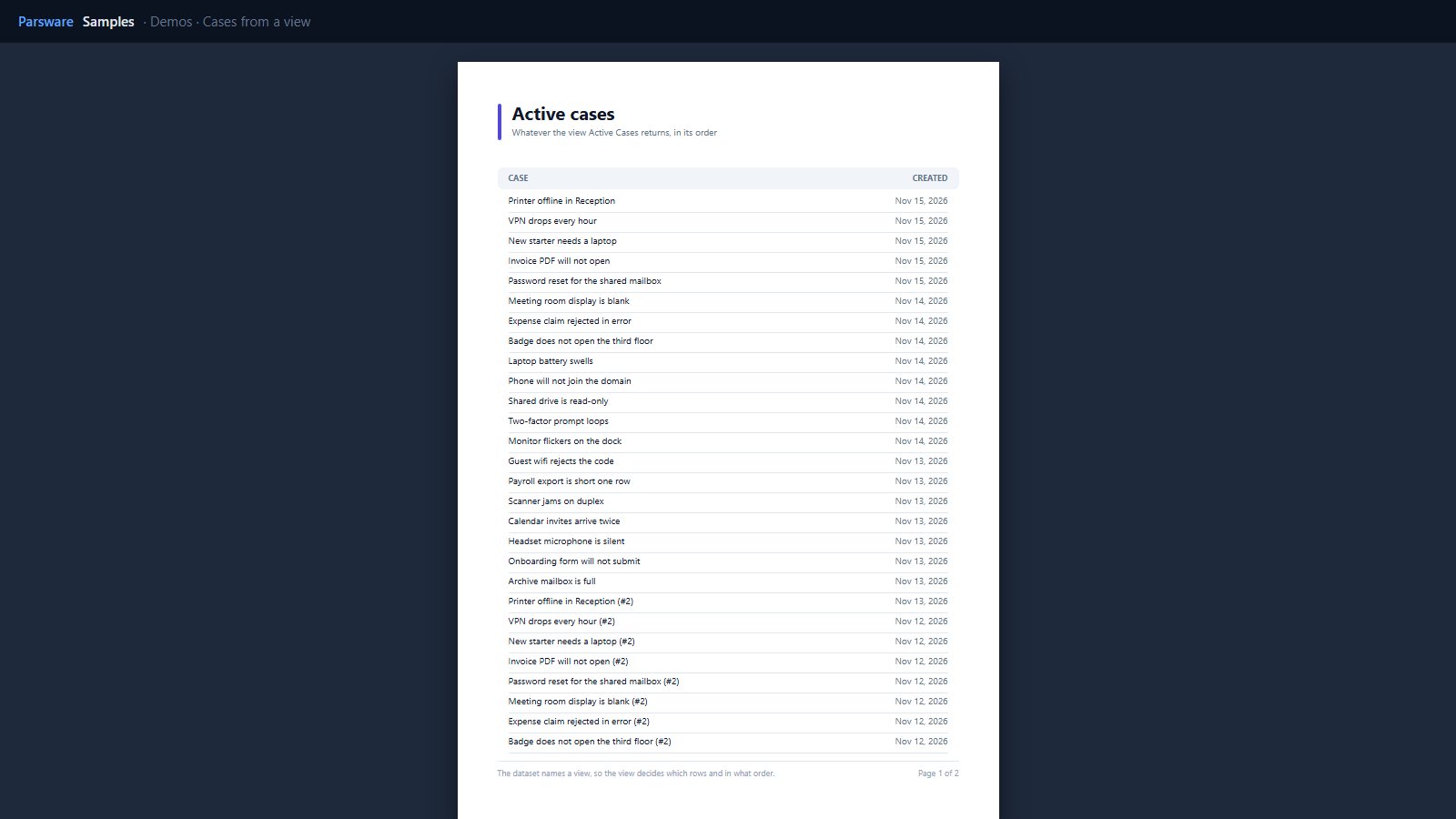
A dataset that names a view
The report’s dataset names the table and one of its views:
[{ "name": "cases", "table": "par_case", "view": "Active Cases" }]
The rows, their filter and their order are the view’s. Change Active Cases in Power Apps to show only high-priority cases, or sort it by due date, and the report follows the next time it opens. Nothing in the report changes (Reports from a view).
The count at the end is count(rows) in the table’s footer band.
Try it
- Install the three Parsware for Power Apps solutions, samples included (Install it).
- Open Sample data and press Replace, so the newest columns are filled (The samples, and sample data).
- Open Demos → Cases from a view, then edit the Active Cases view of Cases and open the report again.
The pictures show the shipped report laid out on demo data by Parsware’s report engine. In Power Apps it opens in the app, from the navigation or a form.