A letter for each case type
One letter per case, and the body is the one its case type names: hardware, access or software, each written for that kind of case.
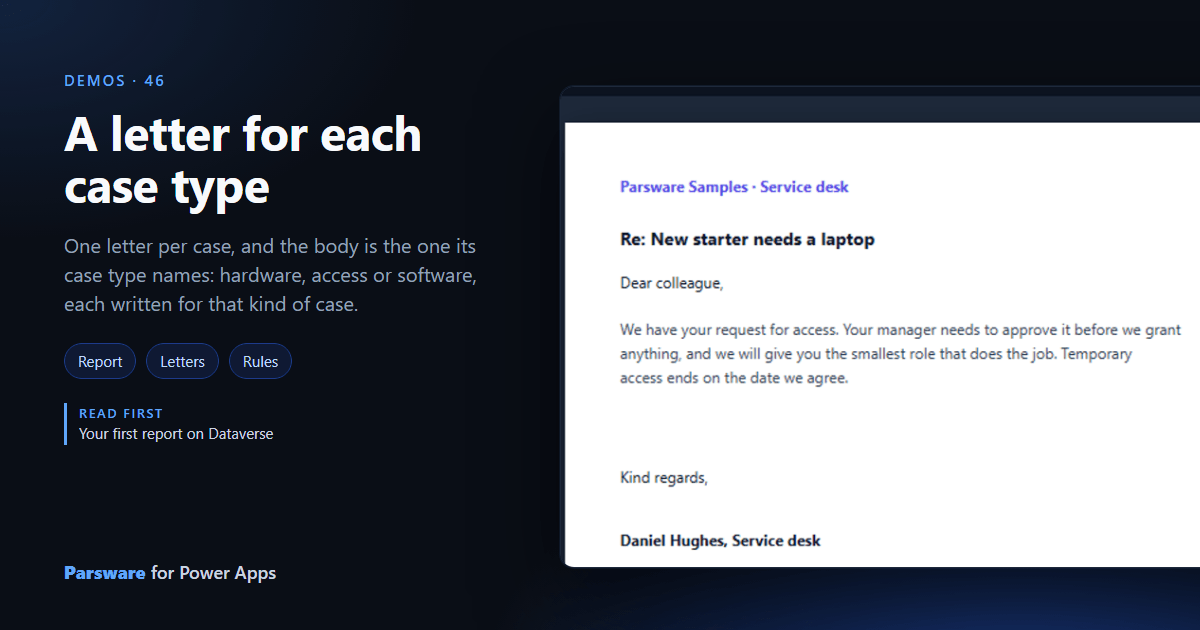
A letter to the person who raised a case should say something about their kind of case. This demo prints one letter per case, with the body its Case type names: Demos → Letter for each case type, or printed from a case.
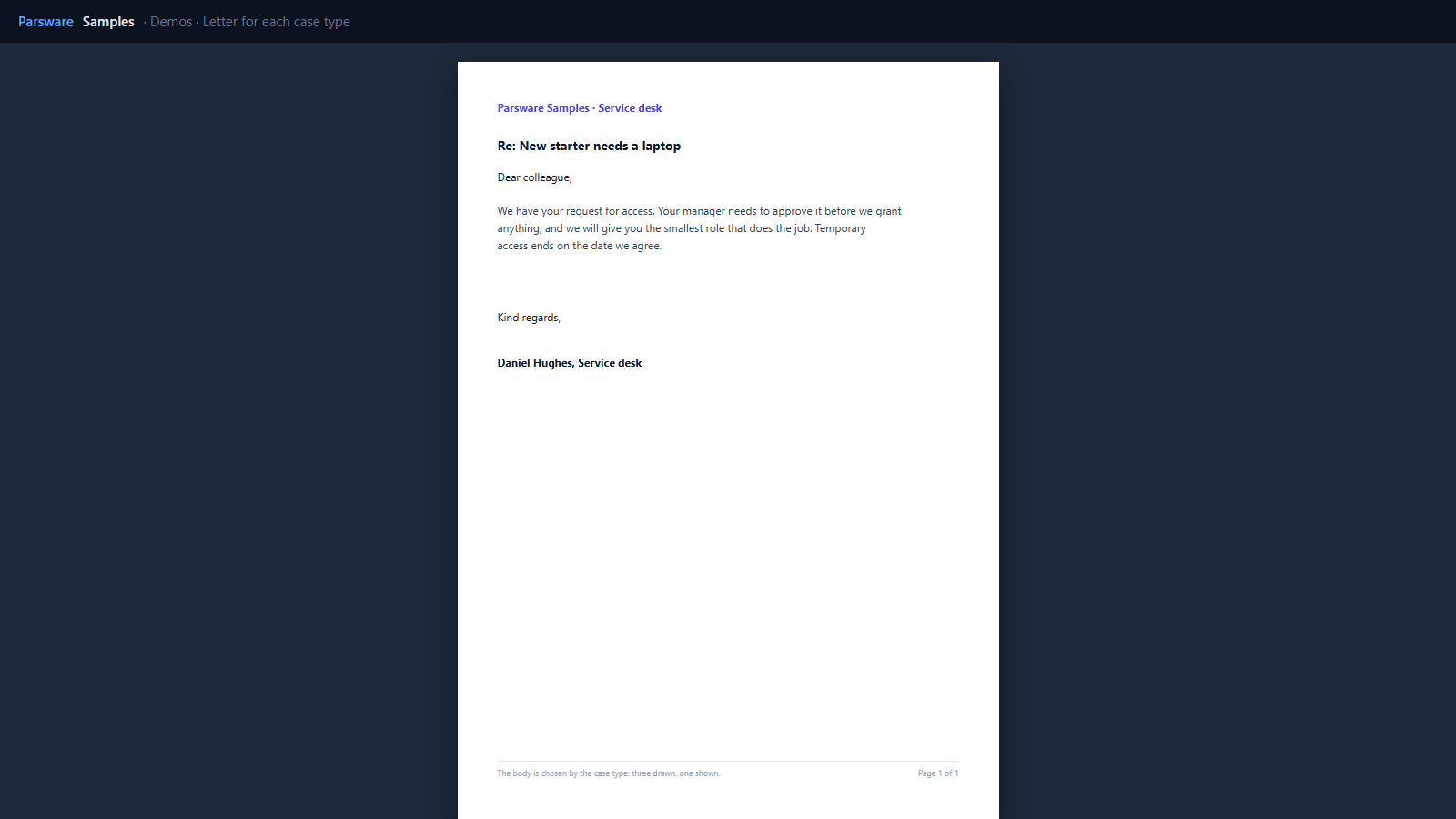
Three bodies, one shown
The letter is a row band the height of the page, so each case gets a page. Inside it, three paragraphs are drawn in the same place, one per type, and each has a visible rule:
row.par_casetype == 'Access case'
A fourth, shown when the type is empty, asks the reader to tell the desk what kind of case it is.
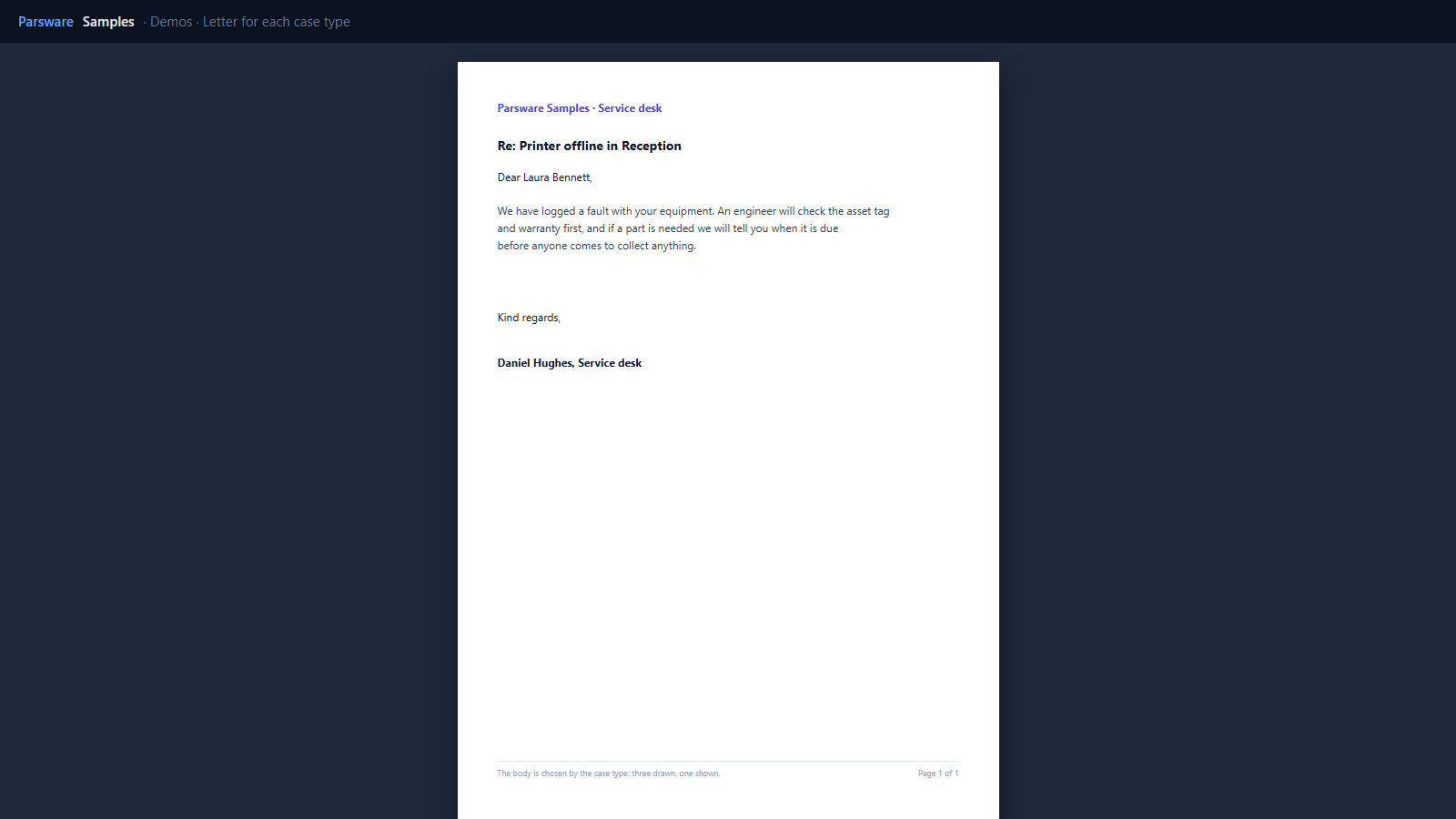
The greeting reads the case’s contact, a lookup printed by name, with a fallback:
ifEmpty(row.par_contact, 'colleague').
Try it
- Install the three Parsware for Power Apps solutions, samples included (Install it).
- Open Sample data and press Replace, so the newest columns are filled (The samples, and sample data).
- Open Demos → Letter for each case type, or print it from a case.
The pictures show the shipped report laid out on demo data by Parsware’s report engine. In Power Apps it opens in the app, from the navigation or a form.