Overdue cases in red
Every case in due-date order, the late ones in red and bold by a rule on the row, with zebra stripes. Reports now have today() and daysBetween().
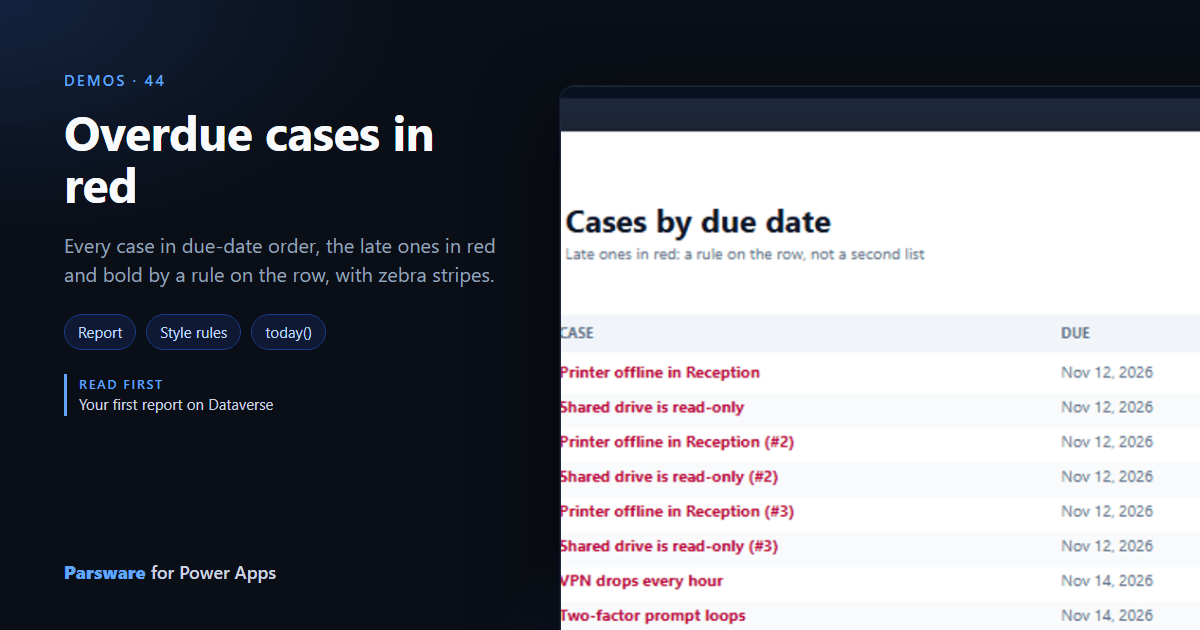
A list of due dates makes you compare each with today. This demo does it for you: the late cases are red and bold. Demos → Overdue cases.
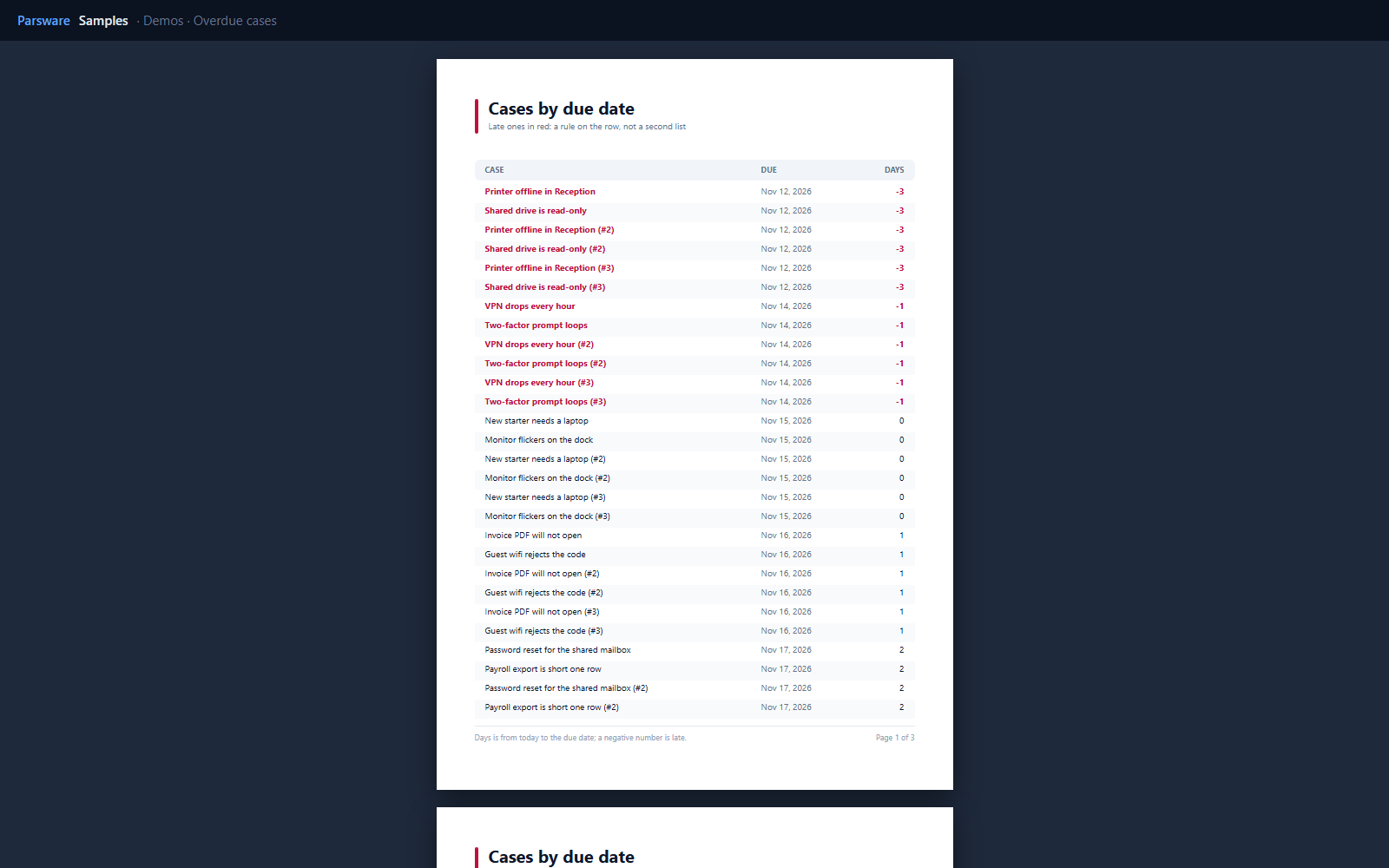
A rule, not a second list
The report sorts the cases by due date (sortBy(cases, 'par_due', 'asc')) and puts a style
binding on the name and the days column. Their colour is:
daysBetween(today(), row.par_due) < 0 ? '#be123c' : ''
and their weight '700' under the same rule. An empty result leaves the property as drawn, so
the rule only describes the case it cares about.
today() and daysBetween() are new in reports, with the same meaning as on a drawn screen:
whole calendar days, negative once late. So "overdue" is one rule in both places.
Zebra stripes
The row’s background is rowIndex % 2 == 1 ? '#f8fafc' : '', every other row tinted by its
position, not its data.
Try it
- Install the three Parsware for Power Apps solutions, samples included (Install it).
- Open Sample data and press Replace, so the newest columns are filled (The samples, and sample data).
- Open Demos → Overdue cases.
The pictures show the shipped report laid out on demo data by Parsware’s report engine. In Power Apps it opens in the app, from the navigation or a form.