An invoice marked DRAFT or PAID
An invoice with a watermark that follows the record’s status: DRAFT across a draft, PAID across an approved one.
A draft printed and filed looks like the real thing. A watermark stops that, and it should change when the document does. This demo is an invoice whose stamp follows the expense’s status: Demos → Invoice with status, or printed from an expense.
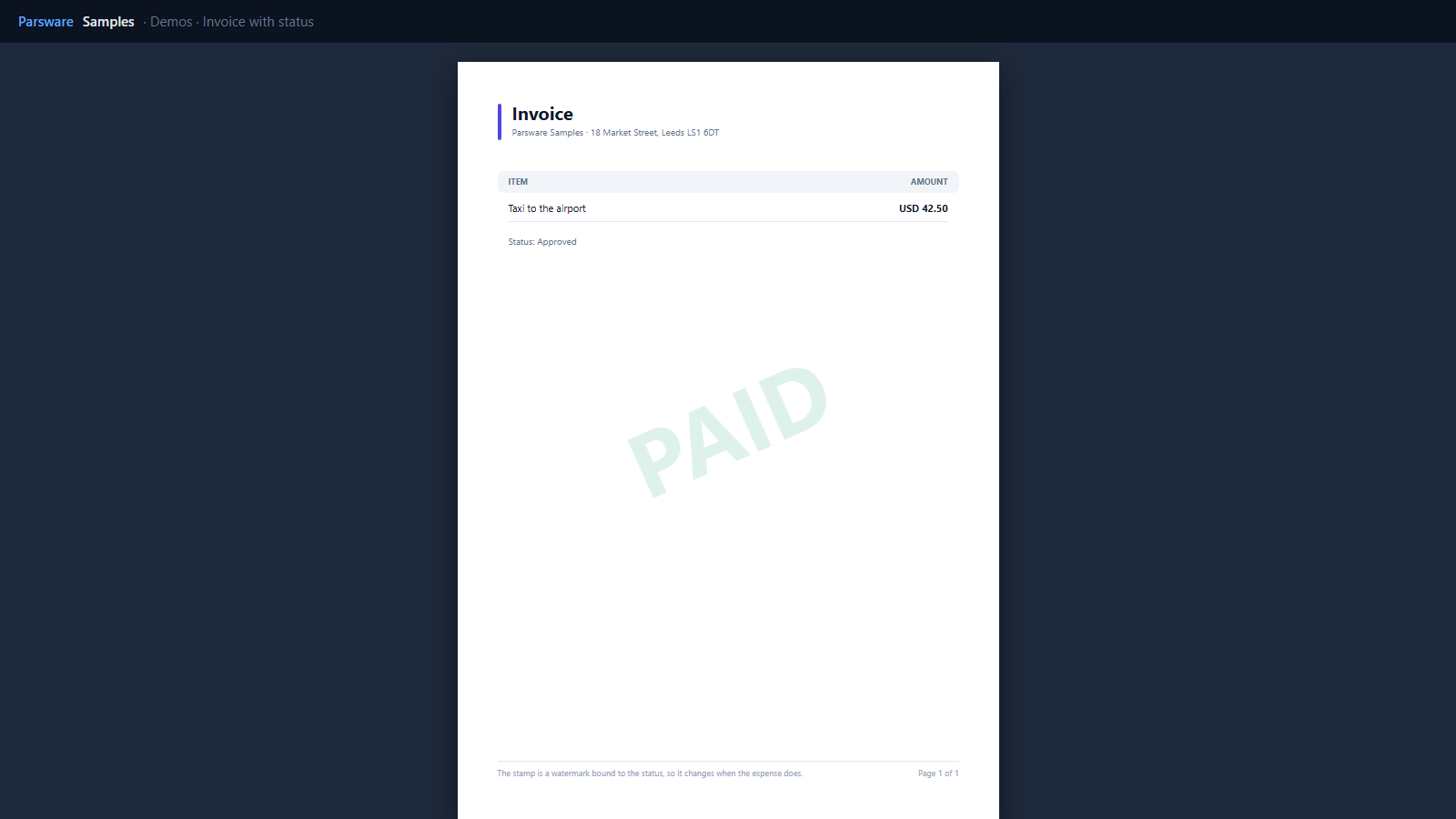
A watermark bound to the status
A watermark region is drawn over every page, in page coordinates. Its text is bound like any other, here to the status of the one expense in the dataset:
count(where(invoice, 'par_status', 'Approved')) > 0 ? 'PAID' : (count(where(invoice, 'par_status', 'Submitted')) > 0 ? 'SUBMITTED' : 'DRAFT')
and its colour is green when paid. It is faint (12% opacity) and turned, so the invoice stays readable underneath.
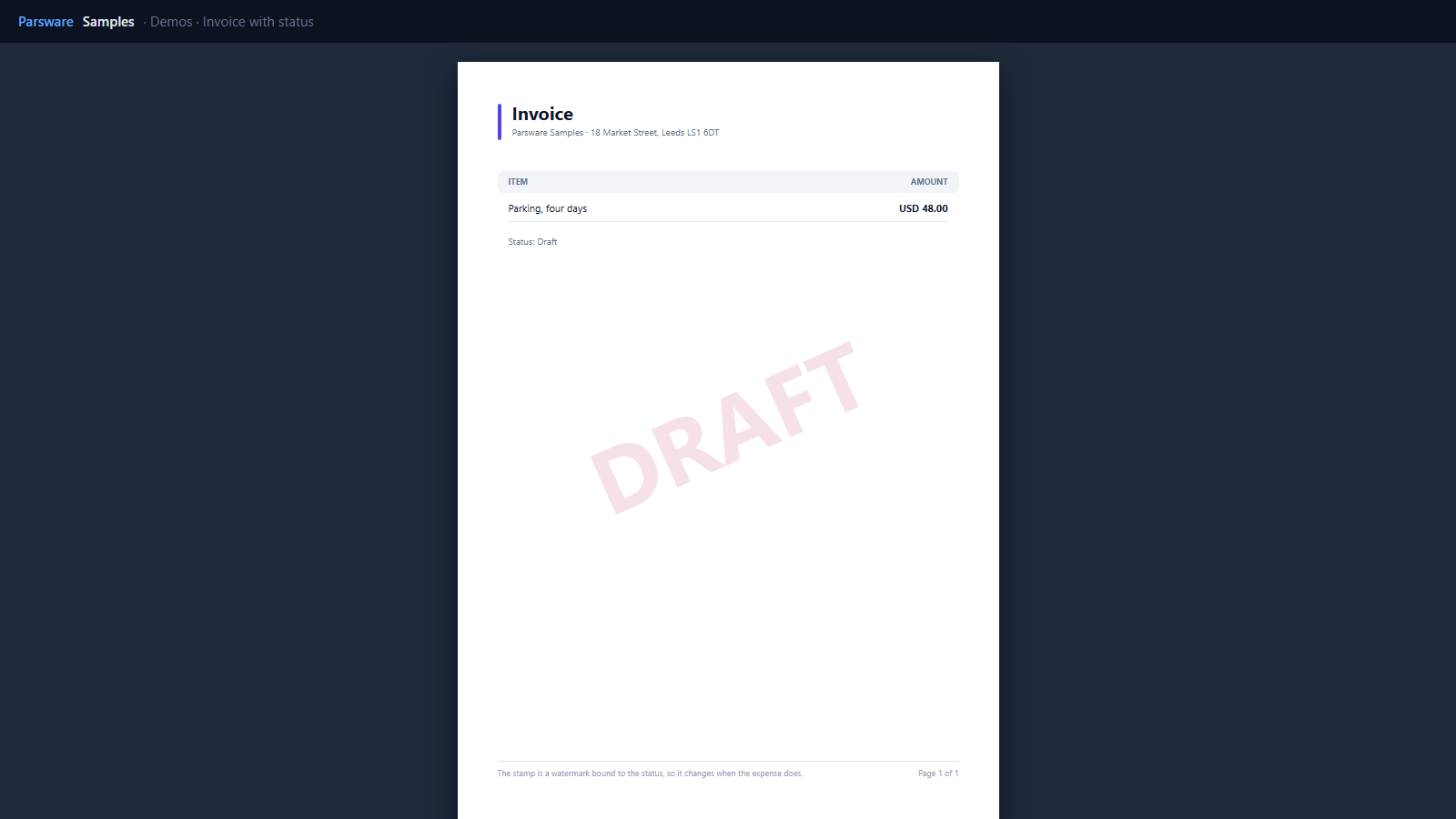
The status comes from the row as its label (Approved, Submitted, Draft), because a report reads a choice by its name (Lookups and choices in a report).
Try it
- Install the three Parsware for Power Apps solutions, samples included (Install it).
- Open Sample data and press Replace, so the newest columns are filled (The samples, and sample data).
- Open Demos → Invoice with status for the first expense, or print one from an expense form.
The pictures show the shipped report laid out on demo data by Parsware’s report engine. In Power Apps it opens in the app, from the navigation or a form.