A certificate
A landscape certificate with a large name and a signature line, printed exactly as it is drawn.
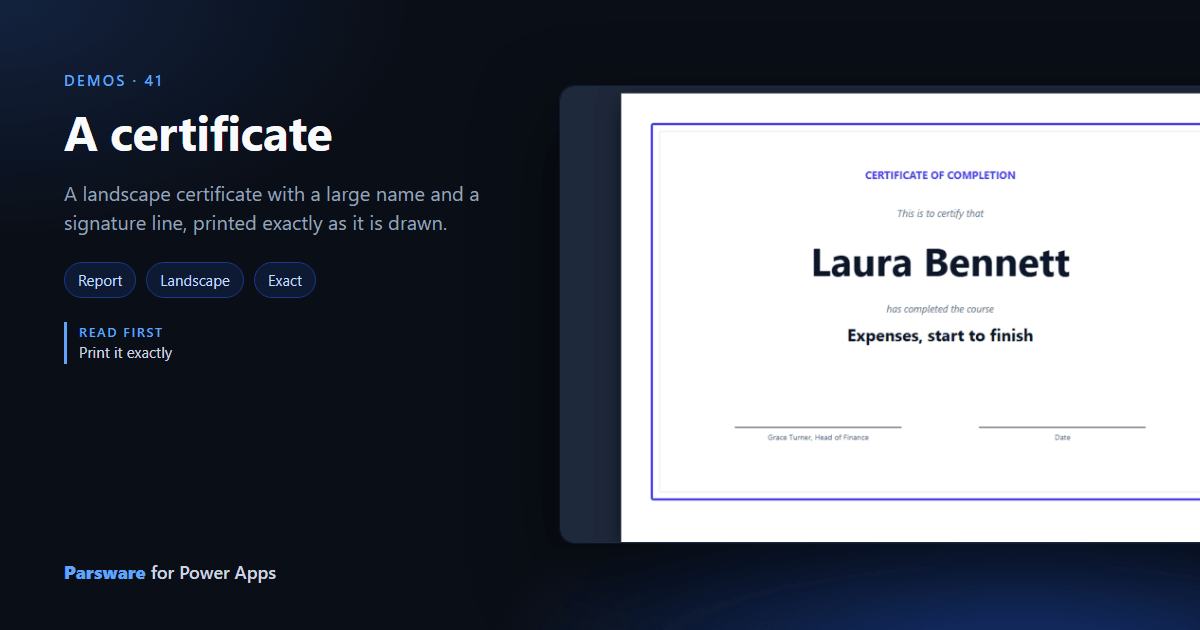
Some documents are all layout: a certificate is a name, a sentence and two signature lines, and if they move it looks wrong. This demo is one: Demos → Certificate.
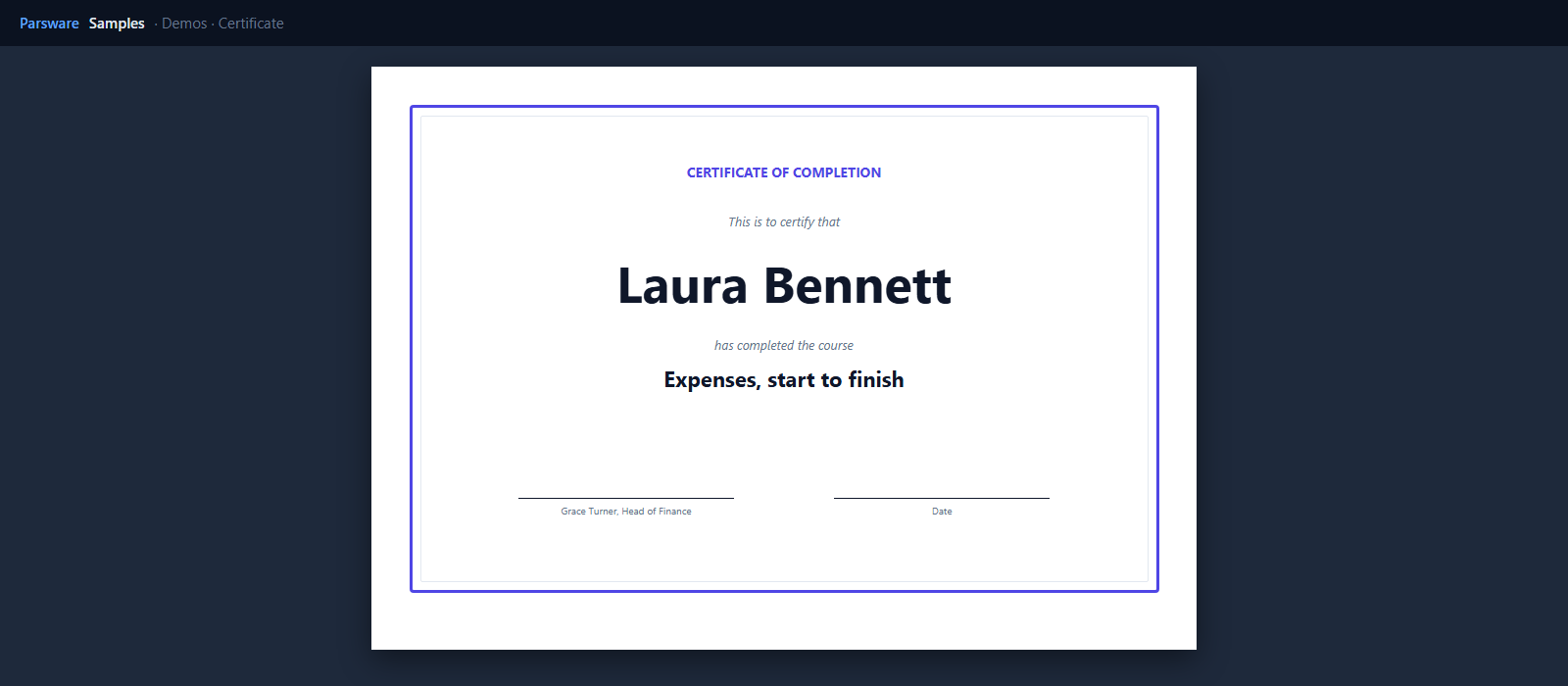
The page is the point
The page is landscape A4, 842 by 595 points, with two borders drawn as rectangles. The name is 52 points tall and centred. The two signature lines are lines with a caption under each.
There is no data. A report doesn’t need any, and this one shows what is left when there isn’t any: the page exactly as it was drawn, on screen and on paper.
To print one per person, give it a dataset, put the name in a repeater the height of the page, and
bind the name to row.fullname: the same trick the
expense receipt uses for one page per expense.
Try it
- Install the three Parsware for Power Apps solutions, samples included (Install it).
- Open Sample data and press Replace, so the newest columns are filled (The samples, and sample data).
- Open Demos → Certificate.
The pictures show the shipped report laid out on demo data by Parsware’s report engine. In Power Apps it opens in the app, from the navigation or a form.