A sheet of case labels
Twenty-four labels to a sheet, three across and eight down, each with the case’s name and a barcode of its reference, printed at exact size.
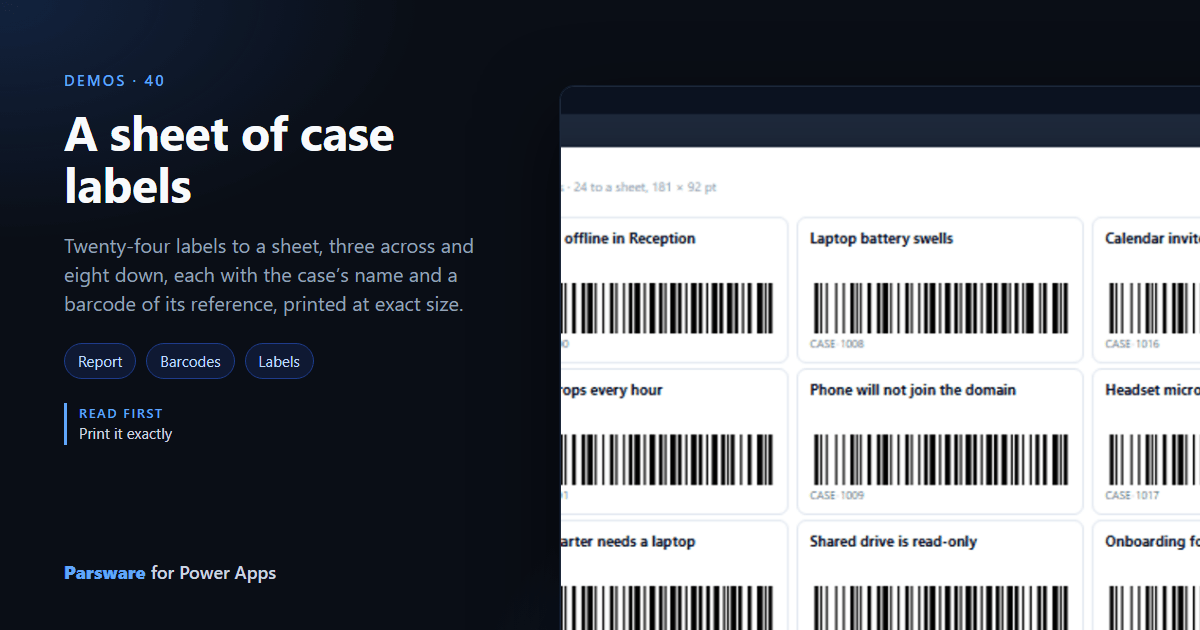
Labels are printed onto a sheet that is already cut, so they have to land exactly. This demo lays out twenty-four case labels, three across and eight down: Demos → Case labels.
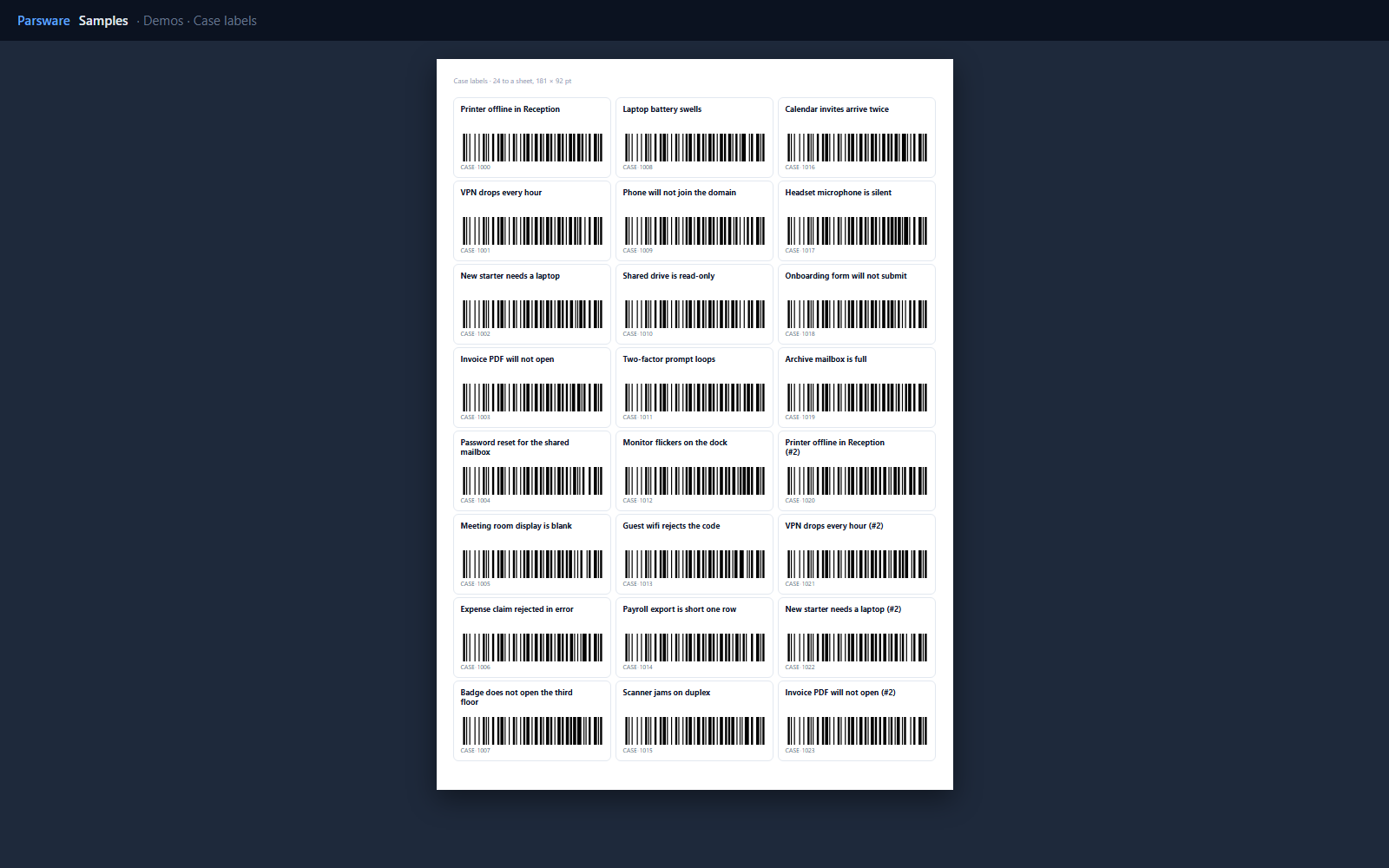
Three columns, three slices
A report can lay out side-by-side columns, each its own flow. Each column here is a repeater over a third of the cases:
take(skip(cases, 8), 8)
for the middle one: skip the first eight, take the next eight.
A barcode per label
Each label has a Code 128 barcode bound to its reference, and the reference printed under it:
concat('CASE-', 1008 + rowIndex)
The label is 181 by 92 points, drawn at that size, and printed at that size: the report engine lays out pages in points rather than fitting them to a screen (Print it exactly).
Try it
- Install the three Parsware for Power Apps solutions, samples included (Install it).
- Open Sample data and press Replace, so the newest columns are filled (The samples, and sample data).
- Open Demos → Case labels and print it at 100%.
The pictures show the shipped report laid out on demo data by Parsware’s report engine. In Power Apps it opens in the app, from the navigation or a form.