A monthly statement per person
Every expense grouped by the person who submitted it, a subtotal under each person, a grand total, and a header and footer on every page.
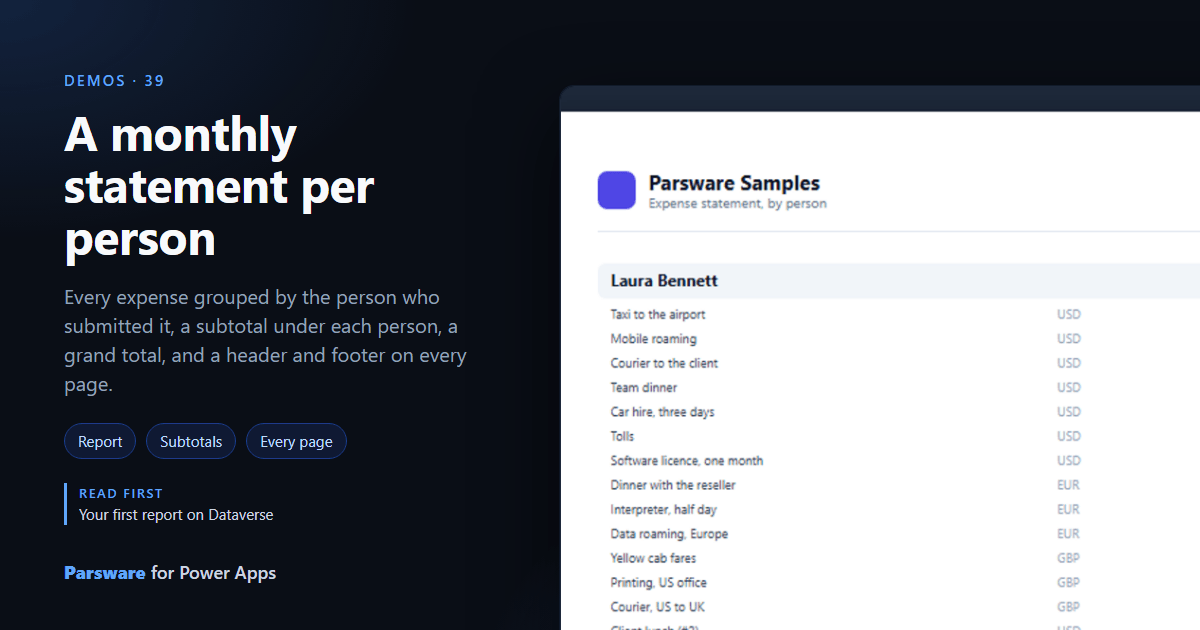
A statement that runs to several pages needs its heading on each, and a total that means something under each group. This demo is one: Demos → Monthly statement.
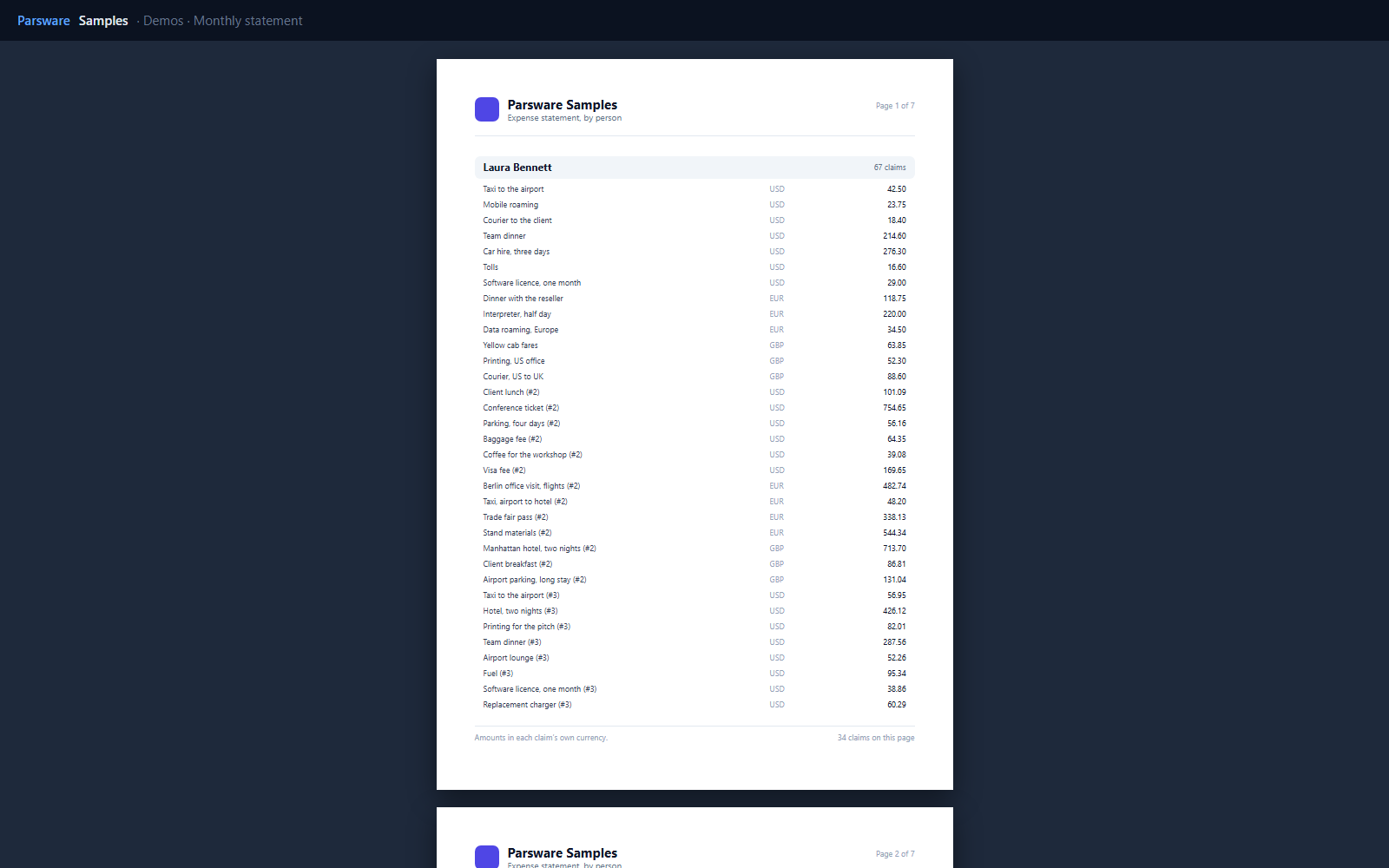
A section per person
The report engine has no grouping, so each person is a section of their own: a band with their name, a repeater over just their claims, and a subtotal band. The repeater’s data is the claims, filtered:
where(claims, 'par_submittedby', 'Laura Bennett')
and the subtotal adds up the same rows:
format(sum(where(claims, 'par_submittedby', 'Laura Bennett'), 'par_amount'), 'number')
A grand total band at the end adds up everything.
On every page
The letterhead is a page header band and the footer a page footer band, so both are drawn
on every sheet. The footer counts the claims on its own page with page.rowCount.
Amounts are added as entered, in each claim’s own currency. A real statement would be filtered to one currency.
Try it
- Install the three Parsware for Power Apps solutions, samples included (Install it).
- Open Sample data and press Replace, so the newest columns are filled (The samples, and sample data).
- Open Demos → Monthly statement.
The pictures show the shipped report laid out on demo data by Parsware’s report engine. In Power Apps it opens in the app, from the navigation or a form.