An approval inbox
Every submitted expense in a list. Click one and its details open in a drawer, with Approve and Send back.
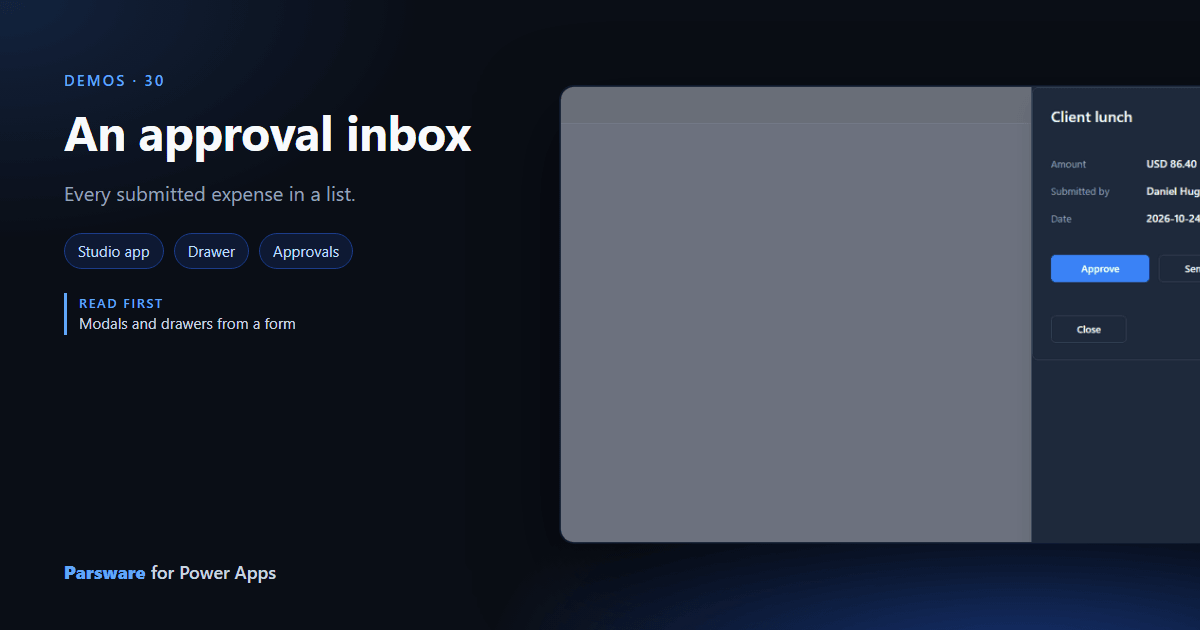
An approver’s day is a queue. This demo is the queue as a page: every submitted expense in a list, and a drawer with the details and the decision. Demos → Approval inbox.

The row goes to the drawer
A row’s click keeps the whole row in the page’s state and opens a drawer drawn on the same page:
setState("picked", row);
openEndDrawer("Expense detail");
The drawer reads state.picked: the name, the amount, who submitted it and when.
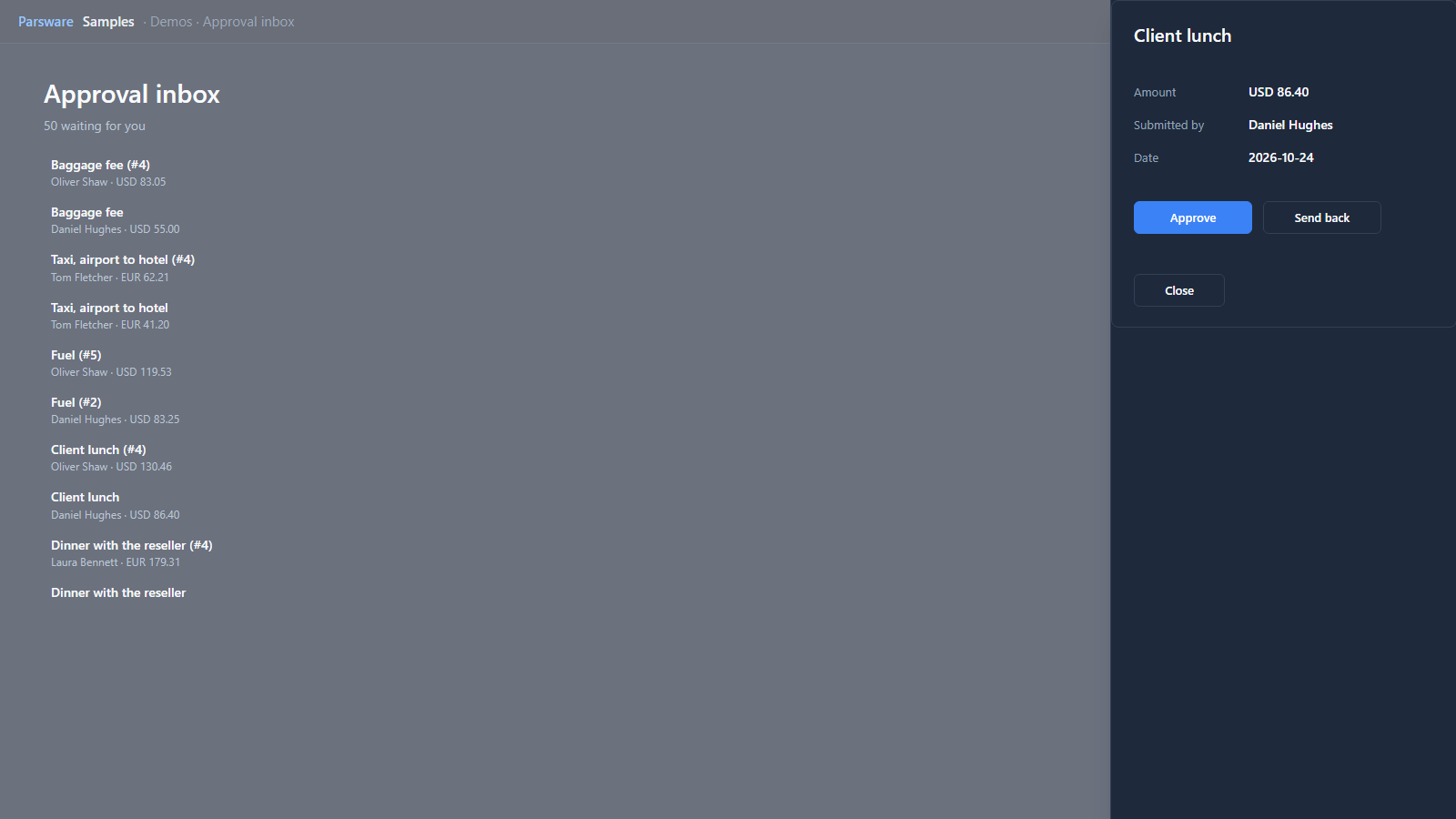
Approve writes the decision, closes the drawer and reads the queue again, so the expense leaves the list:
updateRecord("par_expense", state.picked.id, { par_status: 100000003 });
notify("Approved.");
closeEndDrawer();
Send back does the same with Draft.
Try it
- Install the three Parsware for Power Apps solutions, samples included (Install it).
- Open Sample data and press Replace, so the newest columns are filled (The samples, and sample data).
- Open Demos → Approval inbox.
The pictures show the shipped design running on demo data in Parsware’s own runtime. In Power Apps it is a page of the model-driven app, with the app’s own dialog and side pane.