An expense wizard
A new expense in three steps, each checked before the next: what it was, when and who, then a summary to send. One row is written at the end.
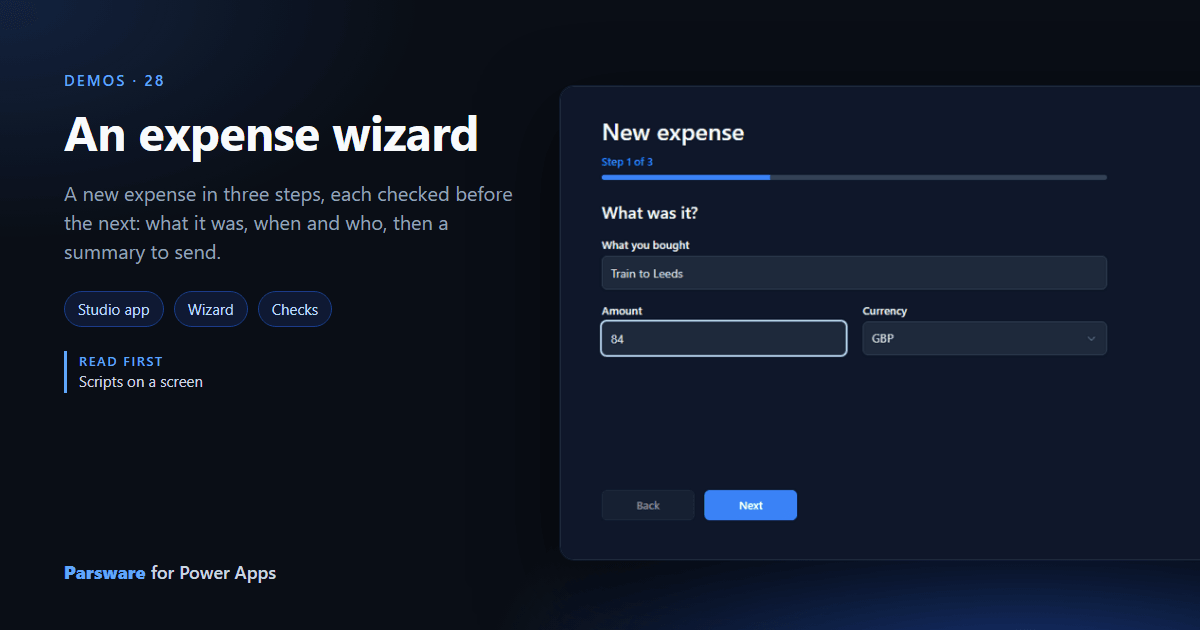
A long form asks everything at once. A wizard asks a little at a time and checks each part before the next. This demo is a page in the samples app: Demos → Expense wizard.
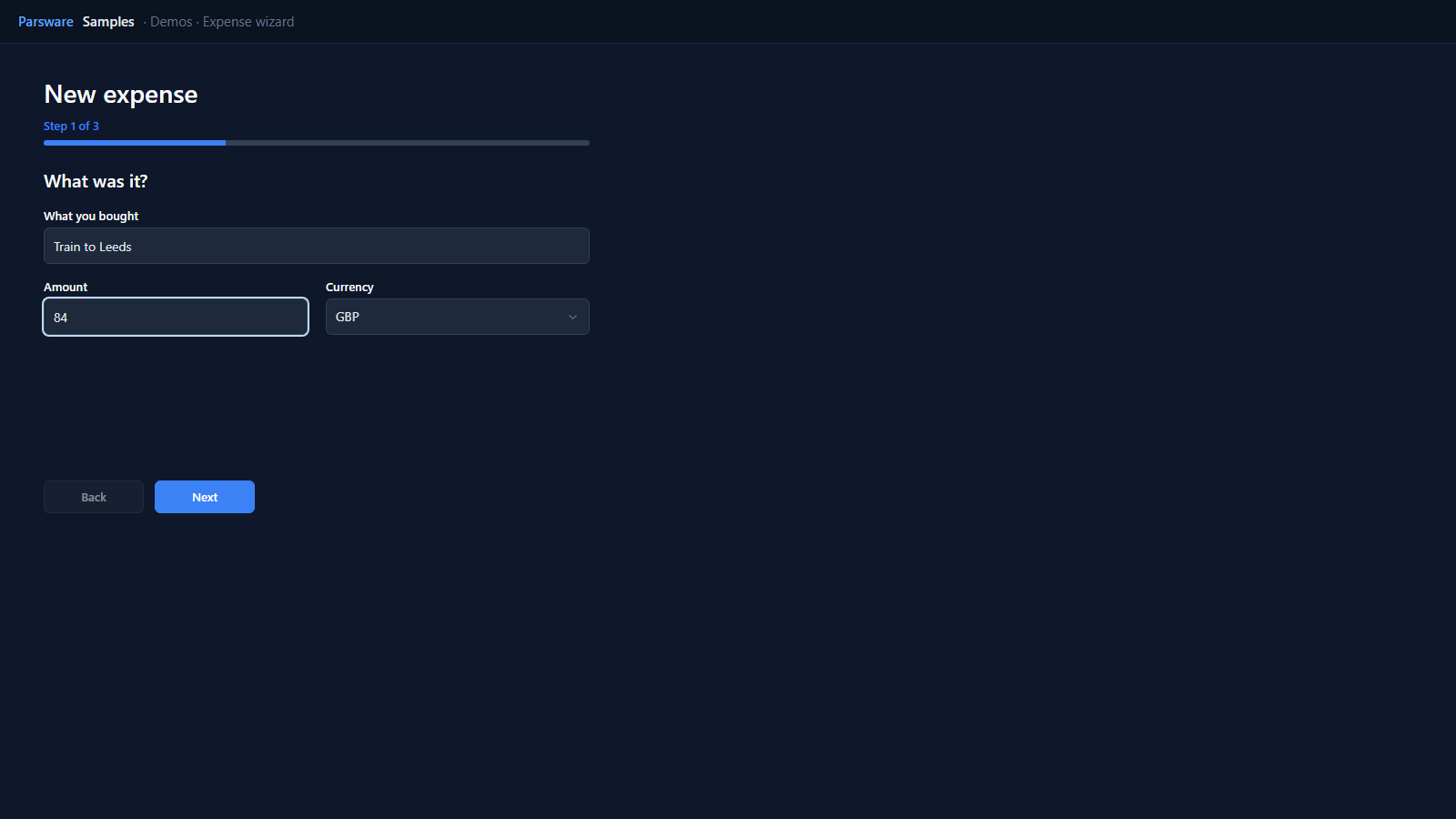
One page, three panels
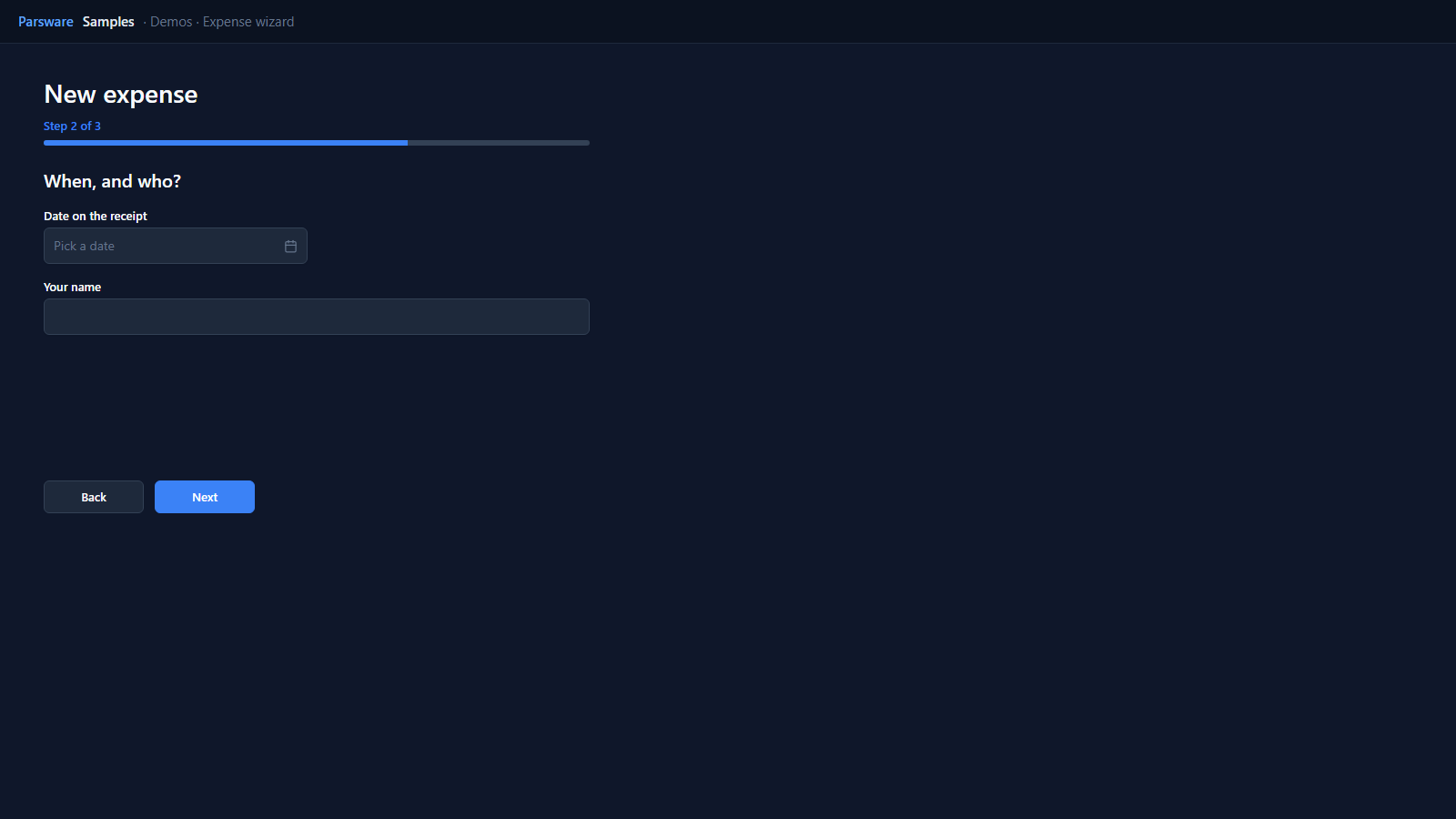
The page keeps the step and the answers in its state. Each step is a panel shown when
state.step is its number, and a bar fills as you go. Next checks the step you are on before
it moves:
if (state.step == 1 && (state.form.name == "" || num(state.form.amount) <= 0)) {
  notifyError("Say what it was and how much it cost.");
} else {
  if (state.step == 2 && (state.form.date == "" || state.form.who == "")) {
    notifyError("Give the date on the receipt and your name.");
  } else {
    setState("step", state.step + 1);
  }
}
One row, at the end
Nothing is written until the last step’s Send, which creates one submitted expense from everything collected:
createRecord("par_expense", {
  par_name: state.form.name,
  par_amount: num(state.form.amount),
  par_currency: state.form.currency,
  par_date: state.form.date,
  par_submittedby: state.form.who,
  par_status: 100000002
});
Try it
- Install the three Parsware for Power Apps solutions, samples included (Install it).
- Open Sample data and press Replace, so the newest columns are filled (The samples, and sample data).
- Open Demos → Expense wizard.
The pictures show the shipped design running on demo data in Parsware’s own runtime. In Power Apps it is a page of the model-driven app, with the app’s own dialog and side pane.