Add a child row from a drawer
A drawer on the case form with one box: type a task, press Create, and a task linked to this case is written without leaving the form.
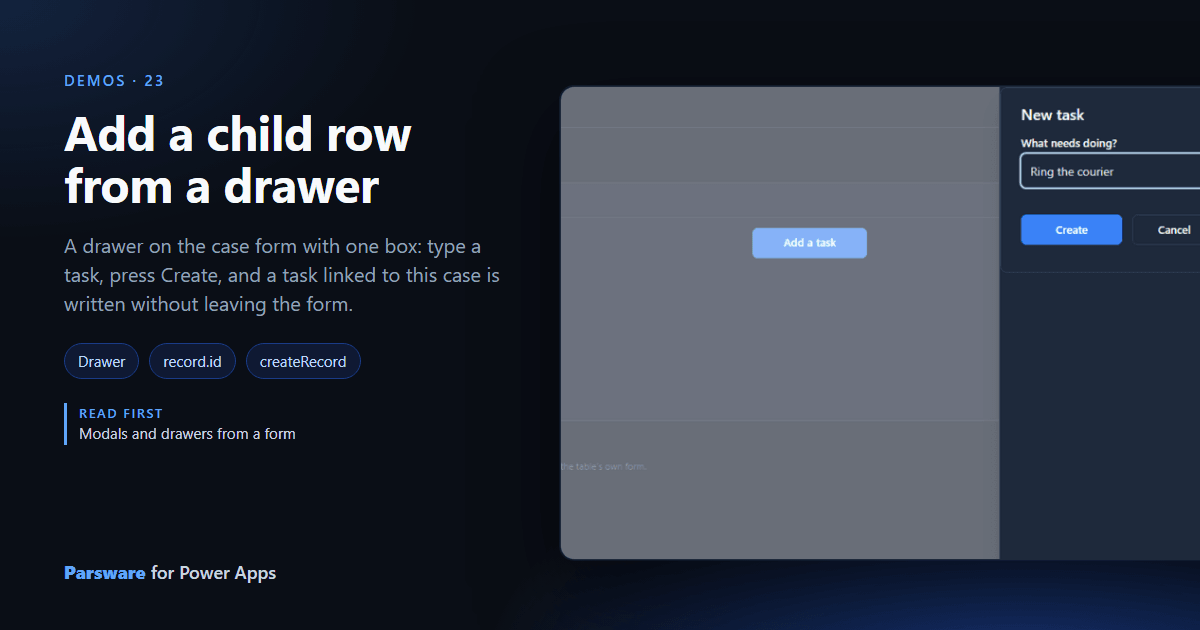
Adding a task to a case in a model-driven app opens the task’s form and leaves the case. This demo adds it from a drawer on the case form, and the case stays put.
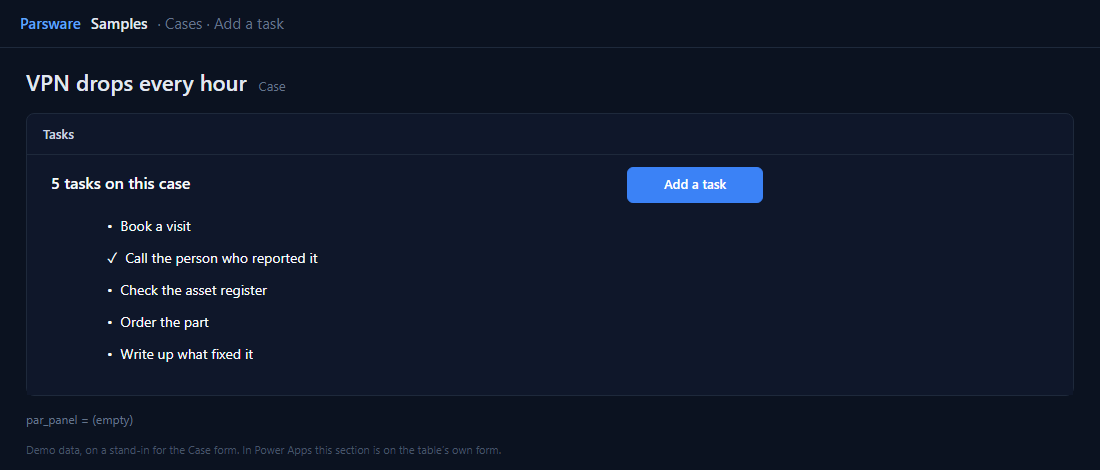
One box, and the case’s id
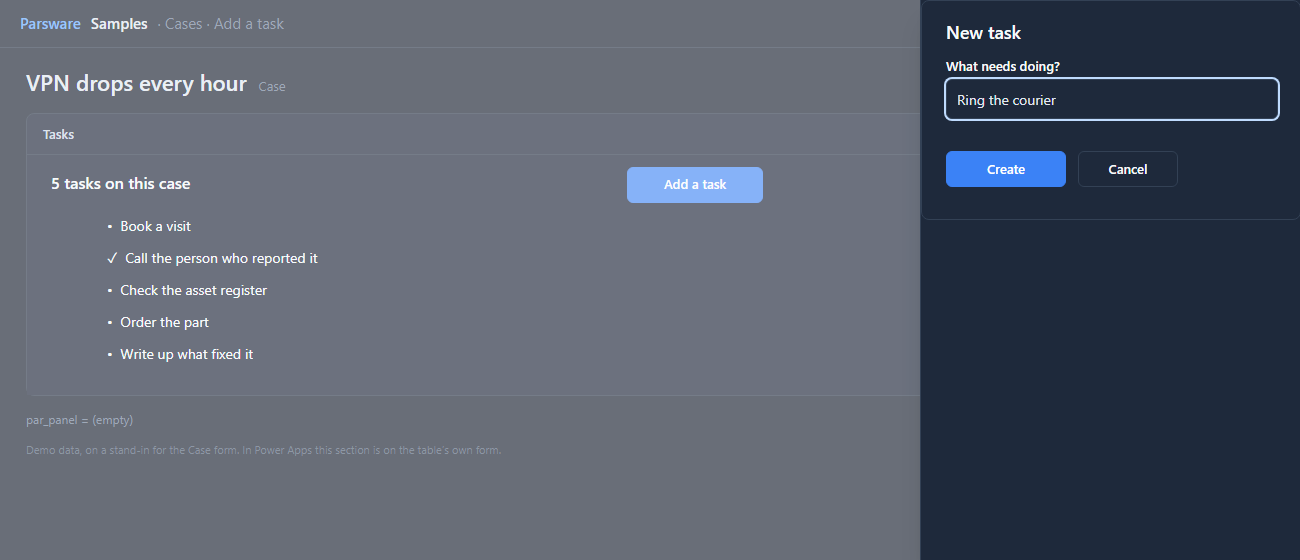
Add a task opens a drawer drawn on the same screen. Create writes the task with the case’s id
in its lookup. The id comes from the new record object, the record the form is showing:
createRecord("par_casetask", { par_name: state.newTask, par_case: record.id, par_done: false });
notify("Task added.");
closeEndDrawer();
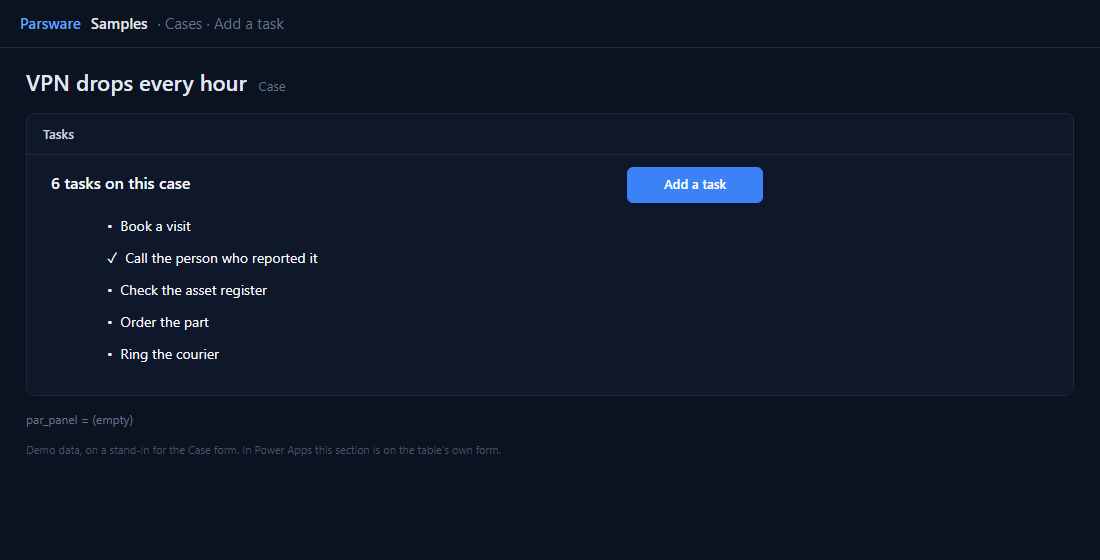
The same handler then reads the case’s tasks again, so the list shows the new one at once:
A lookup is written as the target’s id. A new case has no id until it’s saved, so the button is disabled until then.
Try it
- Install the three Parsware for Power Apps solutions, samples included (Install it).
- Open Sample data and press Replace, so the newest columns are filled (The samples, and sample data).
- Open one of the older cases. Tasks is on the Panels tab.
The pictures show the shipped design running on demo data in Parsware’s own runtime. In Power Apps the form, the side pane and the dialog are the app’s own.