A case at a glance
Four tiles on the case form, counted from the case’s own task rows and its due date. A screen on a form now knows which record the form shows.
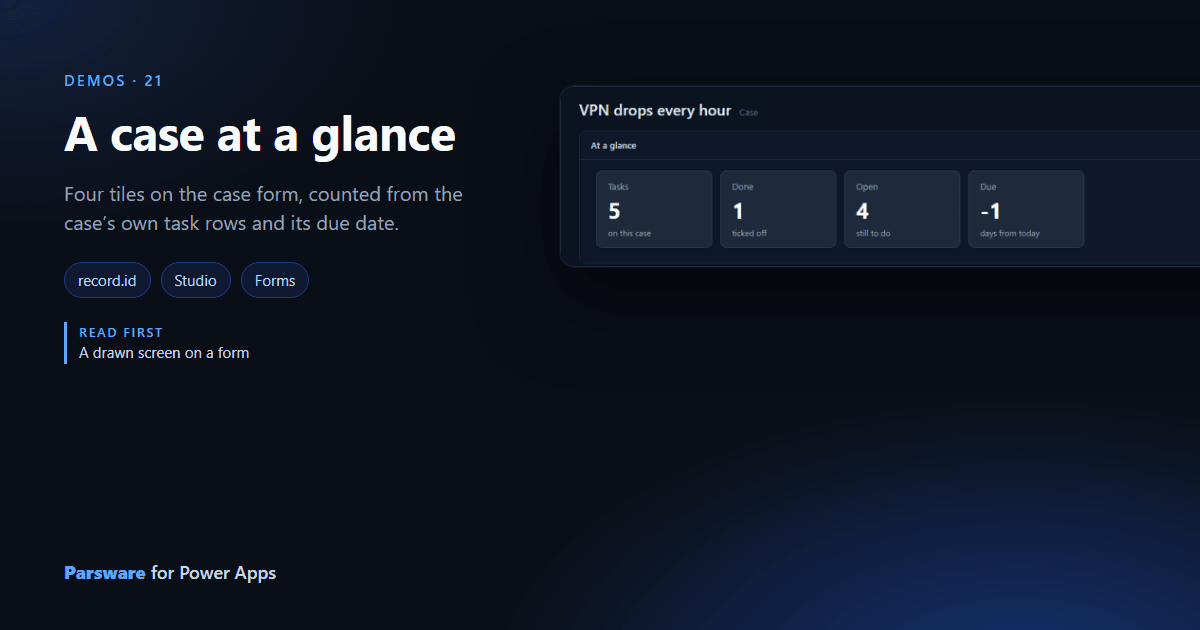
A case has tasks, and the case form doesn’t say how many are done. This demo puts four tiles at the top of the case: its tasks, how many are done, how many are open, and the days until it is due.
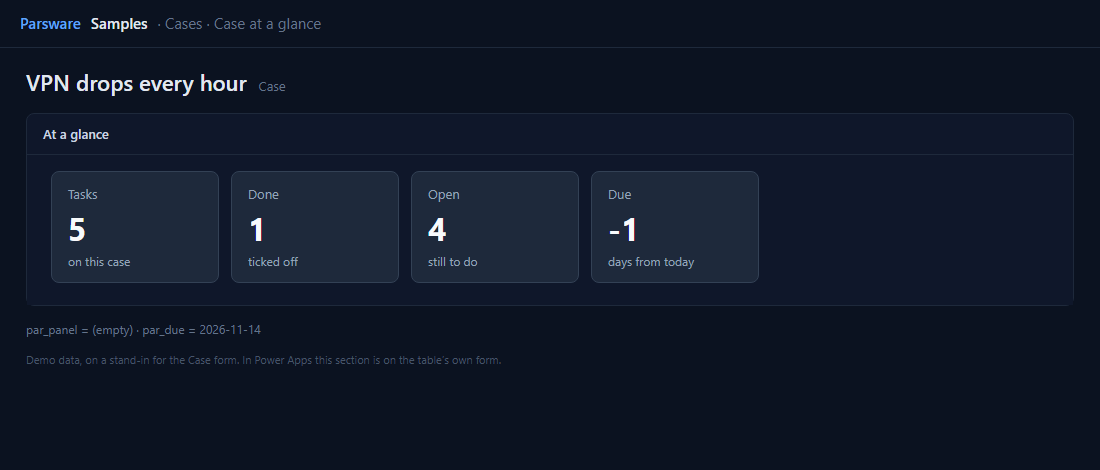
The form’s record
The tiles count the case’s rows in the new Case tasks table. To count this case’s, the screen
needs to know which case the form is showing, and a screen on a form now does: record.id and
record.table. The screen’s Screen opened handler:
if (record.id != "") {
  loadRecords("par_casetask", "tasks", {
    where: { par_case: record.id },
    top: 50,
    countInto: "total"
  });
  loadRecords("par_casetask", "doneRows", {
    where: { par_case: record.id, par_done: true },
    top: 1,
    countInto: "done"
  });
}
countInto asks Dataverse for the count rather than adding up rows on the page. Open is
state.total - state.done. The due tile reads the case’s Due column, bound as the control’s
second column, with daysBetween(today(), fields.par_due).
A new case has no id until it is saved, so the tiles hide and the panel says Save the case first.
Try it
- Install the three Parsware for Power Apps solutions, samples included (Install it).
- Open Sample data and press Replace, so the newest columns are filled (The samples, and sample data).
- Open one of the older cases (the sample fills tasks on the sixteen oldest). At a glance is on the Panels tab.
The pictures show the shipped design running on demo data in Parsware’s own runtime. In Power Apps the form, the side pane and the dialog are the app’s own.