A stage stepper
New, In progress and Resolved as a path you click along. The stages behind the case are filled, and a click moves it to that stage.

Where a case has got to reads better as a path than as a word in a box. This demo draws a new choice column, Stage, as three steps: the ones the case has reached are filled.
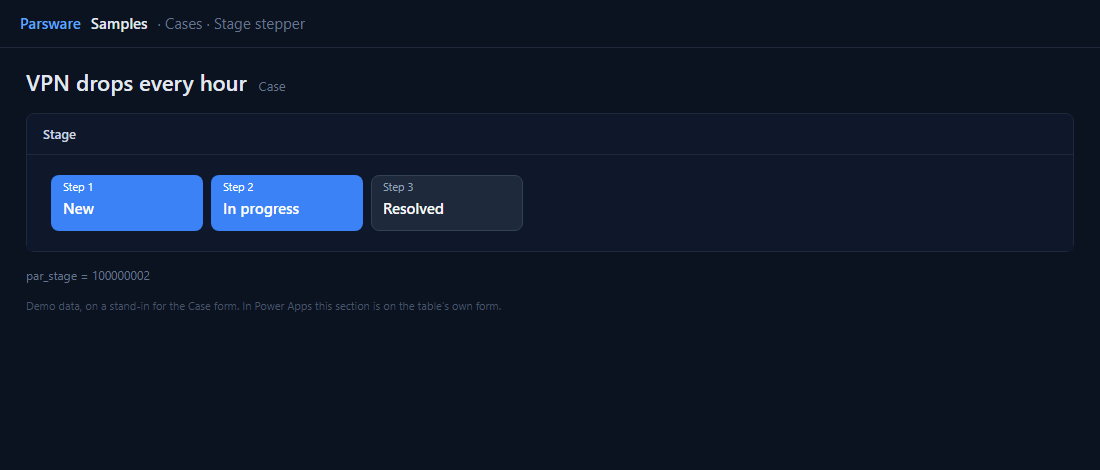
Filled up to here
Stage’s options are numbered in order, 100000001 to 100000003, so “reached” is a comparison. Step three’s filled drawing is shown when:
num(field.value) >= 100000003
and its outlined drawing when it is less. A click on a step sets that stage:
setFieldValue("100000003");
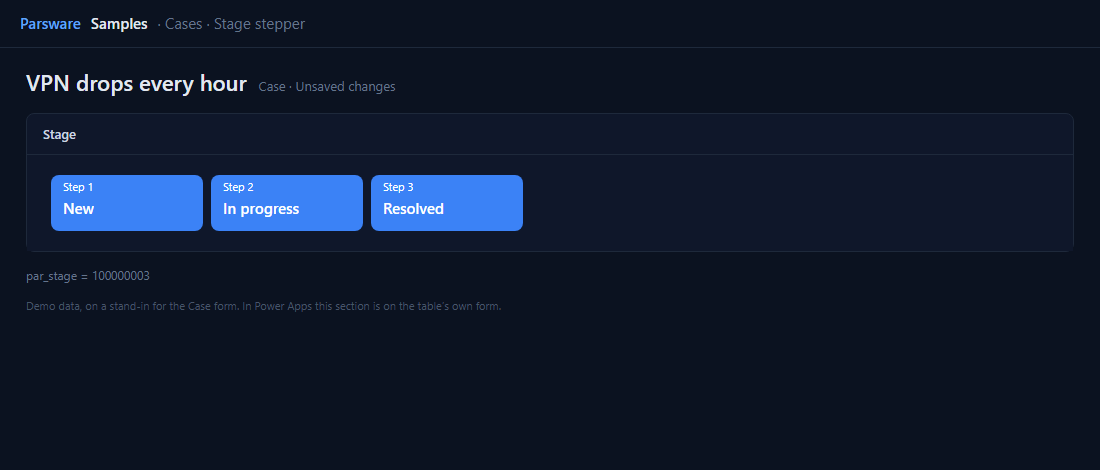
The same column drives the Case board demo, where each stage is a column of cards. Change a case here and it moves there.
Try it
- Install the three Parsware for Power Apps solutions, samples included (Install it).
- Open Sample data and press Replace, so the newest columns are filled (The samples, and sample data).
- Open a case. Stage is on the Drawn controls tab.
The pictures show the shipped design running on demo data in Parsware’s own runtime. In Power Apps the form, the side pane and the dialog are the app’s own.