Satisfaction faces
A five-option choice column drawn as five faces, from very unhappy to very happy. The chosen face is ringed; click another to change it.
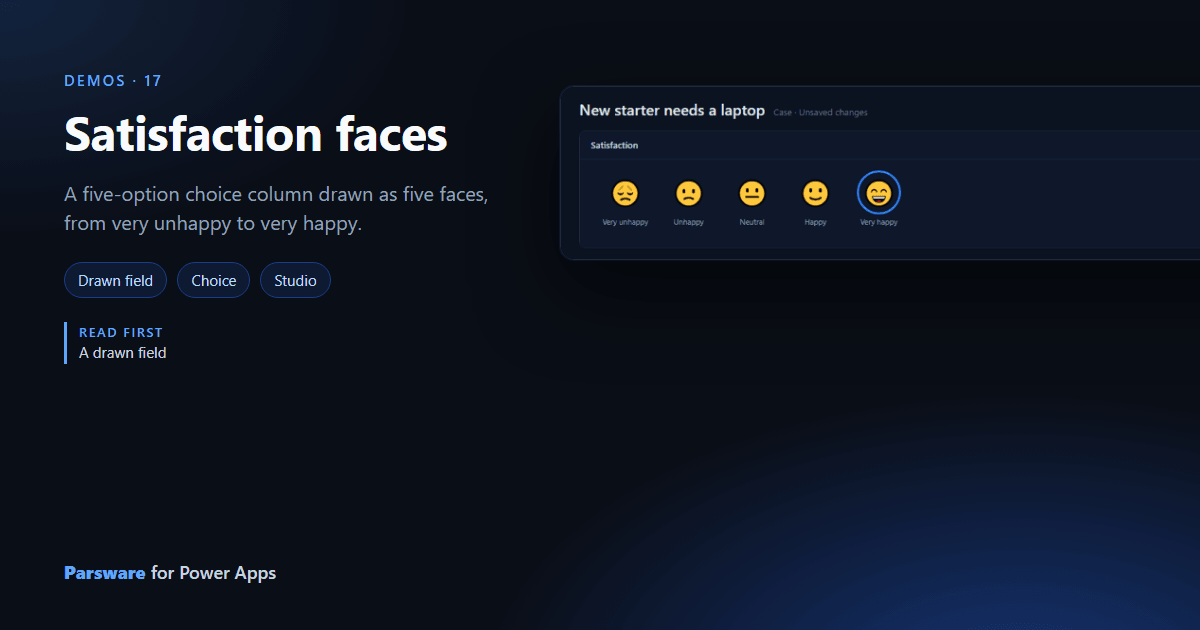
How happy was the person with how their case went? A dropdown of five words answers it; five faces answer it faster. This demo draws a new choice column, Satisfaction, as faces.
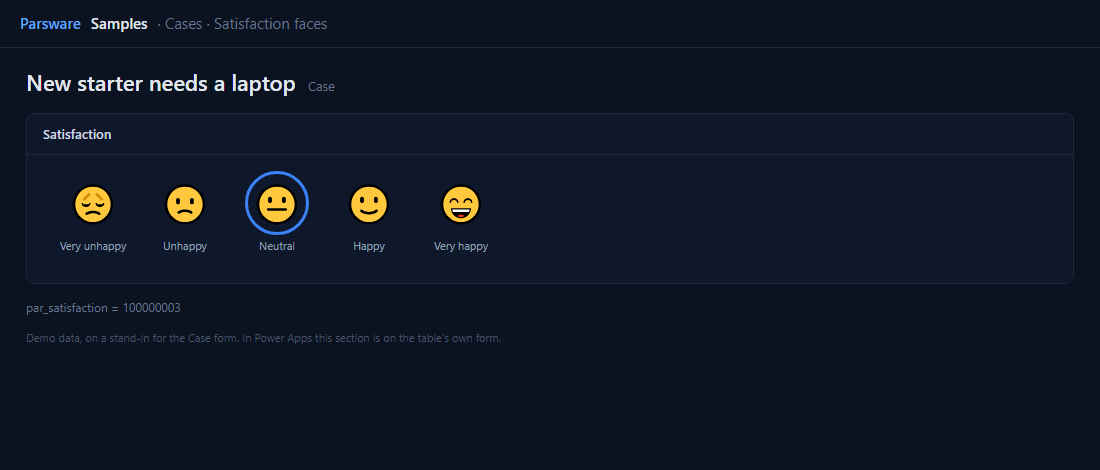
Five options, five clicks
Satisfaction’s options are numbered 100000001 (Very unhappy) to 100000005 (Very happy). A drawn
control reads a choice as its option’s number, so each face’s ring is shown when
field.value == "100000005" (for Very happy) and its click is:
setFieldValue("100000005");
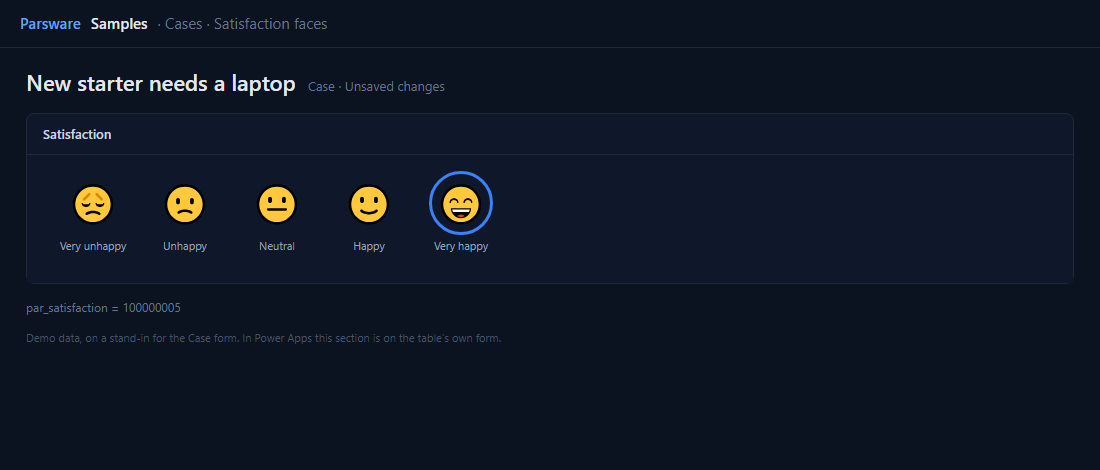
Each face is a clickable box holding a ring, the face and its label. The face is an emoji, so it
looks like the reader’s own system. The label under each face is drawn text; in another language,
draw it with translate({ en: "Very happy", fa: "…" }).
Try it
- Install the three Parsware for Power Apps solutions, samples included (Install it).
- Open Sample data and press Replace, so the newest columns are filled (The samples, and sample data).
- Open a case. Satisfaction is on the Drawn controls tab.
The pictures show the shipped design running on demo data in Parsware’s own runtime. In Power Apps the form, the side pane and the dialog are the app’s own.