An SLA countdown
“2 days left”, turning amber three days out and red once the case is late: a due date as a countdown, with today() and daysBetween().
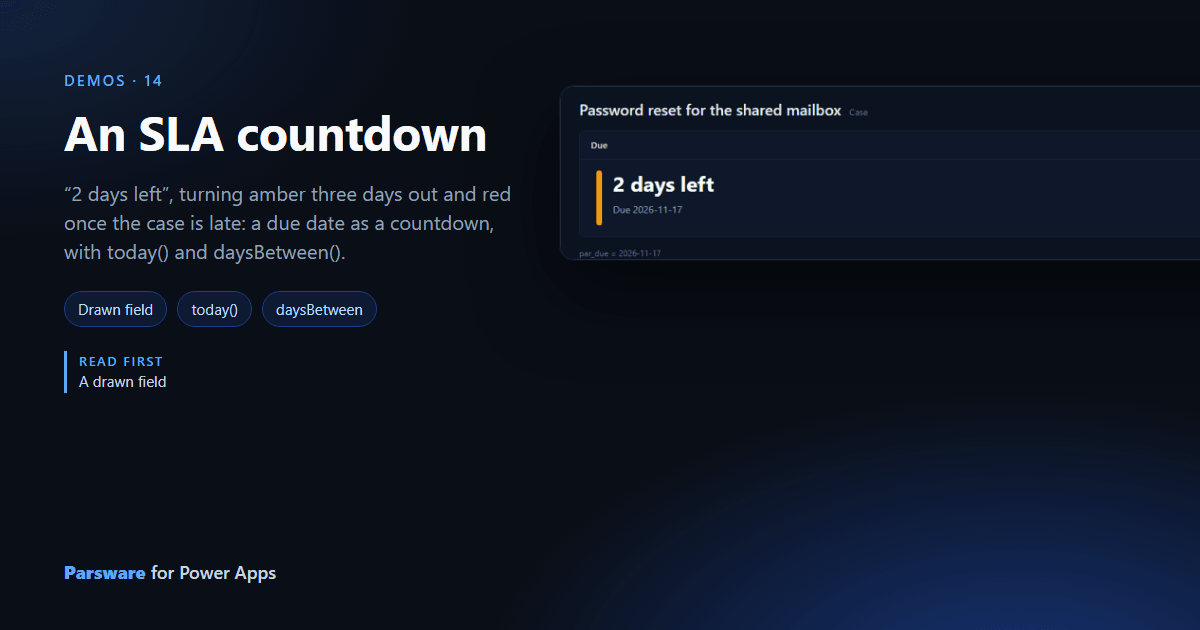
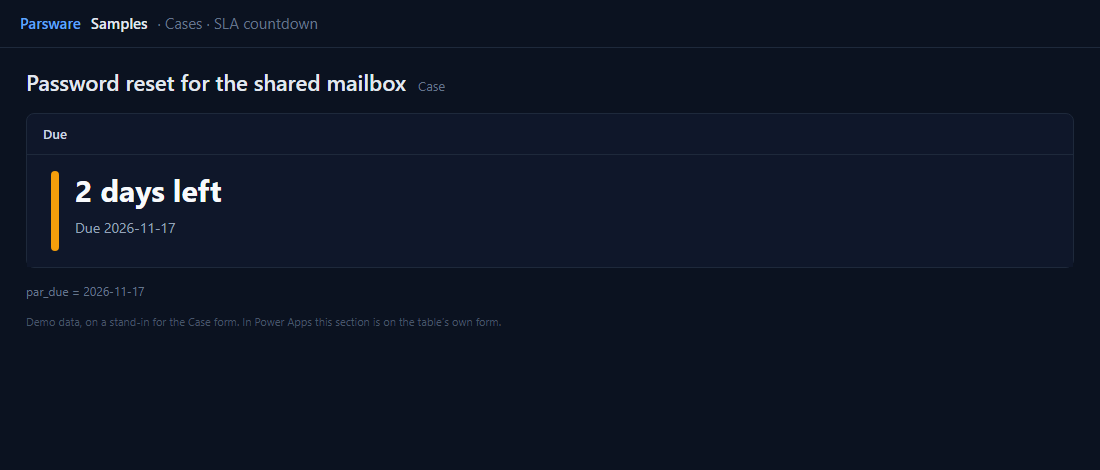
A due date says when. A countdown says how worried to be. This demo draws a case’s Due date as days left, with a coloured stripe that turns amber three days out and red once it’s late.
Two new functions
today() is today as a calendar day, and daysBetween(from, to) counts whole days between two
dates, going negative once the second is past. The days left are:
daysBetween(today(), field.value)
The headline picks its words from that number, 2 days left, 1 day left, Due today, or Late by 3 days, and three stripes, green, amber and red, are each shown for their range.
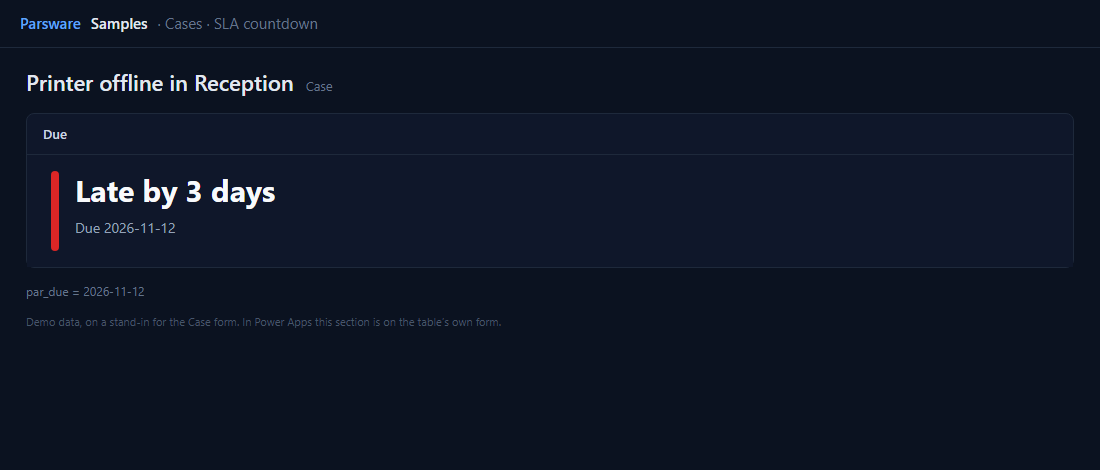
Both functions count calendar days in the reader’s own time zone, so 11pm tonight and 1am tomorrow are one day apart. Reports have the same two functions, so an overdue list means the same thing on paper.
Try it
- Install the three Parsware for Power Apps solutions, samples included (Install it).
- Open Sample data and press Replace, so the newest columns are filled (The samples, and sample data).
- Open a case. Due is on the Drawn controls tab. The sample due dates are set from the day you fill them.
The pictures show the shipped design running on demo data in Parsware’s own runtime. In Power Apps the form, the side pane and the dialog are the app’s own.