Pick several, side by side, in the side pane
Approving expenses one record at a time is slow. Here is a drawn two-list picker that opens in a model-driven app's own side pane, approves every expense you choose at once, and closes itself when it is done.
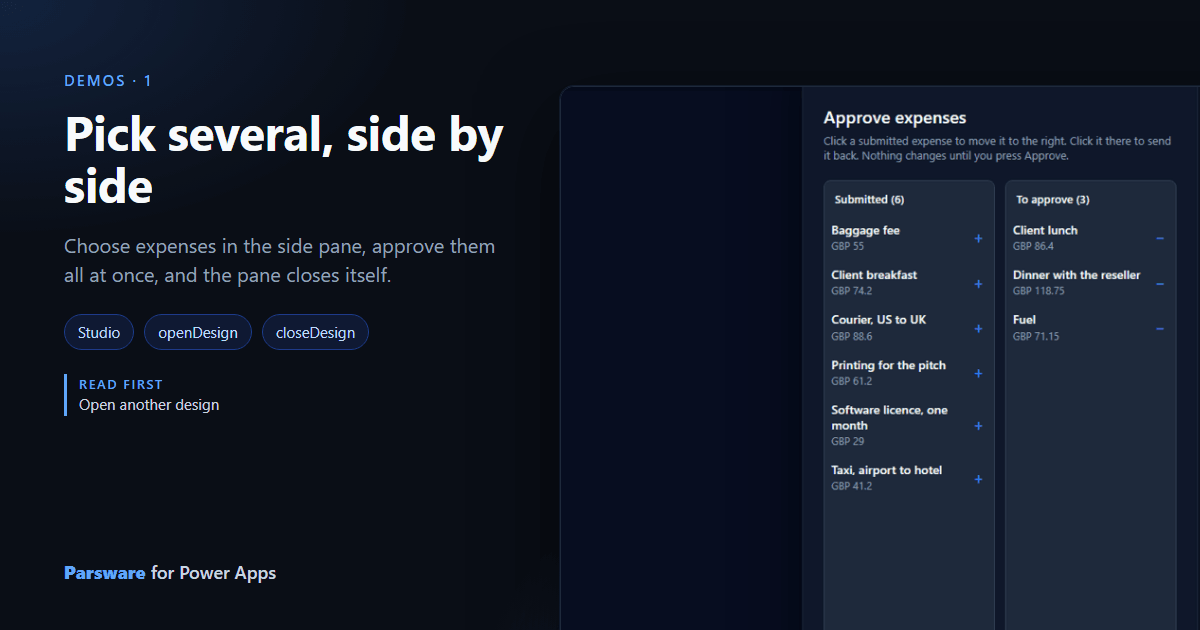
Nine expenses are waiting for approval. In a model-driven app you open the first, set its status, save, go back, and open the next. Eight more times. A grid can change a status in bulk, but it can't show you what you're choosing as you choose it, and it won't let you change your mind halfway.
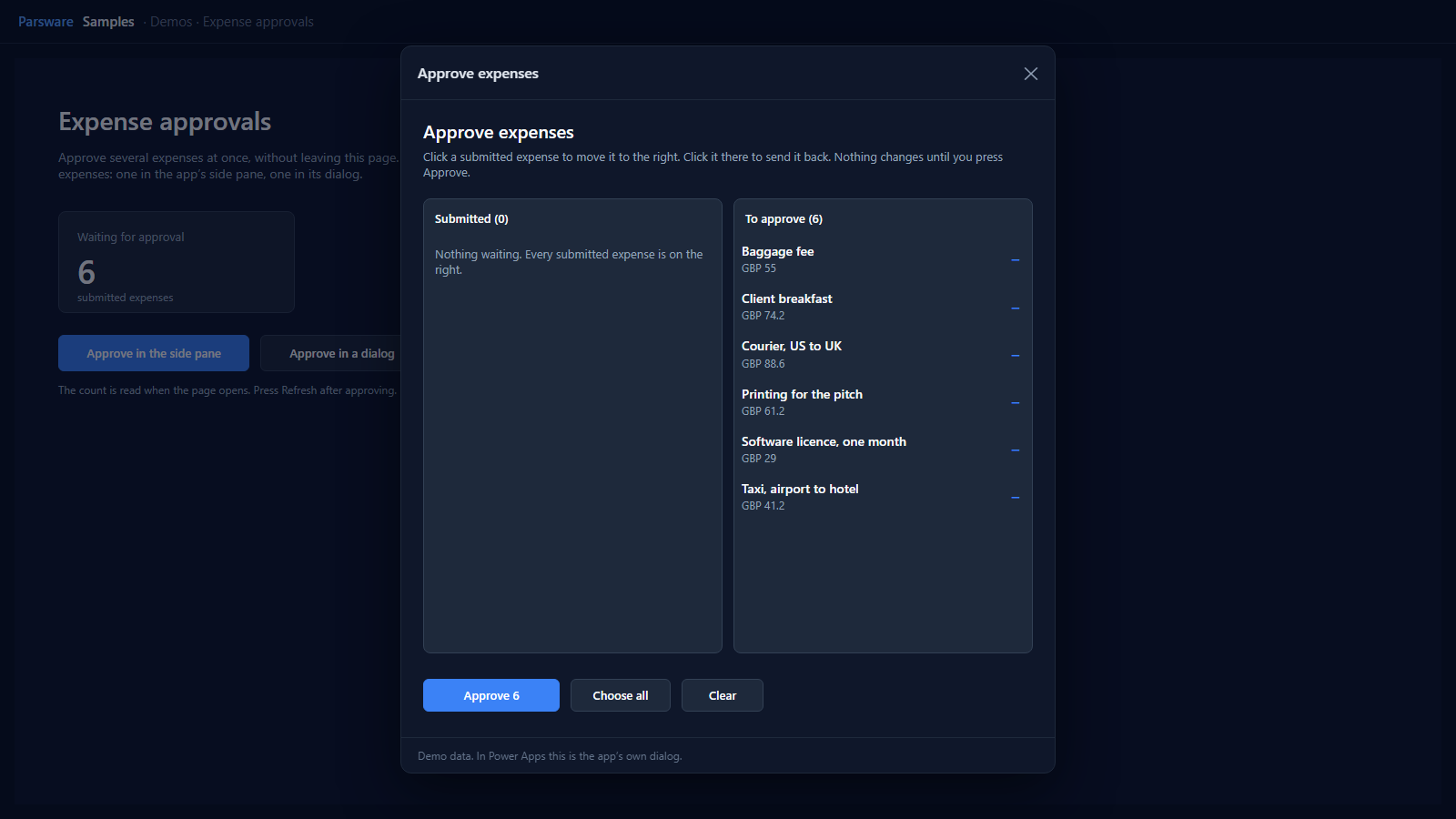
This demo is one small idea: a picker. The submitted expenses are on the left. Click one and it moves to the right. Click it there and it goes back. When the right-hand list is what you want, press Approve. It opens in the app's own side pane, so you never leave the page you were on, and it closes itself when it's done.
It ships in the samples solution: open Parsware Samples, then Demos → Expense approvals.
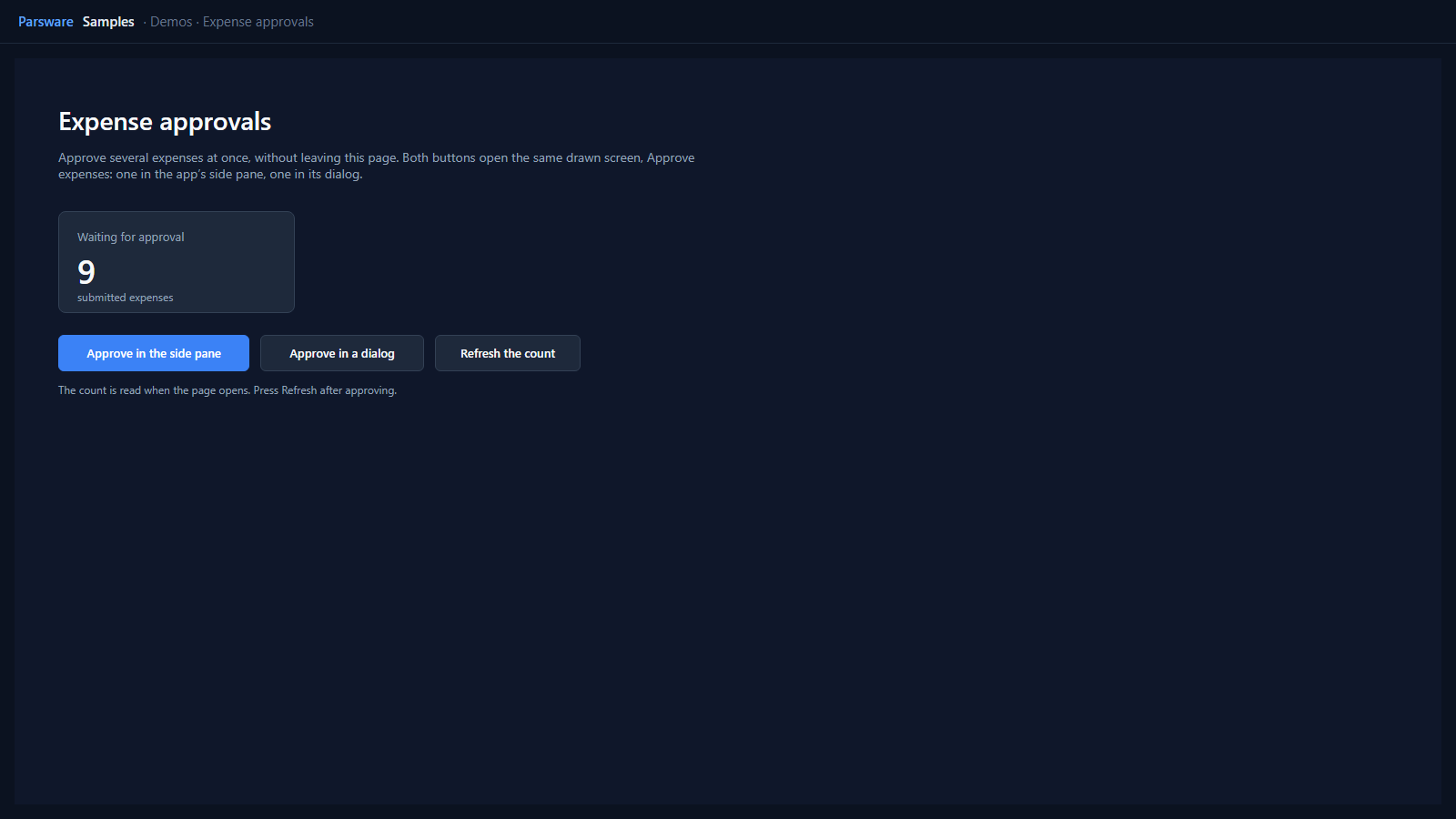
The page that opens it
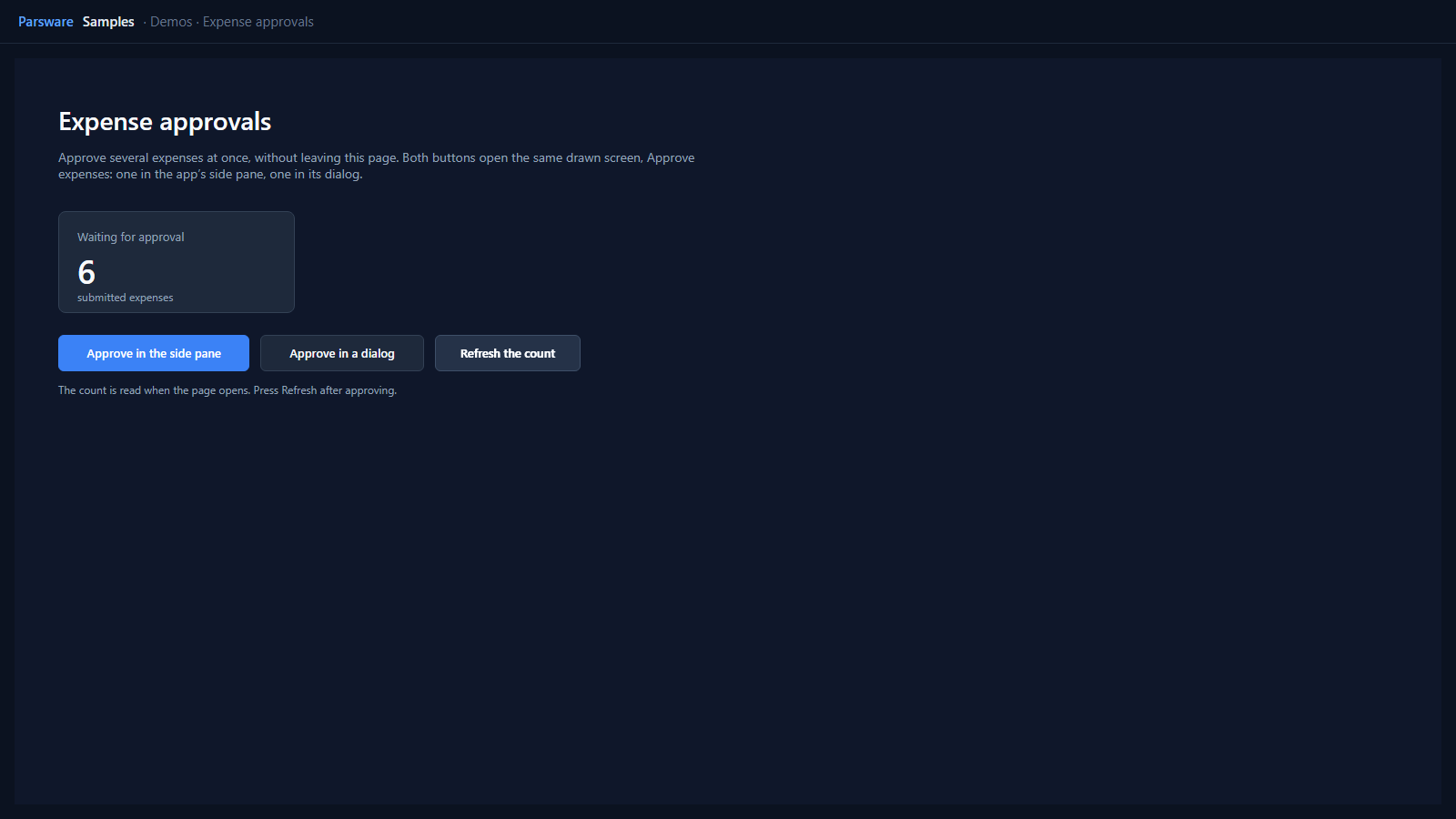
Expense approvals is a page of the app, drawn in Parsware Studio. When it opens it counts the submitted expenses. It reads one row and asks Dataverse for the total:
loadRecords("par_expense", "sample", {
  where: { par_status: 100000002 },
  top: 1,
  countInto: "waiting"
});
The two buttons open the same second design, Approve expenses. One opens it in the side pane:
openDesign("Approve expenses", "side");
and the other in the app's dialog, which is what openDesign does when you don't name a place:
openDesign("Approve expenses");
That's the whole of the page. Open another design explains
openDesign in full.
The picker
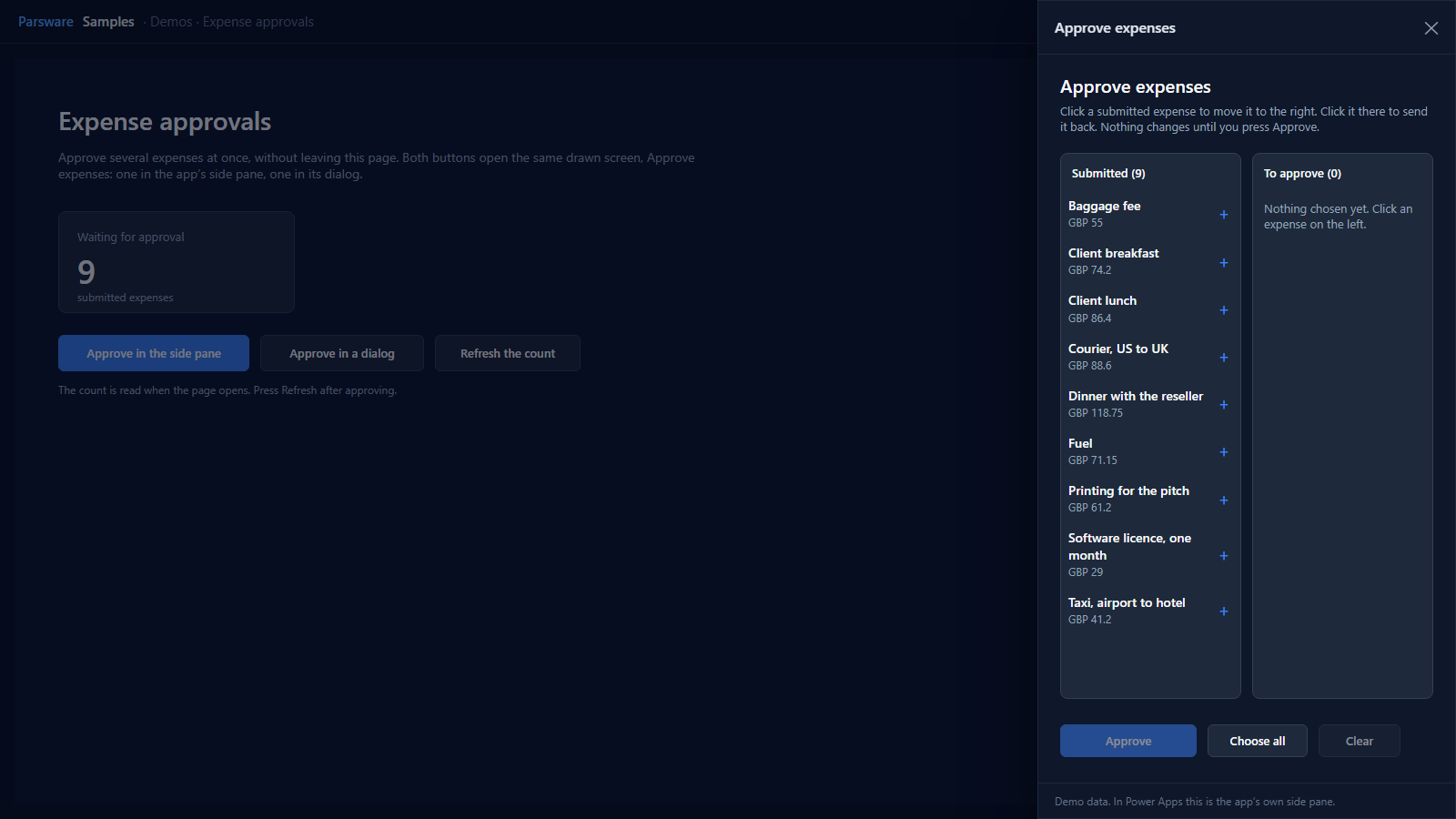
When it opens, Approve expenses loads every submitted expense into state.expenses, sorted by
name:
loadRecords("par_expense", "expenses", {
  where: { par_status: 100000002 },
  orderBy: "par_name",
  top: 200
});
The two lists are two repeaters over the same rows. Each row in the left list is visible only when it hasn't been picked, and each row in the right list only when it has:
!state.picked.includes(row.id)      // left
state.picked.includes(row.id)       // right
So an expense is always on screen exactly once, in whichever list holds it. Nothing is copied
between lists. A click only changes state.picked, the ids of the chosen rows, and both lists
follow. The same handler sits on a row in either list. It flips the clicked row and counts again:
var ids = "";
var count = 0;
var i = 0;
for (i = 0; i < state.expenses.length(); i = i + 1) {
  var id = state.expenses[i].id;
  var on = state.picked.includes(id);
  if (id == row.id) { on = !on; }
  if (on) {
    ids = ids + id + "|";
    count = count + 1;
  }
}
setState("picked", ids);
setState("pickedCount", count);
The headings count as you go: "Submitted (" + text(state.expenses.length() - state.pickedCount) + ")"
on the left and "To approve (" + text(state.pickedCount) + ")" on the right. The button reads
Approve 3 once three are chosen.
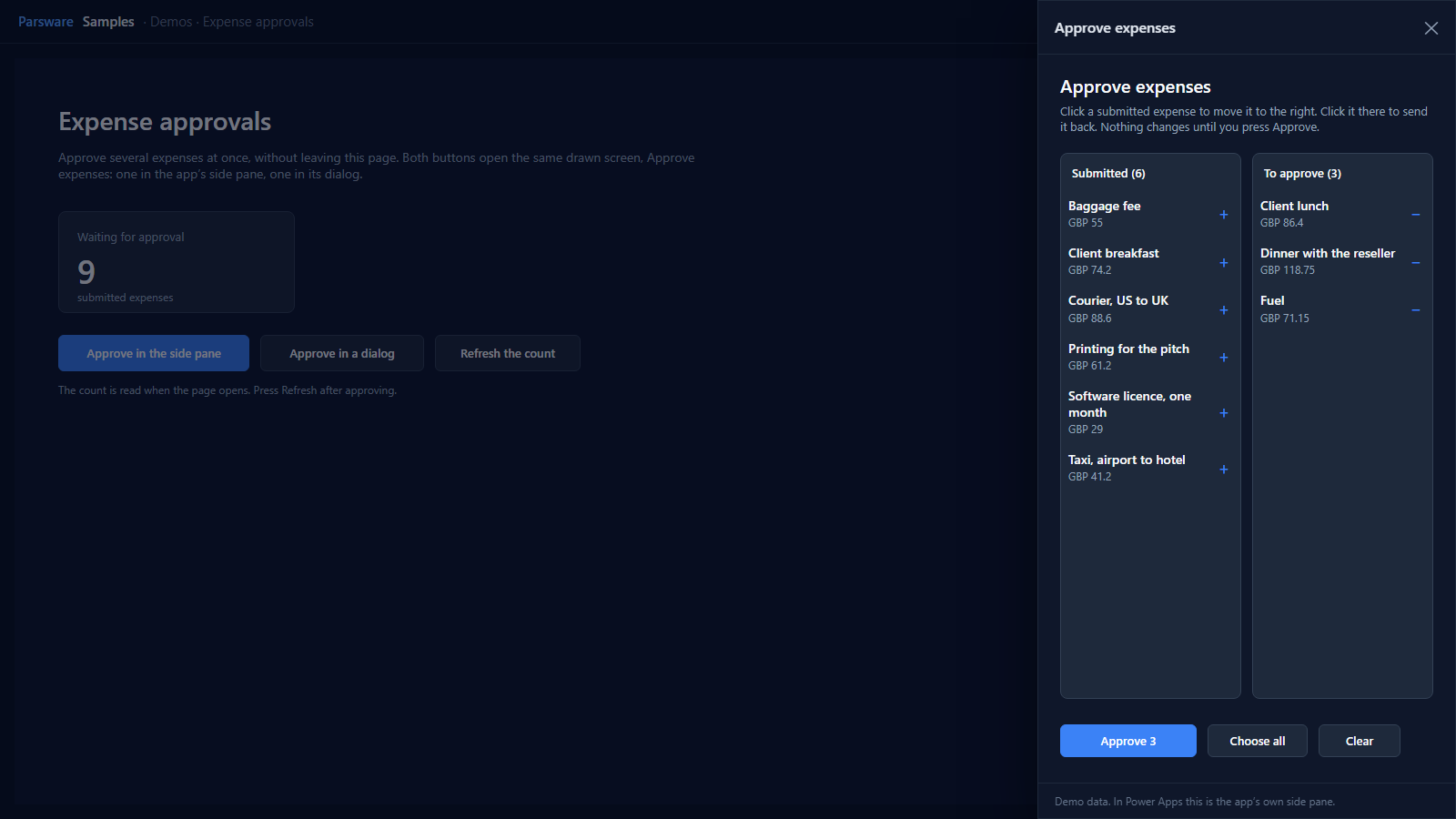
Choose all fills the right-hand list in one go, and Clear empties it. Nothing is written to Dataverse until you press Approve.
Approve, and the pane closes
Approve writes one update for each chosen expense, says how many it approved, clears the choice and reads the list again. Then it closes the pane:
var i = 0;
for (i = 0; i < state.expenses.length(); i = i + 1) {
  if (state.picked.includes(state.expenses[i].id)) {
    updateRecord("par_expense", state.expenses[i].id, { par_status: 100000003 });
  }
}
notify(text(state.pickedCount) + " expenses approved.");
setState("picked", "");
setState("pickedCount", 0);
loadRecords("par_expense", "expenses", { where: { par_status: 100000002 }, orderBy: "par_name", top: 200 });
closeDesign();
closeDesign() is new in this release. A design opened in the side pane or the dialog finished
its job, and the reader still had to find the pane's own cross. Now the design closes the pane
itself, once the writes behind the button have landed. On a page that isn't in a pane or a
dialog it does nothing, so the same design still works when the navigation opens it full-size.
Back on the page, press Refresh the count. The page reads its count when it opens, so the button reads it again:
The same screen in the dialog
Approve in a dialog opens exactly the same design in the app's centred dialog. Nothing about the picker changes. Choose all, Approve, and the dialog closes too.
Try it
- Install the three Parsware for Power Apps solutions, samples included (Install it).
- Fill the sample data (The samples, and sample data). It includes submitted expenses.
- Open Parsware Samples → Demos → Expense approvals.
To build your own, copy Approve expenses in Parsware Studio (Start from a shipped design) and point it at your table. Change the table name, the status column and the two status values, and the picker is yours.
The pictures in this article show the shipped designs running on demo data in Parsware's own runtime. In Power Apps the pane and the dialog are the app's own.