Parsware Platform
Your own domain
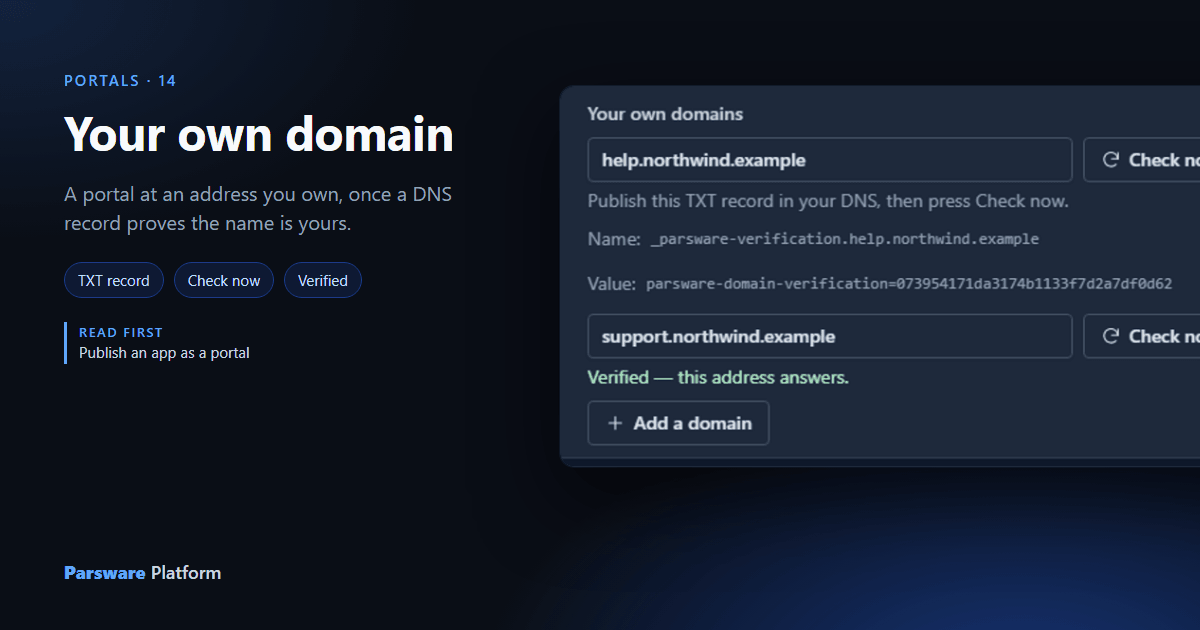
A portal starts at an address your installation gives it. Your customers would rather see support.northwind.com. You type the name, publish one DNS record the platform hands you, and press Check now; until the record is there, the name does nothing at all. We watched a domain go from a claim to an address, and a second one stay a claim.
Publish an app as a portal gave the Service desk portal an
address that belongs to your Parsware installation. A customer's support site usually wants one that
belongs to the customer: support.northwind.com, not something under your platform's name. This
article adds one, on the Portal service desk sample, samples/solutions/portal-service-desk.
A name you type is only a claim
Open the solution, choose Portals, and open the portal. Under Your own domains, press Add a
domain and type the whole name a visitor would type. Here it's support.northwind.example:
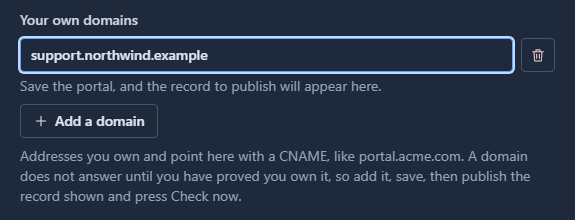
Nothing happens yet, and that's deliberate. Anybody who may edit a portal can type any name into that box. If typing were enough, they could point a portal at a domain that isn't theirs, and the platform would start serving it. So a name is a claim until you prove it.
The record that proves it
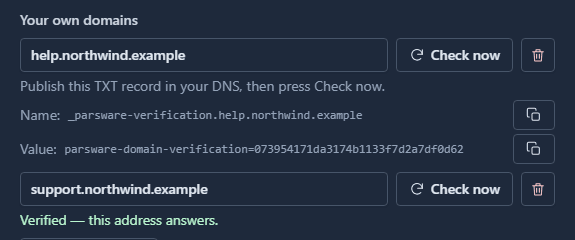
Press Save and open the portal again. Under the domain there's now a TXT record to publish: a name and a value, each with its own Copy button, because they're going to somebody else, usually whoever runs your DNS.
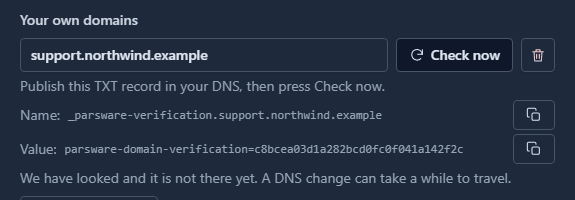
The value is a code made for this portal and this domain. Only somebody who can publish a record
inside northwind.example can put it there, which is exactly the question that needs answering.
Press Check now before the record exists and the platform says so: We have looked and it is not there yet. That's an answer, not an error, and it's the usual one for the first few minutes. Press it again later; checking costs nothing.
Verified
Once the record is published, Check now finds it:
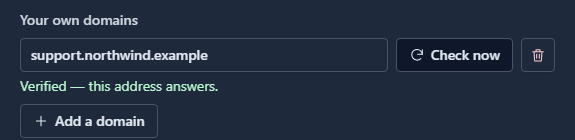
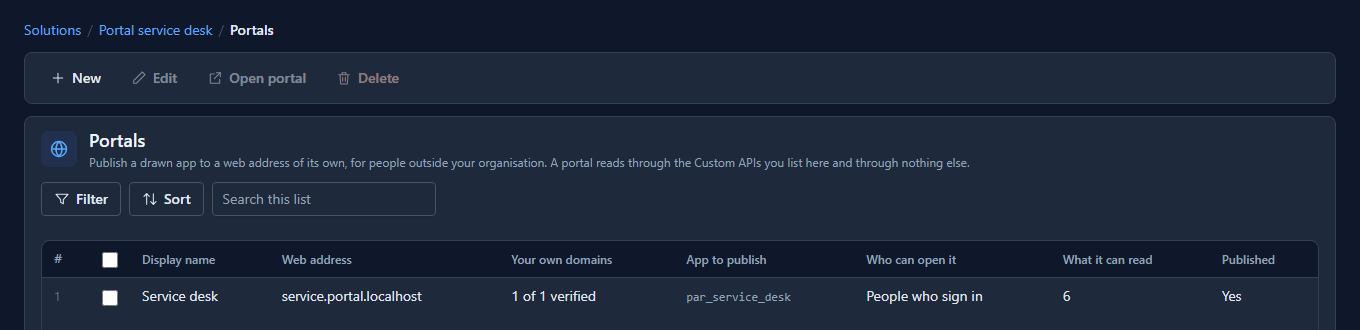
The list of portals counts it too, so you can see which of several domains are working without opening each portal:
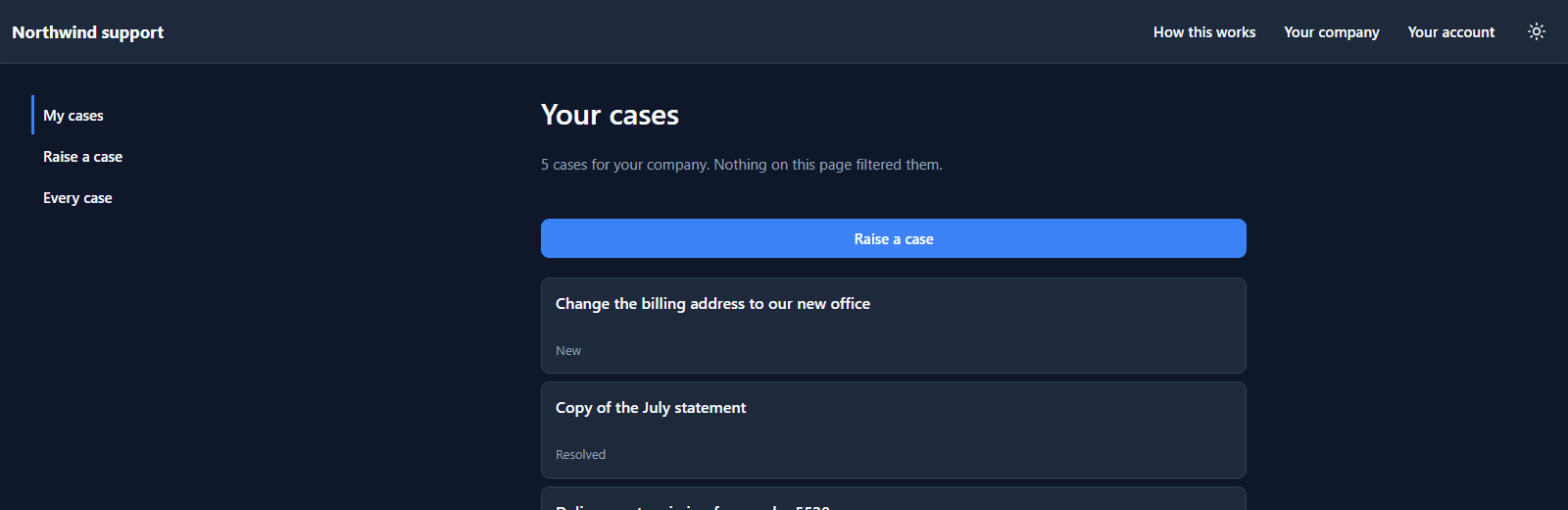
The portal at its new address
A visitor who opens support.northwind.example gets the service desk: the same pages, the same sign-in,
the same cases for their company.
The platform's own address keeps working beside it. Links the platform writes itself, a sign-up confirmation or a company invitation, still use that one, because it always works.
And a name nobody has proved
To show the other half, we claimed a second name, help.northwind.example, and didn't publish its
record. The panel shows one of each:
Pointed at the platform, the unproved name reaches nothing:
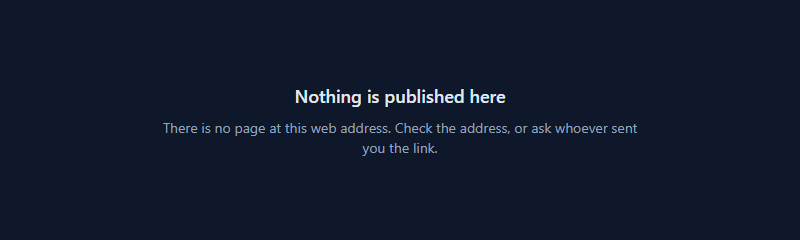
That's the whole safety of the feature. Two portals may claim the same name, and whichever one's code is in DNS is the one that gets it. Once a domain is verified for one portal, no other portal can verify it.
What you still need outside Parsware
Two records, both in your DNS: the TXT record above, and a CNAME pointing the name at your Parsware installation. Verification proves the name is yours; the CNAME is what sends visitors here. If a verified domain doesn't load, check the CNAME. The panel's help page, Use your own domain, lists the other things that go wrong.
What we fixed
- The record had no Copy. The name and the 32-character code were plain text, so the only way to hand them to a DNS administrator was to select them, and a half-selected code is a record that never matches. Each now has its own Copy.
- "Verified" was nearly invisible in dark mode. The one line saying the domain works was a dark green on a dark panel, and read as disabled. It uses the platform's success colour now.
Try it
Import samples/solutions/portal-sign-in-kit, then samples/solutions/portal-service-desk, and
publish Service desk. Add a domain you control, save, and publish the TXT record it shows with your
DNS provider. Press Check now until it turns green, then point the name at your installation with a
CNAME.
Next: Persian and Arabic, right to left.