Parsware Platform
A contact form
A public form that creates a record, from somebody with no account, protected from scripts by a moment's proof of work rather than a puzzle. We published the contact form sample, sent a message with a document from a private window, found it in the Messages app, and turned the one tick off to see the other side.
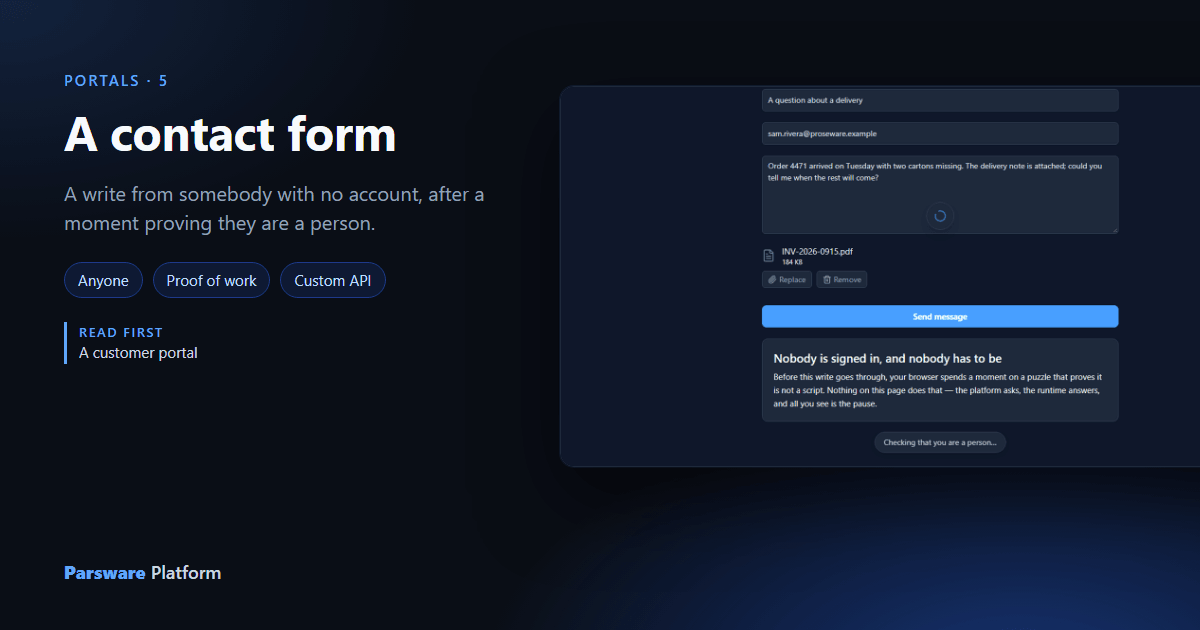
On a portal, a write normally needs somebody who has signed in, because a row should say who made it. A contact form is the exception everybody needs: "create an account before you can contact us" isn't a contact form.
What the platform needs from a stranger isn't who they are. It's that they're a person and not a
script. This article uses the Portal contact form sample, samples/solutions/portal-contact-form:
a subject, an address, a message and a document, sent to a table called Messages.
The form
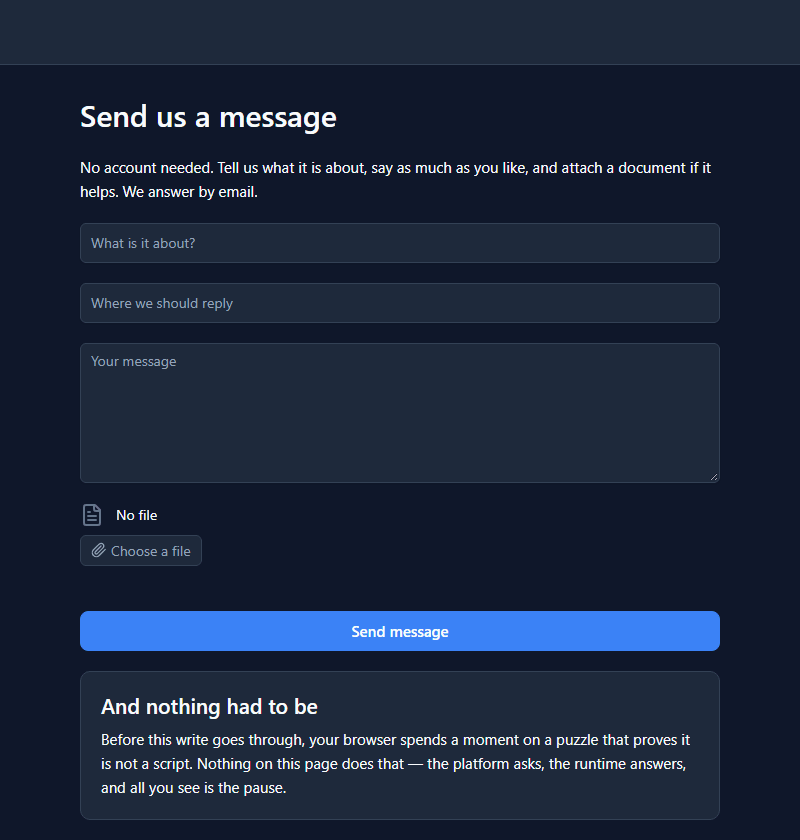
It's an ordinary drawn screen. Nothing on it mentions bots, challenges or puzzles.
The one tick
The portal is open to Anyone, and has one more setting ticked: Let anyone send you things.
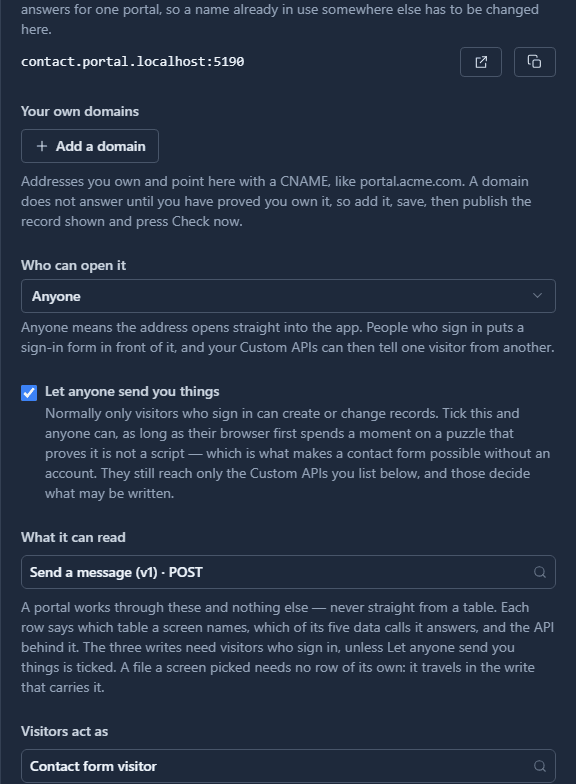
Without it, an open portal may read and may not write. With it, a stranger may write too, through the Custom APIs listed under What it can read and nothing else. Here that's one contract, Send a message.
A visitor sends a message
Sam fills it in, attaches a delivery note, and types the address badly. The screen checks the shape of the address before anything is sent, in words rather than in a regular expression:
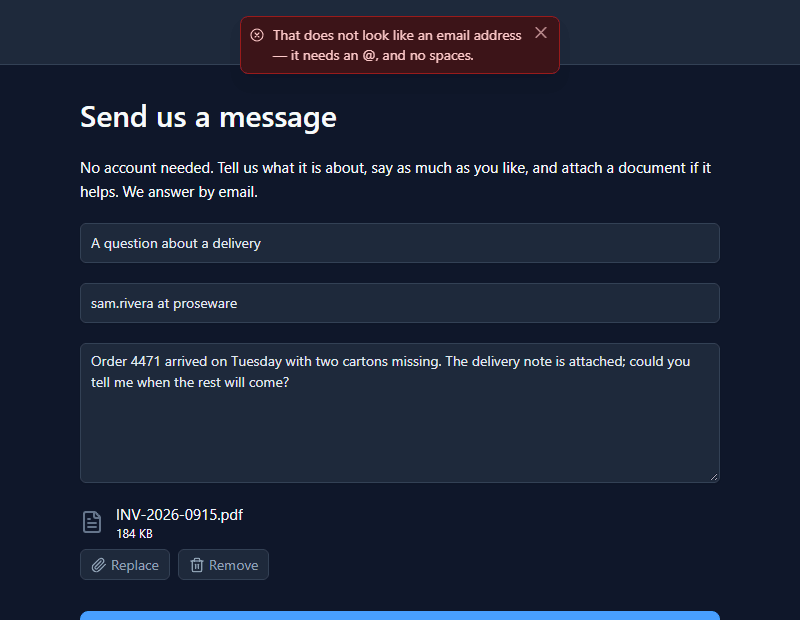
Sam fixes it and presses Send message. For a moment the page says:
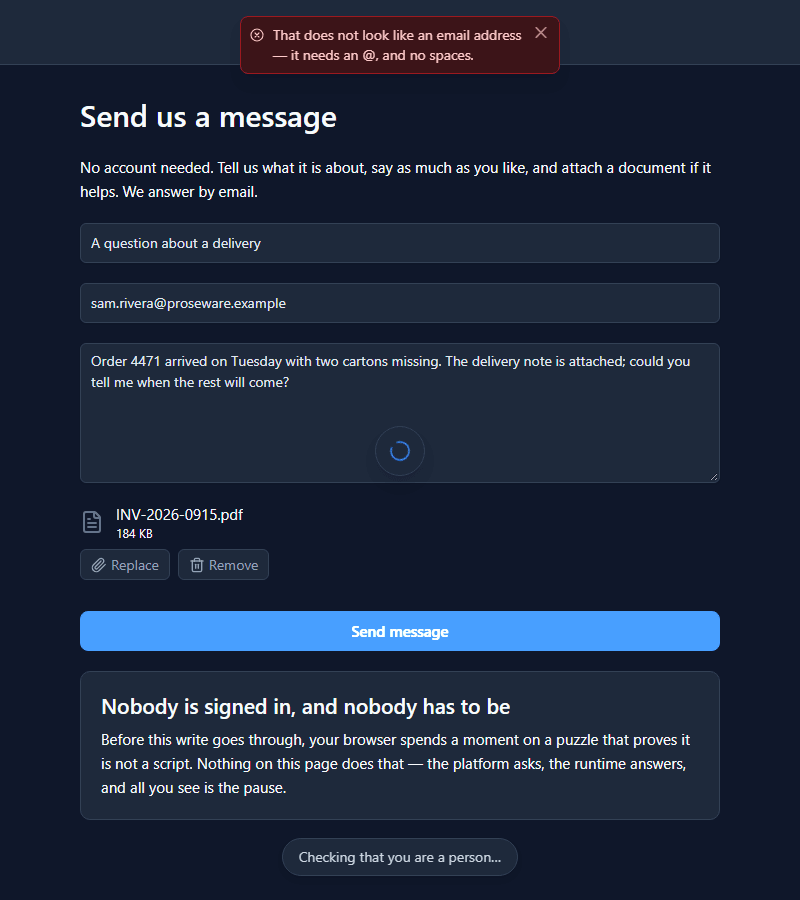
That's the proof of work. The platform refused the first attempt with challenge.required;
the browser fetched a challenge (a hashed number), counted until it found the number, and sent the
same message again with the answer. On a laptop that's a fraction of a second. For a script sending
a thousand forms an hour, it's real computing time for every one. It's built into the platform:
not reCAPTCHA, not Turnstile, nothing loaded from another site, and no pictures of traffic lights.
The form clears and says thank you:
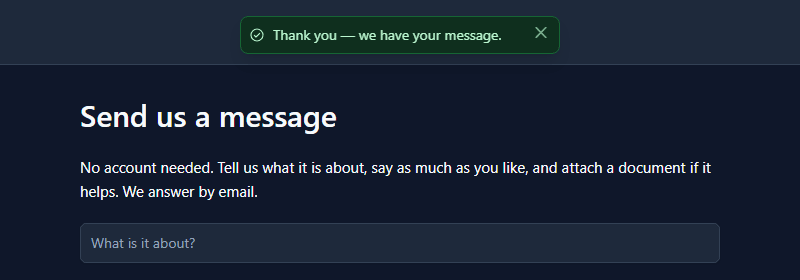
Nothing comes back but that. A stranger who could read what they'd just written could read it again with a guessed id.
And from the inside
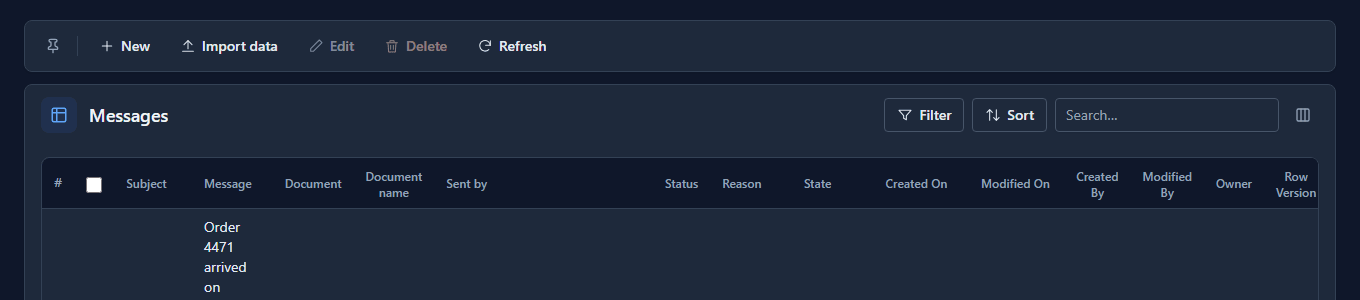
The message is a row in the Messages app:
The file travelled in the same write and sits in the record's own Document column:
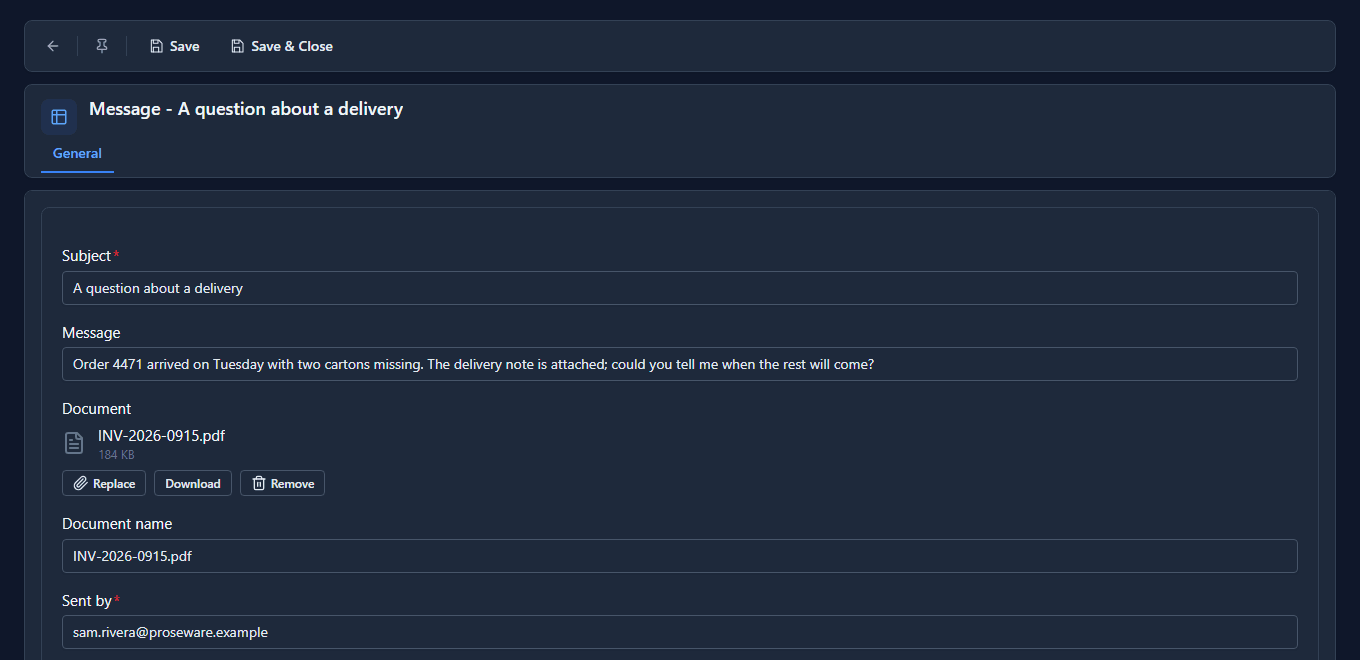
Sent by is a claim, not an identity. Nobody signed in, so it's whatever was typed. A portal that signs its visitors in reads a confirmed address from the session instead; that's the trade a contact form makes.
The contract decides what may be written
The portal passes on what the screen sent, unchanged. What a stranger may set is up to Send a message, whose request schema admits four fields and refuses any other (shortened here):
{
  "type": "object",
  "additionalProperties": false,
  "required": ["par_name", "par_email"],
  "properties": {
    "par_name": { "type": "string", "minLength": 1, "maxLength": 200 },
    "par_email": { "type": "string", "pattern": "^[^@\\s]+@[^@\\s]+$" },
    "par_body": { "type": "string", "maxLength": 4000 },
    "par_document": { "type": ["object", "null"] }
  }
}
So a request carrying par_status is refused before the script runs, and nobody can file their own
message as Closed. The script sets the status to New, creates the row, and then puts the file
on it.
Turn it off
Untick Let anyone send you things, save, and send another message. It's refused:
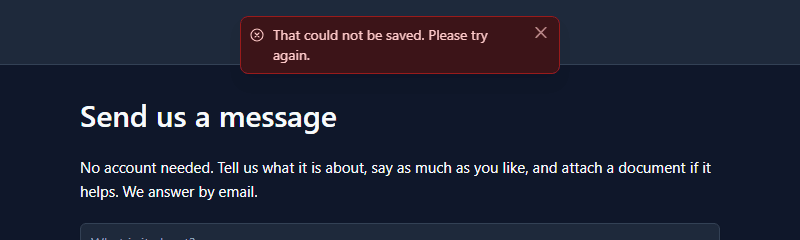
With the tick off, the portal isn't served any contract that writes, so there's nothing for the form to call. Tick it again and the form works.
What it doesn't do
- It doesn't verify the address. The visitor proved they're a person, nothing more.
- It doesn't stop a determined attacker. A proof of work makes volume expensive; it does nothing about somebody with a room full of browsers, and no CAPTCHA does either. Rate limiting still sits underneath.
- It doesn't reply. A reply is a process, built separately.
What we fixed
- The pause said nothing. The sign-in forms already showed Checking that you are a person… while a challenge was being solved, but a drawn page's write didn't: the visitor saw a spinner and a button that seemed to do nothing, and the sample's README promised a line that never appeared. The portal page now shows it at the foot of the window until the write answers.
- A refused write reached the person with code in front of it, twice. A refusal on a drawn screen's create, update or delete came out as A binding on "form_send" could not run: createRecord("api:par_send_message@1") failed: …, in two messages. It's now one message with the platform's sentence alone, in the Shell and on a portal alike.
- The portal panel contradicted itself. Under What it can read it said the three writes need visitors who sign in, right below the tick that lets anyone write. It now names the exception, in all three languages.
- The form's note had half a title. It read And nothing had to be, the second half of a sentence whose first half was only the layer's name. It now reads Nobody is signed in, and nobody has to be.
Try it
Import samples/solutions/portal-contact-form, give Contact us an address and tick
Published, and open it in a private window. Send something with a file attached, then find it in
the Messages app.
Next: Visitors who sign in.