Parsware Platform
Expressions and formats
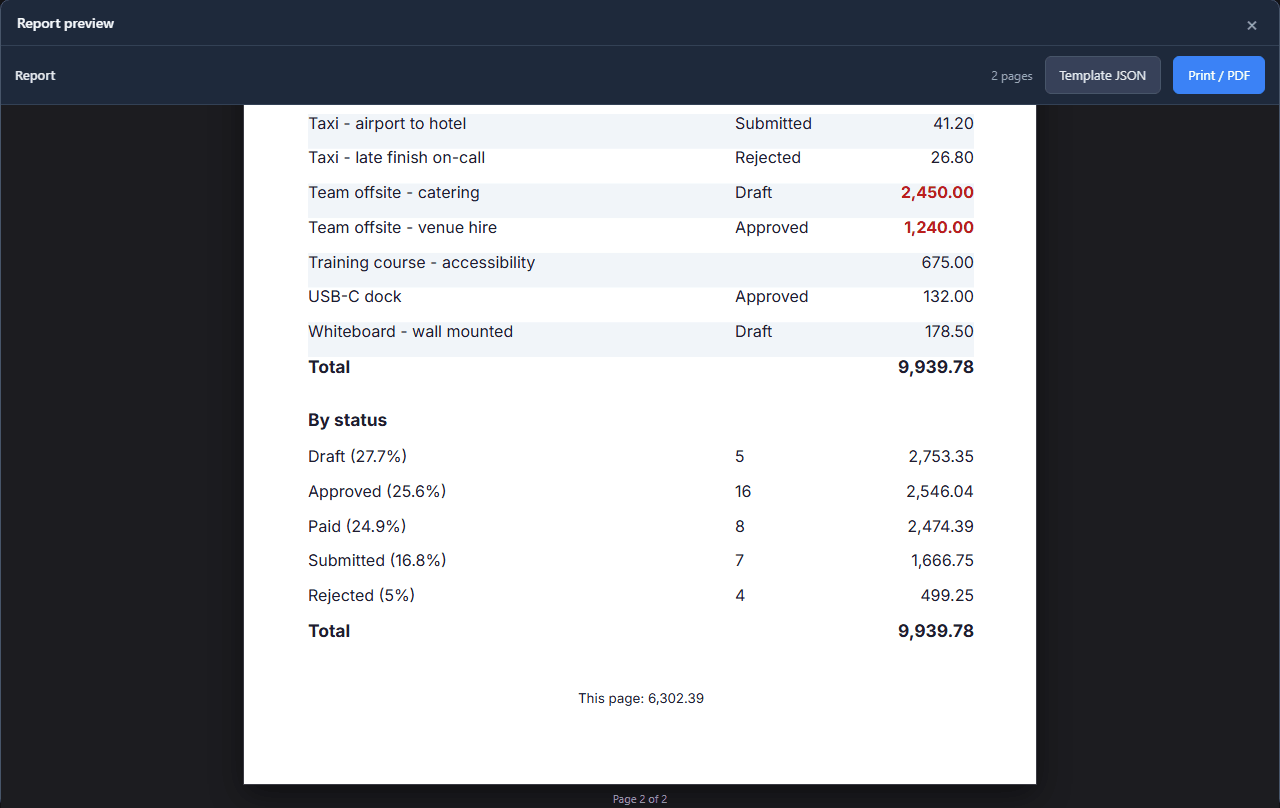
Zebra rows from the row number, large amounts in red and bold, a status that disappears once the claim is paid, and each group's share of the whole as a percentage. Every one is a short expression on the report designer's Code page, and every format is one picker.
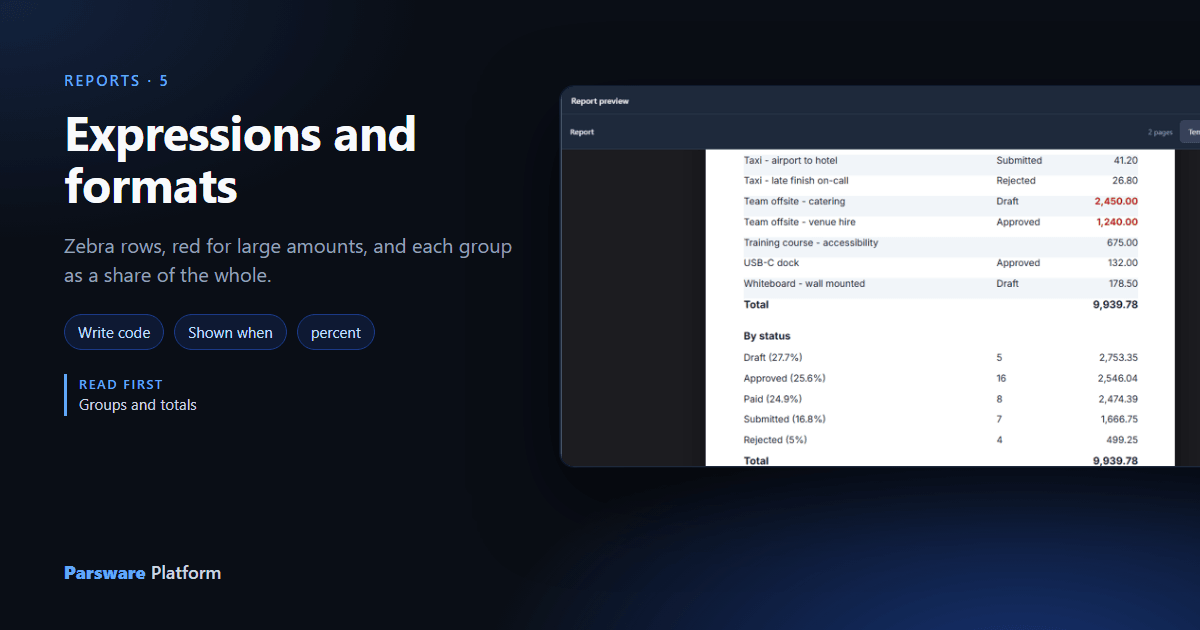
The last article gave Claims by status its totals. This one makes it easier to read, without touching the data: banded rows, the large claims picked out, a status that steps aside once a claim is paid, and each group's share of the whole.
Each of those is one expression, written in the same place.
1. The Code page
Select something on the report and press Write code in the toolbar (the </> button). The page
that opens lists everything about the selection that can be written as an expression. For the
claims row (the repeater) that is its Properties; a text also has What it shows, its binding,
at the top:
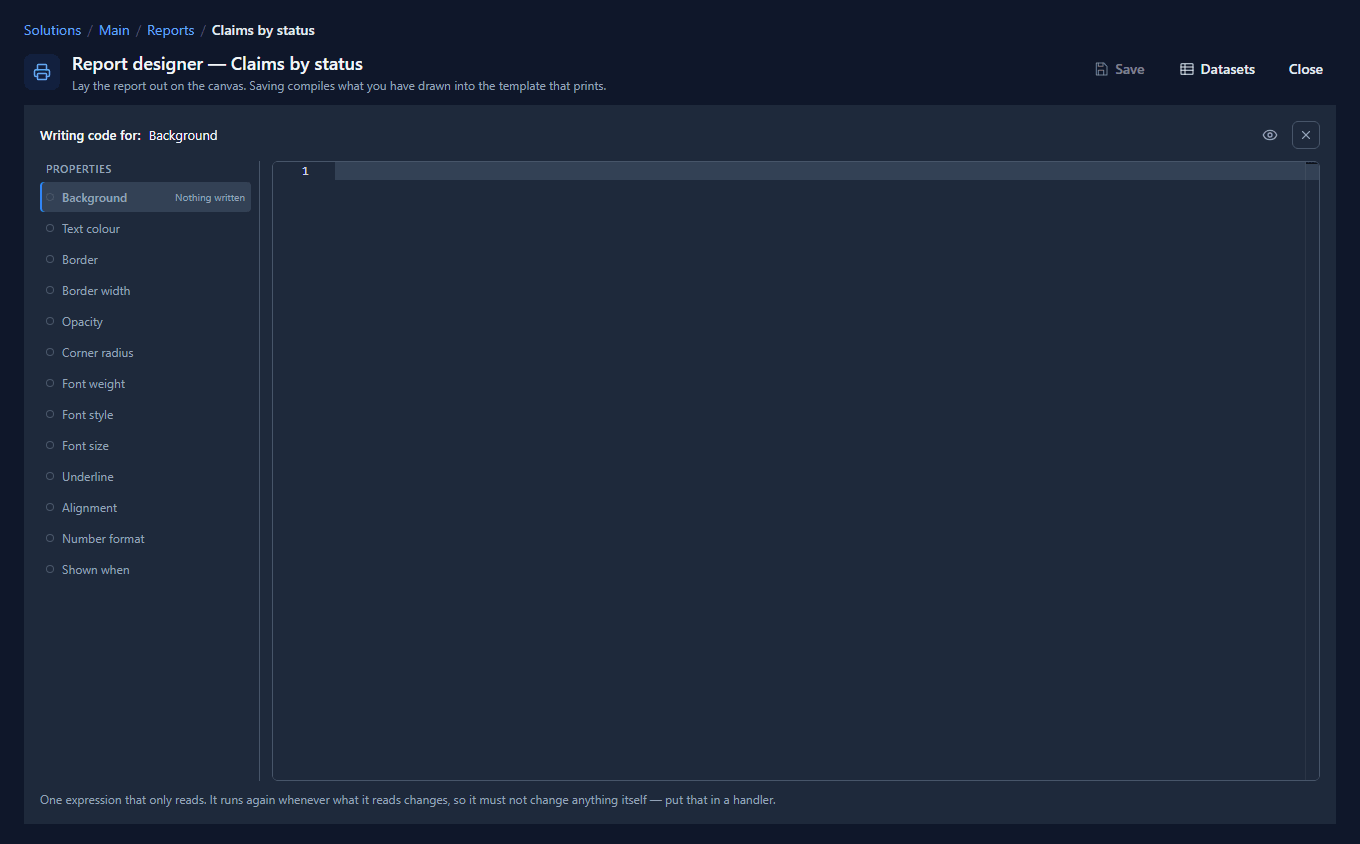
Each property takes an expression that is answered once per row. An empty answer means leave it as I drew it, so an expression only has to say when something is different.
2. Banded rows
Choose Background and write:
rowIndex % 2 == 1 ? '#f1f5f9' : ''
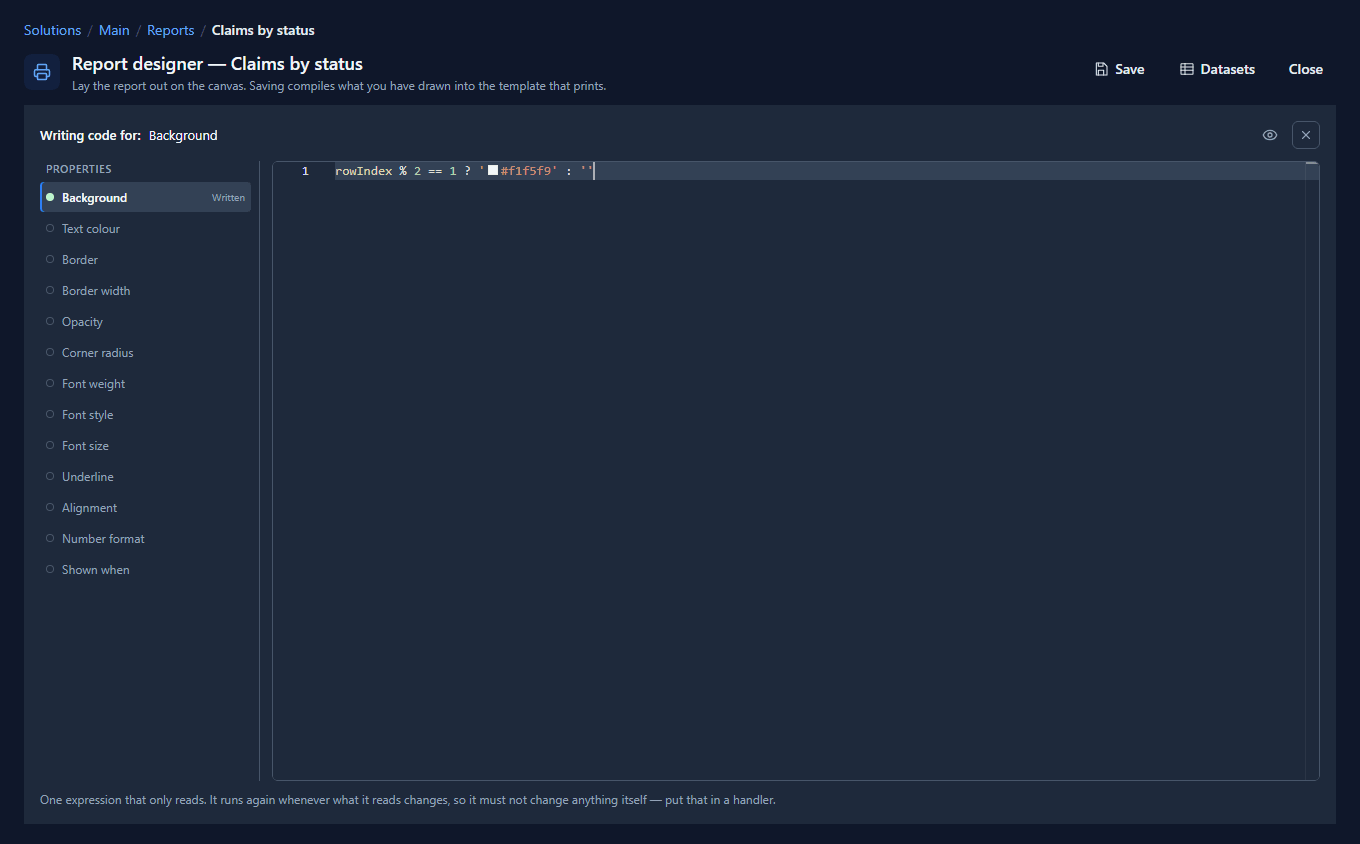
rowIndex is the row's position, from 0, so every second row gets a light grey and the others keep
the white they were drawn with. It is set on the row frame, not on a cell, so the whole row
changes colour.
Read the position, not a field. A band that depends on, say, the status looks right until the table is sorted another way.
3. Large amounts in red and bold
Select the amount text and fill in two properties:
- Text colour:
row.par_amount > 1000 ? '#b91c1c' : '' - Font weight:
row.par_amount > 1000 ? '700' : ''
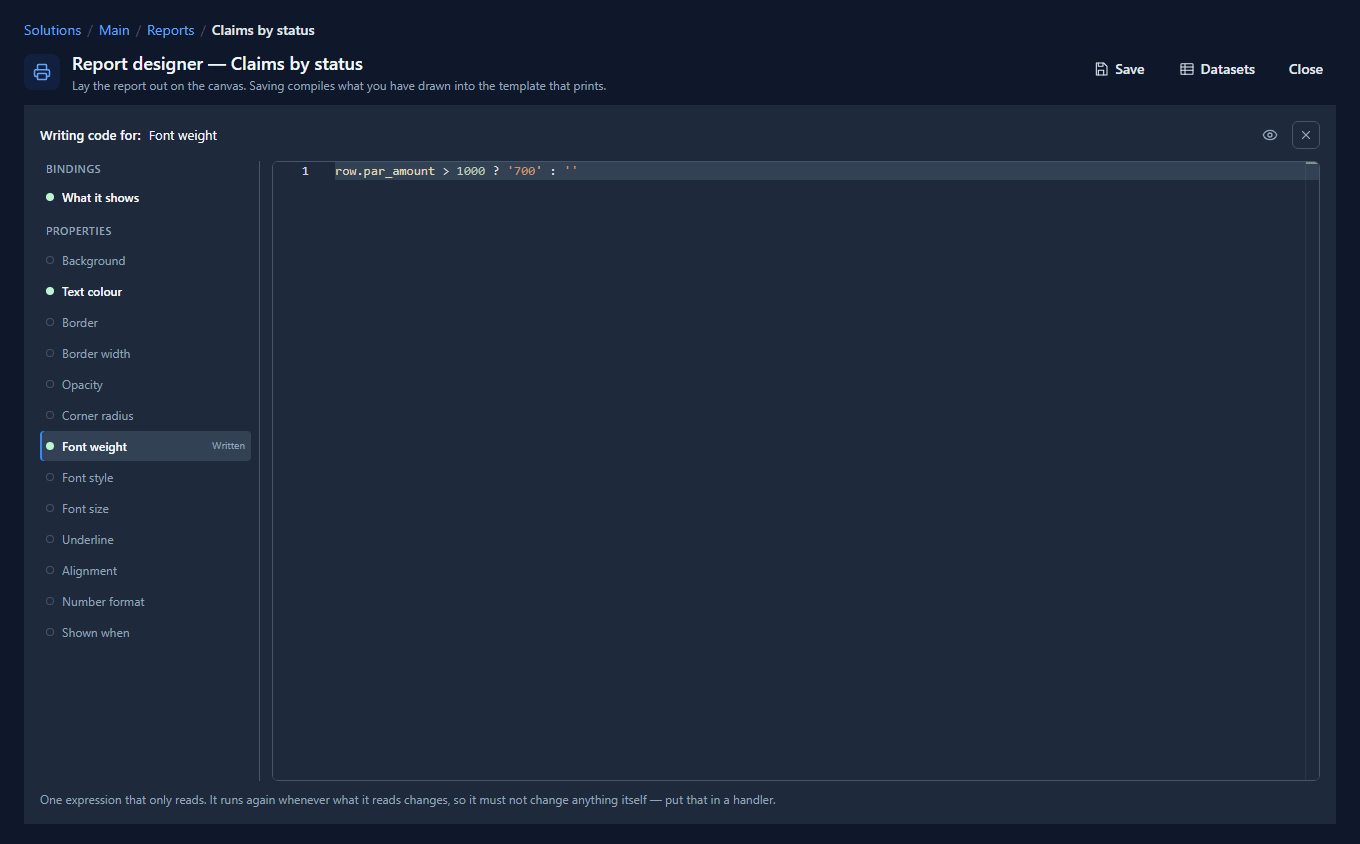
The list down the side says which properties are Written, so nobody has to open each one to find out what an object does.
4. Shown until it is paid
A paid claim needs no status beside it. Select the status text and write Shown when:
row.par_status != 'Paid'
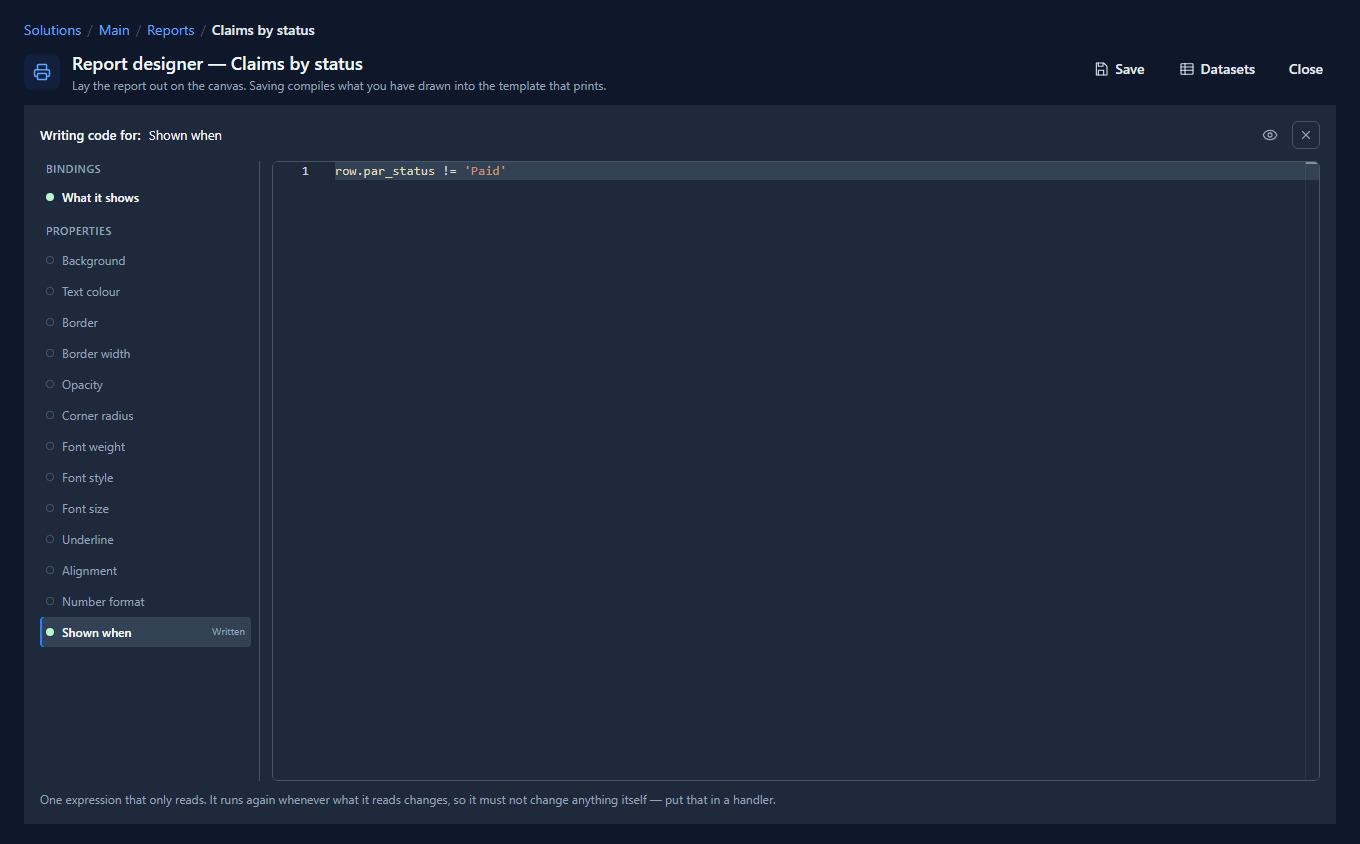
Shown when is the one property where false does something: it removes the element entirely, and the row's other cells stay where they are.
5. A calculated value
In the table of groups, the status text now says what share of the claimed total each status holds. Its What it shows:
concat(row.par_status, ' (', format(row.total / sum(rows, 'total'), 'percent'), ')')
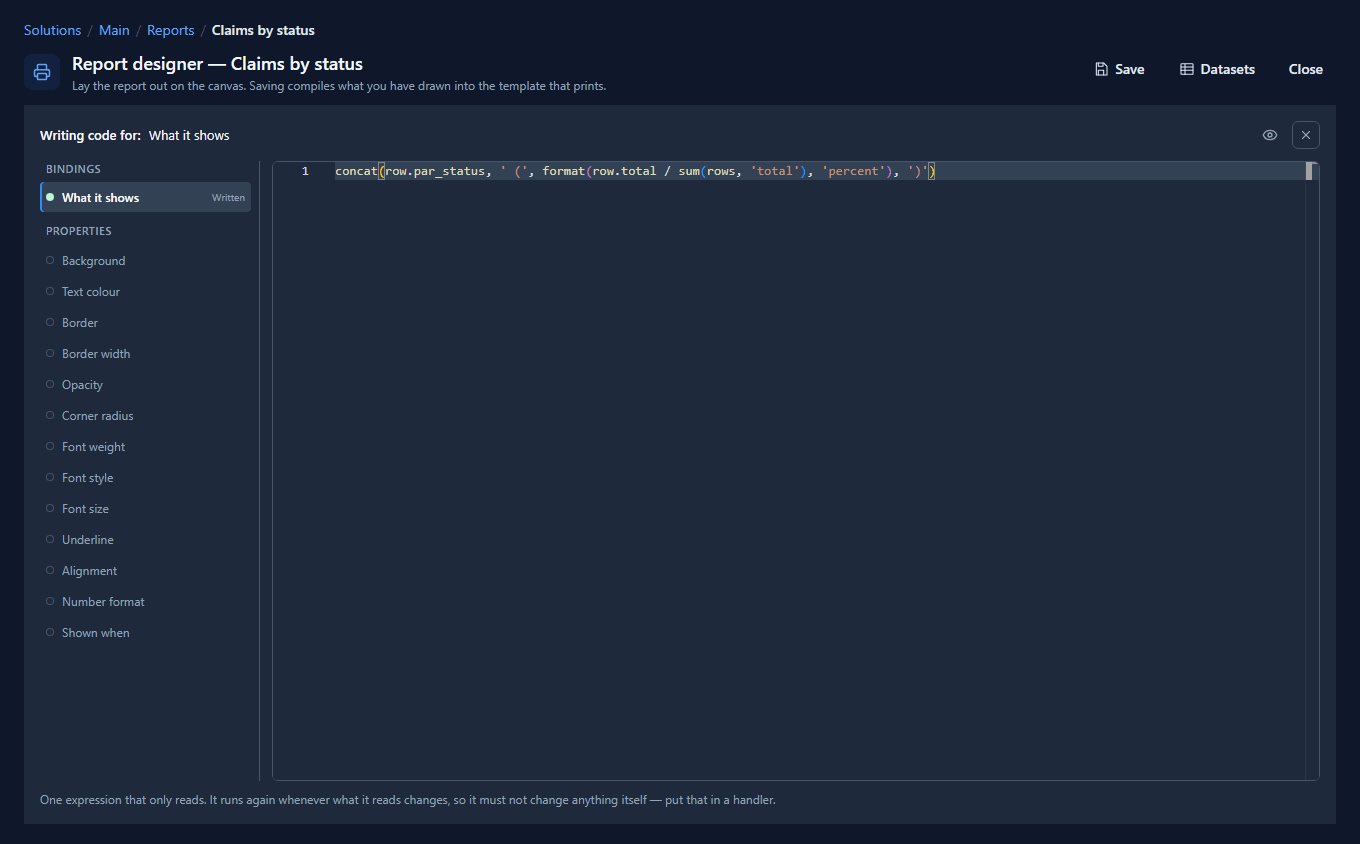
Inside a repeater, row is this group and rows is all of them, so row.total / sum(rows, 'total')
is the share. format(..., 'percent') writes 0.277 as 27.7%.
6. Formats
A text that shows a single value has a Format picker on the Report tab, under its binding:
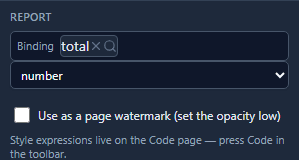
- text prints the value as it is.
- number writes it with two decimals and the tenant's digits, as every amount on this report does.
- integer drops the decimals: the counts of claims use it.
- currency writes the tenant's currency. The claims here carry their own currency in a column, so they use number. Currency would put the tenant's symbol on a claim made in another one.
- percent turns 0.25 into 25%.
- date writes a date in the tenant's calendar: a Persian tenant's dates are Jalali.
Inside an expression, format(value, 'number') and the others do the same, which is how a value is
formatted in the middle of a sentence.
7. The result
Press Report. The rows alternate, and the paid claims have no status:
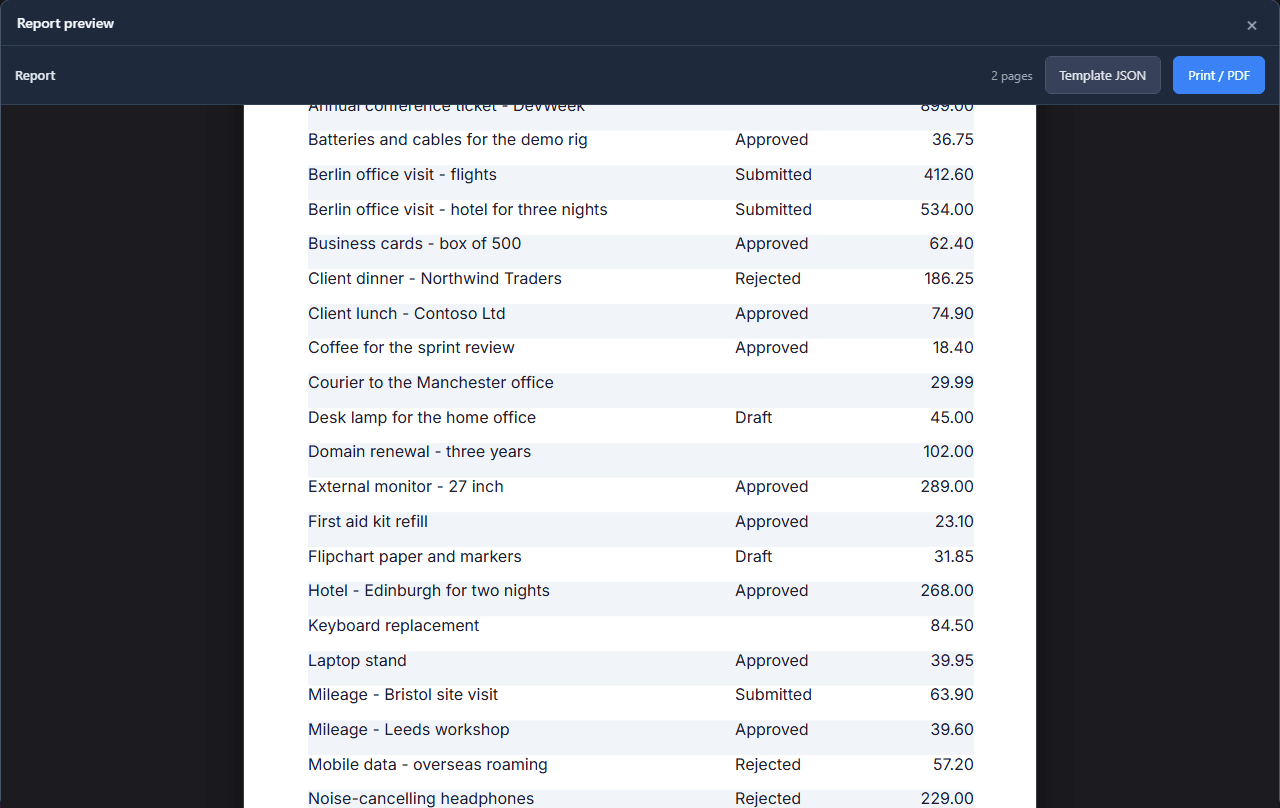
On the last page the two team offsite claims, the only ones over 1,000, are red and bold, and each group shows its share:
Two rules for expressions
- A chain of choices needs brackets.
a ? b : c ? d : edoesn't parse. Writerow.par_status == 'Paid' ? '#059669' : (row.par_status == 'Rejected' ? '#be123c' : ''). - A list function names a column, never a condition.
where(claims, 'par_status', 'Paid')works;where(claims, row.par_status == 'Paid')does not exist. A function receives its arguments already worked out, so a condition would be answered once instead of once per row.
The eye at the top of the Code page lists everything an expression here can reach: the page's numbers, the row, the report's datasets and the functions.
What we fixed
Building this turned up problems, now fixed:
- The help page described controls that are gone. It said a binding switches to an expression with ƒx and opens an Edit expression dialog, and that style follows the data after ticking Style from the data. All of it is the Code page now, and the page says so, in all seven languages.
- The Code page underlined working expressions, as described in article 139.
Try it
Open Insert → Styling (zebra + conditional format) in a report designer. It drops a finished page with banded rows, a colour that changes above a threshold and a flag shown only where it applies, and every expression is on its Code page to read.
Next: charts in a report.