For Power Apps
Parsware Platform and Power Apps
Parsware Platform and Power Apps are both platforms for building business applications out of tables, forms, views, processes and reports. They differ in where they run, how they're priced and what they connect to. Here is an honest comparison for teams choosing one, and when the right answer is to keep Power Apps.
Dieser Artikel ist nur auf Englisch verfügbar.
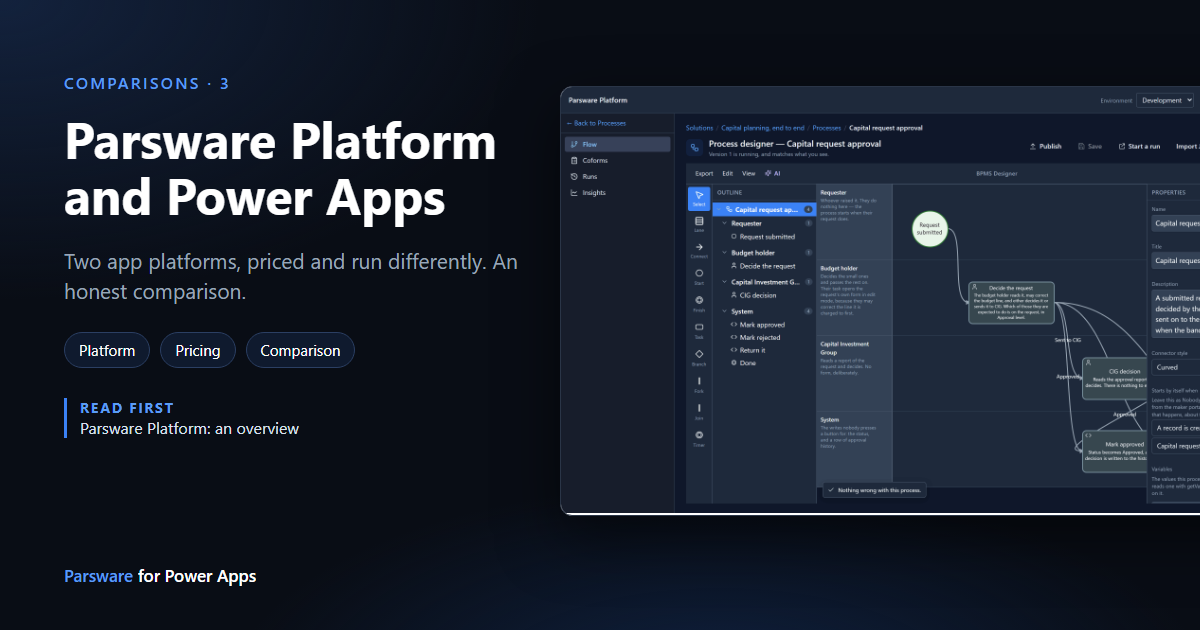
We make two products, and one of them runs inside Power Apps. So we get asked the obvious question: if you're choosing a platform for business applications, why would you pick Parsware Platform over Power Apps, or the other way round?
This article is our honest answer. It compares the two for teams choosing a platform. If you already run on Power Apps and want better documents or drawn screens, you don't need to choose: that's what Parsware for Power Apps is for.
What they have in common
Both are app platforms built on the same ideas, and a maker who knows one will recognise most of the other:
- Tables, forms and views, turned into model-driven apps.
- Solutions that carry an application from development to test to production.
- Security roles, record ownership and teams, decided on the server.
- Business rules and server-side logic when a record is saved.
- Screens you design yourself, when a form isn't enough.
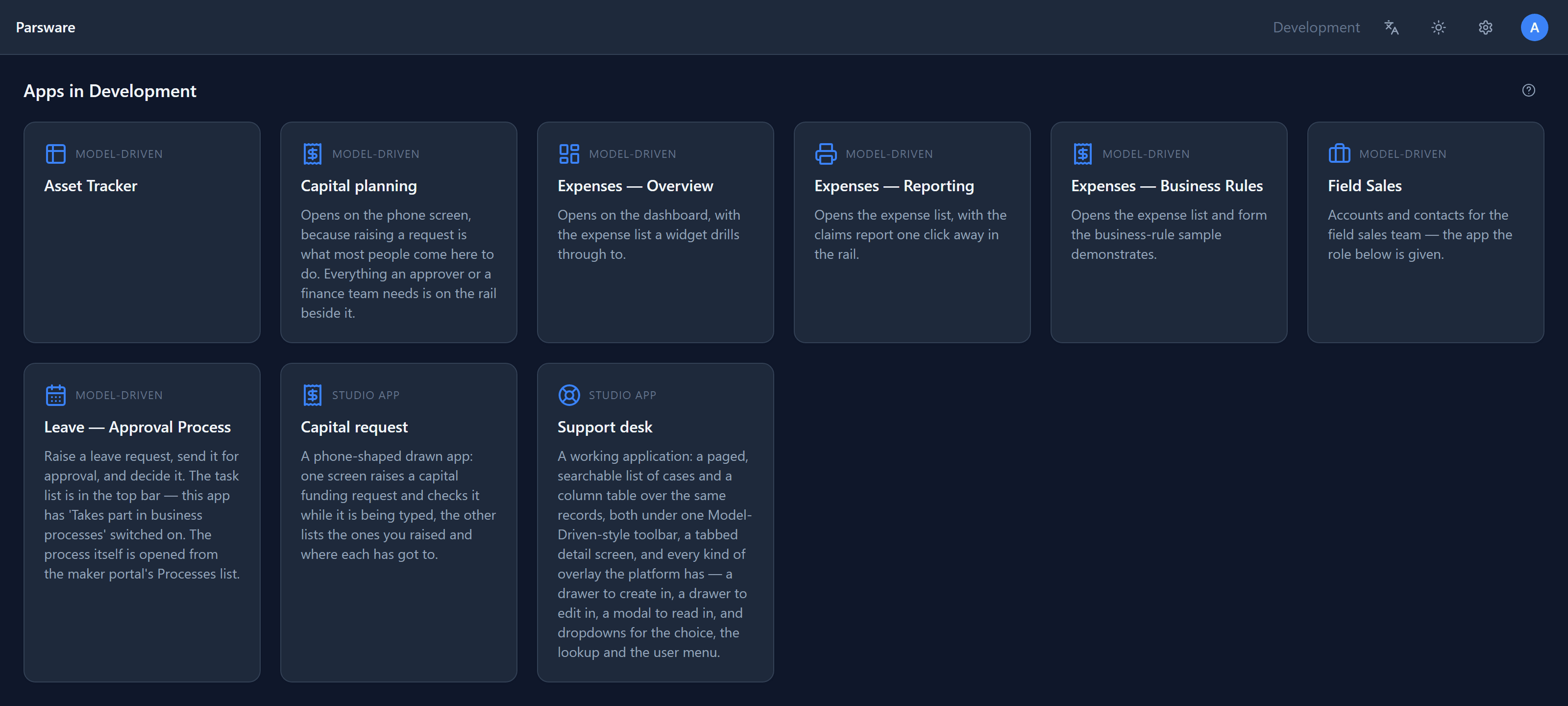
The differences are in where it runs, what it costs, and what it connects to.
Side by side
| Power Apps | Parsware Platform | |
|---|---|---|
| Runs on | Microsoft's cloud, in your Microsoft 365 tenant | Hosted by us, or on your own servers (Enterprise) |
| Data | Dataverse | PostgreSQL, with a separate schema for each environment |
| Priced by | User: Power Apps Premium per user per month, or pay-as-you-go per active user per app | Environment: three included, unlimited users |
| Connects to | Hundreds of connectors, and the whole of Microsoft 365 | Custom APIs, and calls to outside services from scripts |
| Logic | Power Fx, Power Automate flows, and .NET plug-ins | One language, BS Lang, for form rules, server rules, processes and custom APIs |
| Approvals and processes | Power Automate, including approvals | A swimlane process designer and engine with human tasks |
| Printed documents | Power BI paginated reports, a separate service and licence | Reports drawn and printed inside the platform |
| Mobile | The Power Apps mobile app, with offline support | In the browser, with screens drawn for phones; no offline app |
| AI | Copilot across the makers' tools and in apps | Newer, and not what we'd ask you to choose on |
| Right to left | Supported in model-driven apps | Persian and Arabic throughout, with Persian calendars |
Where Power Apps is the better choice
We'd rather say this plainly than have you find it out later.
You live in Microsoft 365. If your people work in Teams, Outlook, SharePoint and Excel all day, Power Apps sits inside that world. Sign-in, sharing, licences and admin are already in place, and apps can surface where your people already are.
You connect to many systems. Power Apps and Power Automate reach hundreds of services through ready-made connectors. Parsware can call any service with an API, from a script or a custom API, but somebody writes that call.
People work offline, on phones. The Power Apps mobile app runs apps offline and uses the camera and other device features. Parsware apps run in the browser.
You need a very large vendor. Microsoft's compliance certifications, regions, partner network and support organisation are on a scale a small company can't match. For some buyers, that settles it.
You already have the licences. If your users already have Power Apps Premium through an agreement, the cost argument below doesn't apply.
Where Parsware Platform is the better choice
You want to price by environment, not by person. Power Apps Premium is priced per user per month, and pay-as-you-go per active user per app. Parsware is priced per environment, with unlimited makers and users. A team of 200 people on Power Apps Premium is 200 licences every month. On Parsware's hosted Business plan it's $499 a month for three environments, on a server sized for about 300 people. (Prices change; check both before deciding. Ours are on the pricing page.)
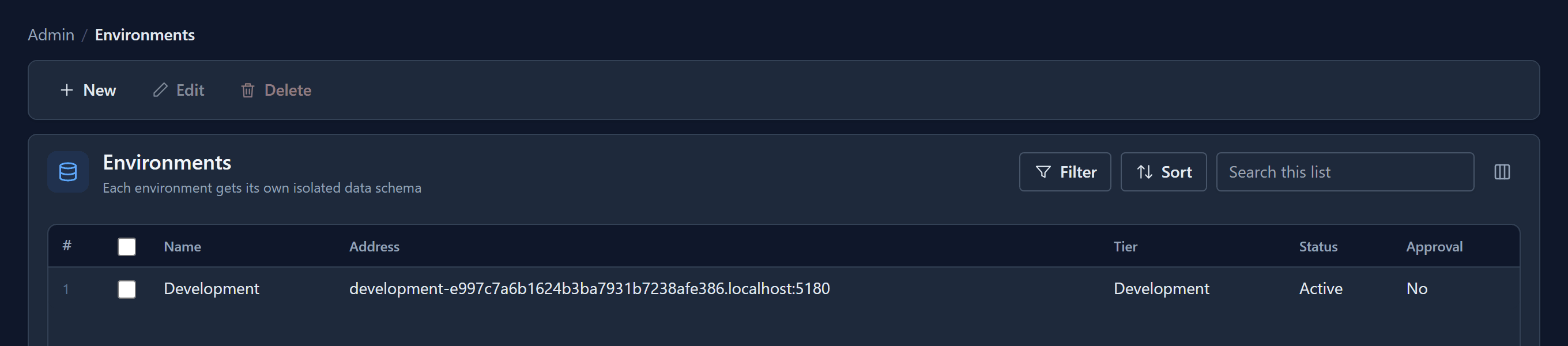
Your data has to stay on your own servers. On the Enterprise plan, Parsware runs on servers you choose, including your own. Each environment's data sits in its own database schema, so even a bug can't mix data between environments.
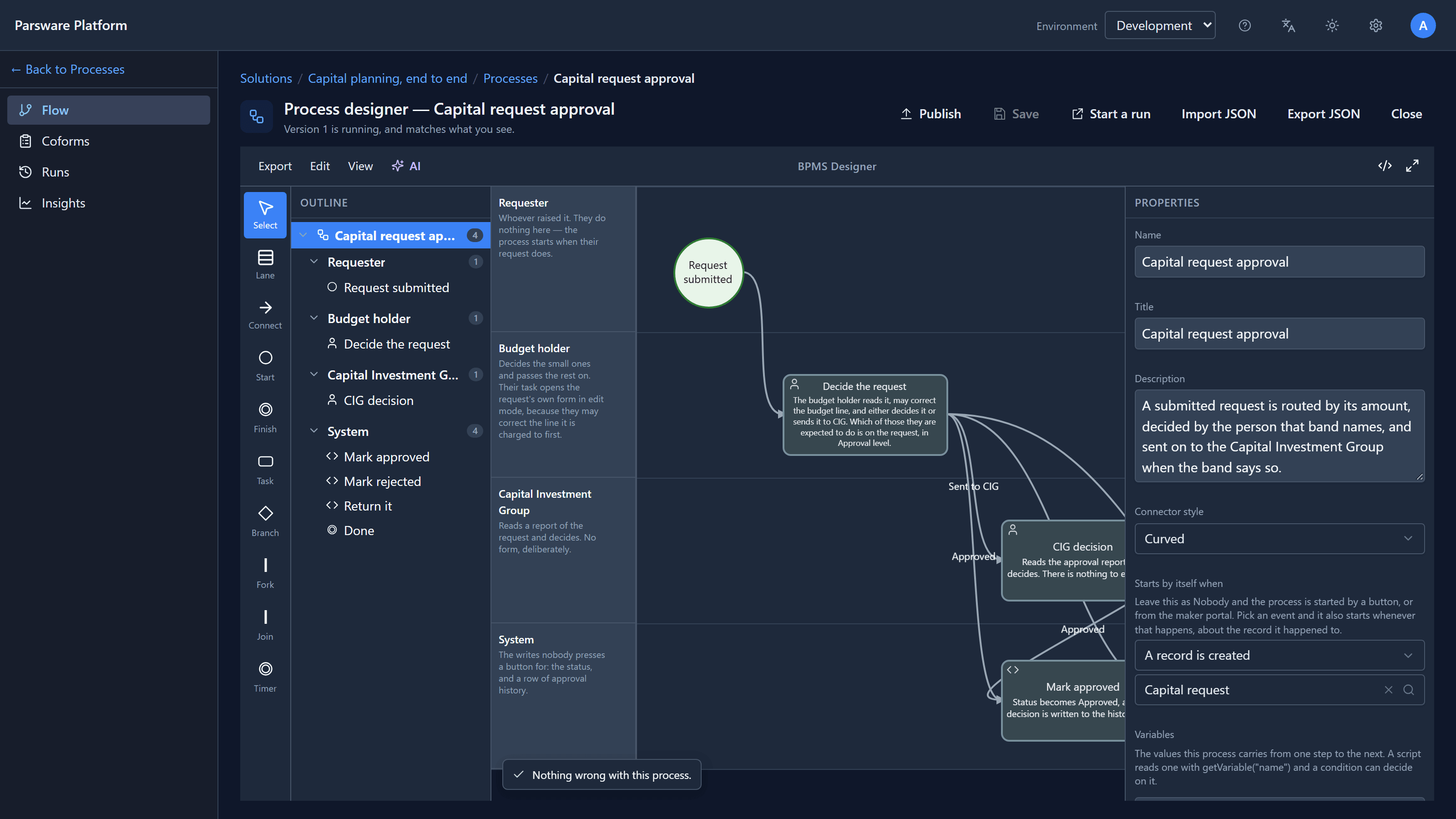
Processes with people in them. Parsware has a swimlane process designer, one lane per role, and an engine that runs it: tasks land in people's task lists, branches follow your data, and you can see where each run is. See A two-step approval.
Documents that print exactly, without a second product. Reports are drawn in the platform and read your tables directly. There's no separate reporting service or licence.
One language for all of the logic. Form rules, server rules, process conditions and custom APIs are all written in BS Lang, in one editor with completion and errors as you type. On Power Apps, the same jobs are spread across Power Fx, flows and .NET plug-ins. See BS Lang in ten minutes.
Persian and Arabic, properly. The whole platform runs right to left, in Persian and Arabic, with Persian (Jalali) dates on forms, views and reports.
Everything inside is permissively licensed open source. Nothing we build on charges per seat, per server or per deployment, so nothing can add a bill later.
What moving would mean
If you're on Power Apps today, moving isn't free, and we won't pretend otherwise. Tables, forms and views map closely, because the concepts are the same. Power Fx, flows and canvas apps don't move: they would be rewritten, in BS Lang, as processes, and as Studio screens. Connectors you rely on would become API calls.
That's why most Power Apps teams who talk to us end up adding Parsware for Power Apps rather than moving. It brings the reports and drawn screens into the platform they already have, and nothing leaves their tenant.
How to decide
- Choose Power Apps if you're deep in Microsoft 365, rely on many connectors or offline phones, or already have the licences.
- Choose Parsware Platform if per-user pricing is the problem, the data must be on your own servers, your work runs on processes and printed documents, or you work in Persian or Arabic.
- Already on Power Apps? Keep it, and add Parsware for Power Apps where forms and Power BI fall short.
The best way to find out is to try it. The platform overview shows a whole application, and the pricing page has a 30-day trial.
Next
This is the last article in the Parsware for Power Apps series. The whole series is in the reading list, and the Parsware Platform articles start at Start here.